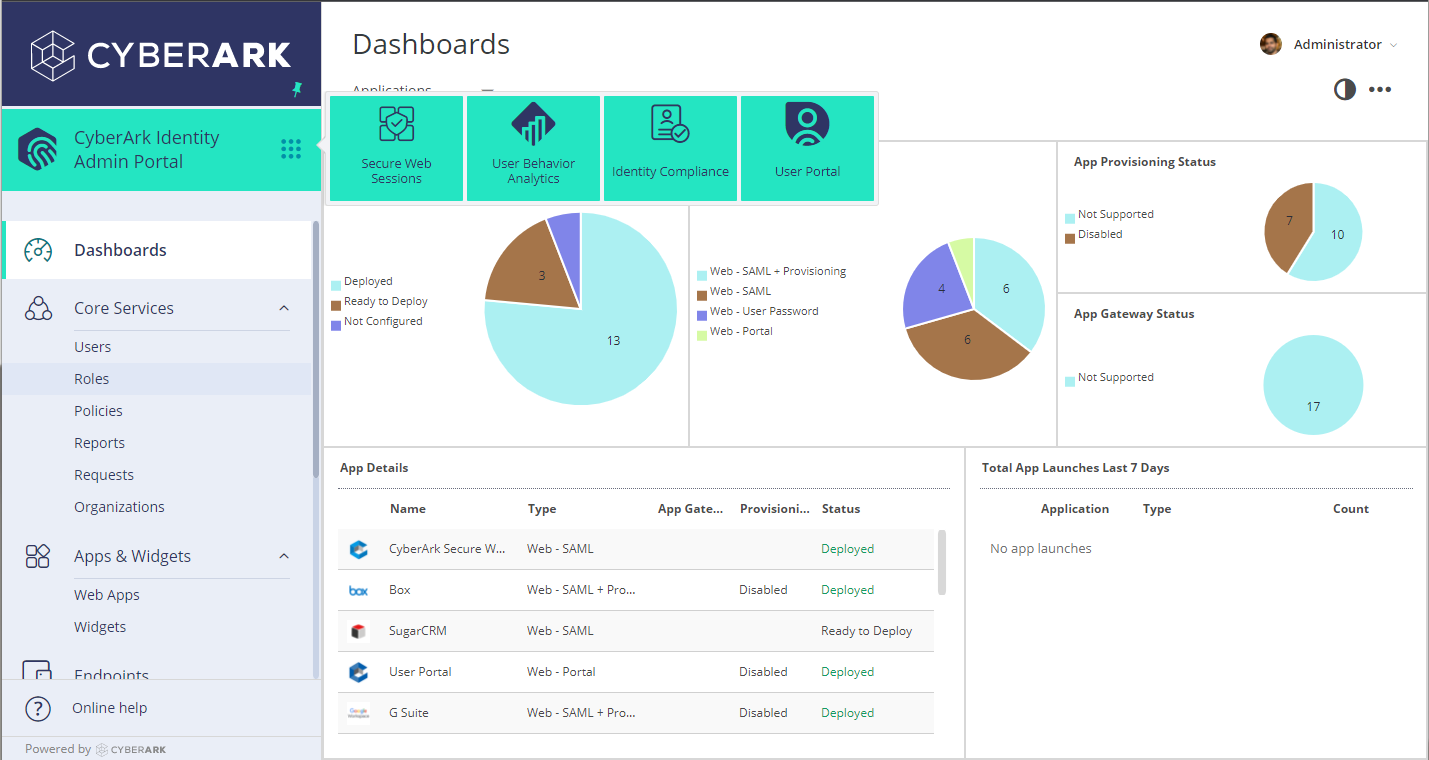
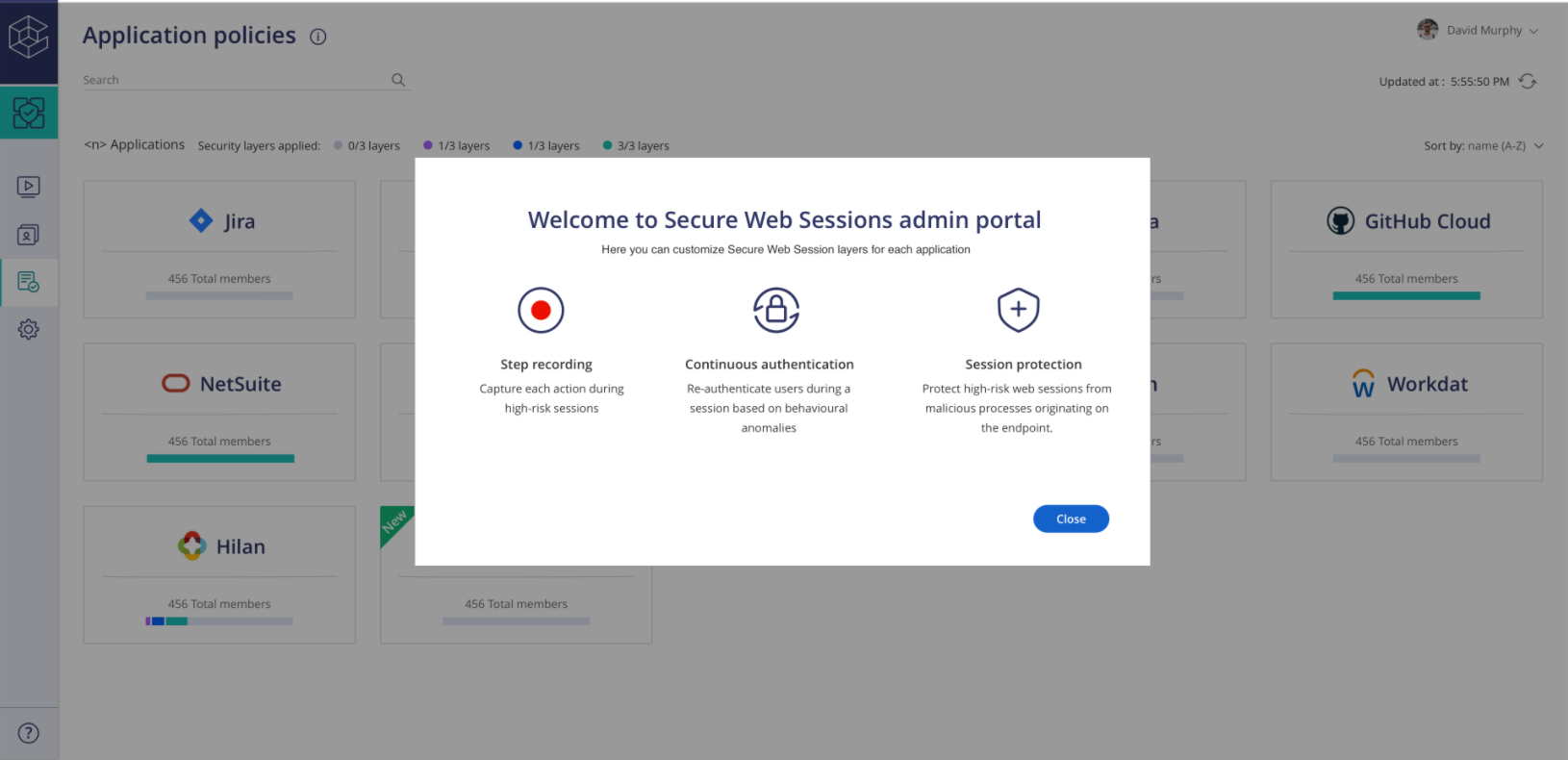
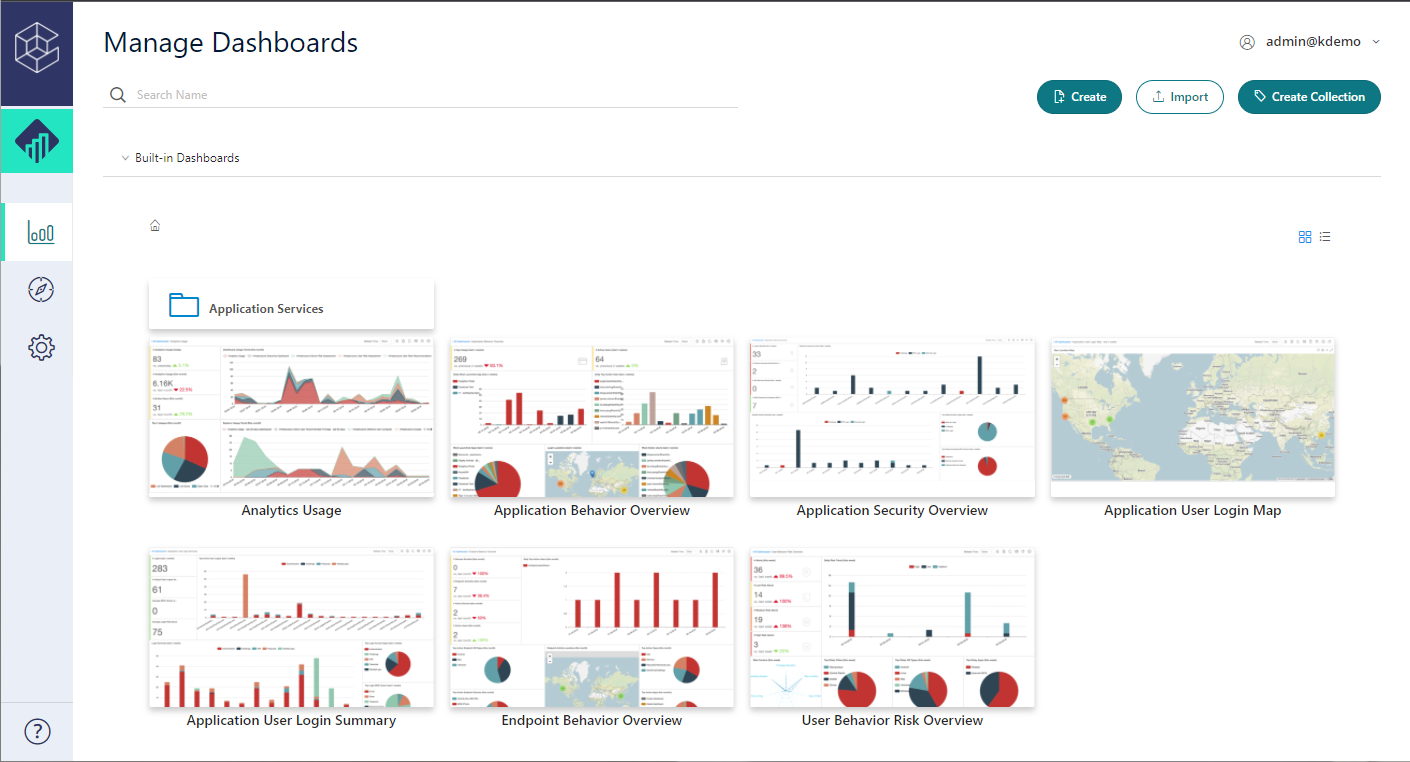
CyberArk Identity is a SaaS-delivered suite of solutions designed to simplify identity and access management in enterprises. CyberArk Identity unifies Workforce Access and Identity Management solutions in a single offering. Workforce Access capabilities include single sign-on, multi-factor authentication, session security, and credential management. Identity Management capabilities include lifecycle management, identity orchestration, and identity governance. With CyberArk Identity,…
N/A
OneLogin by One Identity
Score9.4 out of 10
N/A
OneLogin is an identity and access management (IAM) product from One Identity since the October 2021 acquisition, featuring single sign-on (SSO), multi-factor authentication, provisioning, cloud directory, and more.
$4
per month per user
Pricing
CyberArk Workforce Identity
OneLogin by One Identity
Editions & Modules
No answers on this topic
Advanced (bundle)
$4
per month per user
Professional (bundle)
$8
per month per user
Offerings
Pricing Offerings
CyberArk Workforce Identity
OneLogin by One Identity
Free Trial
Yes
Yes
Free/Freemium Version
No
No
Premium Consulting/Integration Services
Yes
No
Entry-level Setup Fee
No setup fee
No setup fee
Additional Details
—
Aside from the bundle options, OneLogin offers its services a la carte, and therefore these prices can vary depending on your business's needs.
More Pricing Information
Community Pulse
CyberArk Workforce Identity
OneLogin by One Identity
Considered Both Products
Cyberark
Verified User
Chose CyberArk Workforce Identity
We reviewed Okta and OneLogin while looking at Centrify for our ticketing solution SSO partner. When doing so we looked at it from the aspect of if we wanted to roll this out where we could see the use cases for it and initially it would be in a couple departments then branch …
A de minimis incentive was given to thank the reviewer for their time. The incentive was not used to bias or drive a particular response, nor was the incentive contingent on a positive endorsement. More Info
Technical Specialist III in Information Technology at Alfa Insurance (Insurance, 1001-5000 employees)
Chose CyberArk Workforce Identity
We started off using ADFS from Microsoft, which took most of a day to get fully functional and nearly a week to get fully optimized. The documentation was inconsistent with ADFS and there was no real support without opening a Microsoft Premier Support ticket. At the time, if …
A de minimis incentive was given to thank the reviewer for their time. The incentive was not used to bias or drive a particular response, nor was the incentive contingent on a positive endorsement. More Info
Systems Administrator in Information Technology at BluePay Processing LLC (Financial Services, 201-500 employees)
Chose CyberArk Workforce Identity
OneLogin and Okta provide similar experiences, but OneLogin is less mature than Centrify. Their Mac and Windows management suites are still in a beta phase are cannot be deployed en masse to our user base. Okta is more expensive and does not have the security compliance. …
A de minimis incentive was given to thank the reviewer for their time. The incentive was not used to bias or drive a particular response, nor was the incentive contingent on a positive endorsement. More Info
Verified User
Chose CyberArk Workforce Identity
I was previously a OneLogin customer and even though Centrify has a lot more features, I'd have to say that my experience with OneLogin versus Centrify has been a lot better overall.
A de minimis incentive was given to thank the reviewer for their time. The incentive was not used to bias or drive a particular response, nor was the incentive contingent on a positive endorsement. More Info
Verified User
Chose CyberArk Workforce Identity
Centrify offered us more for our money by being more than just an SSO platform. There were several other features included such as MDM and MFA. This started other initiatives for us and felt the other solutions we evaluated would not have been able to provide.
A de minimis incentive was given to thank the reviewer for their time. The incentive was not used to bias or drive a particular response, nor was the incentive contingent on a positive endorsement. More Info
Verified User
Chose CyberArk Workforce Identity
Centrify's pricing was much better than their competitors. They also offered a better sign-in/multi-factor experience for our users when doing pilot testing. Their product also included other features like Mobile Device Management that was a nice add-on.
A de minimis incentive was given to thank the reviewer for their time. The incentive was not used to bias or drive a particular response, nor was the incentive contingent on a positive endorsement. More Info
Associate Director IT Infrastructure in Information Technology at Mennonite Central Committee (Non-Profit Organization Management, 1001-5000 employees)
Chose CyberArk Workforce Identity
We felt that Centrify had the most flexibility for the cost. They also have fairly robust mobile device management capabilities which some of the other products did not have.
A de minimis incentive was given to thank the reviewer for their time. The incentive was not used to bias or drive a particular response, nor was the incentive contingent on a positive endorsement. More Info
One Identity
Verified User
Chose OneLogin by One Identity
We chose OneLogin due to its many integrations, superior brand name, and an extremely competitive price point. We did not evaluate the other solutions beyond the superficial.
A de minimis incentive was given to thank the reviewer for their time. The incentive was not used to bias or drive a particular response, nor was the incentive contingent on a positive endorsement. More Info
Centrify is a great solution for anyone looking to start using Office 365. It is also a great solution for anyone wanting to provide their users with an SSO solution using OAUTH, Federation, or SAML for any hosted service. If you are looking to use Centrify for MDM but you aren't using a hosted/hybrid email solution such as Office 365, there are better on-premise options that should be explored.
A de minimis incentive was given to thank the reviewer for their time. The incentive was not used to bias or drive a particular response, nor was the incentive contingent on a positive endorsement. More Info
OneLogin is very convenient. Users can register their own iPhone or Android to act as their authorization device, meaning they will likely always have access to the OneLogin security code. The OneLogin application then allows the users to hit a button instead of inputting the security code to validate their two-factor authorization. OneLogin is great for businesses who need to enforce secure access into their various systems and tools. By consolidating the security into a single login with security device two-factor authorization, it makes it safe and easy to manage.
A de minimis incentive was given to thank the reviewer for their time. The incentive was not used to bias or drive a particular response, nor was the incentive contingent on a positive endorsement. More Info
A de minimis incentive was given to thank the reviewer for their time. The incentive was not used to bias or drive a particular response, nor was the incentive contingent on a positive endorsement. More Info
Connects with a lot of different vendors, tools, and sites. It is also customizable to where you can add almost any site you are logging into. This makes it especially useful for team members who may use a tool that other team members within the company do not use.
It works. I've used a few keychain apps that work for a little while, or never work, and this app works 99.99% of the time. Only on one experience have I experienced issue access sites and that was due to user error.
It's easy to update passwords and usernames within the app. It allows password resets to be an easy process and lowers the time in updating items everywhere.
A de minimis incentive was given to thank the reviewer for their time. The incentive was not used to bias or drive a particular response, nor was the incentive contingent on a positive endorsement. More Info
Occasionally, I get logged out of Gmail, sometimes in the middle of an email. I'm not sure why it happens, but I think it has something to do with timing out. Which is strange because I'm on email all day. Not sure why.
A de minimis incentive was given to thank the reviewer for their time. The incentive was not used to bias or drive a particular response, nor was the incentive contingent on a positive endorsement. More Info
Lack of administrative APIs for creating or setting up new connectors: This prevents the automated integration to federations and requires manual setup rather than discovery-based automated setup.
Customization of the interface: The potential configuration of the interface are still limited at the moment (logo, primary and secondary colors, background). This prevents the usage of the platform as a communication medium or to organize the space in a more standard fashion (for our institution)
There are some limitations with using the apps provisioning APIs that can lead to some termination or provisioning actions not being completed
A de minimis incentive was given to thank the reviewer for their time. The incentive was not used to bias or drive a particular response, nor was the incentive contingent on a positive endorsement. More Info
Centrify is central to creating efficiency and safety for our clients and internally. To remove it would cause a massive disturbance in the lives of our employees and our clients.
A de minimis incentive was given to thank the reviewer for their time. The incentive was not used to bias or drive a particular response, nor was the incentive contingent on a positive endorsement. More Info
OneLogin is very easy to use. The most complicated part is the user setup and even that is not difficult. After everything is working, using it day to day is trivial. All you have to do is have the application ready on your phone and you can use a single set of login credentials to access all of your tools securely.
A de minimis incentive was given to thank the reviewer for their time. The incentive was not used to bias or drive a particular response, nor was the incentive contingent on a positive endorsement. More Info
The support staff thus far has been very helpful. At times I feel they are driving the process forward without my intervention or constant reminder, which is nice to have in a company for a change. Most support seems to be a hassle but so far Centrify appears to treat your project as their own project.
A de minimis incentive was given to thank the reviewer for their time. The incentive was not used to bias or drive a particular response, nor was the incentive contingent on a positive endorsement. More Info
There has never been an issue where I have needed to use the OneLogin support so it would be unfair to rate them anything other than a 10 on their ability to provide support. Like I said its a very basic platform that we use it for with no issues.
A de minimis incentive was given to thank the reviewer for their time. The incentive was not used to bias or drive a particular response, nor was the incentive contingent on a positive endorsement. More Info
Centrify offered us more for our money by being more than just an SSO platform. There were several other features included such as MDM and MFA. This started other initiatives for us and felt the other solutions we evaluated would not have been able to provide.
A de minimis incentive was given to thank the reviewer for their time. The incentive was not used to bias or drive a particular response, nor was the incentive contingent on a positive endorsement. More Info
OneLogin has a lesser cost as compared to other solutions. It also has a successful POC, partner expertise, integration with in-house and cloud-based apps, and provides restriction of access from unauthorized devices. It is a secure solution with industry-standard encryption, a good dashboard, and a cloud-based solution. In my opinion, there is not too much effort involved in the integration and it provides good OEM support.
A de minimis incentive was given to thank the reviewer for their time. The incentive was not used to bias or drive a particular response, nor was the incentive contingent on a positive endorsement. More Info
CyberArk Workforce Identity provides secure access to on-premises and cloud applications. The platform is highly scalable and works well for companies of any size.
I can classify and label data. Also keep track of activity in shared applications and data, to know exactly who accesses each of the files.
A de minimis incentive was given to thank the reviewer for their time. The incentive was not used to bias or drive a particular response, nor was the incentive contingent on a positive endorsement. More Info
A de minimis incentive was given to thank the reviewer for their time. The incentive was not used to bias or drive a particular response, nor was the incentive contingent on a positive endorsement. More Info