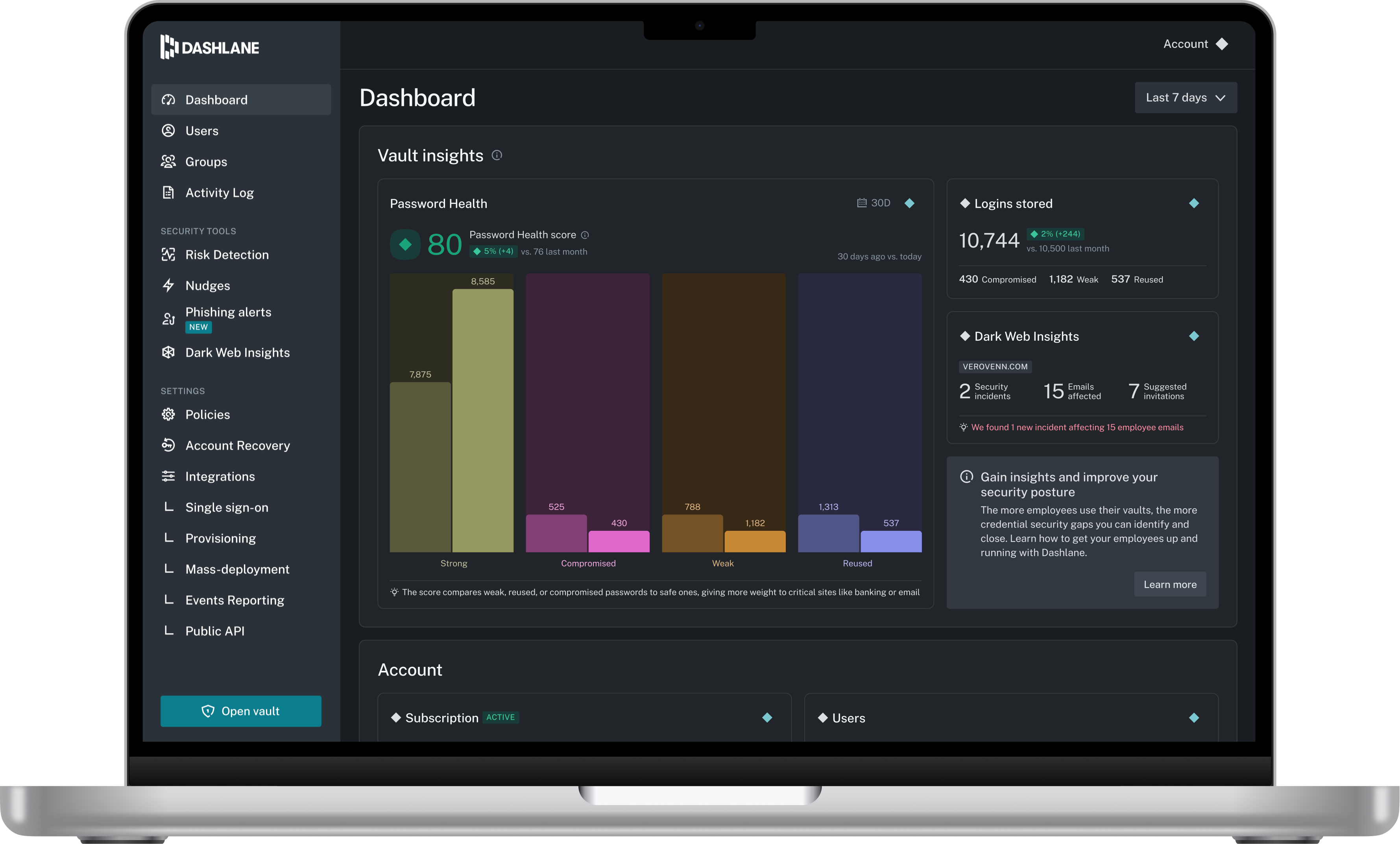
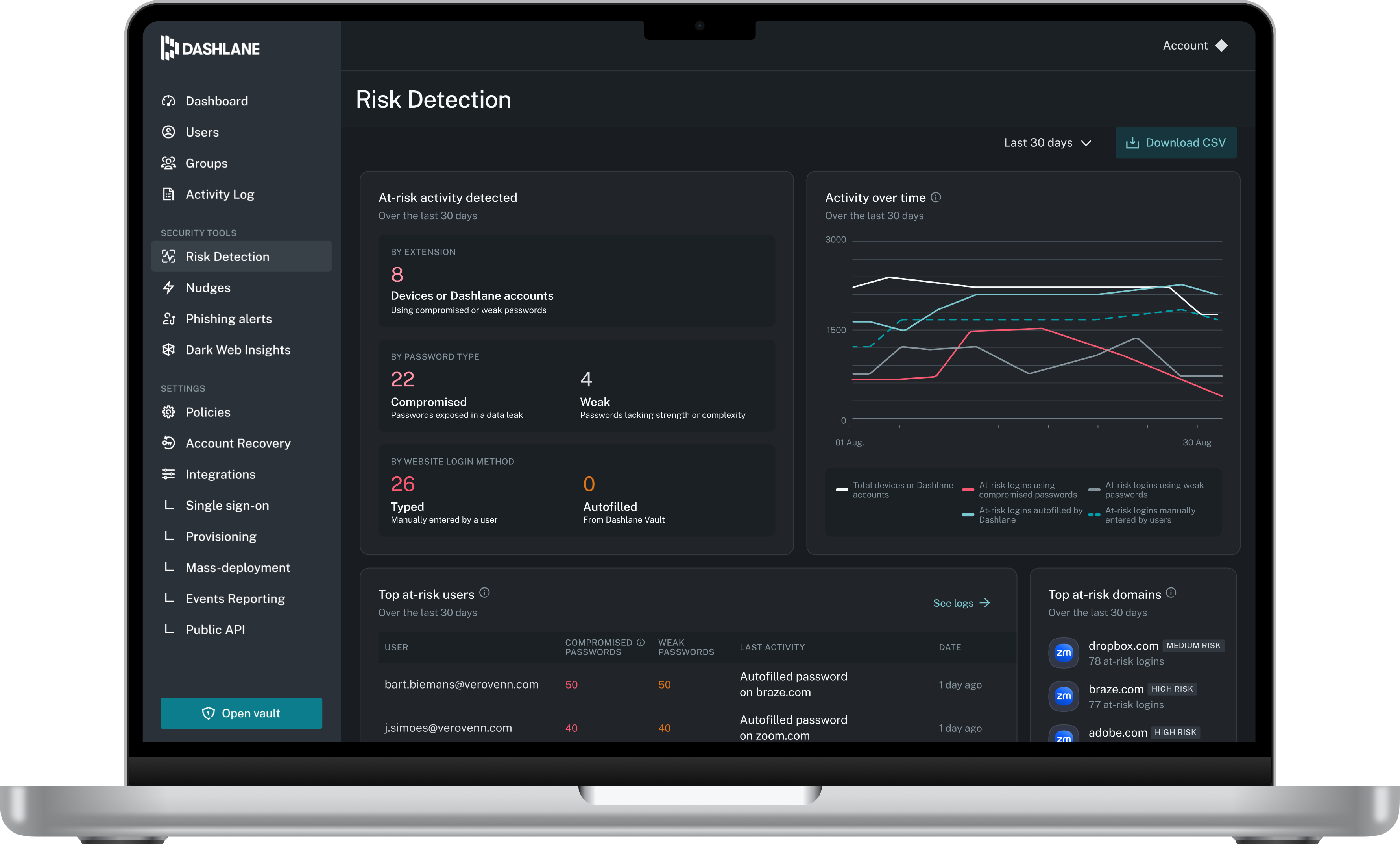
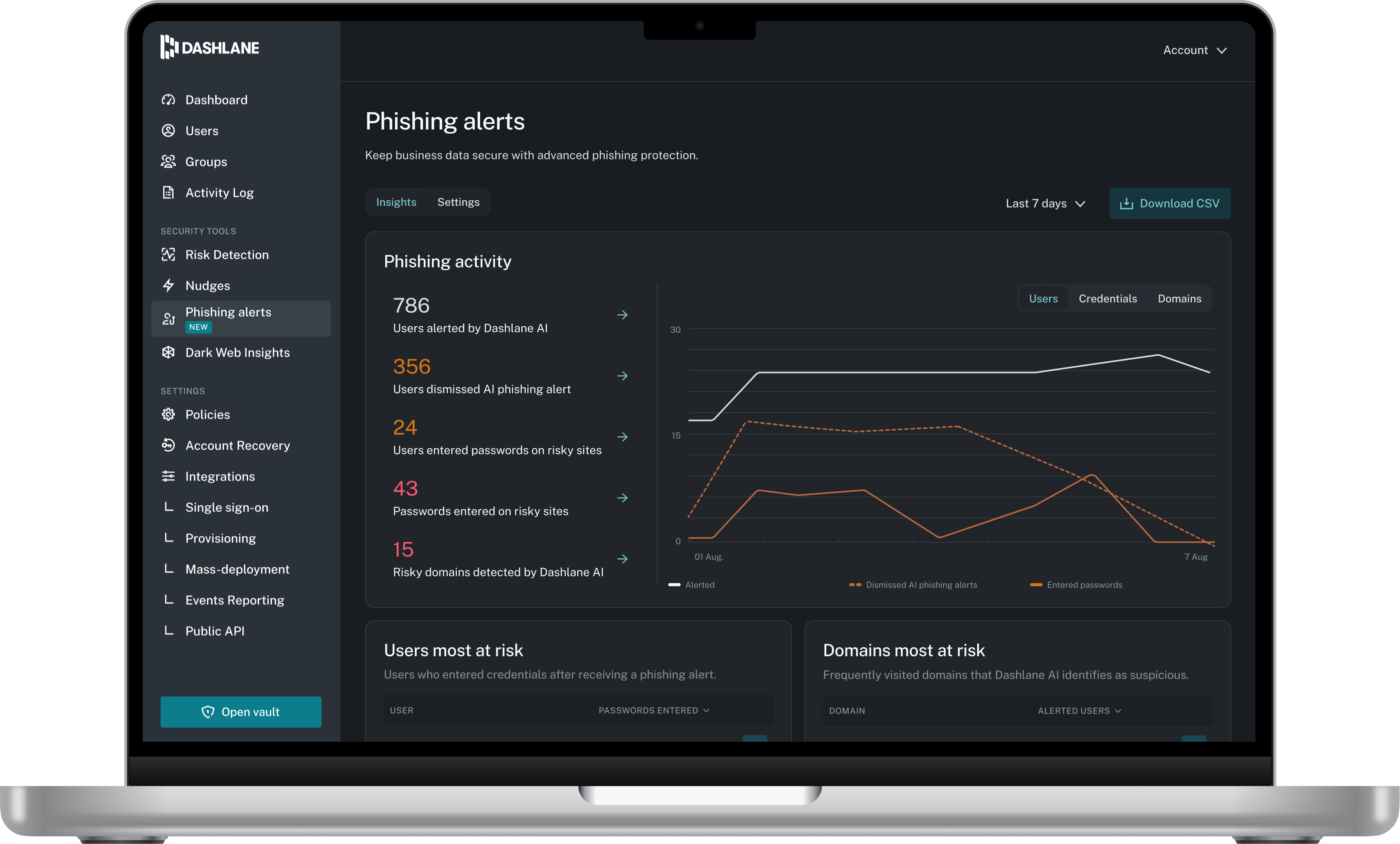
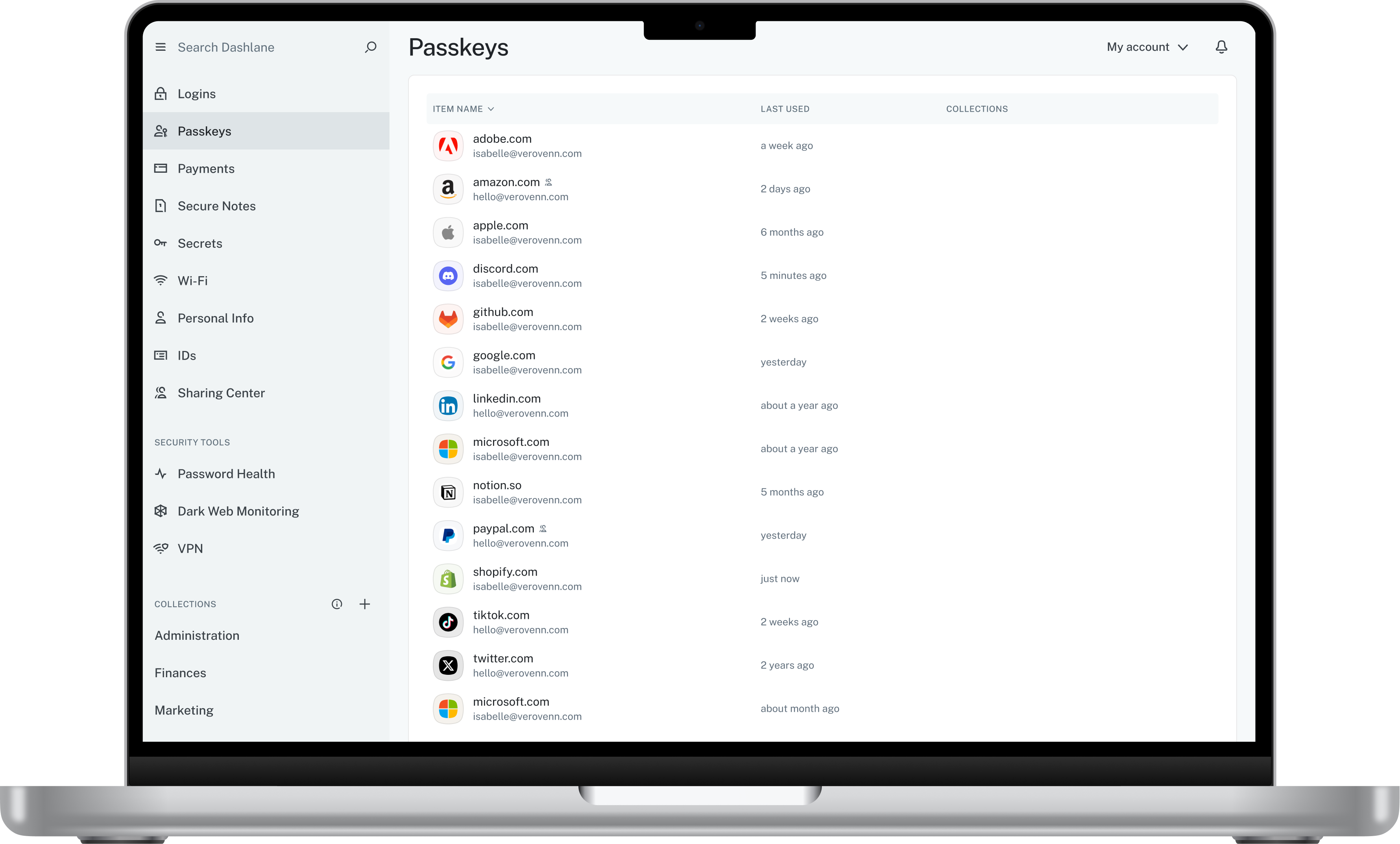
Dashlane is a credential manager that secures every credential, every user, and every employee device to proactively protect against breaches. Brands worldwide can use Dashlane to stay ahead of evolving threats.
$240
per year 10 employees
Password Genie
Score8 out of 10
N/A
Password Genie is a password management application providing smart login and advanced customization, form fill and backup, and 2 step verification, among other features, from NRTC Managed Services (formerly SecurityCoverage).
content writing specialist in Marketing at Remunance (Human Resources, 51-200 employees)
Chose Password Genie
It is the best tool compatible with both iOs and Android. It is best for people looking for quick access with automated data capture. Its user-friendliness strikes the most as any new person can work easily with it. In addition, it is a highly secure and reliable tool for any …
A de minimis incentive was given to thank the reviewer for their time. The incentive was not used to bias or drive a particular response, nor was the incentive contingent on a positive endorsement. More Info
Verified User
Chose Password Genie
Free open source version was a bit scary to use as this has confidential information stored. This application was cost effective compared to the other products. Capturing of password was great on this product compared to the other products.
A de minimis incentive was given to thank the reviewer for their time. The incentive was not used to bias or drive a particular response, nor was the incentive contingent on a positive endorsement. More Info
I think Dashlane is a great service for anyone who uses the internet. We need to create accounts on almost every website, and Dashlane helps generate secure passwords and store them safely, but easily accessible through its seamless browser extension. Any business or personal lifestyle can benefit from Dashlane when you go online
A de minimis incentive was given to thank the reviewer for their time. The incentive was not used to bias or drive a particular response, nor was the incentive contingent on a positive endorsement. More Info
It is well suited for any business as they would have password / confidential data which needs to be stored. Hence this tool provides all those features which is required. The product becomes less appropirate to SMB segments as the per device licensing becomes very difficult as there are various applications available as a free ware. Hence the licensing model need to be re-thought
A de minimis incentive was given to thank the reviewer for their time. The incentive was not used to bias or drive a particular response, nor was the incentive contingent on a positive endorsement. More Info
A de minimis incentive was given to thank the reviewer for their time. The incentive was not used to bias or drive a particular response, nor was the incentive contingent on a positive endorsement. More Info
Generating strong, random passwords: Password Genie has a built-in password generator that creates strong and unique passwords for each account. This eliminates the need for employees to come up with their own passwords and reduces the risk of them using easily guessable or weak passwords.
Storing login information securely: Password Genie stores all login information in a secure location that is protected by a master password. This ensures that only authorized users can access the information and that it is protected against potential breaches.
Syncing across multiple devices: Password Genie allows employees to access their login information from multiple devices, including smartphones, laptops, and tablets. This means that they can easily access the information they need, regardless of where they are working.
Automatic login: Password Genie can automatically fill in login information on websites and apps, saving time and reducing the risk of typos.
A de minimis incentive was given to thank the reviewer for their time. The incentive was not used to bias or drive a particular response, nor was the incentive contingent on a positive endorsement. More Info
The mobile app works fine for quick access, but autofill across different apps can be inconsistent. Sometimes it doesn’t recognize the login field, which slows people down when they’re on the go.
Occasionally the browser extension logs users out or doesn’t sync immediately with the desktop app, which causes frustration if someone just updated a password.
A de minimis incentive was given to thank the reviewer for their time. The incentive was not used to bias or drive a particular response, nor was the incentive contingent on a positive endorsement. More Info
Some of the users in my organization find it challenging to integrate Password Genie with other password management tools or services they are using, making it difficult to import or export password data.
The user interface and experience of Password Genie are outdated or difficult to use, leading to a less streamlined password management process.
A de minimis incentive was given to thank the reviewer for their time. The incentive was not used to bias or drive a particular response, nor was the incentive contingent on a positive endorsement. More Info
A de minimis incentive was given to thank the reviewer for their time. The incentive was not used to bias or drive a particular response, nor was the incentive contingent on a positive endorsement. More Info
Lack of advanced features: Some users might find that Password Genie lacks some advanced features or customization options that are available in other password management tools.
User interface: Some users might find the user interface of Password Genie to be less intuitive or less user-friendly compared to other password management tools.
A de minimis incentive was given to thank the reviewer for their time. The incentive was not used to bias or drive a particular response, nor was the incentive contingent on a positive endorsement. More Info
Dashlane is usable, but there are 2 key issues that annoy me. 1. The mobile app and the browser extension are not synced and i cannot find passwords in the app that are clearly in the extension. 2. The system doe snot make it easy to assign a password to a specific subdomain. I get hundreds of passwords that i have to go through any time i go to any subdomain on my main site because of the nature of my business. I need the option back to assign a password to only work with a specific subdomain (and all related paged on that subdomain) note: The search features have been annoying in the past. I just went to test them to verify my issues and found that notes inside of a password are finally searchable. This helps
A de minimis incentive was given to thank the reviewer for their time. The incentive was not used to bias or drive a particular response, nor was the incentive contingent on a positive endorsement. More Info
We've had no issues with Dashlane. I can't speak to their customer service because I have not personally needed to contact them. I guess that speaks about their product if we've not had any issues to reach out about. Great for supporting data/information on multiple platforms that are shared among team members.
A de minimis incentive was given to thank the reviewer for their time. The incentive was not used to bias or drive a particular response, nor was the incentive contingent on a positive endorsement. More Info
Dashlane’s customer support is often rated higher, providing more responsive and helpful assistance. LastPass has a slightly steeper learning curve than Dashlane, but it offers more flexibility with user permissions, which can benefit teams. Dashlane includes unlimited passkey support and a clean breach history, while LastPass is more accommodating for smaller teams.
A de minimis incentive was given to thank the reviewer for their time. The incentive was not used to bias or drive a particular response, nor was the incentive contingent on a positive endorsement. More Info
It’s very easy to operate from multiple devices & highly secure layer protection.I love using Password Genie because It keeps all of my passwords in one place and I can use it on all of my devices.Password Genie is very time savings & secure tools for digital online based company.Password Genie is helpful with password capture and replay. Syncs among Windows, Mac, Android, and iOS devices. Flags weak and duplicate passwords. Two-factor authentication. Fills Web forms with personal data.
A de minimis incentive was given to thank the reviewer for their time. The incentive was not used to bias or drive a particular response, nor was the incentive contingent on a positive endorsement. More Info
A de minimis incentive was given to thank the reviewer for their time. The incentive was not used to bias or drive a particular response, nor was the incentive contingent on a positive endorsement. More Info
A de minimis incentive was given to thank the reviewer for their time. The incentive was not used to bias or drive a particular response, nor was the incentive contingent on a positive endorsement. More Info