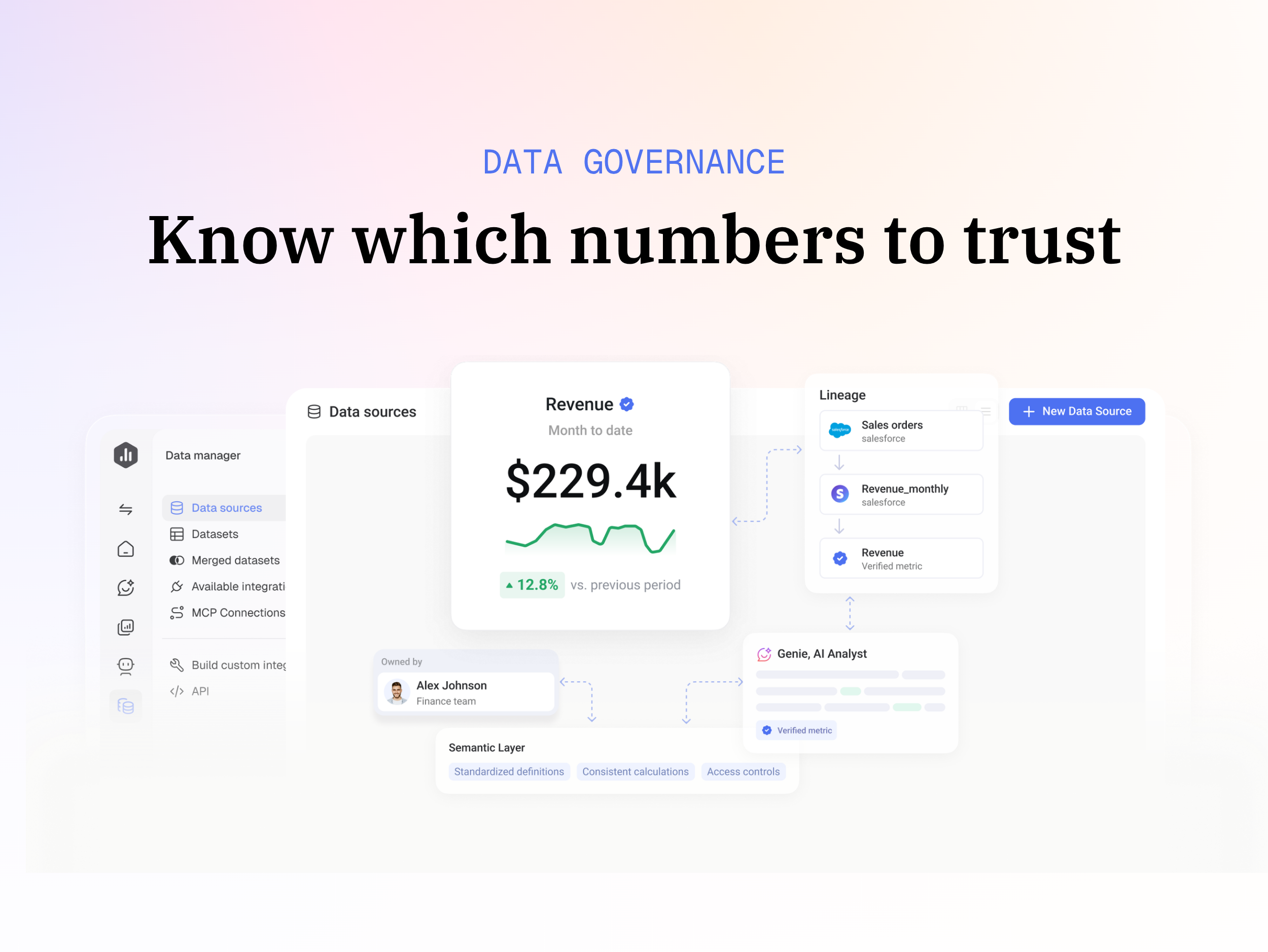
Databox is business intelligence software built for teams that need fast, actionable insights.
$79
per month
TARGIT
Score 7.6 out of 10
N/A
TARGIT Decision Suite is a business intelligence (BI) and analytics platform used to automate reporting, boost operational visibility, and give teams insights that support data-driven decisions. The solution combines data from multiple source systems, including enterprise resource planning (ERP) software, customer relationship management (CRM) platforms, and all other data sources to give organizations a complete picture of their operations. …
N/A
Pricing
Databox
TARGIT
Editions & Modules
Free
$0
1 user, 3 data sources & 50 AI credits/mo included
Analyst
$89
per month 1 user, 5 data sources & 150 AI credits/mo included
Team
$249
per month 3 users, 10 data sources & 500 AI credits/mo included
Agency
Starting at $99
per month 4 clients, unlimited users, 20 data sources & 300 AI credits/mo included
Custom
Contact us
More users, More data sources, More AI credits/mo, We optimize it as your needs
No answers on this topic
Offerings
Pricing Offerings
Databox
TARGIT
Free Trial
Yes
No
Free/Freemium Version
Yes
No
Premium Consulting/Integration Services
Yes
No
Entry-level Setup Fee
No setup fee
No setup fee
Additional Details
20% discount for annual pricing.
—
More Pricing Information
Community Pulse
Databox
TARGIT
Features
Databox
TARGIT
BI Standard Reporting
Comparison of BI Standard Reporting features of Product A and Product B
Databox
9.3
8 Ratings
13% above category average
TARGIT
8.3
7 Ratings
1% above category average
Pixel Perfect reports
10.05 Ratings
9.06 Ratings
Customizable dashboards
8.98 Ratings
9.07 Ratings
Report Formatting Templates
8.98 Ratings
7.04 Ratings
Ad-hoc Reporting
Comparison of Ad-hoc Reporting features of Product A and Product B
Databox
8.6
8 Ratings
7% above category average
TARGIT
6.0
8 Ratings
29% below category average
Drill-down analysis
8.06 Ratings
7.08 Ratings
Formatting capabilities
8.98 Ratings
8.07 Ratings
Integration with R or other statistical packages
7.93 Ratings
2.03 Ratings
Report sharing and collaboration
9.48 Ratings
7.06 Ratings
Report Output and Scheduling
Comparison of Report Output and Scheduling features of Product A and Product B
Databox
8.3
8 Ratings
1% above category average
TARGIT
5.0
7 Ratings
49% below category average
Publish to Web
8.96 Ratings
5.05 Ratings
Publish to PDF
8.97 Ratings
5.07 Ratings
Report Versioning
7.74 Ratings
5.05 Ratings
Report Delivery Scheduling
8.98 Ratings
5.05 Ratings
Delivery to Remote Servers
7.13 Ratings
5.04 Ratings
Data Discovery and Visualization
Comparison of Data Discovery and Visualization features of Product A and Product B
I believe Databox can be an asset for any company. We are a small company, but I can see the value for large companies too. Databox is a great fit for departments or organizations that need to put their data into a readable form without needing a ton of reports. Databox allows you to save time and put together a nice report without having to do too much extra work. Once it is set up, it basically runs on its own at the frequency you set. I personally receive a daily report and have it sent to the respective people on the day of our meeting so we can quickly review it.
Targit is very strong when the data is presented to the system. Because of this, we are able to report on almost all of the information that is valuable to us. When we have questions or ideas on how to better leverage Targit, they are great to work with. We track our sales progress/process in Targit and AP tracks things such as outstanding invoices, open invoices, etc
Some types of data can only be reported on for 1-2 months back. Unless I'm misunderstanding the function of the software this seems really weird. I can't figure out how to report on Activities more than 2 months ago
Probably one of our biggest complaints from the user community is the inability for the user to see the details behind the data. I know with the tool you can write reporting services reports that would allow users to see the detail by right clicking on a measure and selecting Actions, but for a very lean IT shop there simply has not been time to build these Actions for every possible scenario a user might want to see detailed reporting on.
Another complaint I've heard is the inability for the user to know exactly what the data represents from the source. If Targit had maybe some type of capability to hover over a measure or dimension and see a pop up of a more detailed description this might help resolve that issue.
The most difficult concepts to teach our users is how and when to use comparisons and the syntax for calculations. Creating comparisons has become much simpler with the 2k11 release but it is still difficult for my users.
It is very easy to use and I am proficient at this point to be able to figure out how to run most of the reports I need. I have had the time to "play around" in TARGIT and really teach myself about the visibility settings and other aspects - though other users have needed help with some of these aspects - but once you conceptually understand how to build the reports, it is very simple from a power user perspective.
Databox is an intuitive, well-designed platform that can be used by non-technical marketers. It is easy to learn, and while set up takes time, usability is high and the team has enjoyed creating custom dashboards and clients have also given us great feedback regarding its usability and value. While other BI tools are much more complex to navigate, Databox is a breeze.
Everything on the back end needs to be correct, which sometimes it may not be set up or missing some variables. Some of the more difficult parts of Targit require a lot more attention and object creation to work properly
I have really enjoyed using Databox and have seen the value of it in many ways. They also continue to improve the functions of it and grow their integrations and templates. I look forward to continuing to use Databox in the future, potentially even finding ways to incorporate it into other departments to help them with reporting as well.
Everyone I've dealt with at Targit genuinely cares about me and my success, and they respond to questions quickly and accurately. There is literally nothing more I could ask for from their support.
Make sure all of the back end work is done prior to getting Targit set up. Every variable you may need for calculations needs to be correct and every item needs to be uniform so it is read properly.
Databox is unique in its ability to report from multiple data sources. Google Analytics is the standard when it comes to web metrics, but it's just one of the tools that integrates with Databox. Tableau is fantastic for data visualizations and reporting, but it's much more expensive than Databox, so it's not ideal for everyone. Tableau is also superior with customization
It really met our business requirements when we were searching for a reporting/Bi tool and the flexible business model of being able to introduce additional functionally as your organization grows and requires it made the investment decision the right one for us. The functionality available in comparison to the investment is well worth it.