
dbForge Studio (Edge) vs. Hashboard (discontinued) vs. OpenText Magellan
dbForge Studio (Edge) vs. Hashboard (discontinued) vs. OpenText Magellan
| Product | Rating | Most Used By | Product Summary | Starting Price |
|---|---|---|---|---|
 dbForge Studio (Edge) | N/A | dbForge Studio is provided by Devart and is a universal front-end client for database management, administration and development. Devart's GUI tool provides utilities to compare, synchronize, and back up databases (e.g. MySQL, Oracle, SQL Server, PostgreSQL, etc.) with scheduling, and includes the possibility to analyze and report MySQL tables data. For example, dbForge Studio for MySQL works with any MariaDB database servers, and supports all MariaDB objects types. This solution enables users… | $9.95 per month | |
 Hashboard (discontinued) | N/A | Hashboard (formerly Glean.io) was lightweight, business intelligence tool. It was acquired by Hex in 2025, and former users are encouraged to move to Hex. | N/A | |
 OpenText Magellan | N/A | OpenText Magellan Analytics Suite leverages a comprehensive set of data analytics software to identify patterns, relationships and trends through data visualizations and interactive dashboards. | N/A |
| dbForge Studio (Edge) | Hashboard (discontinued) | OpenText Magellan | ||||||||||||||||||||||
|---|---|---|---|---|---|---|---|---|---|---|---|---|---|---|---|---|---|---|---|---|---|---|---|---|
| Editions & Modules |
| No answers on this topic | No answers on this topic | |||||||||||||||||||||
| Offerings |
| |||||||||||||||||||||||
| Entry-level Setup Fee | No setup fee | No setup fee | No setup fee | |||||||||||||||||||||
| Additional Details | — | 15% discount for yearly pricing. | — | |||||||||||||||||||||
| More Pricing Information | ||||||||||||||||||||||||
| dbForge Studio (Edge) | Hashboard (discontinued) | OpenText Magellan |
|---|
| dbForge Studio (Edge) | Hashboard (discontinued) | OpenText Magellan | |||||||||||||||||||||||
|---|---|---|---|---|---|---|---|---|---|---|---|---|---|---|---|---|---|---|---|---|---|---|---|---|---|
| Database Development |
| ||||||||||||||||||||||||
| Database Administration |
| ||||||||||||||||||||||||
| BI Standard Reporting |
| ||||||||||||||||||||||||
| Ad-hoc Reporting |
| ||||||||||||||||||||||||
| Report Output and Scheduling |
| ||||||||||||||||||||||||
| Data Discovery and Visualization |
| ||||||||||||||||||||||||
| Access Control and Security |
| ||||||||||||||||||||||||
| Mobile Capabilities |
| ||||||||||||||||||||||||
| Application Program Interfaces (APIs) / Embedding |
|
| dbForge Studio (Edge) | Hashboard (discontinued) | OpenText Magellan | |
|---|---|---|---|
| Small Businesses |  DBeaver Score 8.6 out of 10 |  Yellowfin Score 8.7 out of 10 | Yellowfin Score 8.7 out of 10 |
| Medium-sized Companies |  ER/Studio Score 9.9 out of 10 |  Reveal Score 10.0 out of 10 | Reveal Score 10.0 out of 10 |
| Enterprises | ER/Studio Score 9.9 out of 10 |  Kyvos Semantic Layer Score 9.5 out of 10 | Kyvos Semantic Layer Score 9.5 out of 10 |
| All Alternatives | View all alternatives | View all alternatives | View all alternatives |
| dbForge Studio (Edge) | Hashboard (discontinued) | OpenText Magellan | |
|---|---|---|---|
| Likelihood to Recommend | 9.8 (15 ratings) | 7.5 (2 ratings) | 9.0 (11 ratings) |
| Likelihood to Renew | - (0 ratings) | - (0 ratings) | 3.9 (9 ratings) |
| Usability | - (0 ratings) | - (0 ratings) | 9.0 (1 ratings) |
| Support Rating | 8.0 (1 ratings) | - (0 ratings) | 9.0 (2 ratings) |
| dbForge Studio (Edge) | Hashboard (discontinued) | OpenText Magellan | |
|---|---|---|---|
| Likelihood to Recommend |  Devart
 Bob Guzek IT Manager | Discontinued Products
|  OpenText
 Christopher Noyes Director Advertising Technology |
| Pros | Devart
 Mortada Abdul Roda Developer | Discontinued Products
| OpenText
 Bri Gipson Sr. Systems Engineer |
| Cons | Devart
| Discontinued Products
| OpenText
 Martin Rubens IT solutions Manager |
| Likelihood to Renew | Devart No answers on this topic | Discontinued Products No answers on this topic | OpenText
 Todd Bellamy Systems Analyst |
| Usability | Devart
 Gustavo Du Mortier Software Engineer | Discontinued Products No answers on this topic | OpenText
|
| Support Rating | Devart
| Discontinued Products No answers on this topic | OpenText
 Jeffrey Fischer Business and Channel Development Director |
| Alternatives Considered | Devart
| Discontinued Products
| OpenText
Christopher Noyes Director Advertising Technology |
| Return on Investment | Devart
 Aaron Smith Senior Software Developer | Discontinued Products
| OpenText
|
| ScreenShots | dbForge Studio (Edge) Screenshots 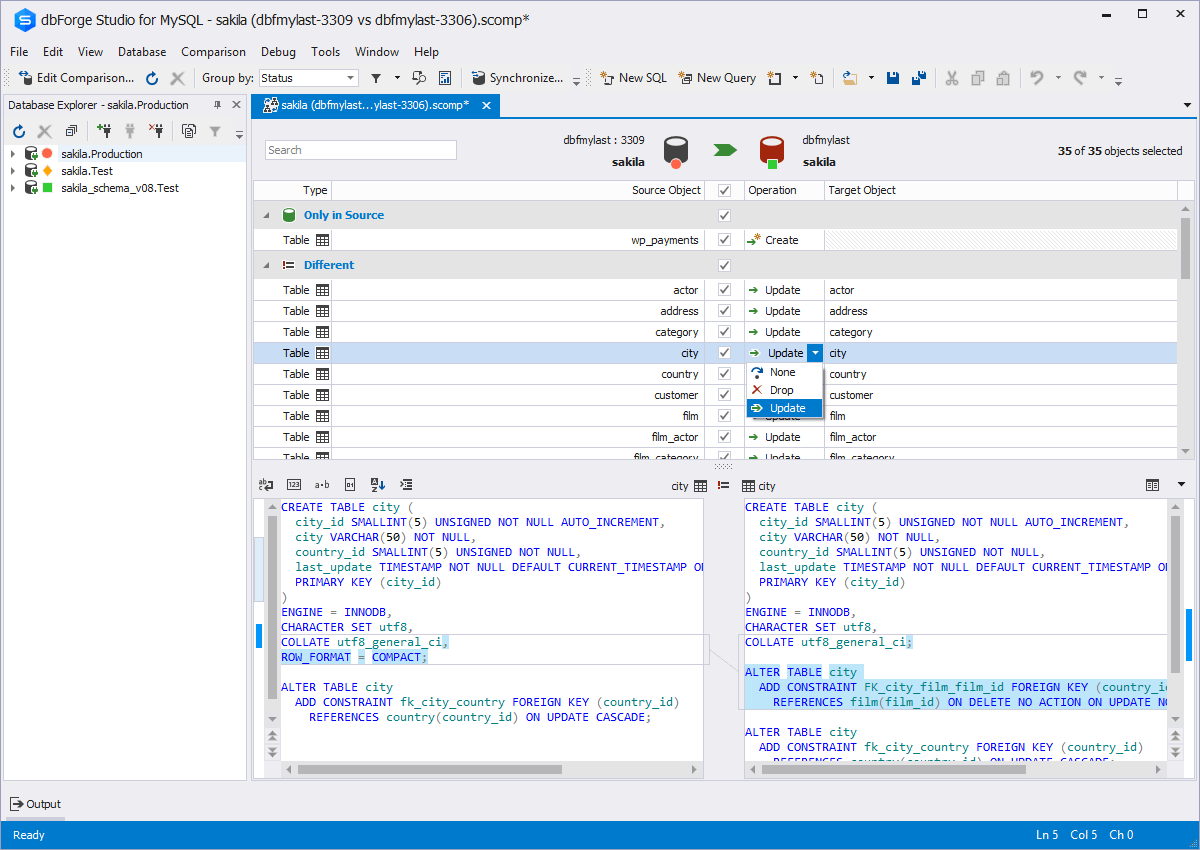  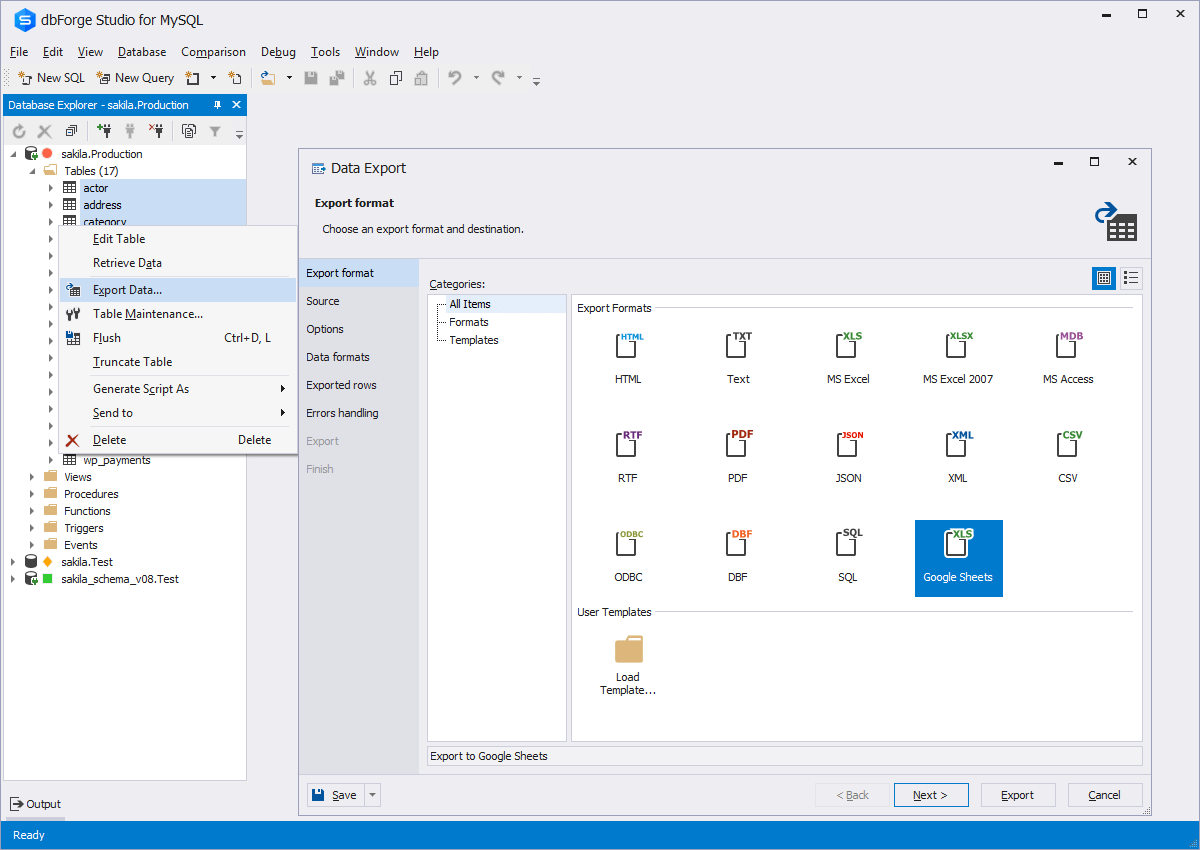   | OpenText Magellan Screenshots   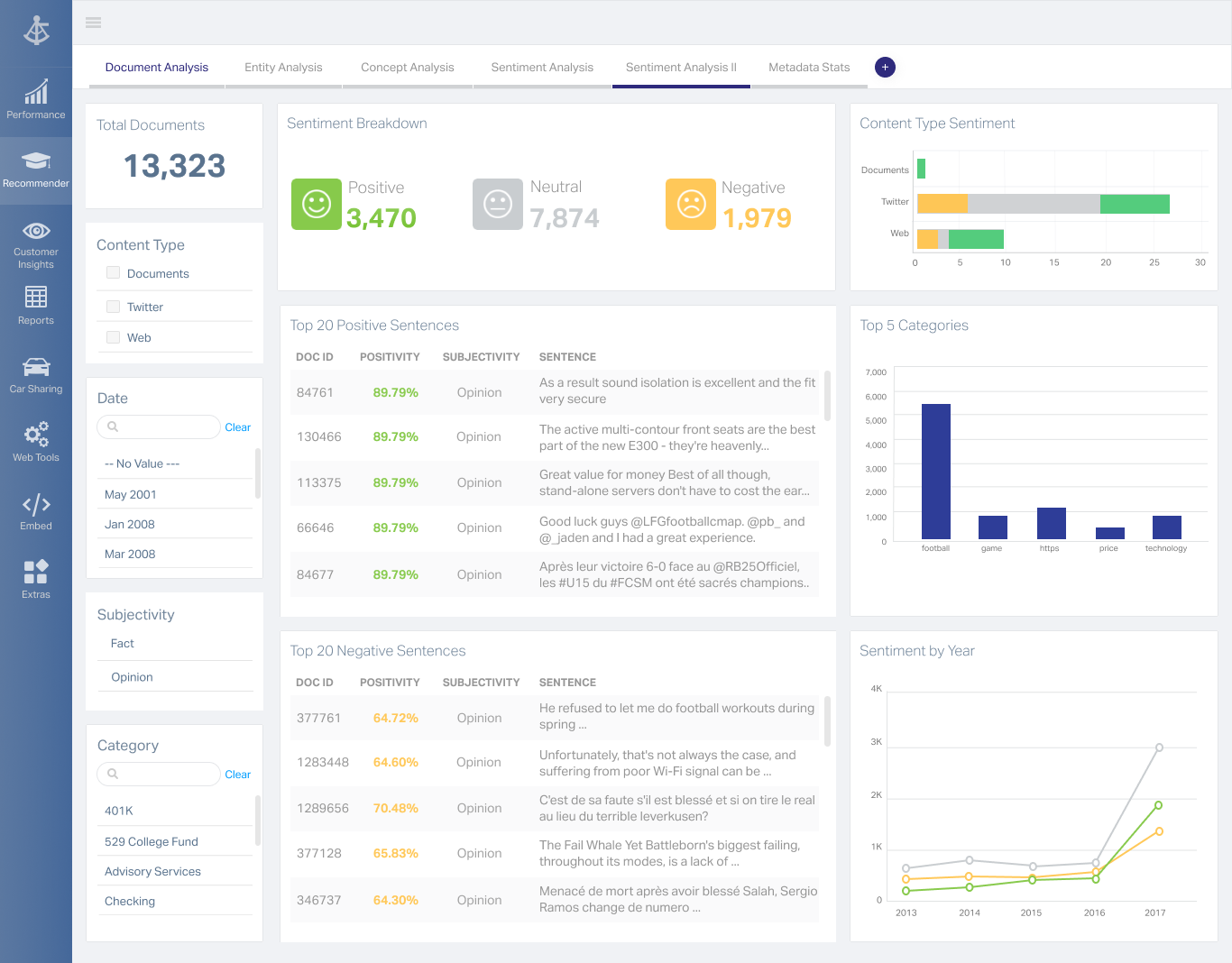 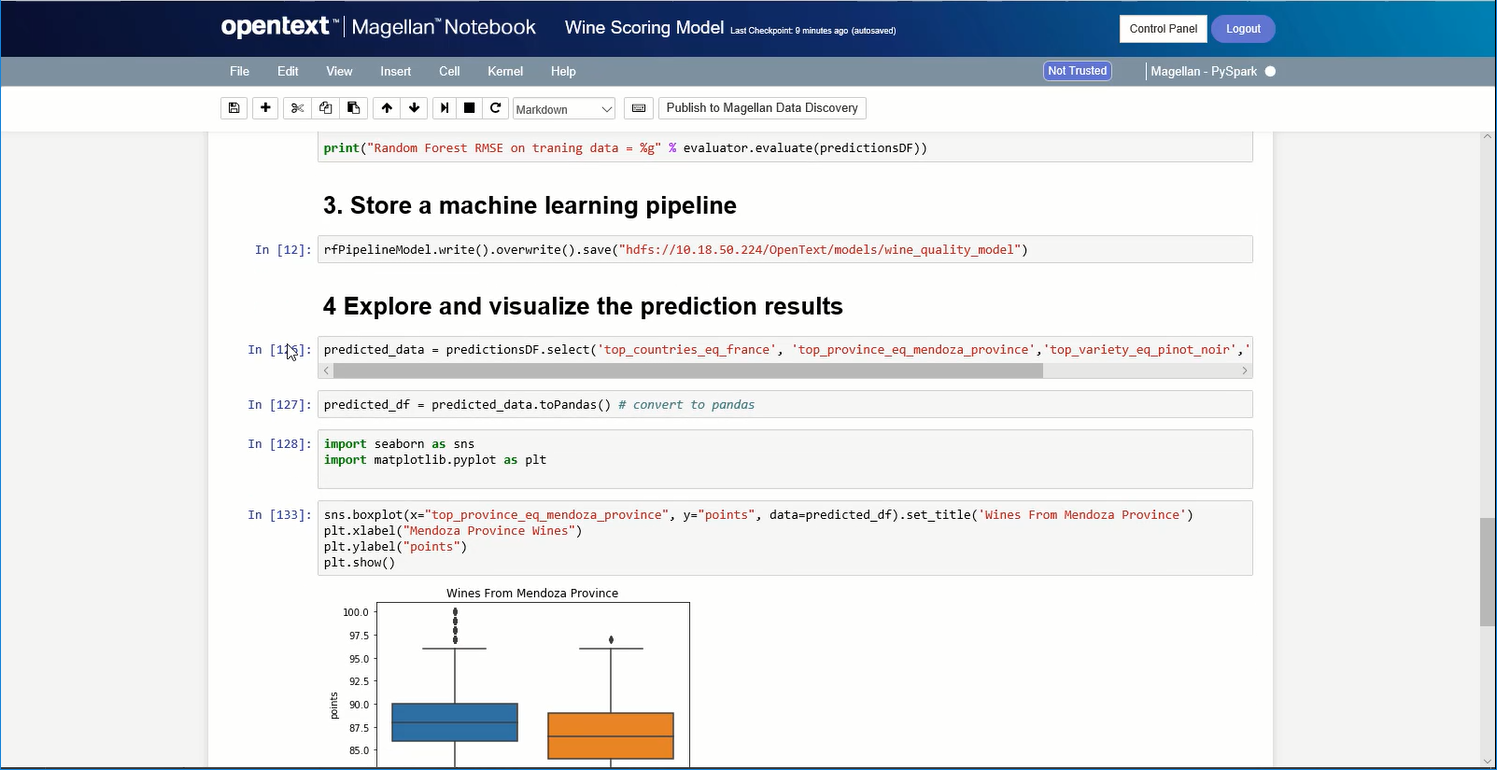 |