
Domo vs. Layer2 Cloud Connector
| Product | Rating | Most Used By | Product Summary | Starting Price |
|---|---|---|---|---|
 Domo | Score8.5 out of 10 | N/A | Domo is a full self-service business intelligence software that combines several data analysis and reporting tools into one platform. It helps users connect to multiple data sources, create robust visual reports, manage their data, send messages in real-time, manage projects, and develop new apps. | N/A |
 Layer2 Cloud Connector | Score7 out of 10 | N/A | The Layer2 Cloud Connector can integrate data and sync documents between 100+ corporate data sources without programming. It is used to connect services and apps on-premises or cloud-based, such as Microsoft Office 365, SharePoint, Dynamics, Azure, SQL/ERP/CRM, and more for migration, backup, or permanent two-way synchronization. | $491 per installation |
| Domo | Layer2 Cloud Connector | |||||||||||||||
|---|---|---|---|---|---|---|---|---|---|---|---|---|---|---|---|---|
| Editions & Modules | No answers on this topic |
| ||||||||||||||
| Offerings |
| |||||||||||||||
| Entry-level Setup Fee | No setup fee | $185 Setup Support | ||||||||||||||
| Additional Details | Domo uses a credit-based pricing model designed to align costs with usage. Credits are consumed when performing specific actions—such as storing data, updating tables, running workflows, or leveraging advanced capabilities like ML inference in the data pipeline. Domo does not currently publish pricing. | — | ||||||||||||||
| More Pricing Information | ||||||||||||||||
| Domo | Layer2 Cloud Connector | |
|---|---|---|
| Considered Both Products | No answer on this topic | No answer on this topic |
| Key User Insights | ||
| Would buy again | ||
95% Would buy again 18 Answers | No answers on this topic | |
| Delivers good value for the price | ||
94% Delivers good value for the price 17 Answers | No answers on this topic | |
| Happy with the feature set | ||
100% Happy with the feature set 19 Answers | No answers on this topic | |
| Lived up to sales and marketing promises | ||
100% Lived up to sales and marketing promises 13 Answers | No answers on this topic | |
| Implementation went as expected | ||
100% Implementation went as expected 12 Answers | No answers on this topic | |
| Domo | Layer2 Cloud Connector | ||||||||||||||||||||||
|---|---|---|---|---|---|---|---|---|---|---|---|---|---|---|---|---|---|---|---|---|---|---|---|
| BI Standard Reporting |
| ||||||||||||||||||||||
| Ad-hoc Reporting |
| ||||||||||||||||||||||
| Report Output and Scheduling |
| ||||||||||||||||||||||
| Data Discovery and Visualization |
| ||||||||||||||||||||||
| Access Control and Security |
| ||||||||||||||||||||||
| Mobile Capabilities |
| ||||||||||||||||||||||
| Application Program Interfaces (APIs) / Embedding |
| ||||||||||||||||||||||
| Data Source Connection |
| ||||||||||||||||||||||
| Data Transformations |
| ||||||||||||||||||||||
| Data Governance |
| ||||||||||||||||||||||
| Domo | Layer2 Cloud Connector | |
|---|---|---|
| Small Businesses |  Cyfe Score4 out of 10 |  Skyvia Score10 out of 10 |
| Medium-sized Companies |  Qlik Cloud Analytics (Qlik Sense) Score8.1 out of 10 |  IBM InfoSphere Information Server Score10 out of 10 |
| Enterprises |  Jaspersoft Community Edition Score7 out of 10 |  SolarWinds Task Factory Score8.3 out of 10 |
| All Alternatives | View all alternatives | View all alternatives |
| Domo | Layer2 Cloud Connector | |
|---|---|---|
| Likelihood to Recommend | 10.0 | 7.0 |
| Likelihood to Renew | 8.0 | - |
| Usability | 9.8 | - |
| Support Rating | 9.2 | - |
| Implementation Rating | 9.1 | - |
| Data Sharing and Collaboration | 8.2 | - |
| Data Sources | 8.3 | - |
| Vendor pre-sale | 7.5 | - |
| Domo | Layer2 Cloud Connector | |
|---|---|---|
| Likelihood to Recommend |
|
|
| Pros |
|
|
| Cons |
|
|
| Likelihood to Renew |
| No answers on this topic |
| Usability |
| No answers on this topic |
| Support Rating |
| No answers on this topic |
| Implementation Rating |
| No answers on this topic |
| Alternatives Considered |
|
|
| Return on Investment |
|
|
| ScreenShots | Domo Screenshots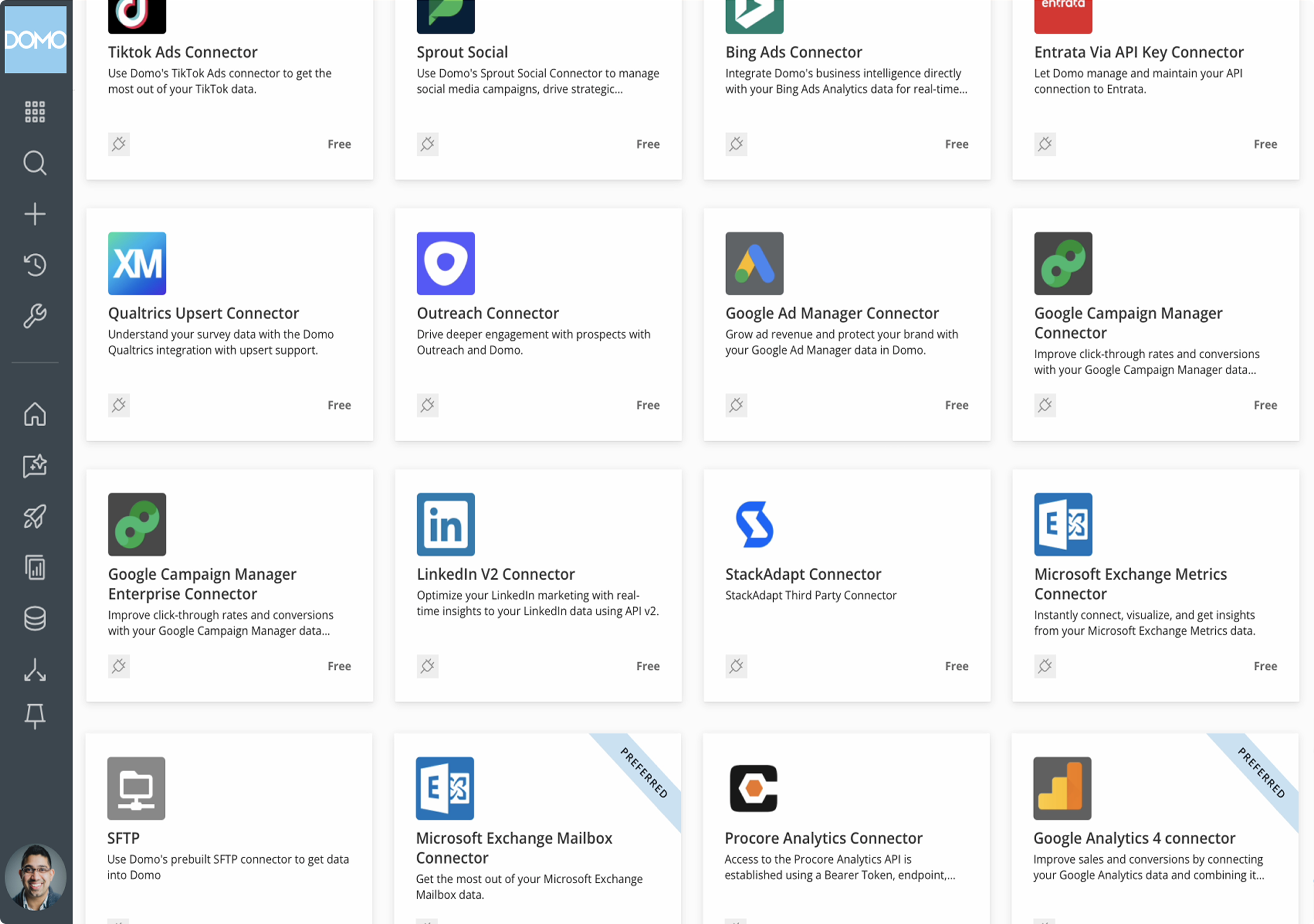 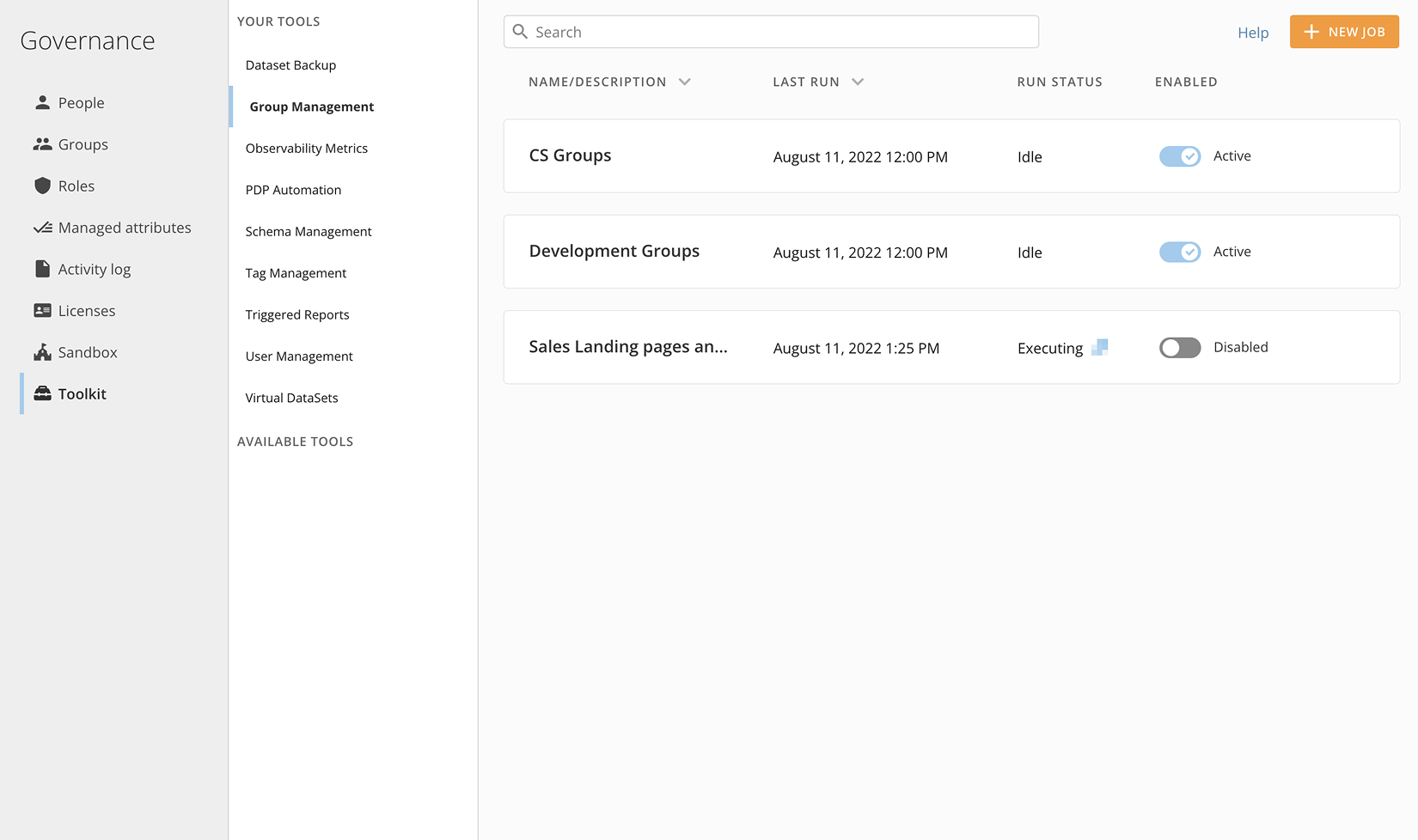 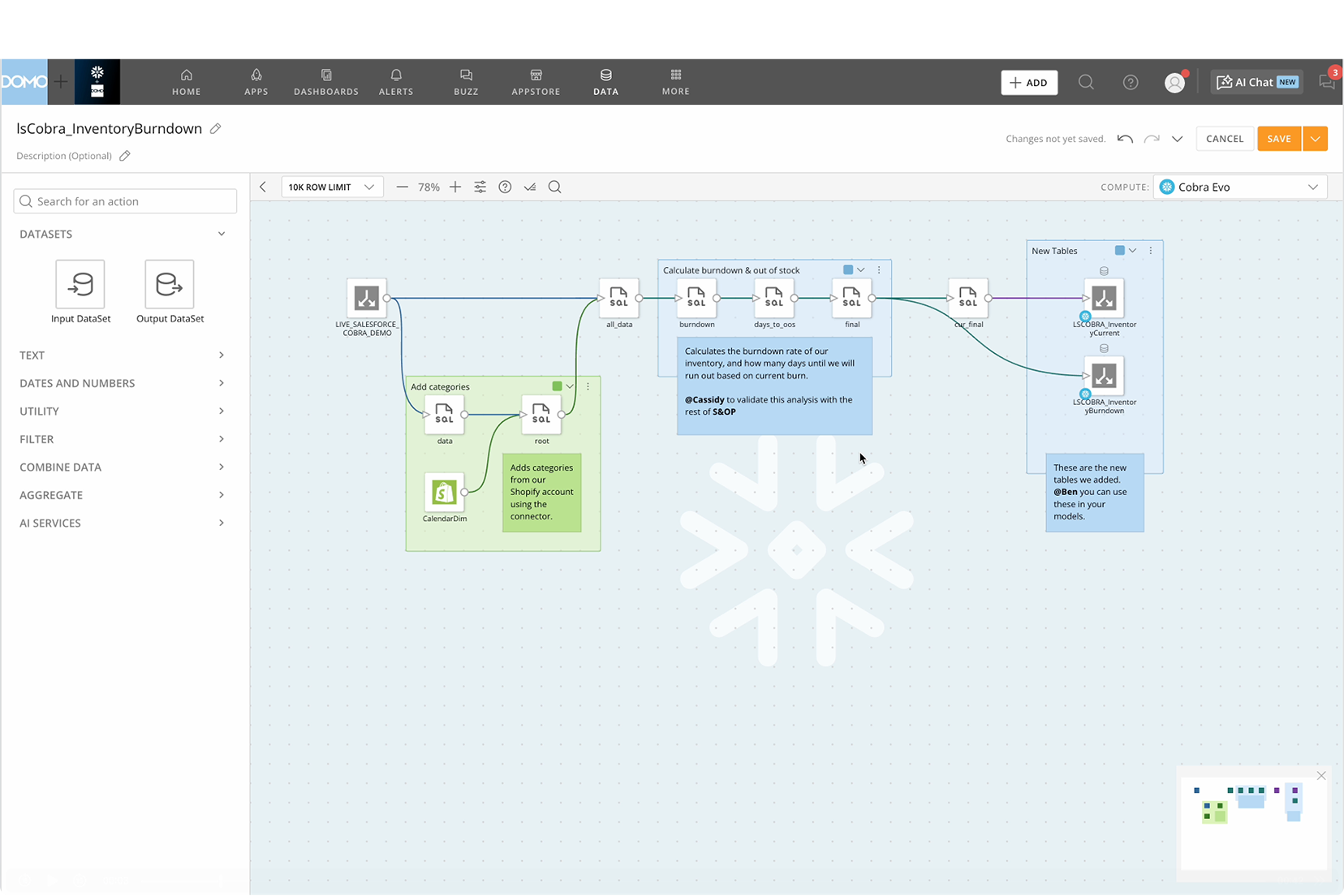 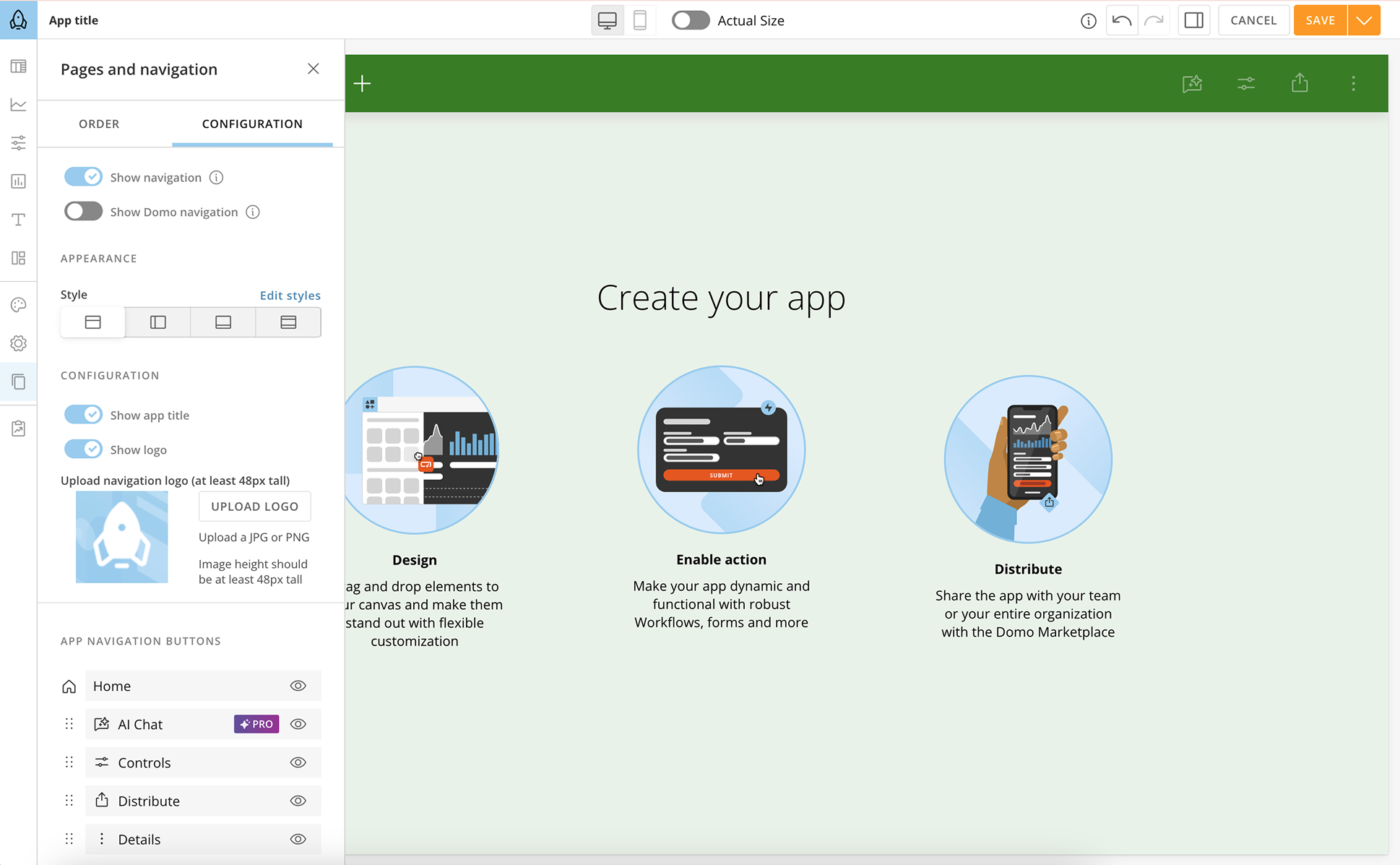 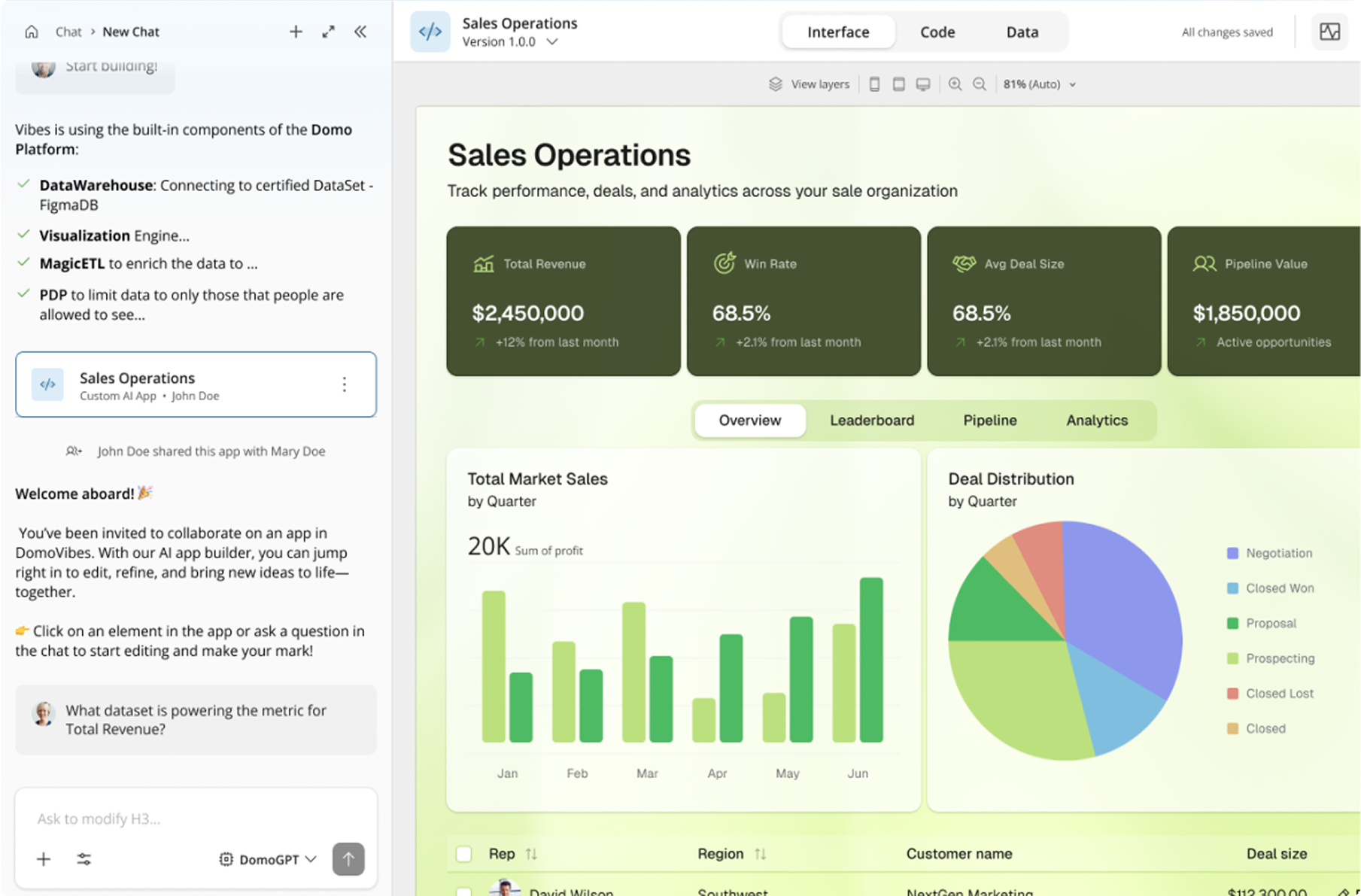  |



