Dropcontact is a SaaS solution that enriches, cleans and corrects data directly in CRMs, without any human intervention. The solution works exclusively from its proprietary algorithms and test servers, and thus, Dropcontact has no contact database. The vendor states this approach makes Dropcontact a uniquely 100% RGPD compliant solution for email verification and enrichment. Dropcontact also features automated cleaning, automatic duplicate detection and merging, as well as data enrichment (email…
N/A
Hunter
Score 7.7 out of 10
N/A
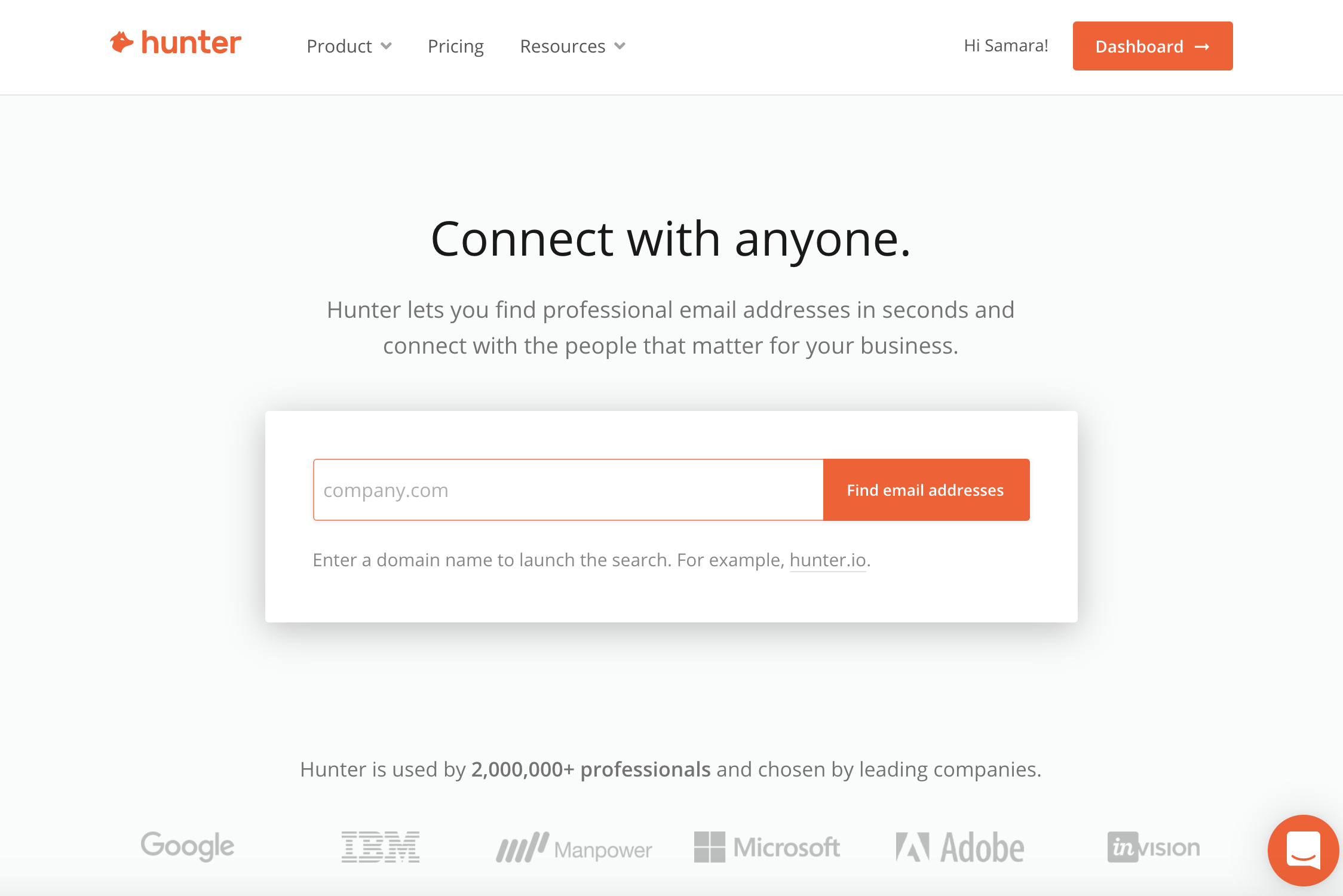
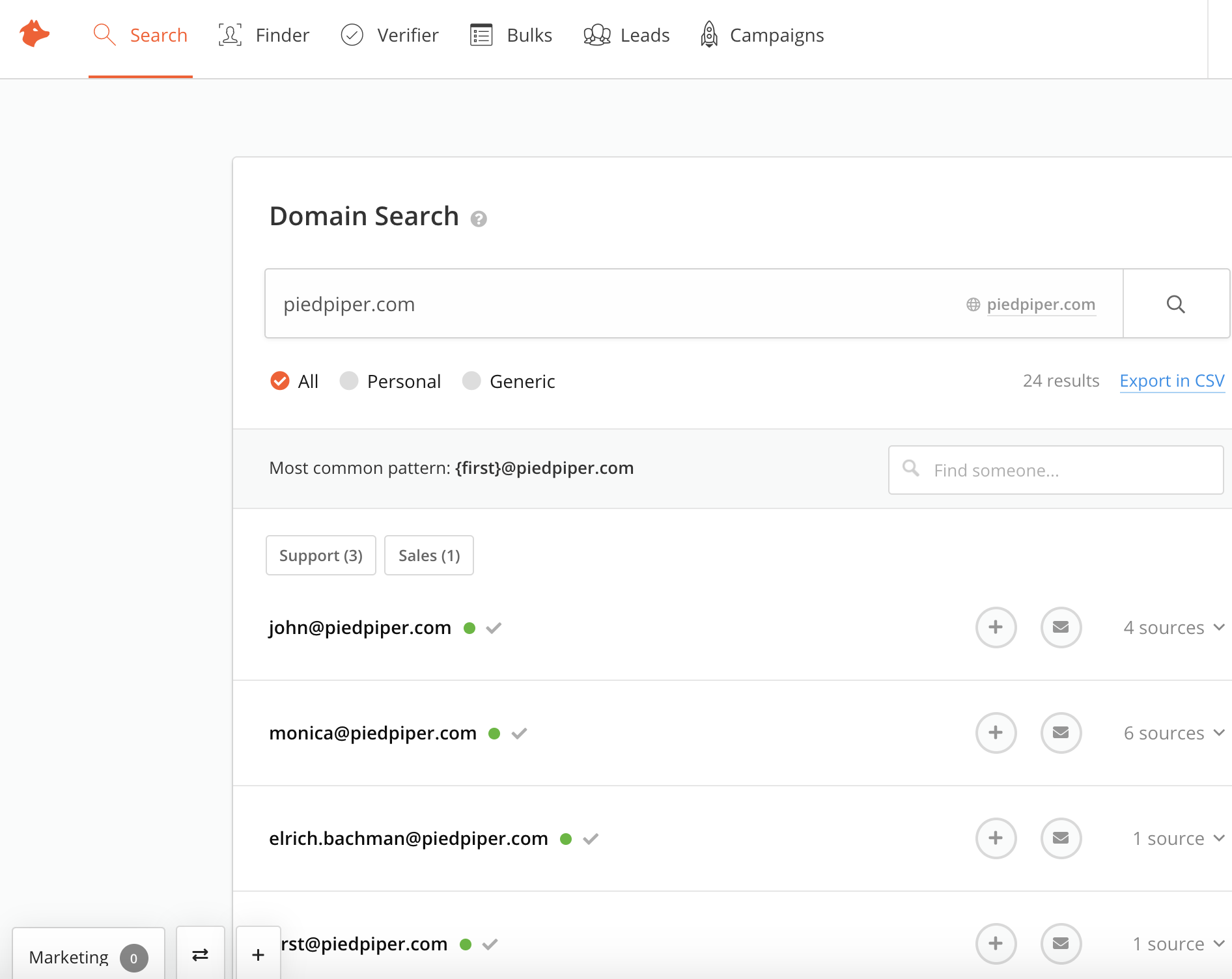
Hunter is a cloud-based email search solution that helps businesses find and verify professional email addresses from domains, companies or a specific professional on the web.
We wanted to get email details of certain attendees of a particular conference happenning in the US. Dropcontact helped by providing exact email ids that helped us schedule a meeting with the particular employee at the conference. It also helps in getting other details like LinkedIn profile so we can connect with them on linkedin making it more realistic and not a spam
The scenario we most commonly use Hunter for is to quickly find and retrieve contact email information. Phone numbers are an added bonus, but they tend to only be available for contacts in the US. SDRs have the extension in order to confirm or to help them "guess" as to what a contact's email address might be. This speeds up our prospecting time considerably. Where Hunter falls short is not being flexible where companies have more than one email format.
Hunter is only as valuable as the information it is able to scrape from the internet. If a company has not listed any email addresses online, then Hunter is not going to be able to find it.
Sometimes Hunter is only able to identify non-personal-specific email addresses (ex: info @, support@, etc.). This makes it difficult to identify personnel emails
Sometimes companies will have different email domains that Hunter is not able to correlate. For example, when searching for an email address at Lead.com, Hunter is not able to point to ParentCompany.com email addresses that would be more useful.
It is a very simple UI, just upload a CSV of all the contact email IDs you require and it will provide you with email IDs from the list (Enrichment process). It will enrich upto 80-90% of the contacts and rest will be returned as blanks without email ids but thats ok. You will definitely have success with the enriched data
I think the features are good, but it makes my brain hurt (and feel overtaxed) when I have to jump between searching by name and domain and then searching via a specific email to verify. I wish I could do all of that from one landing page, one über search bar.
The user interface is easy and no addition skills is required to learn Dropcontact. Other tools have lot of other features as well that will be tried to upsell but this tool isn't like that. It helps find the best email address that doesn't bounce and also updates emails and gives you the most recent email id even if the person switched organizations.
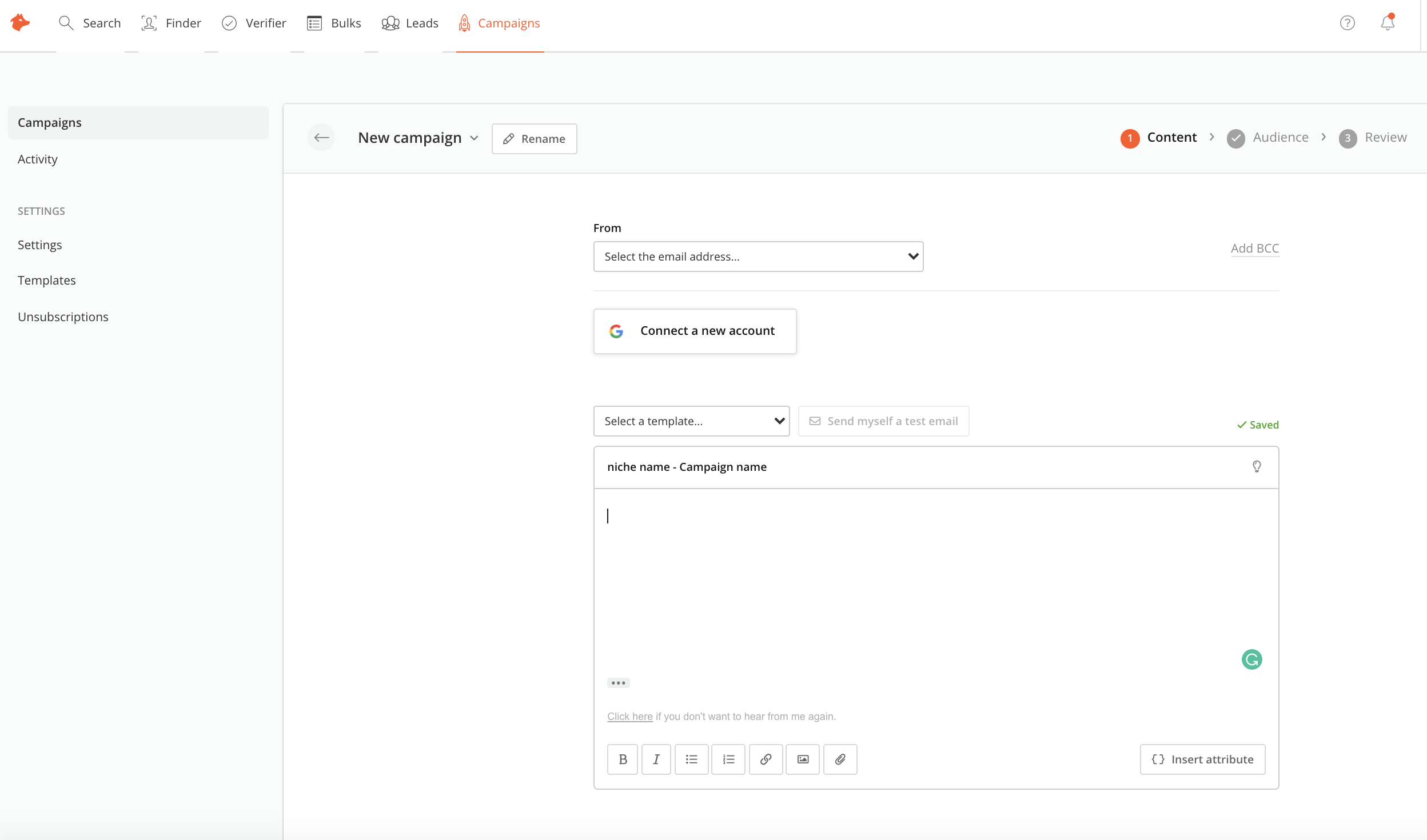
Hunter is a good all in one solution, which hasnt always been the case as it used to be a daa only solution. However, other tools like lemlist as slightly more user friendly and make it so simple to build and launch multi-channel campaigns , and do this slightly better than Hunter.