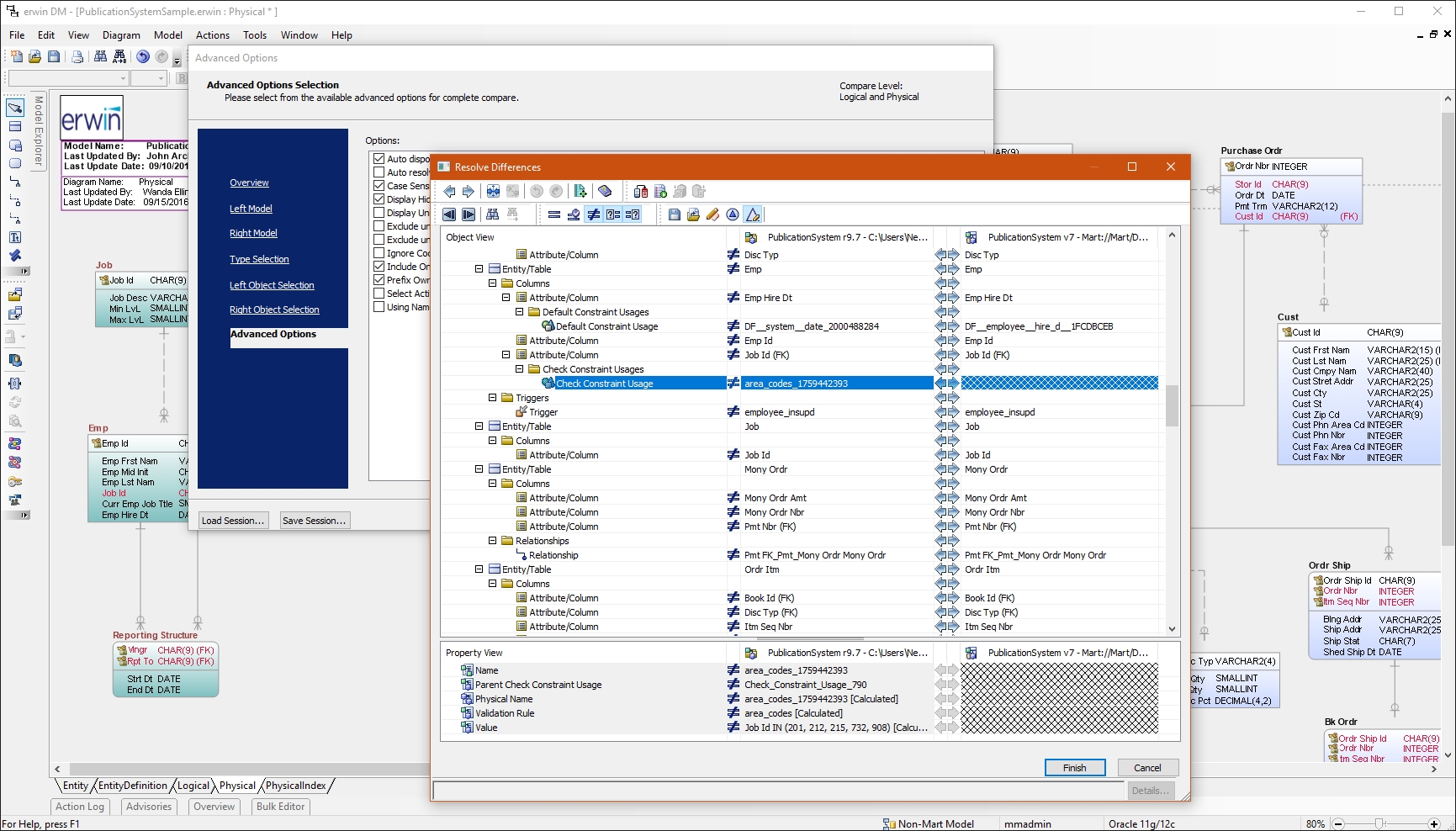
erwin Data Modeler by Quest is a data modeling tool used to find, visualize, design, deploy and standardize high-quality enterprise data assets. It can discover and document any data from anywhere for consistency, clarity and artifact reuse across large-scale data integration, master data management, metadata management, Big Data, business intelligence and analytics initiatives, accomplishing this whil esupporting data governance and intelligence efforts.
N/A
NetBeans
Score 7.0 out of 10
N/A
NetBeans is a free and open source platform and integrated development environment (IDE).
I have had a chance to use few other data modeling tools from Quest and Oracle, but I am most comfortable using erwin Data Modeler. They understand your data modeling needs and have designed the software to give you a feeling of completeness when you are designing a data model.
NetBeans is extremely user friendly and easy to start developing complex applications. Adding and configuring external libraries is much simpler than in Eclipse. It is highly cost effective and most of the latest framework based libraries required are automatically downloaded to the projects. The overall tool is also light weight and consumes less memory as compared to other competitor tools.
Reverse Engineering: I love the way we can import an SQL file containing schema meta data and generate ER diagram out of it. This is specifically useful if you are implementing erwin Data Modeler for an existing database.
Forward Engineering: We use this feature very frequently. Where we do database changes in our physical and logical data models and then generate deployment scripts for the changes made.
Physical vs Logical Models: I like to have my database model split into physical and logical models and at the same time still linked to each other. Any changes you make to logical model or physical model shows up in the other.
NetBeans [should] work smoothly with systems having less RAM. Systems with less RAM face trouble with NetBeans.
File open history also requires improvement. Once NetBeans is restarted, all files are closed automatically and there is no shortcut to open last opened files.
I had a lot of experience using erwin Data Modeler for designing data models. I think it's pretty intuitive and easy to use. It has enough features to represent your database requirements in form of a model.
Netbeans enhances my coding work, shows me where I have errors and helps find variable instances. I would be lost without find/replace in projects functionality as I use projects as templates for new projects. Occasionally the code hints aggravate me, but I understand that it is actually making me a better coder, working to get the 'green light' of a clean file with no errors or clumsy code.
CA customer support and our account manager have been able to support us with any issues that we have had, from managing our serial keys to issues we logged tickets to resolve. There are aspects of key management that have made it difficult over the years but support usually has worked with us.
NetBeans has a very strong user community. We can find solutions here for almost all the problems we face. In addition, we can forward NetBeans Support teams the problems we cannot solve. We can get quick feedback from the support teams, but I generally try to solve my problems by following the forums.
Not listed, but I've only used alternatives built into something like the Squirrel SQL editor. That one is semi-functional but lacking many features and, in some instances, just plain wrong. The only pro there is that it's freely available and works over ODBC. I've tried some of the other free ones like Creately but didn't have much success.
It works very smoothly as compared to other tools . The problem of restarting and reimporting the projects is not in the netbeans IDE . The front end development features are good . Netbeans connector is one of the best thing which enables us to deeply integrate netbeans IDE with google chrome browser
By working on Netbeans I just learned one more tool and can teach others about it. One should learn every tool so that it might help someday if another editor is not available and you have to use different software for your work.
Compiling code became easy as it is not a feature of normal text editors. Only IDE can do this.