Adobe Workfront, acquired by Adobe in late 2020, is a web-based project-management tool. It is designed for both IT and marketing teams, but can be implemented for any kind of project. Workfront offers all the features standard to project management platforms, as well as resource allocation, automation, and agile workflow.
N/A
Forecast
Score8.3 out of 10
N/A
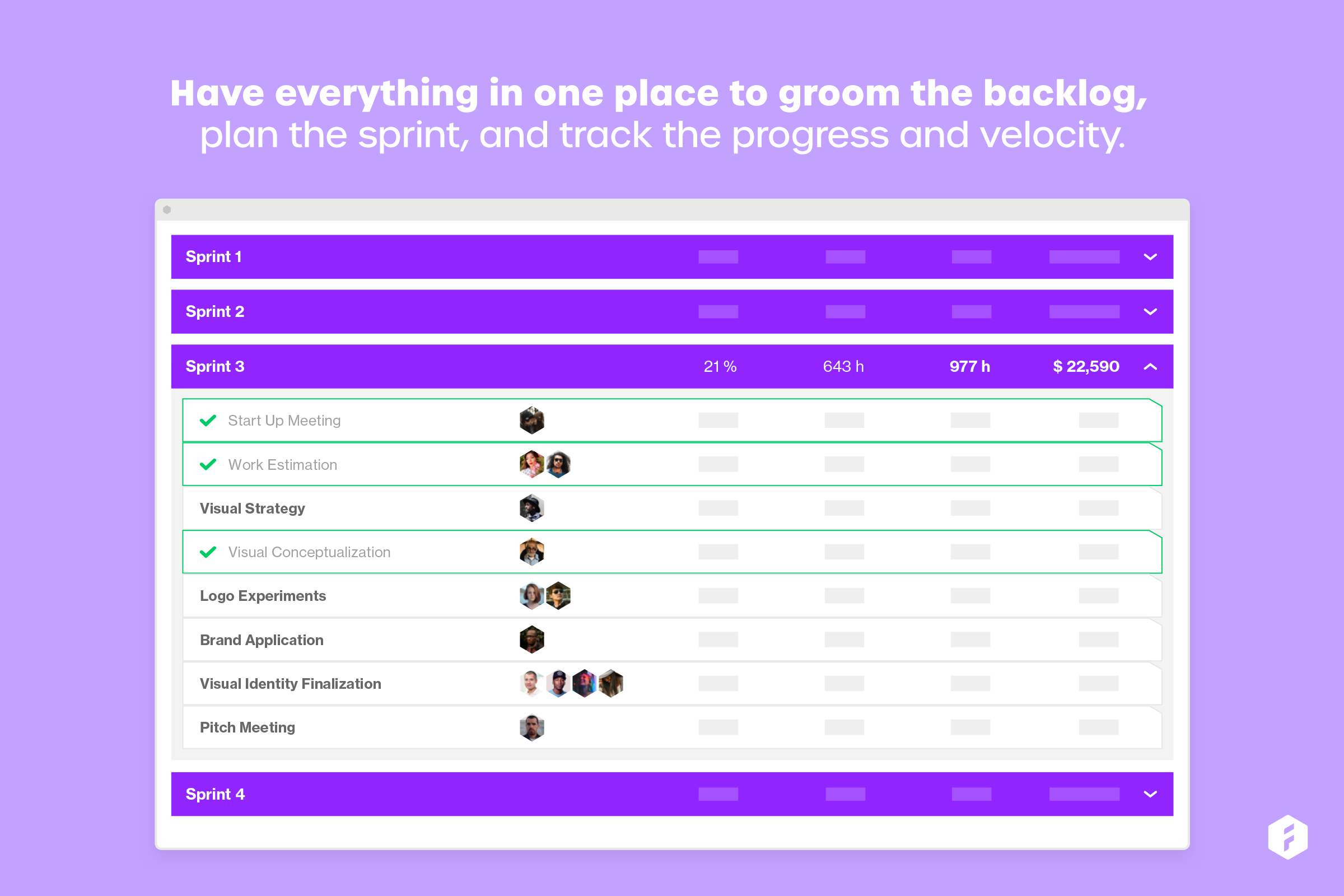
Forecast.it is a project portfolio management solution built around features such as resource planning and time tracking, budget estimating, and analytics and reporting, with key third-party integrations.
The business selected Workfront, but I don't know the details of the selection criteria, however we 100% utilise the raw data of projects, utilization and finacials of the projects that we use for evaluating and tracking projects and processes and forecasting for weeks/ months …
A de minimis incentive was given to thank the reviewer for their time. The incentive was not used to bias or drive a particular response, nor was the incentive contingent on a positive endorsement. More Info
Project Coord in Marketing at Birket Engineering (Entertainment, 51-200 employees)
Chose Adobe Workfront
I have not looked too deep into others however other employees in the company are as the price continues to increase. We know others have stronger resource allocation tracking aspects, which are important to us, but that benefit may come at the expense of other areas being less …
A de minimis incentive was given to thank the reviewer for their time. The incentive was not used to bias or drive a particular response, nor was the incentive contingent on a positive endorsement. More Info
Project Manager in Information Technology at Insurance Administrative Solutions, L.L.C. (Hospital & Health Care, 1001-5000 employees)
Chose Adobe Workfront
In comparison with other leading PPM tools, Workfront stands out as easy to use with a modern UI and good training materials. It is reliable and full featured with regular updates, excellent customer service and reporting. Workfront features cover the gamut from project intake …
A de minimis incentive was given to thank the reviewer for their time. The incentive was not used to bias or drive a particular response, nor was the incentive contingent on a positive endorsement. More Info
Since I work remotely from my laptop, when I am finished with work, I enter my hours and submit my time at the end of the week. It's quick, it's easy, and it helps me keep a record of how many hours of vacation and sick time I have used. But when I am on the go, it is a hassle to record my time on my phone because of the lack of responsive design.
A de minimis incentive was given to thank the reviewer for their time. The incentive was not used to bias or drive a particular response, nor was the incentive contingent on a positive endorsement. More Info
Forecast is well suited for tracking schedules, especially if it is only being controlled by a single department. When it comes to using Forecast in a larger ecosystem with more "cooks in the kitchen" it would be helpful to have the software more easily integrated with other software.
A de minimis incentive was given to thank the reviewer for their time. The incentive was not used to bias or drive a particular response, nor was the incentive contingent on a positive endorsement. More Info
A de minimis incentive was given to thank the reviewer for their time. The incentive was not used to bias or drive a particular response, nor was the incentive contingent on a positive endorsement. More Info
A de minimis incentive was given to thank the reviewer for their time. The incentive was not used to bias or drive a particular response, nor was the incentive contingent on a positive endorsement. More Info
A de minimis incentive was given to thank the reviewer for their time. The incentive was not used to bias or drive a particular response, nor was the incentive contingent on a positive endorsement. More Info
Not as intuitive as its companion software, Harvest. This software takes longer to learn when on-boarding new staff. It is also difficult to view time notes without needing to physically open them up. This could be improved by expanding the "on hover" functionality. Personally, having spent as little time in workflow software is really important, as it gives me more time to code.
Because we use this software to plan schedules, items often fall through the cracks. I would like to see some more sophisticated syncing with not only Harvest but also with Asana.
Lack of integration with Asana. It would be nice to pull data from forecast and display it in Asana. This would be helpful for understanding how much time I have to spend on a project rather than bounce back and forth between web apps.
A de minimis incentive was given to thank the reviewer for their time. The incentive was not used to bias or drive a particular response, nor was the incentive contingent on a positive endorsement. More Info
Workfront is sometimes a bit clunky to use, but overall it works well for our teams when it comes to project management and collaboration across multiple, involved teams. It also has flexibility that allows us to adapt it to diverse use cases, some of which aren't necessarily always the first things that one would think of using workfront for.
A de minimis incentive was given to thank the reviewer for their time. The incentive was not used to bias or drive a particular response, nor was the incentive contingent on a positive endorsement. TR verified that a representative sample of customers was invited. More Info
Workfront is overly complex, but it is functional as a tool to keep track of projects. It is a shame that sometimes it takes a lot of clicks to find anything. Workfront is slowly modernizing its interface but at the same time, hides certain information away thus making the experience feels worse.
A de minimis incentive was given to thank the reviewer for their time. The incentive was not used to bias or drive a particular response, nor was the incentive contingent on a positive endorsement. More Info
I have found that Adobe Workfront is a reliable resource, because in the post 6 years of using it, rarely has it been unavailable to our team. I think I could count on one hand the number of times the site has been down over my time using it with my team.
A de minimis incentive was given to thank the reviewer for their time. The incentive was not used to bias or drive a particular response, nor was the incentive contingent on a positive endorsement. More Info
I think overall, Adobe Workfront performs well. There have been some times when it doesn't load or run as quickly as our team would like. This is frustrating when it is such a crucial tool that our team utilizes on a daily basis. It can show our workflow when it lags.
A de minimis incentive was given to thank the reviewer for their time. The incentive was not used to bias or drive a particular response, nor was the incentive contingent on a positive endorsement. More Info
I know that this particular company has it's own Adobe Workfront employee that builds out things they need from the software, and meets with them regularly to troubleshoot. I'm not part of this process, but it's refreshing to see Adobe provide this level of customer service to people, and they're expedient.
A de minimis incentive was given to thank the reviewer for their time. The incentive was not used to bias or drive a particular response, nor was the incentive contingent on a positive endorsement. More Info
A de minimis incentive was given to thank the reviewer for their time. The incentive was not used to bias or drive a particular response, nor was the incentive contingent on a positive endorsement. More Info
The training is very easy to use and you can simply choose the topics included in the course(s) that are most important to your training needs. After each training course, you are tested on what you have learned. If you need a refresher course, they provide Course Catalogs as well as instructor-led courses & workshops.
Most people learn as you go, a lot of this stuff requires trial and error throughout so my suggestion is to provide as much information in the upfront and keep it as simple as possible. You can add other tools and features as you go but everyone should have the basics down so no bad habits can start to develop. Be persistent with everyone, and don't be afraid to correct and talk through steps again so everyone is on the same page
A de minimis incentive was given to thank the reviewer for their time. The incentive was not used to bias or drive a particular response, nor was the incentive contingent on a positive endorsement. More Info
Much increased functionality and templating aspects. While I liked JIRA's setup, the Workfront is so much more flexible. The moving away from Jira i was able to show the possibilities of what a full pm software could accommodate and how it all connected in. Also, the pluses of connectivity with the Adobe suite for our creative teams were excellent. From providing updates within other programs, it allowed a much more fluid working process and instant communication.
A de minimis incentive was given to thank the reviewer for their time. The incentive was not used to bias or drive a particular response, nor was the incentive contingent on a positive endorsement. More Info
I have not used any other scheduling software other than Forecast. The company selected Forecast because it is used in conjunction with Harvest. The pair of web apps can be used to pull detailed data. This is very important to our agency, and making data-driven decisions is exceptionally important to our agency mission.
A de minimis incentive was given to thank the reviewer for their time. The incentive was not used to bias or drive a particular response, nor was the incentive contingent on a positive endorsement. More Info
As I stated earlier, I didn't have to pay for Workfront myself- I'm a user under a large organization. I know it's not cheap to implement, I don't know how the price scales for a small-business, but I do like the product enough that I'm going to look into it in the future for my own company.
A de minimis incentive was given to thank the reviewer for their time. The incentive was not used to bias or drive a particular response, nor was the incentive contingent on a positive endorsement. More Info
Our organization has thousands of users that use Workfront and it seems to hold up very well. I have not encountered any issues using it and I think it makes it very easy for multiple people to be involved in a project and keep things organized and clear for everyone involved.
A de minimis incentive was given to thank the reviewer for their time. The incentive was not used to bias or drive a particular response, nor was the incentive contingent on a positive endorsement. More Info
Increased efficiency in threaded updates to Outlook emails - no time wasted looking for things in email vs Workfront - they automatically are in both places.
Time tracking allows us to average out how much time tasks & deliverable types take, allowing better long-term forecasting.
Planning has given us a system of record for campaigns, allowing us to easily find historic plans and/or view calendar views of upcoming ones.
A de minimis incentive was given to thank the reviewer for their time. The incentive was not used to bias or drive a particular response, nor was the incentive contingent on a positive endorsement. More Info
A de minimis incentive was given to thank the reviewer for their time. The incentive was not used to bias or drive a particular response, nor was the incentive contingent on a positive endorsement. More Info