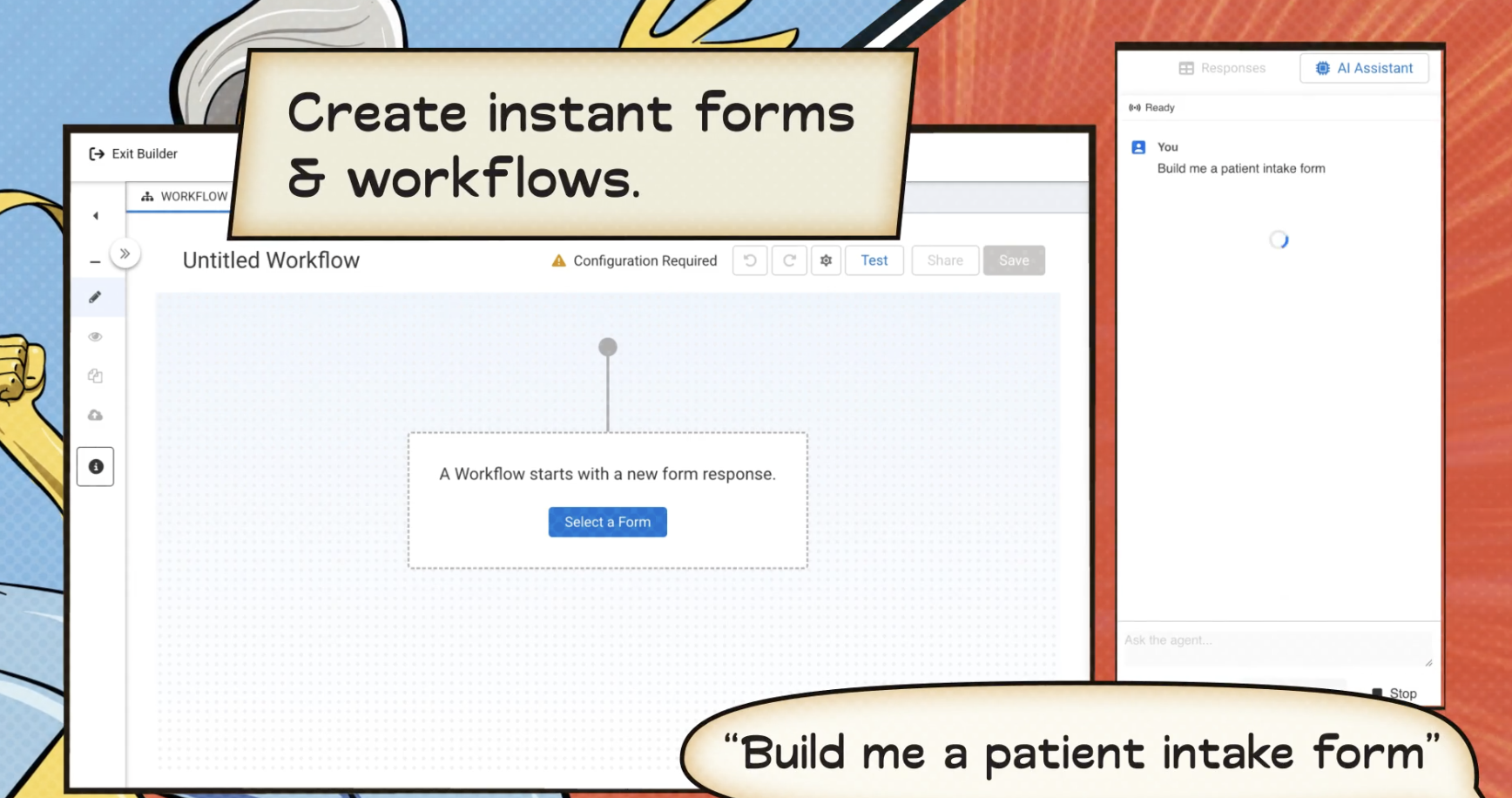
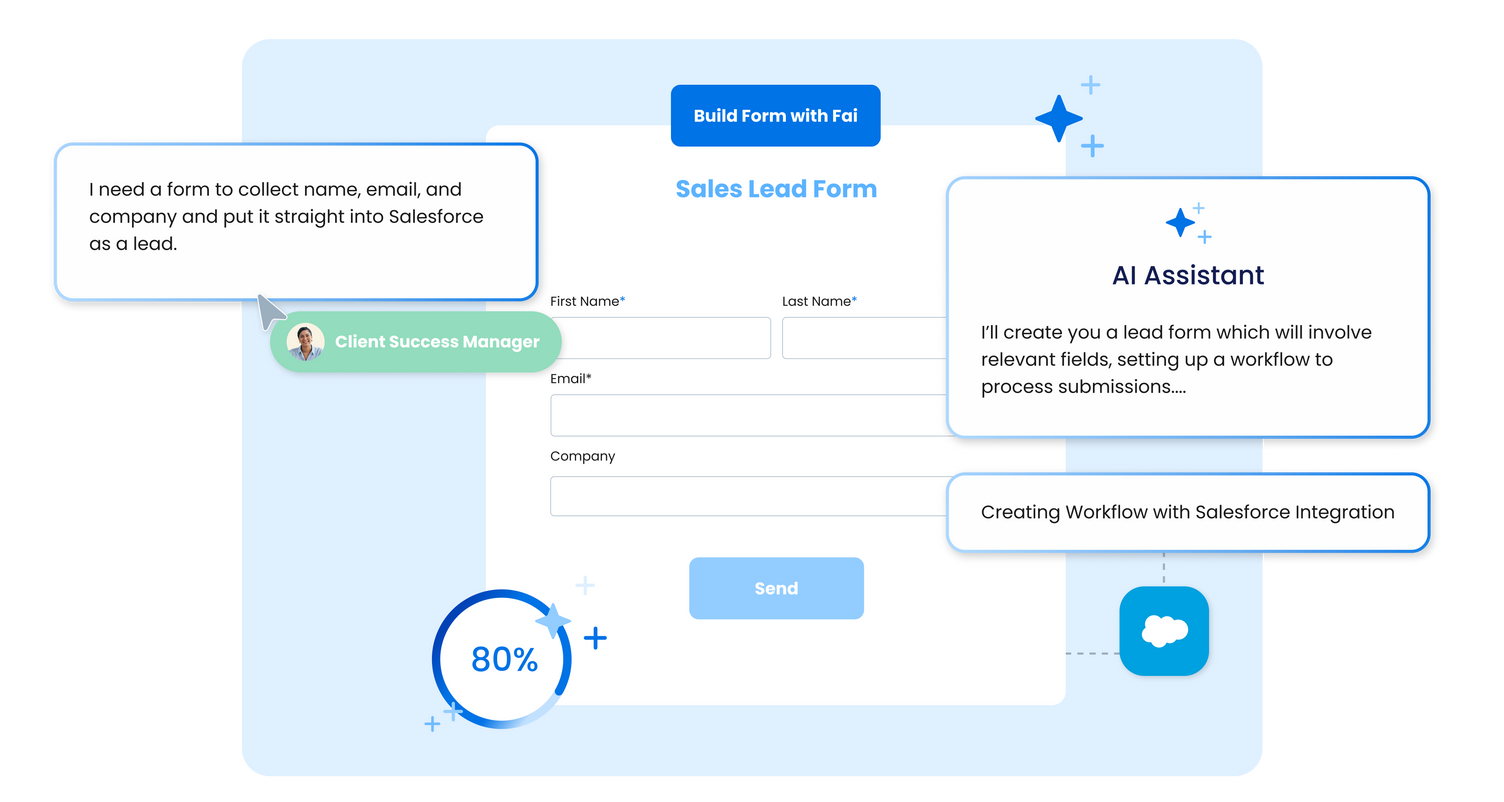
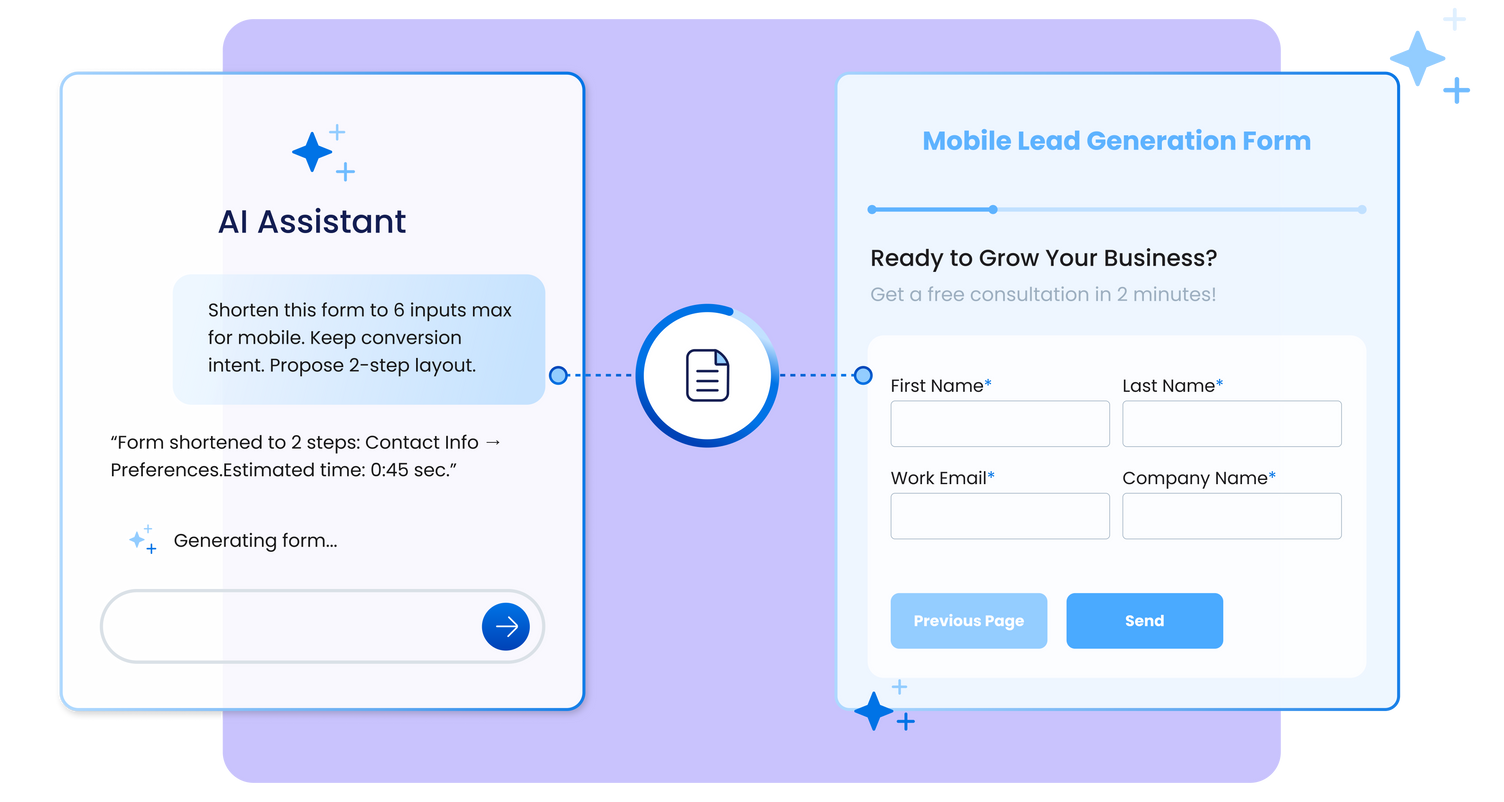
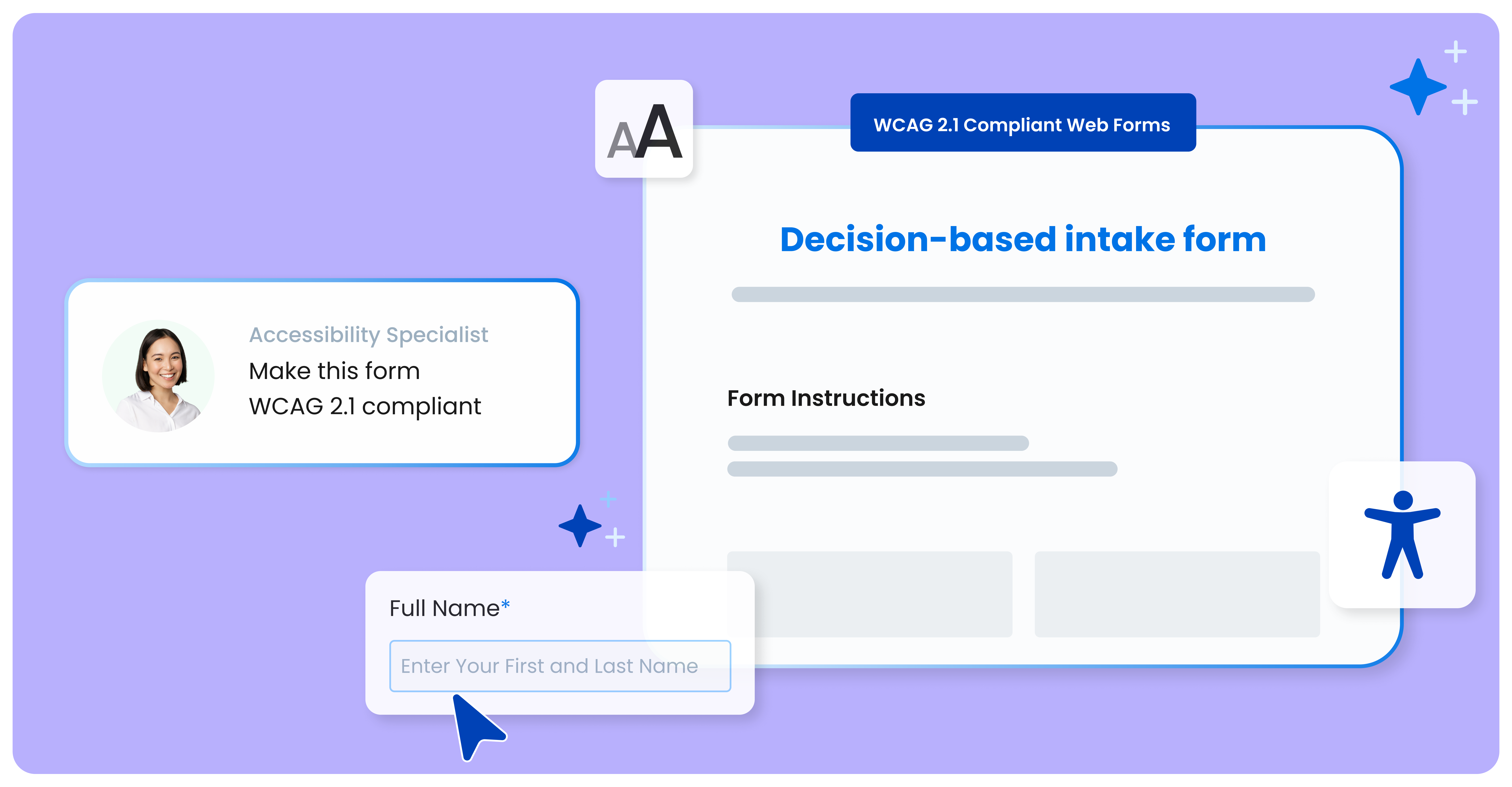
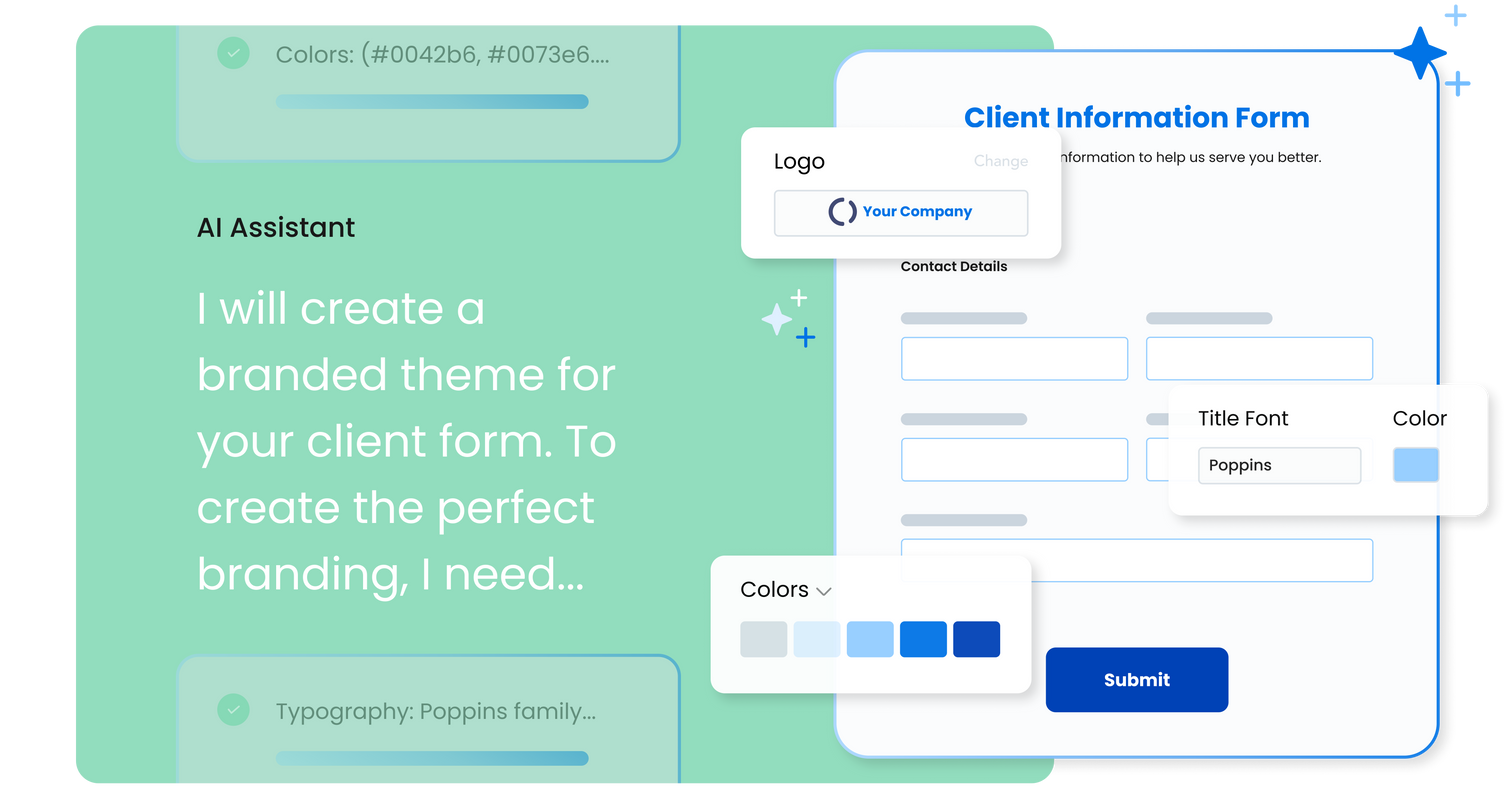
FormAssembly is an enterprise data collection and automation platform designed to enable organizations to capture clean, compliant data from the start. With the latest edition of the platform, FormAssembly Atlas, and its built-in AI assistant, Fai, forms and workflows build themselves, connect to Salesforce and other systems in just a few clicks, and ensure every record is structured, secure, and ready for automation or AI. In short, FormAssembly is designed to…
N/A
Intouch Insight
Score6 out of 10
N/A
Intouch Insight offers a portfolio of customer experience management (CEM) products and services that promise to help global brands delight their customers, strengthen brand reputation and improve financial performance. Intouch was founded in 1992 and works with over 300 brands in North America, offering its CEM software and services which include: customer experience management software survey software mobile forms software mystery shopping…
Well suited to get information into Salesforce. For the pricepoint you have to pay and the workflow you have to set up it is less appropriate when using Microsoft 365. The Google connector is very simple and you can use it with forms, it hinders us that is not an option unless a workflow is used.
A de minimis incentive was given to thank the reviewer for their time. The incentive was not used to bias or drive a particular response, nor was the incentive contingent on a positive endorsement. More Info
Intouch Insights is great for companies needing to a deeper look at their customer base without the need to pay for a consultant to do it. Intouch does enable you to reach people on all platforms (desktop, mobile, tablet) and lets you create a decent experience too. If you're a small marketing team, make sure you allow the appropriate time span to set up and use the software as it can eat into time.
A de minimis incentive was given to thank the reviewer for their time. The incentive was not used to bias or drive a particular response, nor was the incentive contingent on a positive endorsement. More Info
Integrating with Salesforce - mapping fields is straightforward, and custom formulas allow for some increased complexity in processing.
Scalability - we leverage the URL pre-fill and dynamic picklist features to use a single form for multiple different programs.
Simple form building via point-and-click is relatively easy. Hidden fields, conditionals, and repeat sections are useful features for more complex form needs.
Custom CSS option is useful - has allowed us to visually integrate FormAssembly forms onto our website via iframe.
A de minimis incentive was given to thank the reviewer for their time. The incentive was not used to bias or drive a particular response, nor was the incentive contingent on a positive endorsement. More Info
Compatible with most smartphones: Our forms can be viewed and used on almost every smartphone. Some outliers may be phones that are not up-to-date on software.
Variety: We can make an array of form types enabling us to really update our mobile experience. We also have a good selection of question types to use to build out engaging forms rather than stale ones.
Simple to use: The builder interface is really simple to use. You can drag your questions to shake up the order, add images if needed, and you can even provide a question description to give users more detail.
A de minimis incentive was given to thank the reviewer for their time. The incentive was not used to bias or drive a particular response, nor was the incentive contingent on a positive endorsement. More Info
FormAssembly could do a much better job supporting customers. As I mentioned, FormAssembly is critical to our day-to-day operations, so it is very important to us that support is prompt and reliable when we reach out. Unfortunately, this has not been our experience. For example, on more than one occasion, I had a support case open for months without hearing back, despite repeatedly following up.
FormAssembly could make troubleshooting and configuration updates easier by improving their user interface. Salesforce, for example, has a feature called "Where is this used?" for fields, which makes it easy to address bugs and make changes efficiently and effectively.
FormAssembly could benefit from improving training and support resources.
A de minimis incentive was given to thank the reviewer for their time. The incentive was not used to bias or drive a particular response, nor was the incentive contingent on a positive endorsement. TR verified that a representative sample of customers was invited. More Info
Data can be "collected" offline: If the person uses the form offline, it's supposed to sync with our software after they come online. We've found that it doesn't always sync well and we have to use incomplete data or trash the form fill as a whole.
Set up is a little challenging: We had to work with a customer rep along with reading the help forum to get this set up the way we wanted it to be, causing us to use up time we didn't originally allot to it.
Issue alerts: While it does work most of the time, we have had a few hiccups with the issue alert functionality. We would actually find the issue or be informed of the issue before the software alerted us.
A de minimis incentive was given to thank the reviewer for their time. The incentive was not used to bias or drive a particular response, nor was the incentive contingent on a positive endorsement. More Info
FormAssembly continues to meet our needs, and the product functionality continues to grow, providing us with new opportunities to utilize the software. We've built many forms and associated processes on FormAssembly. It would require a large effort to migrate to another platform. We have invested a lot of time in learning FormAssembly.
A de minimis incentive was given to thank the reviewer for their time. The incentive was not used to bias or drive a particular response, nor was the incentive contingent on a positive endorsement. More Info
The UI is very intuitive and easy to use, even if you've never used a form building platform before. There is plenty of easy-to-find documentation so if you're unsure on anything, you can sense-check it. I also love the drag-and-drop form building. It is a breeze to use, especially compared to other form builders which are quite clunky, or where the functionality takes a lot of clicks to reach. Everything is easily accessible and ready to use with FormAssembly.
A de minimis incentive was given to thank the reviewer for their time. The incentive was not used to bias or drive a particular response, nor was the incentive contingent on a positive endorsement. More Info
While it's not a true development package and misses some features like ingestion of external data for lists, etc... the product is fast, stable, easy to use, and will suit the needs of anyone needing online form functionality with SalesForce and other connectors available for your marketing needs.
A de minimis incentive was given to thank the reviewer for their time. The incentive was not used to bias or drive a particular response, nor was the incentive contingent on a positive endorsement. More Info
A de minimis incentive was given to thank the reviewer for their time. The incentive was not used to bias or drive a particular response, nor was the incentive contingent on a positive endorsement. More Info
FormAssembly's features were more expansive than SurveyMonkey, in my opinion. When doing a comparison, we really liked that we could set up formulas to calculate expenses for us and that they would be easy to update as needed for rates that change from year to year.
A de minimis incentive was given to thank the reviewer for their time. The incentive was not used to bias or drive a particular response, nor was the incentive contingent on a positive endorsement. More Info
Compared to InTouch, these three look like amateurs. They are far too simple and do not have the mobile capability and mobile display appearance as InTouch. While they are cheaper alternatives, you'd be losing out on a lot of key benefits, especially with analytics, that InTouch delivers to its users.
A de minimis incentive was given to thank the reviewer for their time. The incentive was not used to bias or drive a particular response, nor was the incentive contingent on a positive endorsement. More Info
A de minimis incentive was given to thank the reviewer for their time. The incentive was not used to bias or drive a particular response, nor was the incentive contingent on a positive endorsement. More Info
A de minimis incentive was given to thank the reviewer for their time. The incentive was not used to bias or drive a particular response, nor was the incentive contingent on a positive endorsement. More Info