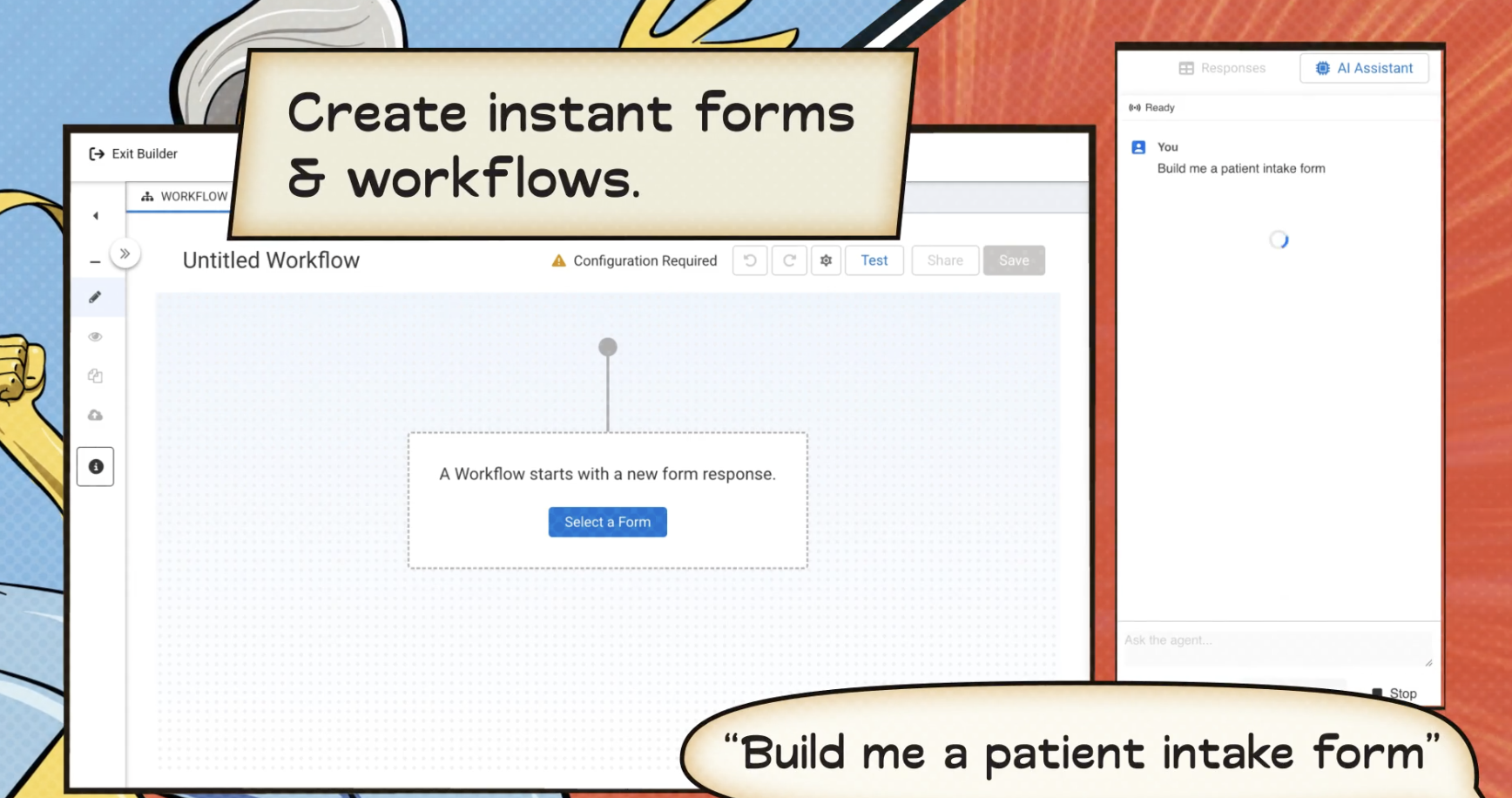
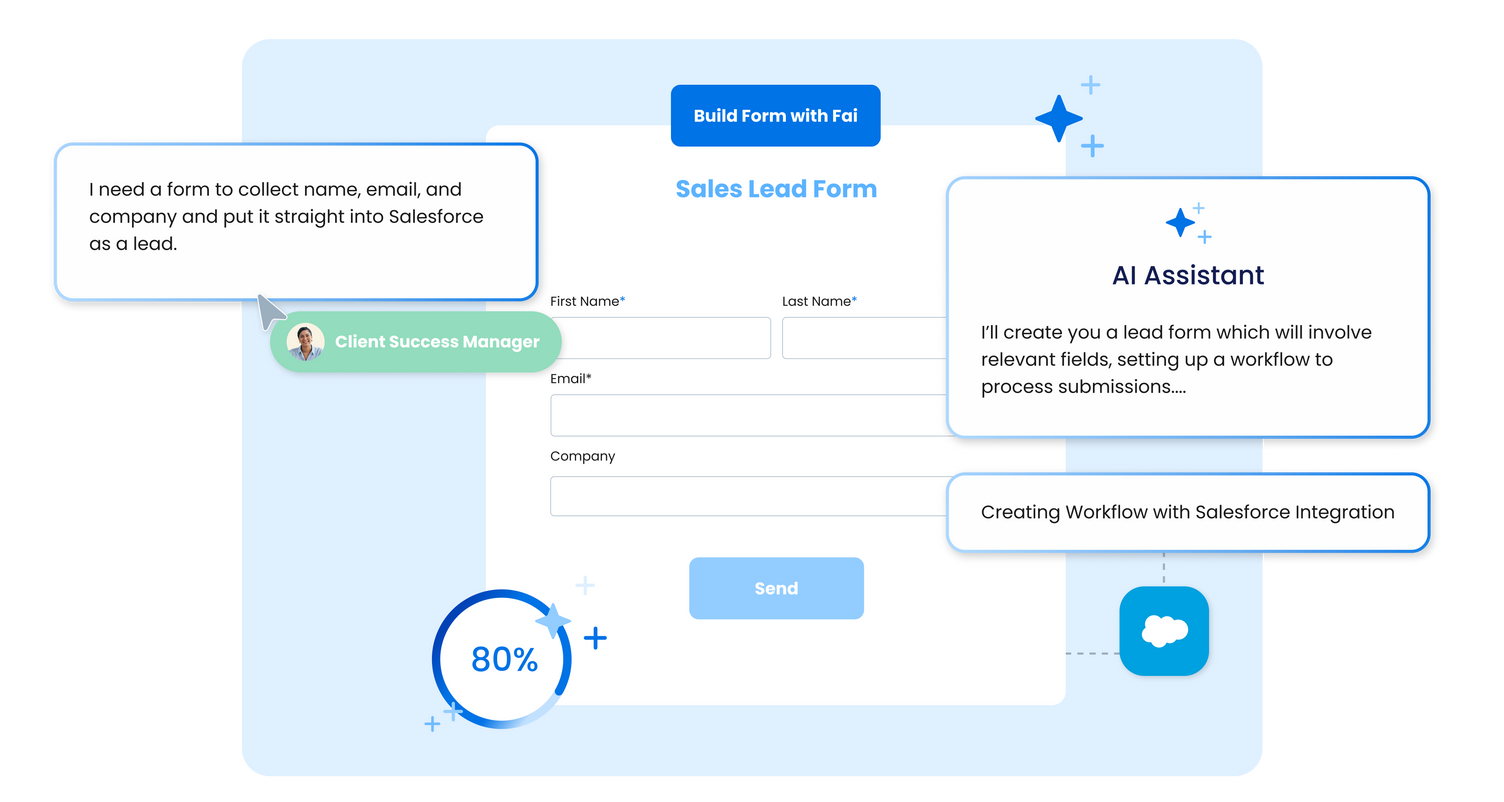
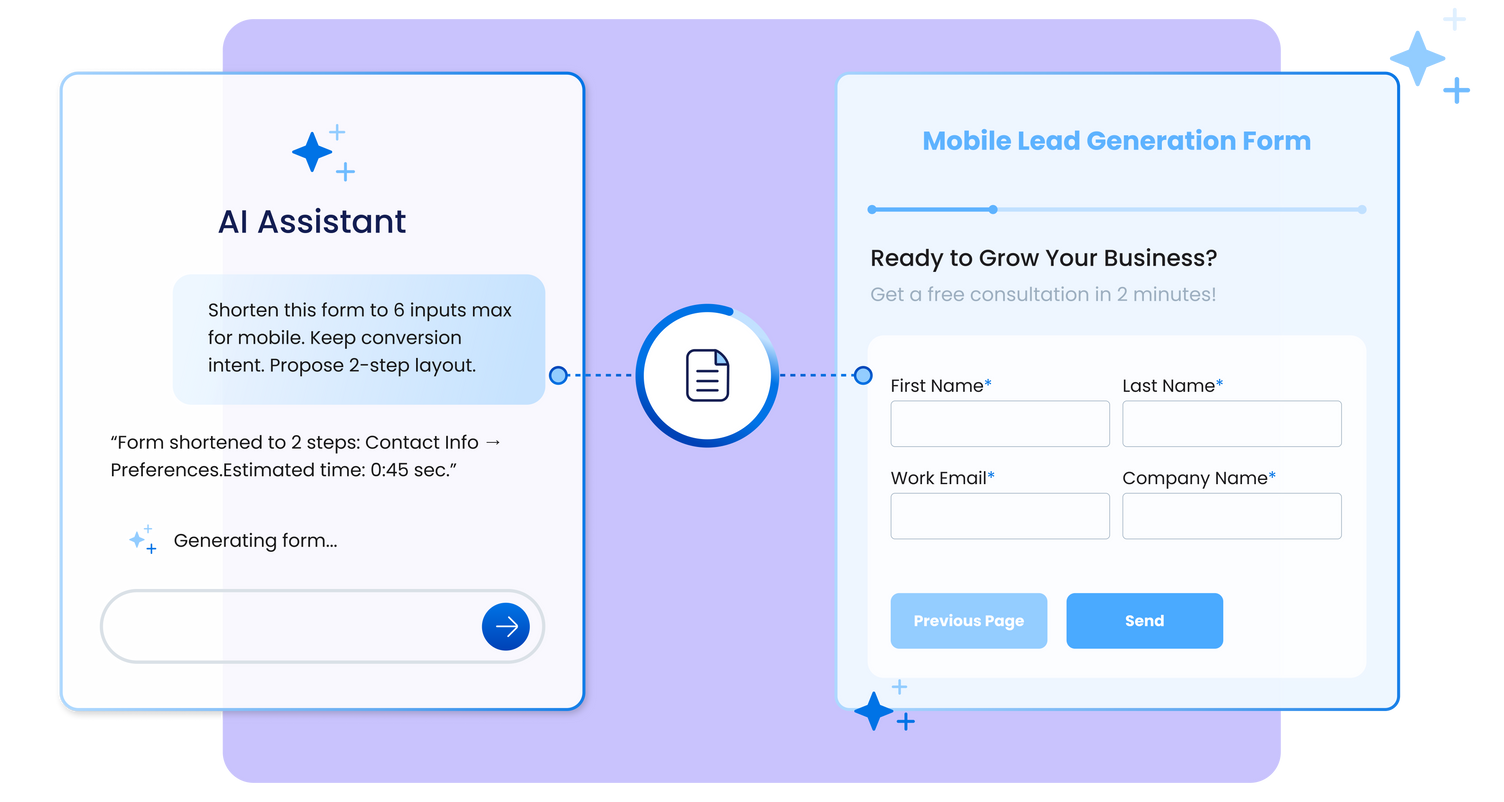
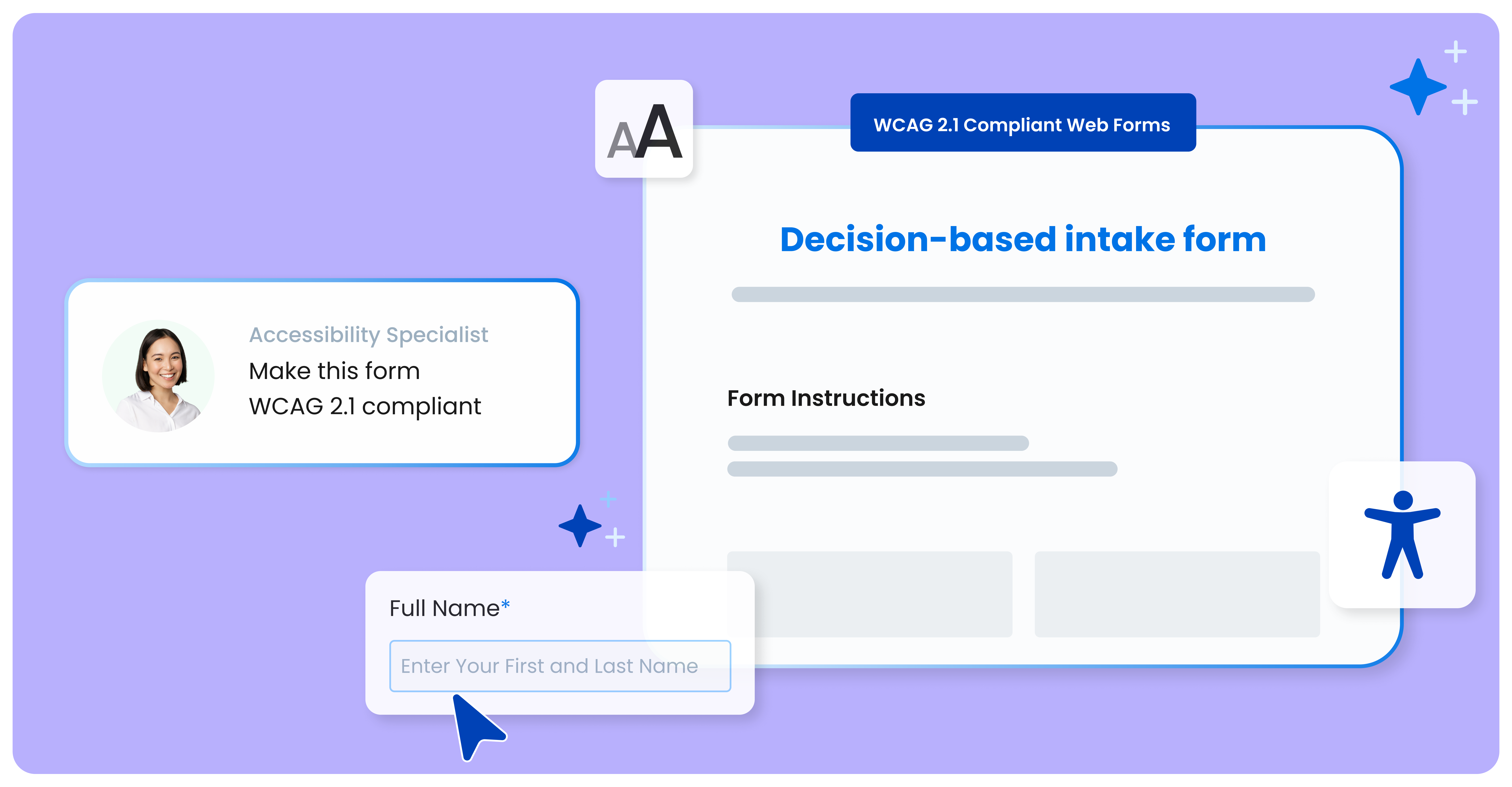
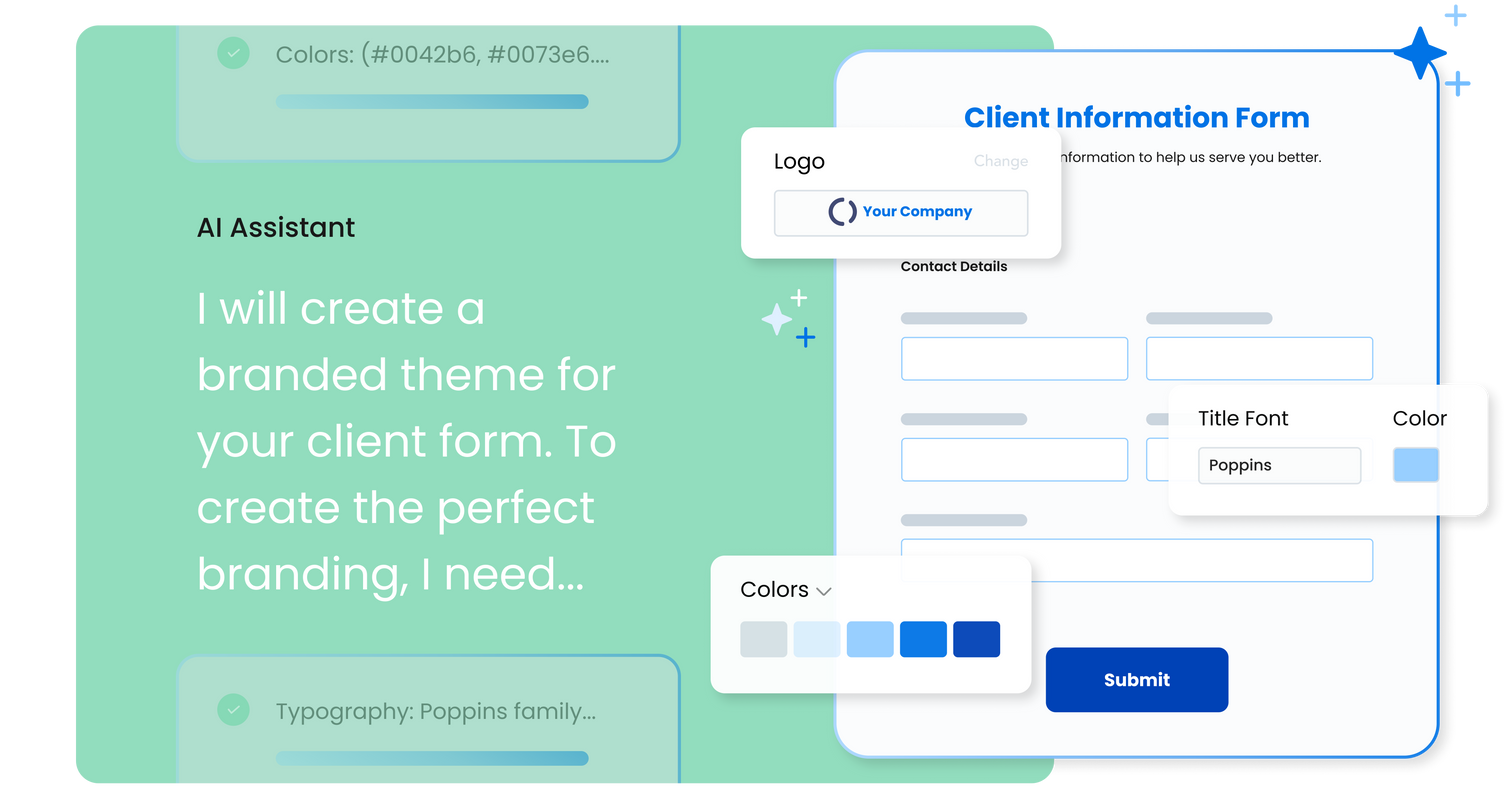
FormAssembly is an enterprise data collection and automation platform designed to enable organizations to capture clean, compliant data from the start. With the latest edition of the platform, FormAssembly Atlas, and its built-in AI assistant, Fai, forms and workflows build themselves, connect to Salesforce and other systems in just a few clicks, and ensure every record is structured, secure, and ready for automation or AI. In short, FormAssembly is designed to…
N/A
Porsline
Score 0.0 out of 10
N/A
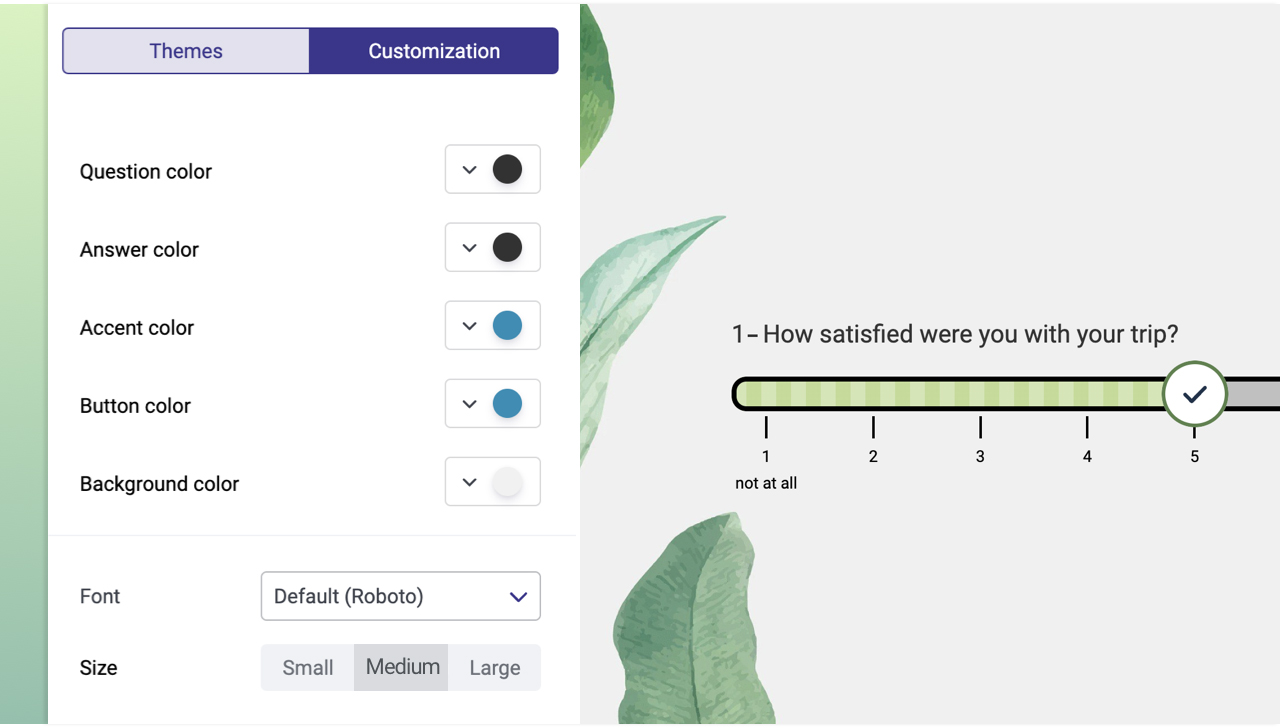
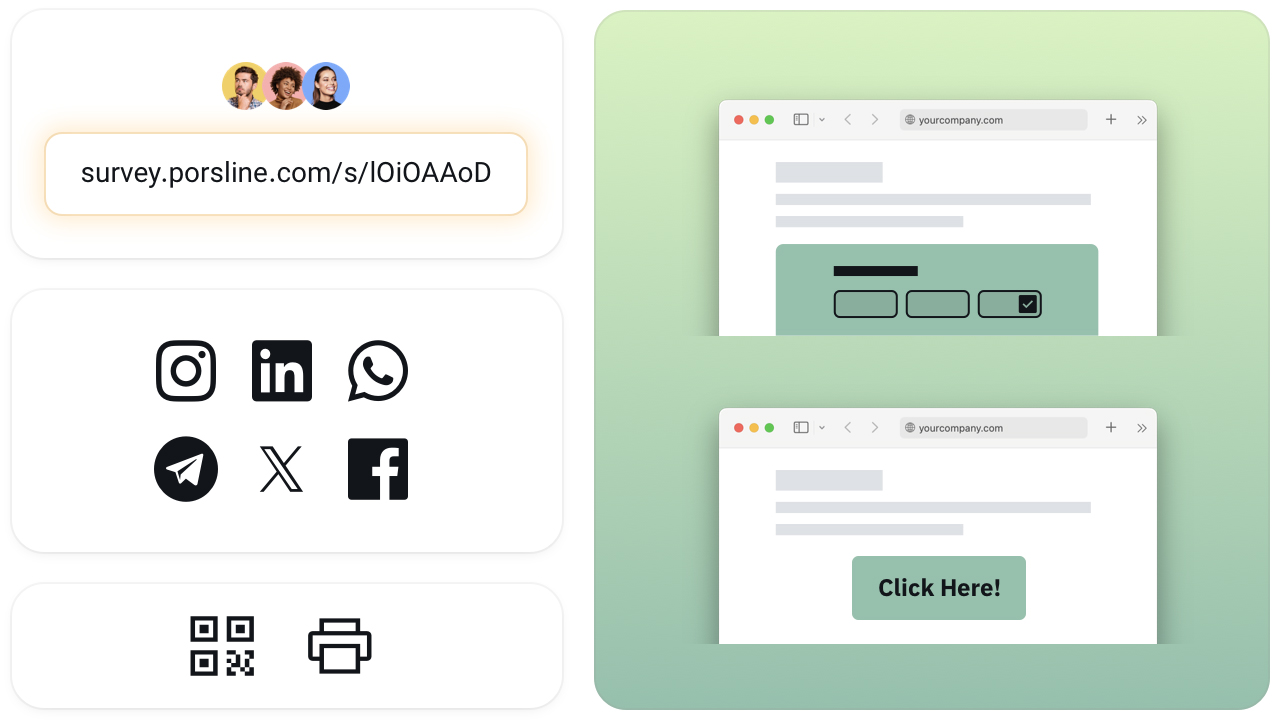
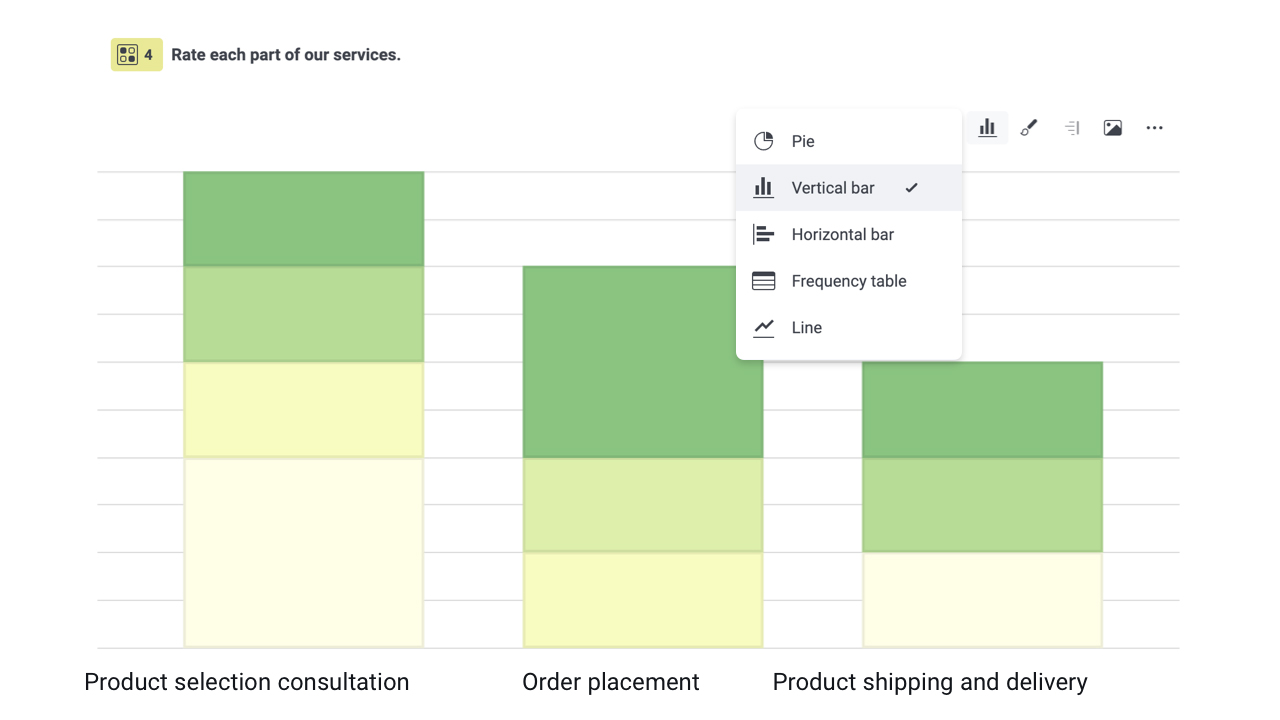
Porsline is an online form and survey platform that helps teams turn responses into clear, actionable decisions. From a single workspace, organisations design forms, questionnaires, tests, and feedback flows without code, then analyse the results in real time to guide everyday and strategic decisions. Headquartered in Estonia and serving customers across Europe, the Middle East, North America, and beyond, Porsline is built for teams that work in multiple languages…
$23
per month per user
Pricing
FormAssembly
Porsline
Editions & Modules
Atlas Explorer
Contact Sales
per month
Atlas Team
Contact sales
Gov Cloud
Contact sales
Atlas Enterprise
Contact Sales
Pro
€23
per month per user
Enterprise
€53
per month per user
Offerings
Pricing Offerings
FormAssembly
Porsline
Free Trial
Yes
Yes
Free/Freemium Version
No
Yes
Premium Consulting/Integration Services
No
No
Entry-level Setup Fee
Optional
No setup fee
Additional Details
—
Porsline is offered as a cloud-based subscription with three main plans:
Free – €0
For simple forms and trials, with unlimited questions and up to 100 responses per month.
Pro – €23 per user/month (monthly billing)
For teams that need scale and automation, with unlimited responses (fair use), advanced logic, payments, custom domains, and integrations.
Enterprise – €53 per user/month (monthly billing)
For organisations that need governance and advanced analysis, adding respondent authentication, calculated and custom variables, multi-level filters, report builder and sharing, webhooks, and 500+ integrations via Zapier.
A 7-day free trial is available (no credit card required), and annual plans include 2 months free. Premium onboarding and consulting are available for Enterprise customers.
I have used typeform, Yupform and jotform before choosing FormAssembly. Compared to them, FormAssembly is better for business use and handles complex workflows more smoothky. It is Salesforce integrtion is more reliable and reduce manual work. While other are simpler or have …
FormAssembly's features were more expansive than SurveyMonkey, in my opinion. When doing a comparison, we really liked that we could set up formulas to calculate expenses for us and that they would be easy to update as needed for rates that change from year to year.
More options, better customization, and friendly to admins. All 3 of those products have their warts, but the biggest hurdle is that they just don't work as well as FormAssembly. FormStack is nice in SF, but the features are limited, and the styling options are way worse. Titan …
FormAssembly is by far the better program when it comes to security and ease of use. The ability to connect multiple forms and create pathways depending upon responses allows for ease of use by respondents.
Overall we were looking specifically for a Salesforce-connected form provider, and found FormAssembly offered the most dynamic and powerful suite of Salesforce integrations across the form vendors we evaluated. I would specifically highlight that the logic a user can create …
I know there are other options in the market but realistically we went
with the one that our developers were familiar with and recommended
which was FormAssembly. Knowing that it would work well with Salesforce
Form Assembly allows for advanced data mapping, pre-filling forms with Salesforce data, and working with custom objects. FormAssembly excels in Salesforce Integration, as it is highly specialized and deeply integrated. Often considered the industry leader for Salesforce forms, …
FormAssembly has superior Salesforce configuration settings, but JotForm offers a much greater variety of systems integrations. We don't really use reports or workflows in FormAssembly, but the Jotform Report Builder is frustrating at best. Workflows feel comparable from my …
It is easier to design a form through Formassembly and integrate the results with Salesforce. When compared with docomotion, Formassembly is user-friendly. Additionally, the new feature in Formassembly that allows for designing signatures is beneficial.
Our website couldn’t handle self-hosting Formidable Forms as a plug-in on our website and would frequently crash. Titan Forms had poor communication and was difficult to schedule customer service. Formstack was self-hosted on our Salesforce, but was overpriced for our use case …
TargetX Forms is another option that I have. We decided to continue using FormAssembly due to the lack of features and flexibility available in TargetX Forms.
We have only used FormAssembly, once we were made aware of it by a consultant a few years ago. I checked the vendor recommendations against the Salesforce forums to see if it was recommended there and it was, plus I read the user-reviews on the AppExchange page. Once I got …
When we were researching options 2 years ago, FormAssembly beat other form tools hands down based on Salesforce integration features. The ability to declaratively set up prefill and post-submission data connectors supporting complex hierarchical data relationships was huge …
It's affordable, flexible, and does everything you need a form tool to do. It's not that hard to figure out, and an admin can start using it right away, without too much support. Their support documentation is very good, and we can find exactly what we need without much digging.
we could always use more styling options when it comes to the form builder
in our past use of the form builder when adding attachments to a form, there was an upload limit of 35MB. It would be great if this limit was increased.
One major point for us is our migration to a completely Microsoft infrastructure. IN addition to that, the afore mentioned need to ingest external data resources means that we do have our eyes open toward the landscape so that we can fill these needs. This in no way indicates a move away from FormAssembly: their support is first rate, and so far the product has always stood up to the tests we've put it through.
My perspective is mainly from IT delivery and operations, rather than from the students who entering data. the system is user-friendly, easy to navigate, and has excellent integration with Salesforce. While error handling could be improved, the support channel has limited capacity to maintain a good service level and lacks the ability to handle complex cases via conference call or screensharing.
While it's not a true development package and misses some features like ingestion of external data for lists, etc... the product is fast, stable, easy to use, and will suit the needs of anyone needing online form functionality with SalesForce and other connectors available for your marketing needs.
FormAssembly's features were more expansive than SurveyMonkey, in my opinion. When doing a comparison, we really liked that we could set up formulas to calculate expenses for us and that they would be easy to update as needed for rates that change from year to year.