Gemma vs. ZoomMate

Overview
ProductRatingMost Used ByProduct SummaryStarting Price
Gemma
Score 0.0 out of 10
N/A
Gemma is a family of generative artificial intelligence models of use for a variety of generation tasks, including question answering, summarization, and reasoning. Gemma models are provided with open weights and permit responsible commercial use, allowing users to tune and deploy them in projects and applications.
$0
ZoomMate
Score 8.4 out of 10
N/A
ZoomMate is Zoom’s next-generation "agentic" workspace, launched in June 2026 to transform how teams move from conversation to completion. Positioned as an "AI Teammate" or virtual "Chief of Staff," ZoomMate goes beyond standard chatbots by proactively executing tasks across a company's entire digital ecosystem.
$20
per month includes 2,200 AI credits
Pricing
GemmaZoomMate
Editions & Modules
No answers on this topic
Offerings
Pricing Offerings
GemmaZoomMate
Free Trial
NoNo
Free/Freemium Version
YesYes
Premium Consulting/Integration Services
NoYes
Entry-level Setup FeeNo setup feeNo setup fee
Additional Details
More Pricing Information
User Ratings
GemmaZoomMate
Likelihood to Recommend
-
(0 ratings)
8.4
(28 ratings)
Usability
-
(0 ratings)
9.0
(1 ratings)
User Testimonials
GemmaZoomMate
Likelihood to Recommend
Google
No answers on this topic
Zoom
If you have a colleague who is based in a remote location or is part of a remote team, Zoom is a vital collaboration tool for your day-to-day work. Zoom AI Companion is easier and more effective for working with a colleague at a remote location rather than making a call. You can share your non-verbal reactions through video, which brings a close experience to face-to-face interactions.
Read full review
Pros
Google
No answers on this topic
Zoom
  • Zoom has a built-in AI-powered transcription feature that generates automated meeting summaries, so we don't have to take meeting notes.
  • Zoom has stable video/audio quality even in low bandwidth.
  • Zoom has everything in one place, like meetings, chat, phone, and whiteboard, so we don't have to juggle multiple apps.
Read full review
Cons
Google
No answers on this topic
Zoom
  • Although the whiteboard is nice, it's not as advanced as I'd like to be. For example, navigating it can sometimes be tricky, and it doesn't have nearly as many features as a tool like Miro.
  • The Zoom integration for Outlook has issues, it doesn't always sync
  • The React feature on Zoom calls doesn't always work and sometimes isn't visible
Read full review
Usability
Google
No answers on this topic
Zoom
It's really easy to use - the AI icon is everywhere all over the place in the Zoom client so it's easy to be able to leverage AI whenever you need it, and similarly in the meeting it's easy to find and to use. I don't have complaints here that I can think of
Read full review
Alternatives Considered
Google
No answers on this topic
Zoom
Zoom has better compatibility compared to Teams at our institution. It also supports a wider array of codecs. We like using Zoom despite the fact that both Teams and Zoom are supported at an enterprise level at our academic institution. Zoom also seems to have better video and audio quality and lower drop rates.
Read full review
Return on Investment
Google
No answers on this topic
Zoom
  • It has allowed us to work seamlessly with hybrid work environments
  • It has allowed us to have clients or vendors share seamlessly when they are in office. Makes it look like we have our [...] together, thanks!
  • Other options we were looking at (barco) would have been such a large chunk of money to get even half the rooms we have done. You are top notch!
Read full review
ScreenShots

ZoomMate Screenshots

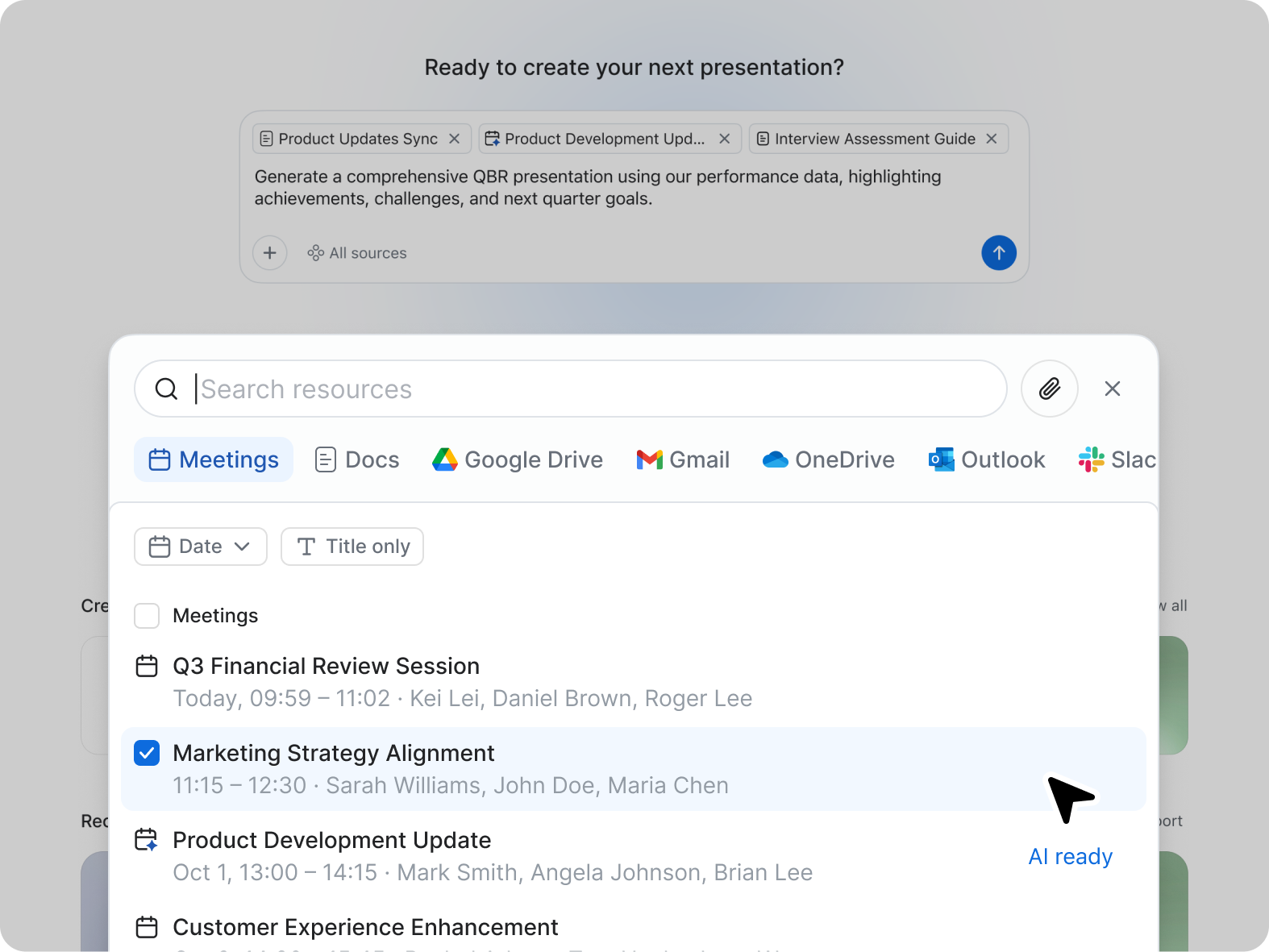
Screenshot of ZoomMate, the AI teammate. ZoomMate analyzes, learns, and acts on conversations to complete work.Screenshot of Search: agentic search and deep researchScreenshot of Workflows are conversational and visual automations that handle multi-step processes across meetings, apps, and systems. You can describe a workflow in natural language ("when someone files a support ticket about pricing, route it to the sales team and post a notification in the deal channel"), use pre-built templates, or build one visually. They run on triggers — events, schedules, or agentic logic — and can be configured with approval checkpoints to keep you in the loop where approvals are needed.Screenshot of Create: AI-first productivity tools