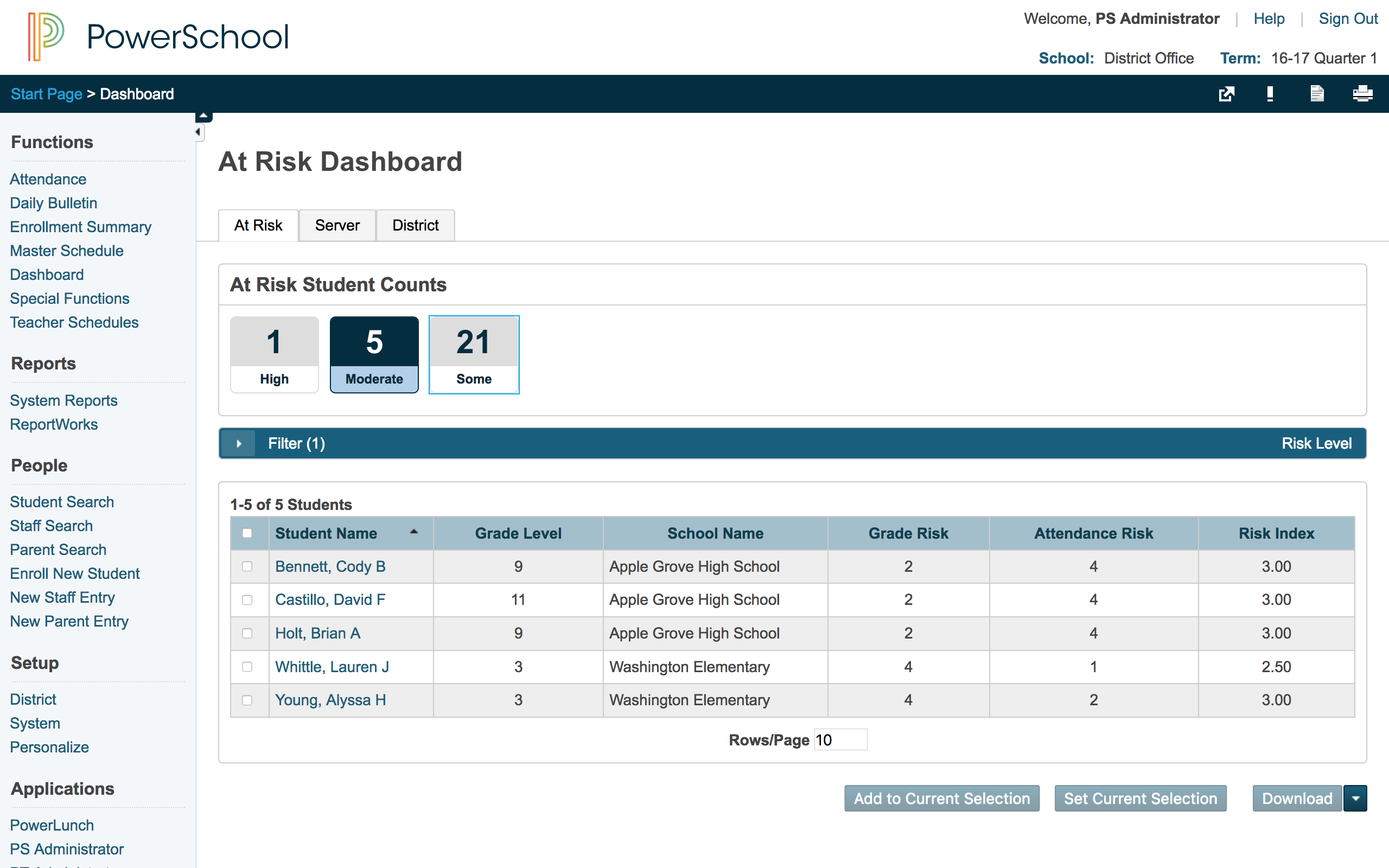
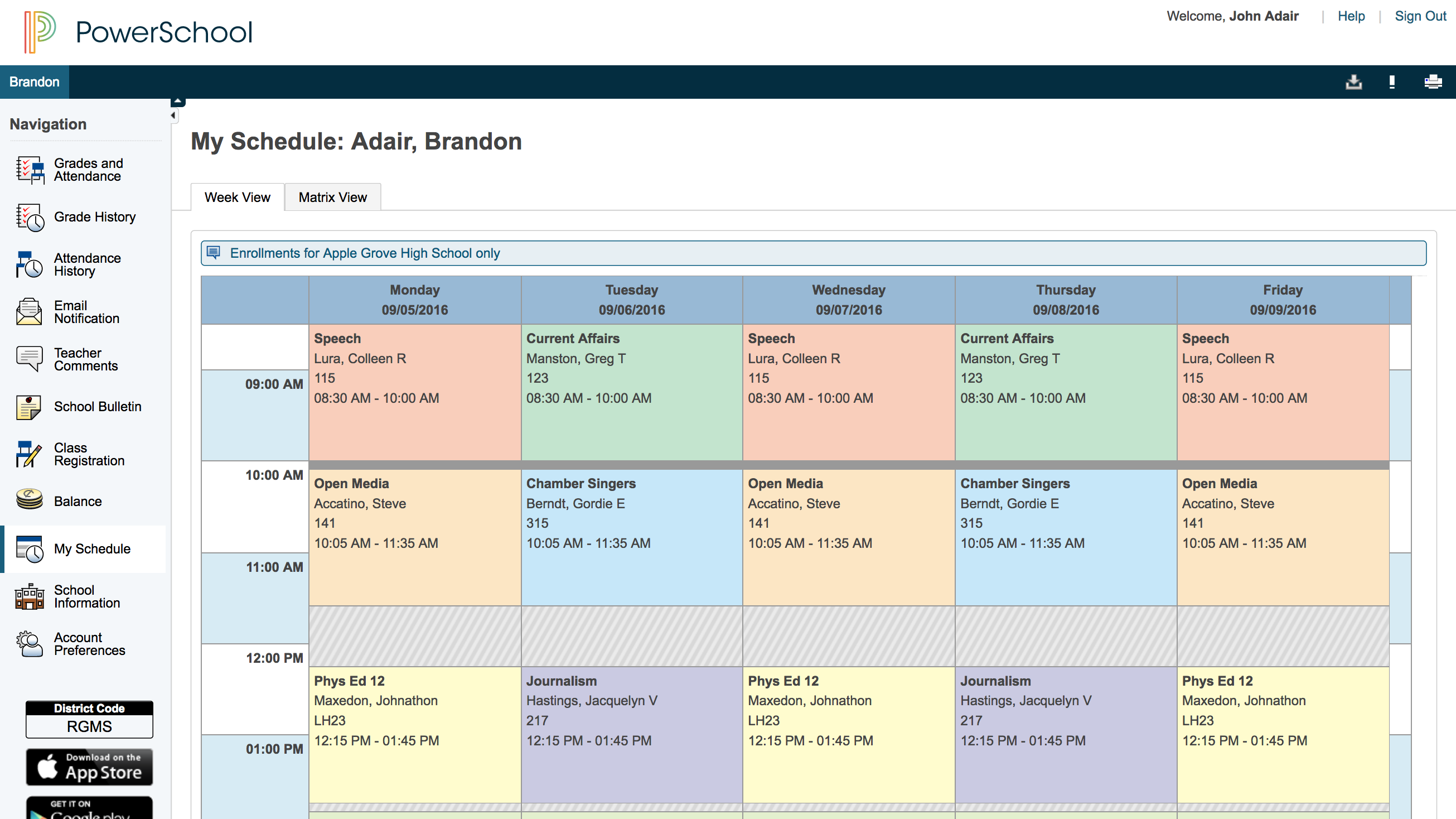
The PowerSchool Student
Information System covers administrative needs, such as scheduling, attendance,
reporting, data management, faculty management, emergency/medical and health
management, registration, and more for K-12 schools and districts. It is easy
to use and boasts an industry-leading gradebook, PowerTeacher Pro. Users enjoy
a fully web-based SIS that is flexible, configurable, and scalable with
real-time updates on any operating system, browser or device.
N/A
Pricing
Google Classroom
PowerSchool SIS
Editions & Modules
Education Fundamentals
$0
per license/per month
Google Workspace for Education Standard
$3
per student/per year
Teaching and Learning Upgrade
$4
per license/per month
Google Workspace for Education Plus
$5
per student/per year
No answers on this topic
Offerings
Pricing Offerings
Google Classroom
PowerSchool SIS
Free Trial
Yes
No
Free/Freemium Version
No
No
Premium Consulting/Integration Services
No
No
Entry-level Setup Fee
No setup fee
No setup fee
Additional Details
Education Fundamentals Version - 30-day free trial for qualifying institutions.
A de minimis incentive was given to thank the reviewer for their time. The incentive was not used to bias or drive a particular response, nor was the incentive contingent on a positive endorsement. More Info
High School Spanish Teacher at Blair Oaks High School (Education Management, 11-50 employees)
Chose Google Classroom
Google Classroom is free and easy for all. It's also easy to integrate other Google platforms with. It helps transfer grades from one place in Google to another. I currently use PowerSchools for grade recording, and have used Infinite Campus in the past. These are great for …
A de minimis incentive was given to thank the reviewer for their time. The incentive was not used to bias or drive a particular response, nor was the incentive contingent on a positive endorsement. More Info
Verified User
Chose Google Classroom
Google Classroom provides some of the same features that Canvas it does. It feels much easier to implement with younger students and allows them to be familiar with this type of platform before jumping into Canvas. Canvas does have more details in their features, but we feel it …
A de minimis incentive was given to thank the reviewer for their time. The incentive was not used to bias or drive a particular response, nor was the incentive contingent on a positive endorsement. More Info
A de minimis incentive was given to thank the reviewer for their time. The incentive was not used to bias or drive a particular response, nor was the incentive contingent on a positive endorsement. More Info
Director of Technology in Information Technology at Edgewood High School (Religious Institutions, 51-200 employees)
Chose Google Classroom
Paid solutions such as Powerschool Learning do provide a wider range of features and integrations, but Google Classroom is still a very powerful tool. If you're already a G-Suite user, it is a no-brainer. It's free, and is ready to use once your Google Users are created. It …
A de minimis incentive was given to thank the reviewer for their time. The incentive was not used to bias or drive a particular response, nor was the incentive contingent on a positive endorsement. More Info
Computer Science Teacher at St. Thomas Aquinas High School (Education Management, 51-200 employees)
Chose PowerSchool SIS
PowerSchool was the learning management system that was in place when I started at this institution but I approve of it. It definitely does help simplify the amount of work that goes into the grading process. Grades can easily be calculated as long as a proper setup has been …
A de minimis incentive was given to thank the reviewer for their time. The incentive was not used to bias or drive a particular response, nor was the incentive contingent on a positive endorsement. More Info
Elementary School Teacher at Floyd County Schools (Education Management, 501-1000 employees)
Chose PowerSchool SIS
PowerSchool has many more features than Blackboard such as attendance, grades, performance review standards platform, lunch, etc. Blackboard makes it easy to find a parent’s email or phone number quickly which is not in PowerSchool.
A de minimis incentive was given to thank the reviewer for their time. The incentive was not used to bias or drive a particular response, nor was the incentive contingent on a positive endorsement. More Info
English Teacher at Byron Center Public Schools (Education Management, 51-200 employees)
Chose PowerSchool SIS
Each of the above products has great features, but PowerSchool has features that each of the above products has, all in one system. This means that you could more easily use JUST PowerSchool without needing extensions and other systems to supplement features. This is less …
A de minimis incentive was given to thank the reviewer for their time. The incentive was not used to bias or drive a particular response, nor was the incentive contingent on a positive endorsement. More Info
Verified User
Chose PowerSchool SIS
I used Blackbaud at a different school system so there was not a choice or selection. I feel that it was pretty similar to PowerSchool so I had a very smooth transition from one platform to the other. The gradebooks felt very similar, along with the recording and reports …
A de minimis incentive was given to thank the reviewer for their time. The incentive was not used to bias or drive a particular response, nor was the incentive contingent on a positive endorsement. More Info
English Teacher at Young Scholars of Central Pennsylvania (Primary/Secondary Education, 51-200 employees)
Chose PowerSchool SIS
PowerSchool blows the other Student Information System that my school used out of the water. The other Student Information System was a glorified grade book/report creator, and had no other function. PowerSchool has so many functions and elements inside of one program that it …
A de minimis incentive was given to thank the reviewer for their time. The incentive was not used to bias or drive a particular response, nor was the incentive contingent on a positive endorsement. More Info
Teacher at Winnacunnet High School (Primary/Secondary Education, 51-200 employees)
Chose PowerSchool SIS
I used Infinite Campus previously while working at a different school. My position was the same at both schools. PowerSchool is more user-friendly than Infinite Campus for those staff members who are not strong with utilizing technology. Infinite Campus allows users to print …
A de minimis incentive was given to thank the reviewer for their time. The incentive was not used to bias or drive a particular response, nor was the incentive contingent on a positive endorsement. More Info
Google Classroom allows teachers to post for daily lessons and assignments. It also allows teachers to be able to communicate with students easily outside of class. Students are able to stay connected and know where to find all information and resources easily in a streamlined manner for all of their classes.
A de minimis incentive was given to thank the reviewer for their time. The incentive was not used to bias or drive a particular response, nor was the incentive contingent on a positive endorsement. More Info
PowerSchool Student Information System is a cool software that can be highly recommended to anyone who is living in the educational management space. It is proven that this software can reduce your manual workload massively if you use it right. Plus it is really worth the price you pay. Especially if you are in the administrative field, this software will help you to minimize manual efforts put into student registrations, staffing recruitment, and main resource management processes.
A de minimis incentive was given to thank the reviewer for their time. The incentive was not used to bias or drive a particular response, nor was the incentive contingent on a positive endorsement. More Info
Student-teacher communication - I love using Classroom for this because my students can always go back and check what was on Classroom by looking through the stream. This way they don't have to go dig through emails to find what they're looking for.
Posting to multiple classes - I can post the same announcement or assignment to multiple classes at once without having to repeat the process or send separate emails.
Streamlining grading - when students turn work in on Classroom, it all goes to one place and then when I'm grading I can open their documents directly from Classroom or my Drive folder. This way, I'm not looking through emails and Google Doc shared files for their assignment.
A de minimis incentive was given to thank the reviewer for their time. The incentive was not used to bias or drive a particular response, nor was the incentive contingent on a positive endorsement. More Info
PowerSchool houses student or staff information that can be easily accessed by those teachers and administrators who need the information. This allows everyone to go to one place to access information.
Parents can view their child's grades at any time with their protected login on a parent portal. This allows teachers to keep parents informed and involved in their child's progress at school. When everyone works together it increases our students' chance for success.
PowerSchool offers videos to train new users. When we have new employees, the videos can be accessed at any time the employee needs as opposed to them waiting for someone to help them.
A de minimis incentive was given to thank the reviewer for their time. The incentive was not used to bias or drive a particular response, nor was the incentive contingent on a positive endorsement. More Info
A de minimis incentive was given to thank the reviewer for their time. The incentive was not used to bias or drive a particular response, nor was the incentive contingent on a positive endorsement. More Info
Testing is particularly important in online learning, and Google Classroom falls far short of other learning management systems in this regard. Security is also a concern: while account control is reasonable for the account used with Google Classroom, the person controlling a particular account is often able to, for example, forward or download proprietary materials.
We would be starting over at square one if we did not continue our PowerSchool subscription. We do not have a program in a place that would take its place.
A de minimis incentive was given to thank the reviewer for their time. The incentive was not used to bias or drive a particular response, nor was the incentive contingent on a positive endorsement. More Info
Simple design and seamless integration with Google tools and drive, but missing some key features. However, since it is limited in overall functions and ability to truly personalize / customize, it is quite user friendly and easy to set up and get going, other than sending out the code to your course or dropping students in via their gmail account. Users of Google Forms and sites will find the layout similar in design.
A de minimis incentive was given to thank the reviewer for their time. The incentive was not used to bias or drive a particular response, nor was the incentive contingent on a positive endorsement. More Info
A de minimis incentive was given to thank the reviewer for their time. The incentive was not used to bias or drive a particular response, nor was the incentive contingent on a positive endorsement. More Info
A de minimis incentive was given to thank the reviewer for their time. The incentive was not used to bias or drive a particular response, nor was the incentive contingent on a positive endorsement. More Info
Since this platform is provided by Google, the technical support is better than any others, and we are not required to bother about the space constraints for adding the contents. If we have a good uninterrupted internet facility we can access Google Classroom without any delay or lag. They have app support in both Android and iPhone.
Overall, I have not had to use support for PowerSchool Student Information System because our school district gives us training in each area in which we will be utilizing PowerSchool Student Information System. In terms of in-user support, I feel that there is mild to moderate user support that is built into PowerSchool SIS.
A de minimis incentive was given to thank the reviewer for their time. The incentive was not used to bias or drive a particular response, nor was the incentive contingent on a positive endorsement. More Info
It was relatively easy to implement due to the simplicity of the platform. Even our more technology challenged teachers found it easy to get started with Google Classroom.
A de minimis incentive was given to thank the reviewer for their time. The incentive was not used to bias or drive a particular response, nor was the incentive contingent on a positive endorsement. More Info
I haven't tested or evaluated another digital classroom website or application. I feel like Google Classroom is convenient for many reasons such as compatibility to Google docs, slides, etc. I also love the ability to link to YouTube and other sites. I don't know if there would be a site that is easier to maneuver.
A de minimis incentive was given to thank the reviewer for their time. The incentive was not used to bias or drive a particular response, nor was the incentive contingent on a positive endorsement. More Info
I have heard good things for Infinite Campus and Skyward. I would [evaluate] each of them and see what fits your needs. Each has their strengths and weaknesses and so picking the right one for your needs is important. PowerSchool [Student Information System] does have some great features, but lacks some fundamental reports and functions to make it top notch.
A de minimis incentive was given to thank the reviewer for their time. The incentive was not used to bias or drive a particular response, nor was the incentive contingent on a positive endorsement. More Info
A de minimis incentive was given to thank the reviewer for their time. The incentive was not used to bias or drive a particular response, nor was the incentive contingent on a positive endorsement. More Info
A de minimis incentive was given to thank the reviewer for their time. The incentive was not used to bias or drive a particular response, nor was the incentive contingent on a positive endorsement. More Info
It has created shortcuts for all staff members, saving us time.
In creating shortcuts and combining many different systems into one, it is saving our school money.
It has created a safety net for teachers because grades and student information is stored electronically, which means teachers not having to worry about losing or misplacing their grade books.
A de minimis incentive was given to thank the reviewer for their time. The incentive was not used to bias or drive a particular response, nor was the incentive contingent on a positive endorsement. More Info