Google offers the Optimize A/B testing tool for testing website content and versions.
N/A
Optimizely One
Score7.3 out of 10
N/A
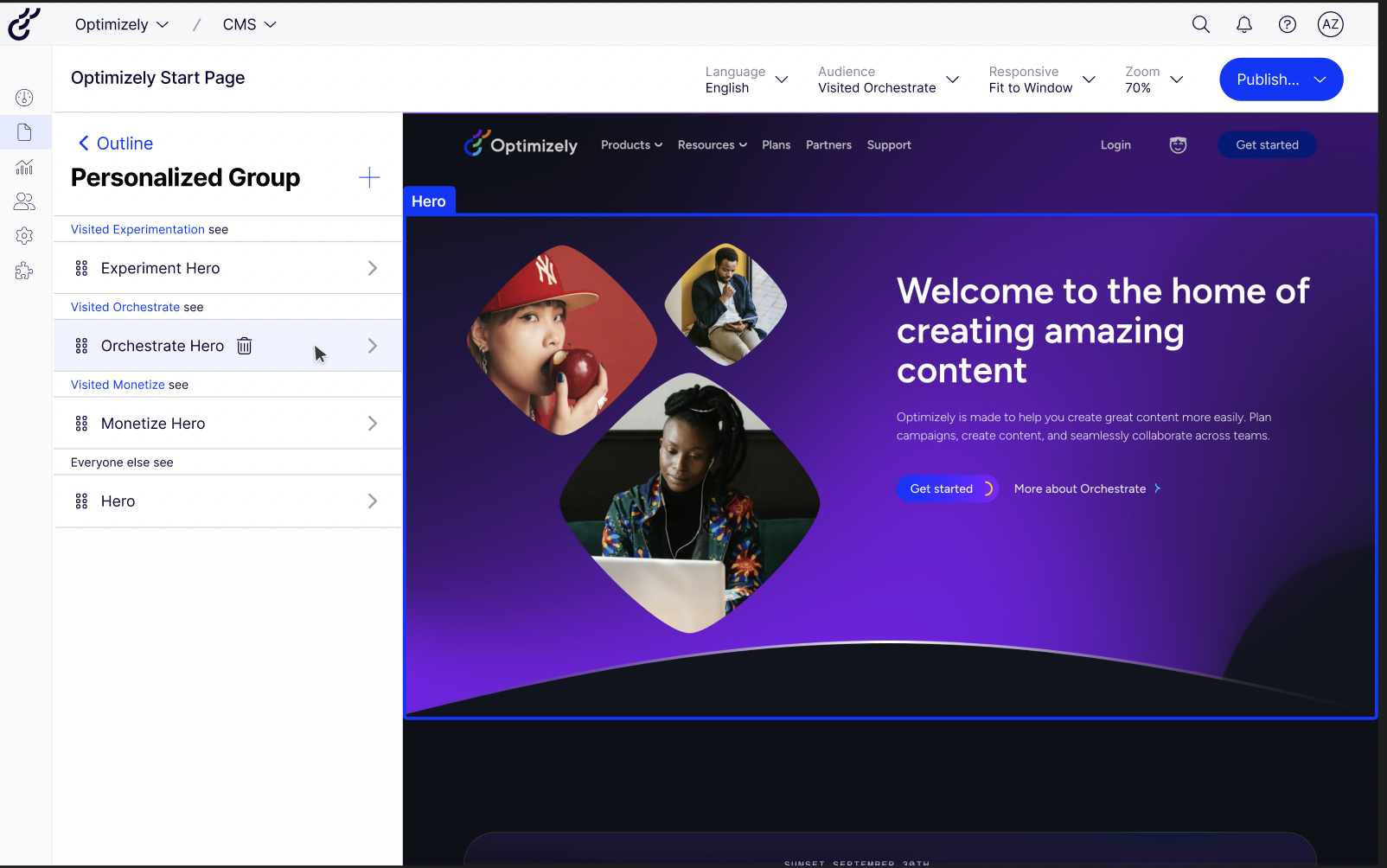
Optimizely One is a digital experience platform, helping marketing and product teams accelerate digital growth, powering the marketing and digital lifecycle from planning to analysis through a unified workflow. Optimizely One accelerates every step of the process with embedded AI.
N/A
Pricing
Google Optimize
Optimizely One
Editions & Modules
Google Optimize
Free
No answers on this topic
Offerings
Pricing Offerings
Google Optimize
Optimizely One
Free Trial
No
No
Free/Freemium Version
Yes
No
Premium Consulting/Integration Services
No
Yes
Entry-level Setup Fee
No setup fee
Optional
Additional Details
—
—
More Pricing Information
Community Pulse
Google Optimize
Optimizely One
Considered Both Products
Google
No answer on this topic
Optimizely
Verified User
Chose Optimizely One
There is a big difference between the two: Google Optimize uses Bayesian analysis while Optimizely uses Frequenting. There is a risk of counting multiple visits. Google Optimize data isn't available instantly (if I remember correctly). Optimizely's analyses dashboard is a …
A de minimis incentive was given to thank the reviewer for their time. The incentive was not used to bias or drive a particular response, nor was the incentive contingent on a positive endorsement. More Info
It is a little too limited for a full stack experimentation programme. Many times we required development support or tech advise but we were simply unable to get this due to it being google. This was a big problem for us. However it is quite good if you were looking to get started in experimentation and didn’t have the budgets for a wider tool
A de minimis incentive was given to thank the reviewer for their time. The incentive was not used to bias or drive a particular response, nor was the incentive contingent on a positive endorsement. More Info
It is well suited for heavy-duty A/B testing where management would like to see and quantitatively determine the effect of a change. It is not so efficient to try for a single page simple form, except when the form is part of a larger workflow. The security model is not very well understood, including RBAC and protection against injection attacks.
A de minimis incentive was given to thank the reviewer for their time. The incentive was not used to bias or drive a particular response, nor was the incentive contingent on a positive endorsement. More Info
Easy to follow set up procedures. Once I walk a client through the process, it's effortless for them to emulate on subsequent tests.
Lots of geo and user attribute customization features to be able to drill down into specific targeted audiences — all based on the power of Google's immense data system.
Google Optimize is the logical choice for many people to start with since most are already familiar with and using GA.
A de minimis incentive was given to thank the reviewer for their time. The incentive was not used to bias or drive a particular response, nor was the incentive contingent on a positive endorsement. More Info
A de minimis incentive was given to thank the reviewer for their time. The incentive was not used to bias or drive a particular response, nor was the incentive contingent on a positive endorsement. More Info
A de minimis incentive was given to thank the reviewer for their time. The incentive was not used to bias or drive a particular response, nor was the incentive contingent on a positive endorsement. More Info
A de minimis incentive was given to thank the reviewer for their time. The incentive was not used to bias or drive a particular response, nor was the incentive contingent on a positive endorsement. More Info
A de minimis incentive was given to thank the reviewer for their time. The incentive was not used to bias or drive a particular response, nor was the incentive contingent on a positive endorsement. More Info
A de minimis incentive was given to thank the reviewer for their time. The incentive was not used to bias or drive a particular response, nor was the incentive contingent on a positive endorsement. More Info
Google Optimize being part of the Google stack makes it great in reporting and analysis. Wish Google would add more features like dynamic tests, multi funnel tests, conversion calculator based on the total number of traffic of the page being tested instead of using the websites total traffic. Should integrate form analysis, heatmap, and page analytics.
A de minimis incentive was given to thank the reviewer for their time. The incentive was not used to bias or drive a particular response, nor was the incentive contingent on a positive endorsement. More Info
There is a big difference between the two: Google Optimize uses Bayesian analysis while Optimizely uses Frequenting. There is a risk of counting multiple visits. Google Optimize data isn't available instantly (if I remember correctly). Optimizely's analyses dashboard is a lot richer and offers a better experience, though it may get intimidating.
A de minimis incentive was given to thank the reviewer for their time. The incentive was not used to bias or drive a particular response, nor was the incentive contingent on a positive endorsement. More Info
A de minimis incentive was given to thank the reviewer for their time. The incentive was not used to bias or drive a particular response, nor was the incentive contingent on a positive endorsement. More Info
A de minimis incentive was given to thank the reviewer for their time. The incentive was not used to bias or drive a particular response, nor was the incentive contingent on a positive endorsement. More Info