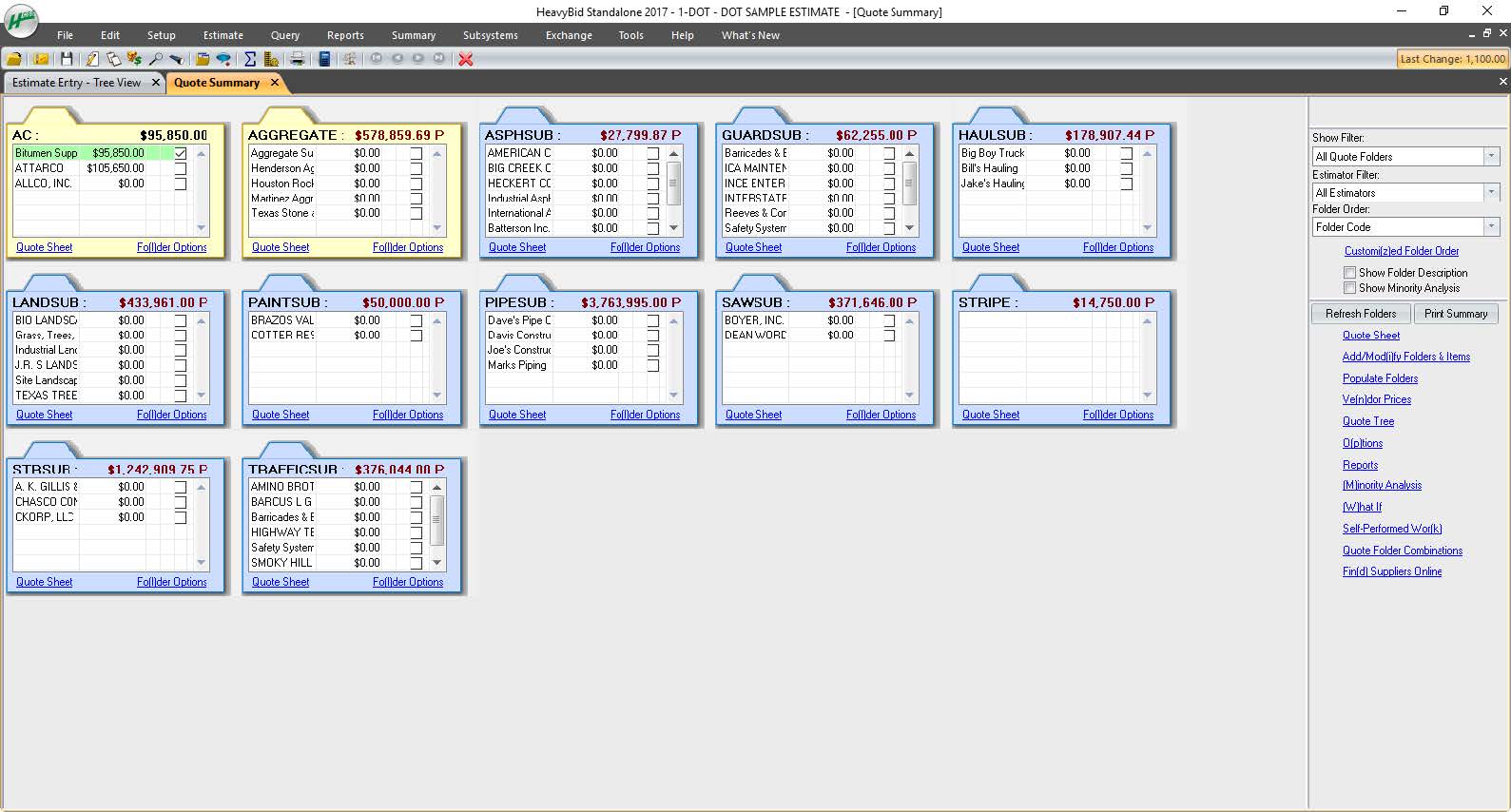
HCSS is a construction software suite. It includes functionality for bidding, time card and project management, safety, planning, scheduling, equipment management, and data warehousing and reporting. Each module can be purchased separately. The suite can be hosted in the cloud.
N/A
SketchUp
Score8.4 out of 10
N/A
SketchUp is 3D modeling software with an emphasis on usability. SketchUp is a Trimble product.
$119
per year
Pricing
HCSS
SketchUp
Editions & Modules
No answers on this topic
Free
$0.00
per year
For Schools (free with G Suite or Microsoft education account)
Our operation uses several pieces of what we call specialty equipment (not used every day on every job). The foreman when finished will give a location of where this equipment is left, this many times can be very vague and lead to a lowboy driver trying to block around to find the piece or driving down a street he cannot get turned around in. With the GPS devices, the driver can pinpoint exactly where the unit is and if he has room to turn around at that location.
A de minimis incentive was given to thank the reviewer for their time. The incentive was not used to bias or drive a particular response, nor was the incentive contingent on a positive endorsement. More Info
SketchUp is great for individually studying options for building design. It is an awesome conceptual tool to be able to quickly model and manipulate a building to study different designs. It is not good for complex geometries, especially curves. Surfaces have a hard time registering and cutting into one another. It also eventually needs to go into Revit to be more realistic as it is not good as a documentation tool
A de minimis incentive was given to thank the reviewer for their time. The incentive was not used to bias or drive a particular response, nor was the incentive contingent on a positive endorsement. More Info
#1 is support! HCSS is by far the best software support of any product we have ever used. Unlike most software companies HCSS utilizes their support calls to help upgrade their software. When you here them tell you that they will write down a particular issue you come across during a support call if they can't help you then and there they will research and get an answer to you extremely fast. If the software will not do it, you can bet there is a good chance it will be on the list of enhancements you will see come out in the near future.
Estimating software is very extensive. Their software is capable of handling the smallest estimate all the way to the largest joint venture estimate. It has advanced features that make it extremely useful for analyzing job materials, subcontractors etc.
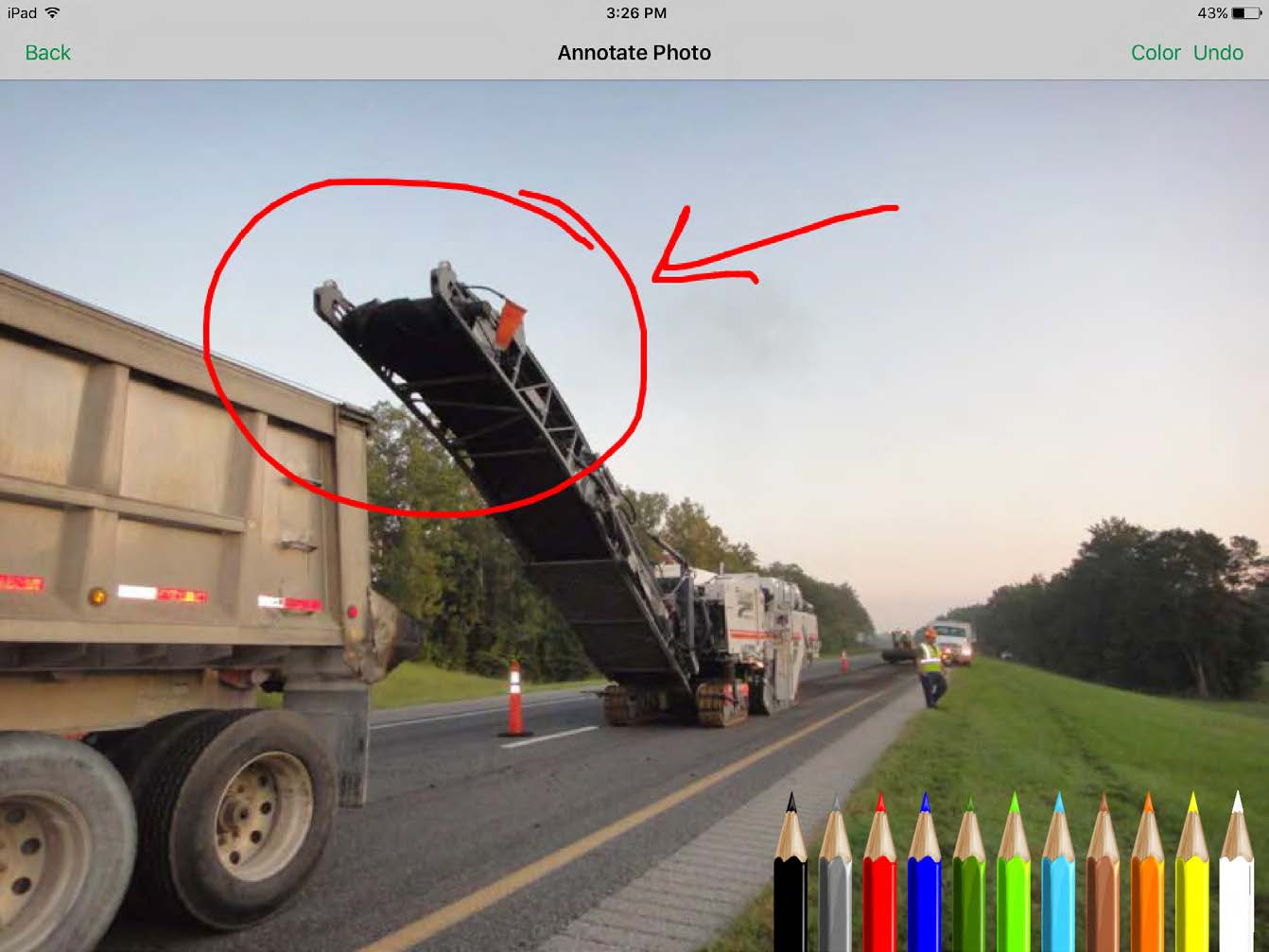
HeavyJob is an extremely useful tool for the field to keep the office up to date with job costs. Everything is at the Foreman's fingertips on Tablets to allow the information from the field to get uploaded to HeavyJob manager which then can export to accounting. We are also able to give our Foreman the ability to deal with the Daily and weekly safety needs (Tailgate Meetings, incident Investigation, observations etc.) right on the Tablets thru HeavyJob.
Quickly exploring solutions in 3D: We get a lot of "what if" and "what would that look like" questions. While hand-sketching and hand-drafting can be fairly quick, SketchUp allows me to quickly create 3D and 2D views of a detail or solution, change dimensions and materials in a flash, and show a client or installer the plan in minutes.
Creating professional design documents in LayOut: Projects of any scale need good documentation. Using a combination of SketchUp and LayOut, I can create a Design Intent Set, plans for permitting, a set for mechanical trades to mark-up, etc. Having clear, appropriately-scaled drawings with dimensions or notations is a must, and we don't always have the time or budget to get an architect involved!
Using live files to guide discussions: Not all clients are "visual" people, so opening their model and orbiting around their space in real time has been extremely helpful. Clients and trades enjoy the perspective views so much that we often include them in the full-sized drawing sets to give a good "overall" view of the project intent. For complex or tight spaces, sometimes un-rendered plans and elevations just aren't enough!
A de minimis incentive was given to thank the reviewer for their time. The incentive was not used to bias or drive a particular response, nor was the incentive contingent on a positive endorsement. More Info
All their apps are on mobile devices. Although there is not a clear company policy on Android versus iPhone. Updates for features lag behind on Android. Some apps are exclusive to one platform making it hard to fully interconnect all programs.
A de minimis incentive was given to thank the reviewer for their time. The incentive was not used to bias or drive a particular response, nor was the incentive contingent on a positive endorsement. More Info
We typically wait a few years in between renewing, as even older versions are powerful tools for modeling, and we make sure the amount of feature changes are worth the re-investment.
As mentioned, user interface appears messy and complicated at initial onset. Training is necessary but becomes easy to maneuver through after solid daily use.
A de minimis incentive was given to thank the reviewer for their time. The incentive was not used to bias or drive a particular response, nor was the incentive contingent on a positive endorsement. More Info
It is very user friendly and easy to learn. It's simplicity allows for a low learning curve so more people can learn it faster. The downside is that most schools are no longer teaching it, so many younger professionals come out of school not knowing it and knowing more complex software and they have a hard time "dumbing down" their skillsets
A de minimis incentive was given to thank the reviewer for their time. The incentive was not used to bias or drive a particular response, nor was the incentive contingent on a positive endorsement. More Info
I have never had a bad experience or heard of one in 4 years of doing business with HCSS. That is unheard of even with the hurricanes and flooding in Houston area it feels like HCSS was always there and willing to help in every way.
Sketchup is so intuitive; I can't recall ever looking for official support. However, there are many user forums online that can answer more questions. The usefulness of the online forums is, however, tempered by the fact that there have been many versions of the software under different ownership and support regimes, and thus finding the right information for the right version of the software can be a challenge.
A de minimis incentive was given to thank the reviewer for their time. The incentive was not used to bias or drive a particular response, nor was the incentive contingent on a positive endorsement. More Info
I was not employed with PPI upon implementation. I would prefer to reference my previous statement, that each company needs to evaluate its culture and address your implementation accordingly. The purchasing company should assign an employee as point person and really take charge of not just the technical side of the implementation (HCSS pretty much handles that), but focus on company culture and training.
Other estimating products I have used consist of ICE/MC2 and MS Excel. ICE was not a good fit for our company, as they have awful technical support and offer very poor training. MS Excel is great for simple estimates where there is not a lot of data being compiled. However neither hold a candle to the power of HCSS Heavybid
We have not evaluated any other competing software to this one. I heard about this software from a friend who teaches how to use it. She showed me in just a few minutes and I was HOOKED. I saw immediately the possible help it would be to my business. Thank you.
A de minimis incentive was given to thank the reviewer for their time. The incentive was not used to bias or drive a particular response, nor was the incentive contingent on a positive endorsement. More Info
Because of the codebooks (bid item codebook for DOT's specifically), we're able to carve off significant time in "stick-building" estimates
It's very easy to train newer estimators with HeavyBid due to the abundance of resources available on HCSS Academy and elsewhere (i.e. Arthur Nix's material)
The KPI's and Insights that Pre-Con offers helps us to make better decisions on Bid Day.
A de minimis incentive was given to thank the reviewer for their time. The incentive was not used to bias or drive a particular response, nor was the incentive contingent on a positive endorsement. More Info
A de minimis incentive was given to thank the reviewer for their time. The incentive was not used to bias or drive a particular response, nor was the incentive contingent on a positive endorsement. More Info