Help Scout vs. Vivantio

Overview
ProductRatingMost Used ByProduct SummaryStarting Price
Help Scout
Score 9.0 out of 10
N/A
Help Scout is help desk software. The vendor’s value proposition is that that their solution reduces time spent on training users because Help Scout is simple to use and set up and scales like any enterprise product. This solution includes multiple mailboxes to support as many email addresses as needed in order to work collaboratively across teams, and manage several products or brands from one account. Reports on conversation trends, team performance, productivity, and customer happiness are…
$30
per month starts with 100 contacts
Vivantio
Score 8.2 out of 10
Mid-Size Companies (51-1,000 employees)
Founded in 2003, Vivantio is a provider of customer service optimization software and solutions for B2B service teams. By combining enterprise-level software with the flexibility of a cloud-based solution, Vivantio provides a unified service management platform. The platform scales to meet the complex business needs of large, multi-site organizations, to optimize workflows across several departments including IT, operations and customer service.
$5,940
per year (5 user licenses)
Pricing
Help ScoutVivantio
Editions & Modules
Standard
$30
per month starts with 100 contacts
Plus
$90
per month starts with 200 contacts
Company
Contact sales team
No answers on this topic
Offerings
Pricing Offerings
Help ScoutVivantio
Free Trial
YesYes
Free/Freemium Version
YesNo
Premium Consulting/Integration Services
NoYes
Entry-level Setup FeeNo setup feeRequired
Additional DetailsAccess to the Vivantio Platform always includes: 1) every available feature, 2) the user's choice of data centers, 3) in-house professional services, 4) a Customer Success Manager, 5) US and UK telephone, email, and self-service support. Pricing varies based on number of licenses: 500 system users - $59 per named license / $89 per concurrent license 200 users - $69 / $104 100 users - $78 / $118 50 users - $83 / $125 25 users - $91 / $137 15 users - $95 / $143 5 users - $99 / $149 Enterprise licensing available for teams >500. Volume discounts start at 15 users and continue to rise to 40%. Educational institutions automatically qualify for a 5% discount; non-profits for 10%. Pricing is per user, per month, paid annually.
More Pricing Information
Community Pulse
Help ScoutVivantio
Features
Help ScoutVivantio
Incident and problem management
Comparison of Incident and problem management features of Product A and Product B
Help Scout
8.5
23 Ratings
3% above category average
Vivantio
7.6
1 Ratings
8% below category average
Organize and prioritize service tickets9.023 Ratings8.21 Ratings
Subscription-based notifications7.713 Ratings8.21 Ratings
Ticket creation and submission7.821 Ratings8.21 Ratings
Ticket response9.322 Ratings7.31 Ratings
Expert directory00 Ratings6.41 Ratings
ITSM collaboration and documentation00 Ratings7.31 Ratings
Self Help Community
Comparison of Self Help Community features of Product A and Product B
Help Scout
8.3
21 Ratings
4% above category average
Vivantio
7.3
1 Ratings
9% below category average
External knowledge base8.620 Ratings00 Ratings
Internal knowledge base8.019 Ratings7.31 Ratings
Multi-Channel Help
Comparison of Multi-Channel Help features of Product A and Product B
Help Scout
8.3
23 Ratings
4% above category average
Vivantio
6.2
1 Ratings
25% below category average
Email support9.423 Ratings6.41 Ratings
Help Desk CRM integration7.215 Ratings7.31 Ratings
Customer portal00 Ratings6.41 Ratings
IVR00 Ratings4.51 Ratings
Social integration00 Ratings6.41 Ratings
Best Alternatives
Help ScoutVivantio
Small Businesses
Agiloft Service Desk (discontinued)
Score 9.0 out of 10
Agiloft Service Desk (discontinued)
Score 9.0 out of 10
Medium-sized Companies
Agiloft Service Desk (discontinued)
Score 9.0 out of 10
Agiloft Service Desk (discontinued)
Score 9.0 out of 10
Enterprises
SysAid
SysAid
Score 8.9 out of 10
SysAid
SysAid
Score 8.9 out of 10
All AlternativesView all alternativesView all alternatives
User Ratings
Help ScoutVivantio
Likelihood to Recommend
9.3
(23 ratings)
8.2
(1 ratings)
Likelihood to Renew
7.0
(1 ratings)
-
(0 ratings)
Usability
9.4
(6 ratings)
9.1
(1 ratings)
User Testimonials
Help ScoutVivantio
Likelihood to Recommend
Help Scout
Small businesses that want a conversational type of customer support experience. Nothing wrong with support tickets, but it does make you feel like a number. Also, we needed to get up and running quickly so the "inbox" feel of the dashboard was already familiar with the team so they could adopt the new software quickly.
Read full review
Vivantio
I’d recommend Vivantio as an ITSM platform because it combines powerful functionality with ease of use. Its customizable workflows and automation streamline IT service management, saving time and improving efficiency. The platform scales well, making it suitable for businesses of all sizes, and it integrates seamlessly with other tools, ensuring smooth operations. Vivantio also offers excellent reporting capabilities, helping teams track performance and identify areas for improvement. If you’re looking for a reliable, flexible, and user-friendly ITSM solution, Vivantio is a great choice.
Read full review
Pros
Help Scout
  • Extremely simple to use and understand as a user - treats communications like human beings and provides a much more personal feel to communication (as opposed to making people feel like numbers).
  • The email newsletter.
  • They are super responsive. They are pretty rad and transparent: if something goes wrong on their end they are not afraid of admitting fault. Which leads me to trust them because I can believe them. I know that tells you very little about the product, but as leadership, that's something that I really need
  • Help Scout does exactly what it needs to (facilitate organized, efficient conversations between customers and support people) without getting in the way.
Read full review
Vivantio
  • Incident Tracking
  • Reporting
  • Customisation
Read full review
Cons
Help Scout
  • Trying to group tickets is a bit unflexible. You can create folders which can be part of a workflow (automatic trigger) but you can't create a folder based on tags. This needs to be improved because there's a need to create smarter segments and mix them.
  • Metrics are useful but there needs to be more details about them. You can drill down in some but others are still not very actionable or visible (ok, that number went down, but what was the cause? what's the criteria with what you measure that?)
Read full review
Vivantio
No answers on this topic
Likelihood to Renew
Help Scout
We are receiving feedback from the organizational level that they may want us to transition to a different solution to provide consistency across the company.
Read full review
Vivantio
No answers on this topic
Usability
Help Scout
Help Scout is a great solution for support teams. There are many articles and webinars to help you learn how to use Help Scout. There are also many features to help make your workflows easier and more efficient. I would readily recommend Help Scout to any small or medium-growing support teams.
Read full review
Vivantio
i find the system easy to navigate and customise
Read full review
Alternatives Considered
Help Scout
Only have minimal experience with G-Suite for a much smaller company. This worked well for that organization but did not have similar specialization functions that suite our larger organization very well. Help Scout's pricing makes sense, and continues to service our needs well. Minimal usage of other programs, but have no need to explore alternatives at this time.
Read full review
Vivantio
Vivantio's extensive customization features ensure it always balances in its favor by allowing businesses to tailor workflows, forms, and processes to their unique needs. This flexibility means the platform adapts to your organization, not the other way around, enabling seamless alignment with changing requirements and maximizing efficiency over time.
Read full review
Return on Investment
Help Scout
  • We are able to retain our customer base due to the outstanding customer service our Customer Experience department provides. Without an organized tool like Help Scout, this would not be possible. We pride ourselves in quick response times to customers and are able to do so by effectively routing tickets to the right agents.
Read full review
Vivantio
  • Positive - Reporting
Read full review
ScreenShots

Help Scout Screenshots

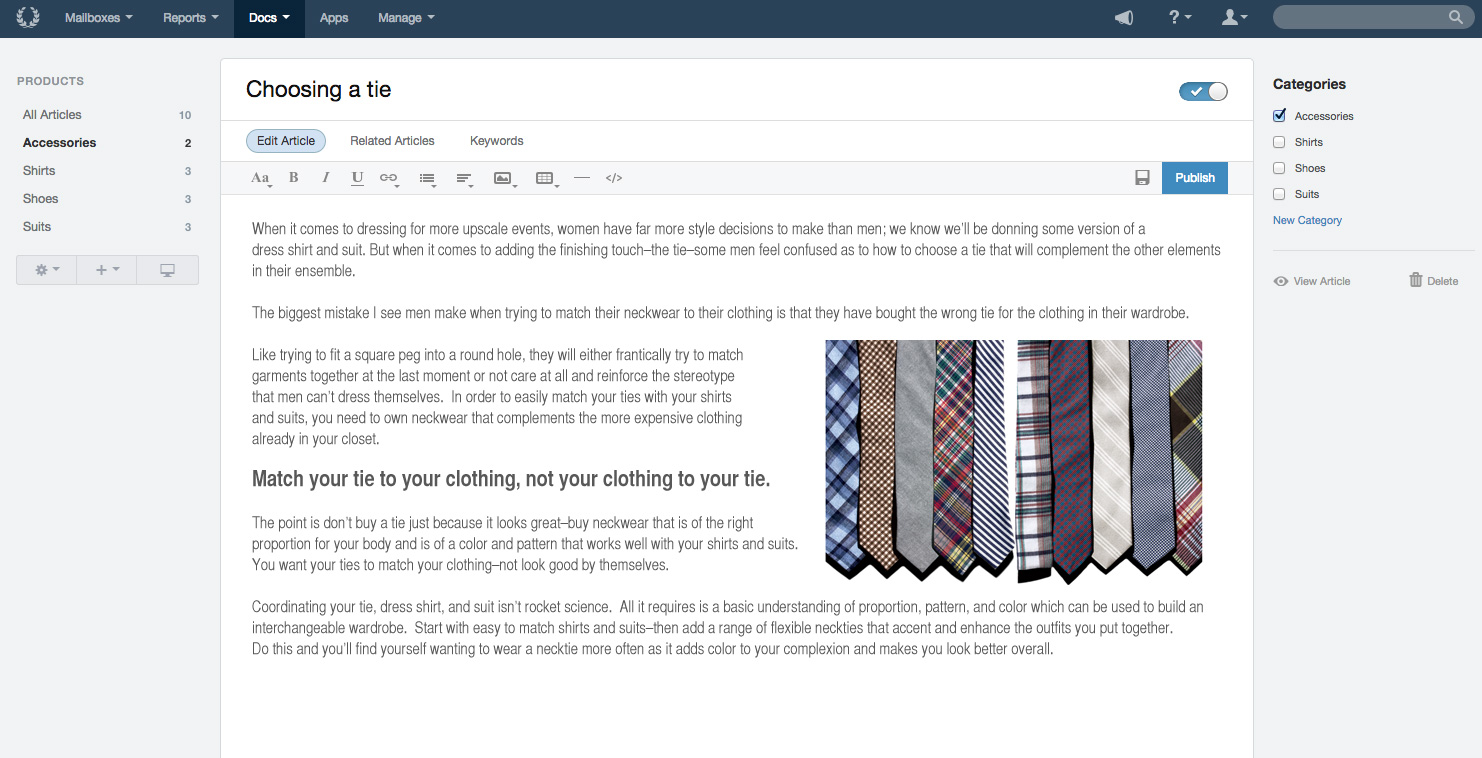
Screenshot of Build better relationships with your customers, and work together better as a teamScreenshot of Tools designed specifically for team collaboration on customer supportScreenshot of Docs Knowledge Base provides self-service that sets your customers up for successScreenshot of The conversation report can change the conversation with your customers from problems to praise by pinpointing what they write in about and when.Screenshot of Productivity Reports track your team's customer-helping velocity and identify sticking points to push through with even greater momentum.Screenshot of Happiness Reports are the closest you can get to your customer's true feelings without hiring a telepath.

Vivantio Screenshots

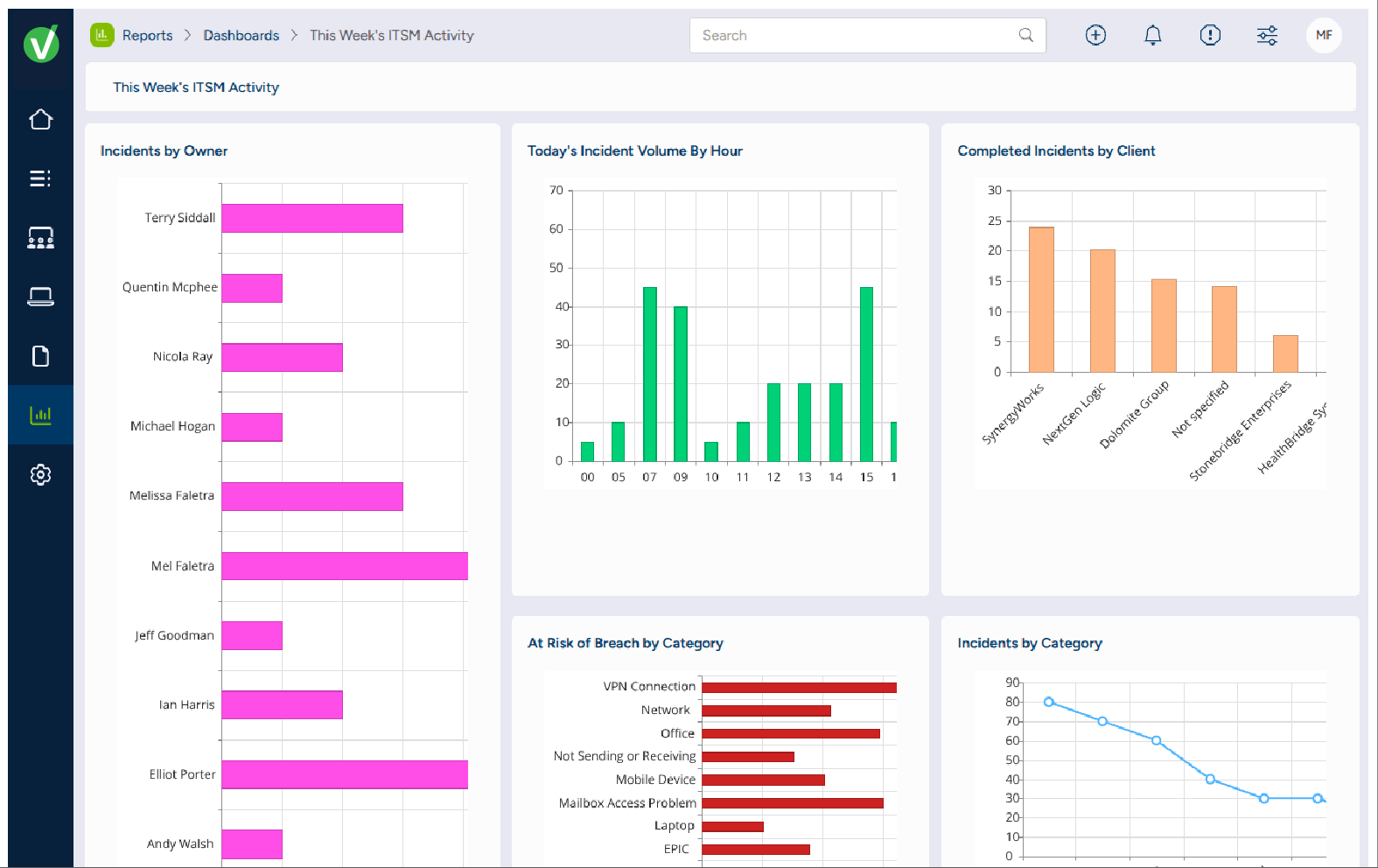
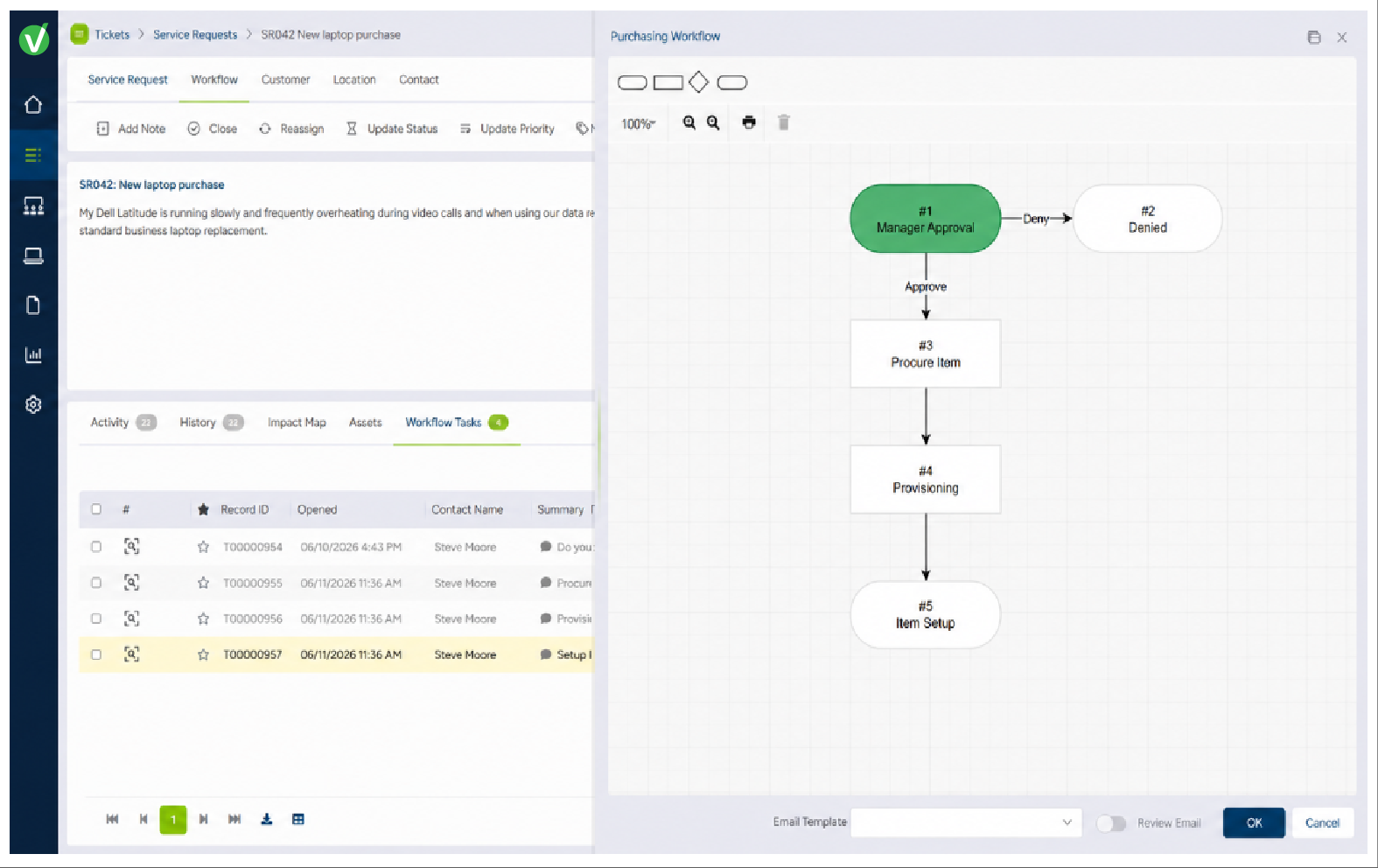
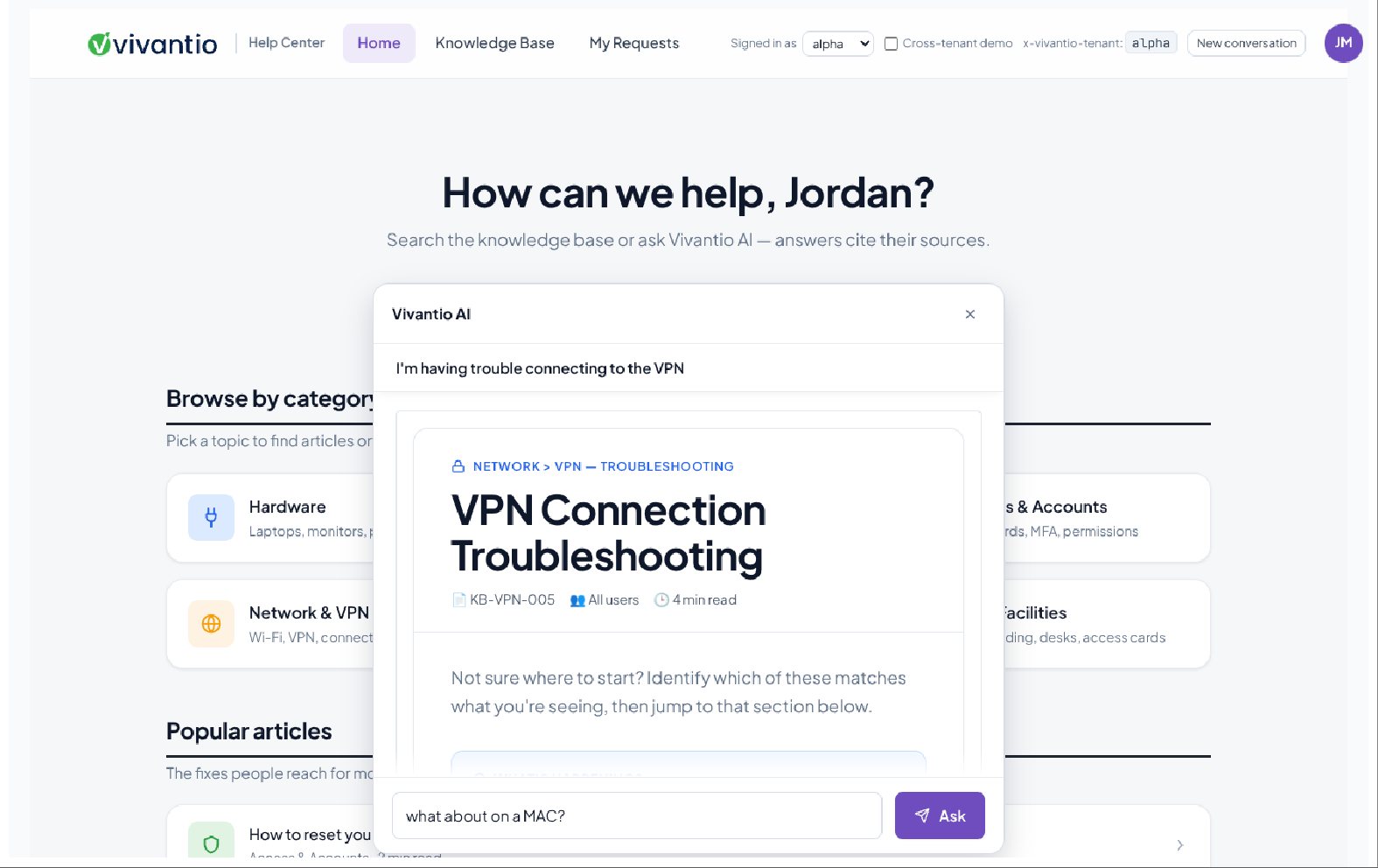
Screenshot of Reporting & Analytics: Reports surface business-critical insights like overall customer sentiment and expected EoL for employee machines using dashboards, reports, Vivantio FLEXGrid or through oDataScreenshot of Knowledge Base: For internal private articles to aid service delivery team, or public articles to help customersScreenshot of Integrated AI: Generates AI feedback from across the knowledge base, analyzes customer sentiment, or helps write detailed feedback to customersScreenshot of Queues: For managing incidents, problems, service requests, change management, and more in customized interfaces based on ticket type or team, ensuring the most important information is always at agents’ fingertipsScreenshot of Ticketing: For unlimited ticket types that can be used by teams, each with a dedicated configuration (categories, priorities, custom forms, and fields)