Hunter vs. WhoisXML Email Verification API

Overview
ProductRatingMost Used ByProduct SummaryStarting Price
Hunter
Score 7.5 out of 10
N/A
Hunter is a cloud-based email search solution that helps businesses find and verify professional email addresses from domains, companies or a specific professional on the web.
$0
per month
WhoisXML Email Verification API
Score 10.0 out of 10
N/A
Email Verification API is a tool that allows verifying the validity of email addresses through API calls using a variety of programming languages (PHP, Node.js, Python, Flask, and Express.js). Developers and product architects can use the API to integrate email-checking capabilities into existing software and applications. Email Verification API helps with the business tasks identified below. Cleaning Up Email Distribution Lists Nonexistent email addresses can hurt…N/A
Pricing
HunterWhoisXML Email Verification API
Editions & Modules
Free
$0.00
per month
Starter
$49
per month
Growth
$99
per month
Pro
$199
per month
Enterprise
$399
per month
No answers on this topic
Offerings
Pricing Offerings
HunterWhoisXML Email Verification API
Free Trial
NoNo
Free/Freemium Version
YesYes
Premium Consulting/Integration Services
NoYes
Entry-level Setup FeeOptionalNo setup fee
Additional Details
More Pricing Information
Community Pulse
HunterWhoisXML Email Verification API
Best Alternatives
HunterWhoisXML Email Verification API
Small Businesses
Method:CRM
Method:CRM
Score 9.3 out of 10
Sinch Mailgun
Sinch Mailgun
Score 9.0 out of 10
Medium-sized Companies
Conversica
Conversica
Score 4.1 out of 10
Sinch Mailgun
Sinch Mailgun
Score 9.0 out of 10
Enterprises
Conversica
Conversica
Score 4.1 out of 10

No answers on this topic

All AlternativesView all alternativesView all alternatives
User Ratings
HunterWhoisXML Email Verification API
Likelihood to Recommend
8.0
(26 ratings)
10.0
(2 ratings)
Usability
7.0
(3 ratings)
-
(0 ratings)
Support Rating
-
(0 ratings)
10.0
(1 ratings)
User Testimonials
HunterWhoisXML Email Verification API
Likelihood to Recommend
Hunter
The scenario we most commonly use Hunter for is to quickly find and retrieve contact email information. Phone numbers are an added bonus, but they tend to only be available for contacts in the US. SDRs have the extension in order to confirm or to help them "guess" as to what a contact's email address might be. This speeds up our prospecting time considerably. Where Hunter falls short is not being flexible where companies have more than one email format.
Read full review
WhoisXML API
We use WhoisXML Email Verification API for the additional value it provides to our corporate email security, and we recommend that most organizations do the same. Disposable email services may help protect the privacy of their users, but in the corporate setting, receiving emails from these domains may not be safe. So, aside from flagging emails from domains categorized as spam, we wanted our spam filtering system to be stricter and include disposable email addresses.
Read full review
Pros
Hunter
  • Hunter provides a quick and easy way to look up the email format for any company using the free Google Chrome extension.
  • Hunter allows you to upload a bulk list of emails and verify them easily.
  • Hunter shows where verified emails were found on web pages and PDF documents. This shows that the emails were published by trusted sources.
Read full review
WhoisXML API
  • WhoisXML Email Verification API obtains its disposable email detection capabilities from a disposable email domain database that monitors most disposable email providers regularly.
  • WhoisXML Email Verification API is compatible with most spam filtering solutions and other email security systems. It is also available as a Splunk application, so compatibility wasn’t an issue for us.
Read full review
Cons
Hunter
  • Hunter is only as valuable as the information it is able to scrape from the internet. If a company has not listed any email addresses online, then Hunter is not going to be able to find it.
  • Sometimes Hunter is only able to identify non-personal-specific email addresses (ex: info @, support@, etc.). This makes it difficult to identify personnel emails
  • Sometimes companies will have different email domains that Hunter is not able to correlate. For example, when searching for an email address at Lead.com, Hunter is not able to point to ParentCompany.com email addresses that would be more useful.
Read full review
WhoisXML API
  • We had to avail ourselves of the custom plan because we have a pretty large user base, and each user receives hundreds of emails per day. We were able to come up with a reasonable agreement, in any case.
Read full review
Usability
Hunter
I think the features are good, but it makes my brain hurt (and feel overtaxed) when I have to jump between searching by name and domain and then searching via a specific email to verify. I wish I could do all of that from one landing page, one über search bar.
Read full review
WhoisXML API
No answers on this topic
Support Rating
Hunter
No answers on this topic
WhoisXML API
Prompt and professional support.
Read full review
Alternatives Considered
Hunter
Hunter is a good all in one solution, which hasnt always been the case as it used to be a daa only solution. However, other tools like lemlist as slightly more user friendly and make it so simple to build and launch multi-channel campaigns , and do this slightly better than Hunter.
Read full review
WhoisXML API
No answers on this topic
Return on Investment
Hunter
  • Definitely Hunter has built lead lists for our clients in a very fast way for our clients.
  • It has managed to cut the times of preparation of lead lists in more than 200% of the time compared to other traditional ways.
  • Our clients can now have tons of leads and deliver contents in a faster way to validate these prospects.
Read full review
WhoisXML API
No answers on this topic
ScreenShots

Hunter Screenshots

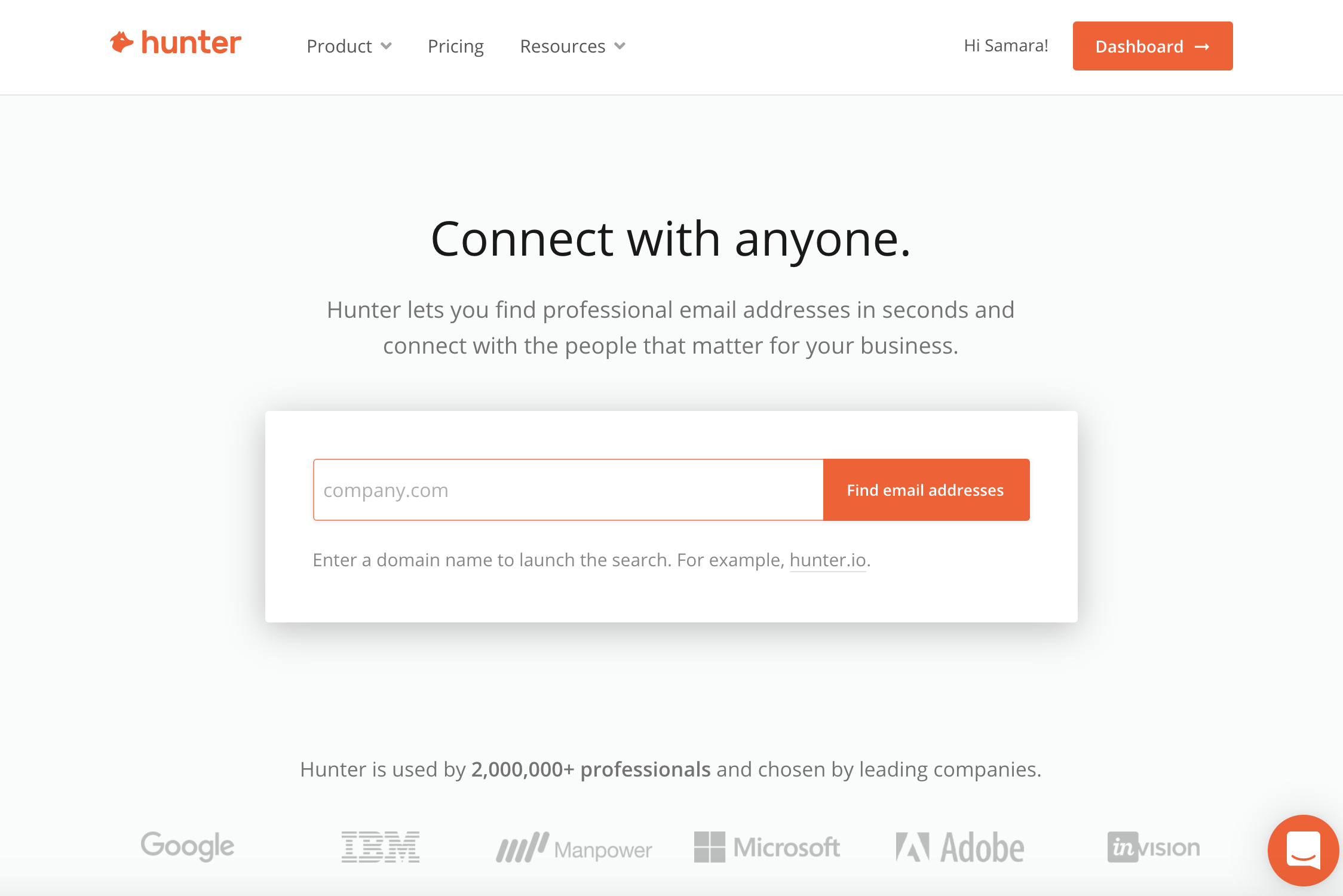
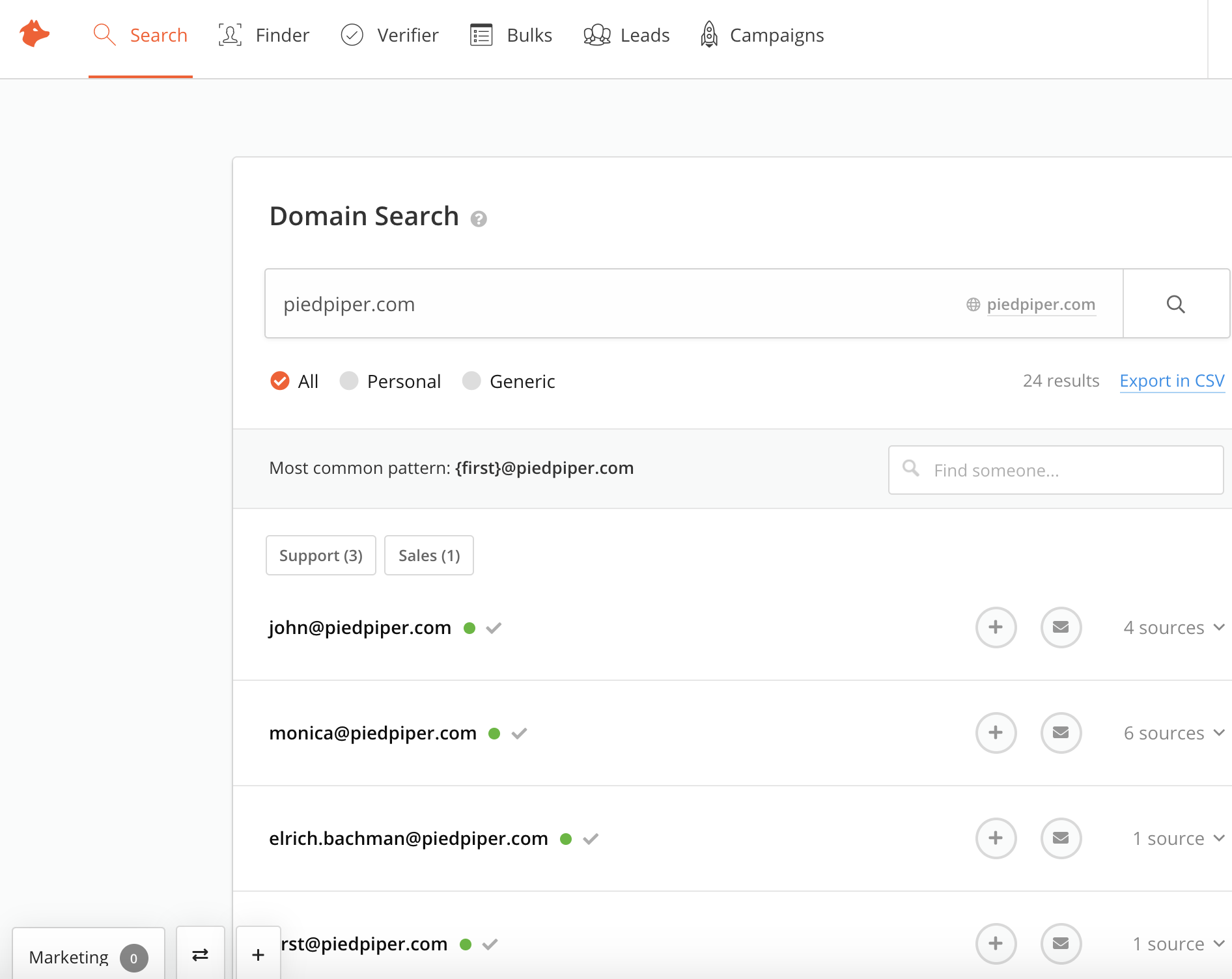
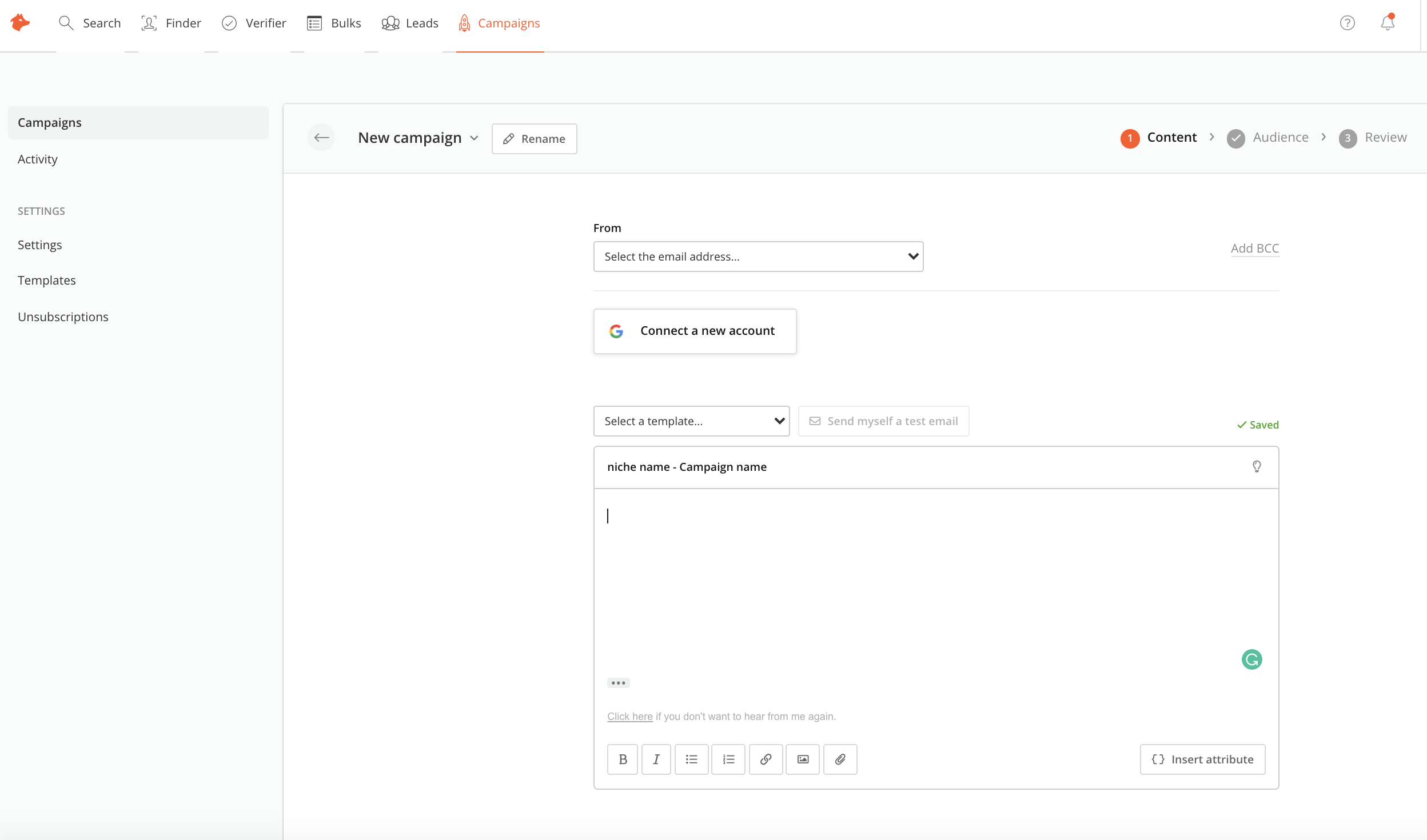
Screenshot of Hunter DashboardScreenshot of Domain Search toolScreenshot of Hunter CampaignsScreenshot of Hunter Bulk TasksScreenshot of Hunter Google Sheets Add-On