The ibi™ WebFOCUS® product is an enterprise business intelligence and analytics solution equipped with data management, visual discovery, predictive analytics, and visualizations. Combining these capabilities and data science in one unified containerized platform, the WebFOCUS® solution can be used to make data-driven decisions across the enterprise and provide reports, dashboards, and customer-facing applications at scale.
N/A
SAP Crystal
Score 7.3 out of 10
N/A
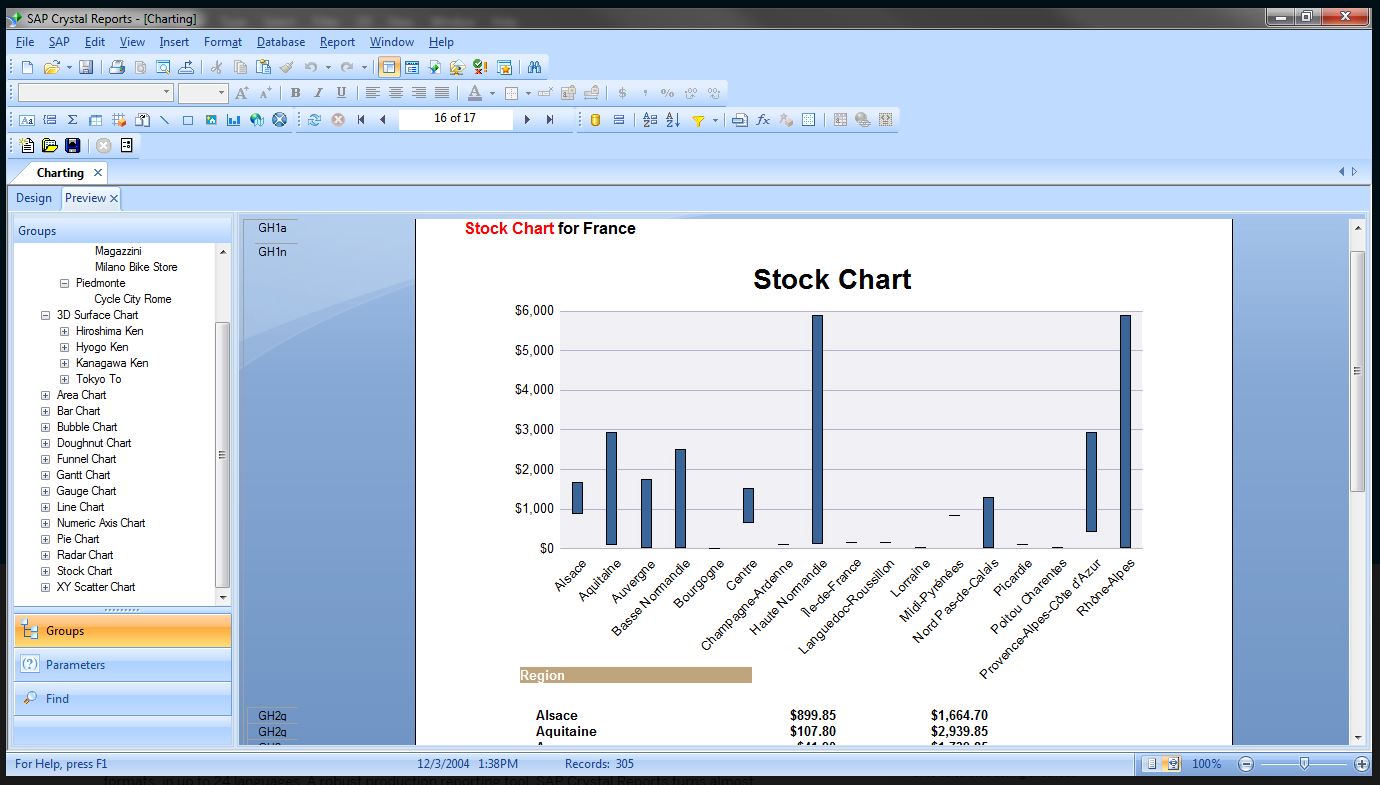
SAP Crystal is an analytics and reporting software solution for SMBs. SAP Crystal comprises Crystal Reports for pixel-perfect reporting, and SAP Crystal Server for automated distribution and self-service access to reports, dashboards and data exploration.
$295
per single user license
Tableau Public
Score 9.9 out of 10
N/A
Tableau Public is a free edition of the Desktop product. With this edition, data can only be published to the Tableau public website and does not allow work to be saved or exported locally.
$0
per month
Pricing
ibi WebFOCUS
SAP Crystal
Tableau Public
Editions & Modules
No answers on this topic
Upgrade Version to SAP Crystal Reports 2020
$295
per single user license
SAP Crystal Reports 2020 64-Bit
$495
per single user license
SAP Crystal Reports 2016 32-Bit
$495
per single user license
SAP Crystal Server 2020 1 NUL
$869
per user license + first year maintenance to be added
SAP Crystal Server 2020 5 CAL
$8,744
5 concurrent users + first year maintenance to be added
No answers on this topic
Offerings
Pricing Offerings
ibi WebFOCUS
SAP Crystal
Tableau Public
Free Trial
No
Yes
No
Free/Freemium Version
No
Yes
Yes
Premium Consulting/Integration Services
No
Yes
No
Entry-level Setup Fee
No setup fee
Optional
No setup fee
Additional Details
—
* SAP Crystal Reports 2020 Viewer allows you to view static data within a SAP Crystal Reports file.
* SAP Crystal Reports 2020 - Full version allows you to create powerful, richly formatted, and dynamic reports from virtually any data source, delivered in dozens of formats, in up to 28 languages. If you already have an older version of Crystal Reports, buy a license for SAP Crystal Reports 2020 - Upgrade at a discounted, upgrade price.
* SAP Crystal Server 2020, 1 NUL includes 1 license of: SAP Crystal Reports 2020 - SAP Crystal Server 2020.
* As an add-on to SAP Crystal Server 2020 1 NUL, SAP Crystal Server 2020 5 CAL allows you to support a wider, intermittent audience of end users, up to five logged on at the same time.
Application Development Analyst and Software Engineer
Chose ibi WebFOCUS
No comparison. Both have their strengths, but WebFocus comes out on top as the clear winner because it is so easy to use and understand for power users. Crystal Reports, like most BI tools, requires more extensive training and is not as easy or user friendly. It is more …
We evaluated about 15 products when we selected Tableau 7 years ago, and periodically review products from other vendors (e.g. Microsoft, QlikView, Tibco Spotfire, Birst, Pentaho, etc.). To date, Tableau offers the widest variety of options and functionality at a reasonable …
I would less recommend it because it looks like IBI is receding a bit from the European market. I would not be certain for future support. Knowledge in the market in western Europe is limited Functional wise the application suits almost all situations. I would for sure recommend it purely based on its capabilities
Generation of templated reports is the strong suit of SAP Crystal. Allows users to change formats in templates bases on requirement with minimal effort. Automated report delivery requires the user to be aware of sql which cannot be expected from all users. Should support more document export formats and improve the UI for SAP B1 Users
Tableau public is the best platform to build dashboards for your personal profile and share with recruiters. It's always good to keep ourselves updated on the latest features, create sample dashboards and save them to a personal profile. Tableau public is free and doesn't need any subscription. anyone can create an account and start building reports.
One thing that has always been good at WebFOCUS is how they interact with the customer on items. They take suggestions and implement them. In addition technical support is timely and very detailed.
I think they keep up with and lead in implementing new technologies in the BI space. One case of this are the ability for user to create their own easy dashboard using the green plus buttons. Also the ability to link d3 into and have the ability to implement new types of graphs is nice.
I have been to a spoke at one of their user conferences and they are worth going to. In addition to all of the great seminars the interaction you get with vendors and other users is key in the growth of your knowledge. I've learned so much for my time at these conferences.
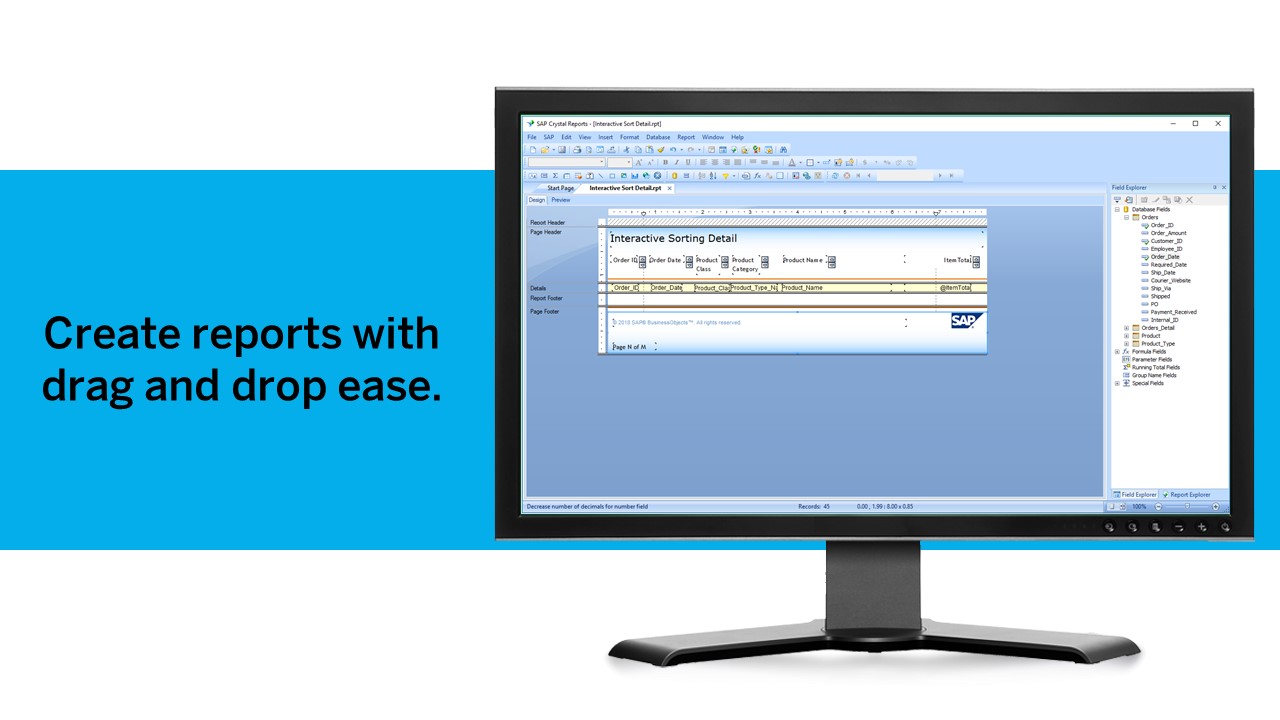
Crystal Reports allows us to create a consistent template for all of our reports.
Crystal Reports and Server allows us to house a repository for all of our reports to make them easy to find and update when necessary.
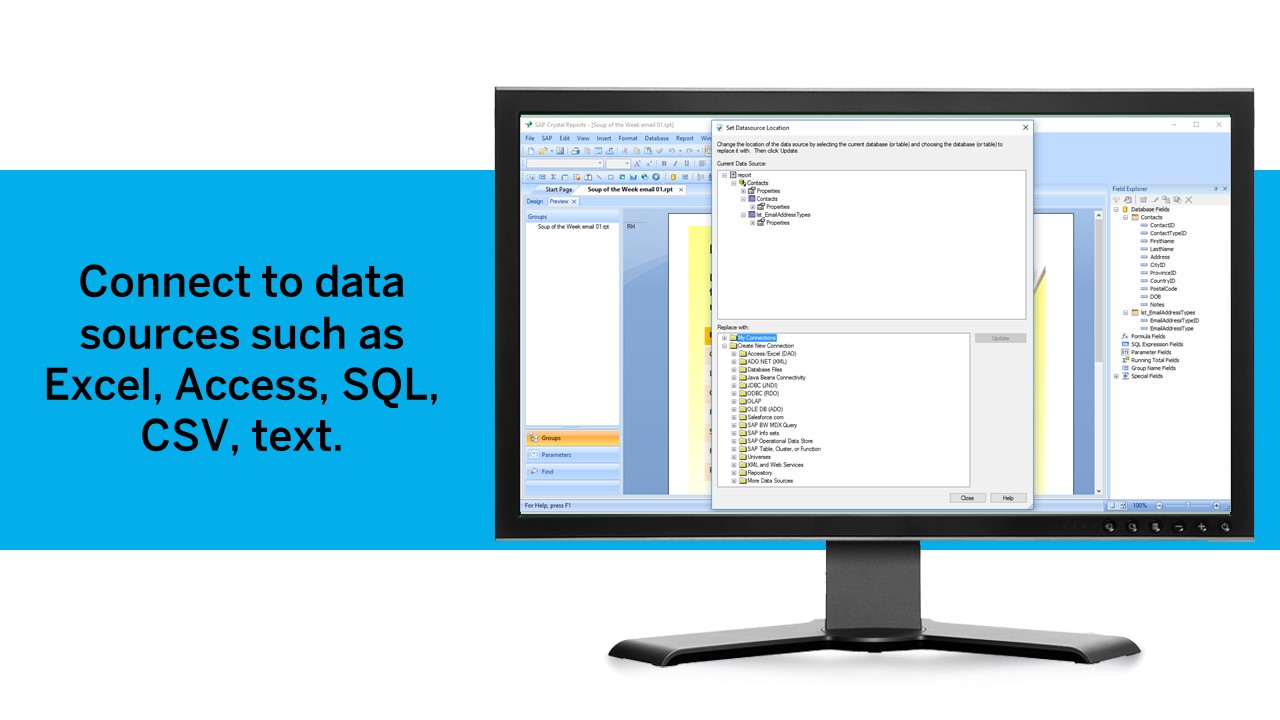
Crystal Reports can connect to a wide variety of data sources.
Crystal Reports can be a little daunting when first implementing. There are a lot of nuances in learning how to truly master this software and it can be frustrating at times.
Data visualization: lots of different options, including bar, scatter, pie, waterfall charts to explore relationships between variables, and to present findings/trends to different teams
Integrates readily with limited, though different data sources: TXT, CSV, TDE, Access
Exports reports for review of different dashboards: client-ready/team-ready, with a clean and tidy presentation in PDF format (or hardcopy)
The newest versions of WebFOCUS have an unnecessarily complicated security layout that makes configuration difficult to accomplish without bringing in the vendor for installs.
This software tries to cover too many bases allowing you to switch from writing code manually to creating reports using only GUI tools. This sometimes complicates screens and functionality where the two methods don't always work well together. -though its nice to have the choice.
The sales force is not as top notch as many software companies
Tableau Public (both Desktop and Server) like their "for a fee" counterparts offer very easy to learn and use tools to transform data into pictures and gain insights into your data. Most organizations report a reduction in development time of 10x vs. other similar tools, due to the intuitive user interface. That said, with Tableau Public, published workbooks are "disconnected" from the underlying data sources and require periodic updates when the data changes. Users are limited to 1 Gb of storage space per user ID and password as well.
I would like to see better options for public sharing of visualizations and data from within the "for a fee" products as more and more organizations are moving in the direction of data sharing with partners and their communities.
This software is deeply engrained with my organization and has become a tool that would not easily be replaced without spending more money and resources to get the same results. License cost is comparable to other report writing tools and the capabilities are greater than the competition without having to buy multiple apps to do the same thing.
We have been using this product for so many years and it has truly become a cornerstone to our business processes when it comes to developing and distributing information via reports. We currently have over 500 reports developed to date over about 30 systems and that will continue to grow as user needs change.
It's free, right? I'll keep using the free version. So the real question to ask is this? Will I pay $999 for the Personal version or $1,999 for the Professional? Yikes! That is a big stretch. I'm not sure about that. The product comparison chart is at: http://www.tableausoftware.com/public/comparison
Best BI tool/product I have used. The others don't compare overall. Some can look fancier, but when you actually use them with large data and data from numerous systems/sources that is where most of the competition falls away. I also don't like downtime. I have basically none for a large user base with WebFocus. Even SAP Crystal Reports went down for 4 days once - 4 days because the admin password got locked out due to a glitch and we had zero reports for 4 days. WebFocus has never had more than a few minutes of downtime. It's like a tank that just keeps rolling. There is no other choice for reliable BI.
Crystal is very robust, but not always easy to use. It create wonderful looking reports, and so deserves a high rating. However, I have to take a couple of points off for the simple fact that I cannot hand it to a user and expect them to be able to do development with it.
Tableau public is a great training tool to understand the basics of Tableau before buying it. A great tool to extend Excel's visualization and to publish data for others. Not useful for anything you need secure. No ability to access databases. Static information only.
They have extremely knowledgeable techs that I have worked with over the years. Some have actually become really good friends of mine. I see them often at local user groups and when we show them how we are using their tools to save millions of dollars throughout the company
The support community can be difficult to navigate. I've also run into issues with my login. The SAP system has a bizarre mechanism for validating users that requires users to have what is called an S-ID. A basic ID may not give you access to all the features in the portal. The limitation may include not being able to perform a simple task like downloading patches and updates. This isn't a big deal for single user license but for teams it can be a pain.
Plan ahead on what data will be accessible and the type of security required on the database and if you will want to use security that is built into the software. It is worth consulting with the vendor on what your plan is and how they recommend you proceed in order to get results you are happy with.
Just like any other implementation: When designing the differing reports, get end users' input, make sure to design the reports so that they display the information that the company requires, in the best and clearest way possible.
Test, test, test, revise when needed, and, particularly, do sufficient training so users are comfortable using Crystal Reports!
Start at the end and work backward. Identify the business case / issue and questions the end users have, then identify the data needed, and where to get it.
Webfocus handles the side of our business that is involved with our catalogs. Our catalogs is a huge revenue driver for us and this tool has been extremely useful with planning feature catalogs. Tableau is used more for marketing and merchandising purchases since we can filter data based on website sales.
Crystal reports is useful in case we want to import data from data base . We can write queries in it but Google Charts require to be implemented in our application using code so crystal reports is better than Google Charts.
Google Charts/Drive is sufficient for simpler data sets, but it does not integrate with other web platforms and the visualization does not look as professional. I'm not aware of any other competitors that offer the same package as Microsoft.
We are not yet a success story. Though we've been implementing WebFOCUS for over a year, we have very few products in our Production portal. Of course, this is not all the responsibility of Information Builders, but we were ill-advised by our 'training coordinator' in our training of staff and coming up to speed with the tools has been very slow.
Once skilled analysts and professional IT staff achieve a grasp of the products, they are able to very quickly create polished and well-received products.
The DW/BI project has helped us to establish standards and protocols of communication that will allow us to more quickly meet knowledge transfer requirements
It is a decent buy for specific departments in terms of reporting capabilities but updates and cost (frequent) demands are higher with the benefits offered.
So long as the requirements are not ever changing, with scheduling functionality, it's a handsome tool.