
InEight vs. Newforma Project Center
| Product | Rating | Most Used By | Product Summary | Starting Price |
|---|---|---|---|---|
 InEight | Score7.4 out of 10 | N/A | InEight's modular project controls software connects complex project data to improve visibility and delivery in capital construction. | N/A |
 Newforma Project Center | Score4.1 out of 10 | N/A | Newforma Project Center is web-based construction project information management software for collaboration. Users can access a drag and drop interface, relate emails to documents, markup and review designs, track meeting minutes and action items, and search across projects. It has mobile accessibility. | N/A |
| InEight | Newforma Project Center | |||||||||||||||
|---|---|---|---|---|---|---|---|---|---|---|---|---|---|---|---|---|
| Editions & Modules | No answers on this topic | No answers on this topic | ||||||||||||||
| Offerings |
| |||||||||||||||
| Entry-level Setup Fee | No setup fee | No setup fee | ||||||||||||||
| Additional Details | InEight offers a modular, integrated project controls platform. Because the InEight platform covers the entire construction lifecycle, customers purchase the software based on their specific needs – purchasing stand-alone products, a bundle of products, or the entire platform. As a result, the pricing will vary depending on the specific product, number of users and length of contract. Once InEight has identified the highest impact areas, they offer potential customers a custom proposal. The options they consider include: Per user pricing: typically annual subscriptions. Revenue-based: using a percentage of the customer’s revenue. Project-based: software use dedicated to a specific project or program of work. | — | ||||||||||||||
| More Pricing Information | ||||||||||||||||
| InEight | Newforma Project Center | |
|---|---|---|
| Considered Both Products | No answer on this topic | No answer on this topic |
| Key User Insights | ||
| Would buy again | ||
96% Would buy again 27 Answers | No answers on this topic | |
| Delivers good value for the price | ||
92% Delivers good value for the price 22 Answers | No answers on this topic | |
| Happy with the feature set | ||
93% Happy with the feature set 26 Answers | No answers on this topic | |
| Lived up to sales and marketing promises | ||
85% Lived up to sales and marketing promises 17 Answers | No answers on this topic | |
| Implementation went as expected | ||
82% Implementation went as expected 18 Answers | No answers on this topic | |
| InEight | Newforma Project Center | |||||||||||||||||||||||||||||||||||||||||||||||||
|---|---|---|---|---|---|---|---|---|---|---|---|---|---|---|---|---|---|---|---|---|---|---|---|---|---|---|---|---|---|---|---|---|---|---|---|---|---|---|---|---|---|---|---|---|---|---|---|---|---|---|
| Reporting & Analytics |
| |||||||||||||||||||||||||||||||||||||||||||||||||
| Construction Project & Field Management |
| |||||||||||||||||||||||||||||||||||||||||||||||||
| Estimating |
| |||||||||||||||||||||||||||||||||||||||||||||||||
| Human Resource Management |
| |||||||||||||||||||||||||||||||||||||||||||||||||
| Asset Management |
| |||||||||||||||||||||||||||||||||||||||||||||||||
| InEight | Newforma Project Center | |
|---|---|---|
| Small Businesses |  CMiC Construction Platform Score7.5 out of 10 | CMiC Construction Platform Score7.5 out of 10 |
| Medium-sized Companies |  Autodesk Build Score8.6 out of 10 | Autodesk Build Score8.6 out of 10 |
| Enterprises |  Revit Score8.9 out of 10 | Revit Score8.9 out of 10 |
| All Alternatives | View all alternatives | View all alternatives |
| InEight | Newforma Project Center | |
|---|---|---|
| Likelihood to Recommend | 9.6 | 8.0 |
| Likelihood to Renew | 9.1 | - |
| Usability | 7.9 | - |
| Availability | 9.1 | - |
| Performance | 6.4 | - |
| Support Rating | 6.1 | 7.0 |
| In-Person Training | 7.3 | - |
| Online Training | 8.2 | - |
| Implementation Rating | 8.6 | - |
| Configurability | 9.1 | - |
| Ease of integration | 6.4 | - |
| Product Scalability | 7.1 | - |
| Vendor post-sale | 9.1 | - |
| Vendor pre-sale | 9.1 | - |
| InEight | Newforma Project Center | |
|---|---|---|
| Likelihood to Recommend |
|
|
| Pros |
|
|
| Cons |
|
|
| Likelihood to Renew |
| No answers on this topic |
| Usability |
| No answers on this topic |
| Reliability and Availability |
| No answers on this topic |
| Performance |
| No answers on this topic |
| Support Rating |
|
|
| In-Person Training |
| No answers on this topic |
| Online Training |
| No answers on this topic |
| Implementation Rating |
| No answers on this topic |
| Alternatives Considered |
|
|
| Scalability |
| No answers on this topic |
| Return on Investment |
|
|
| ScreenShots | InEight Screenshots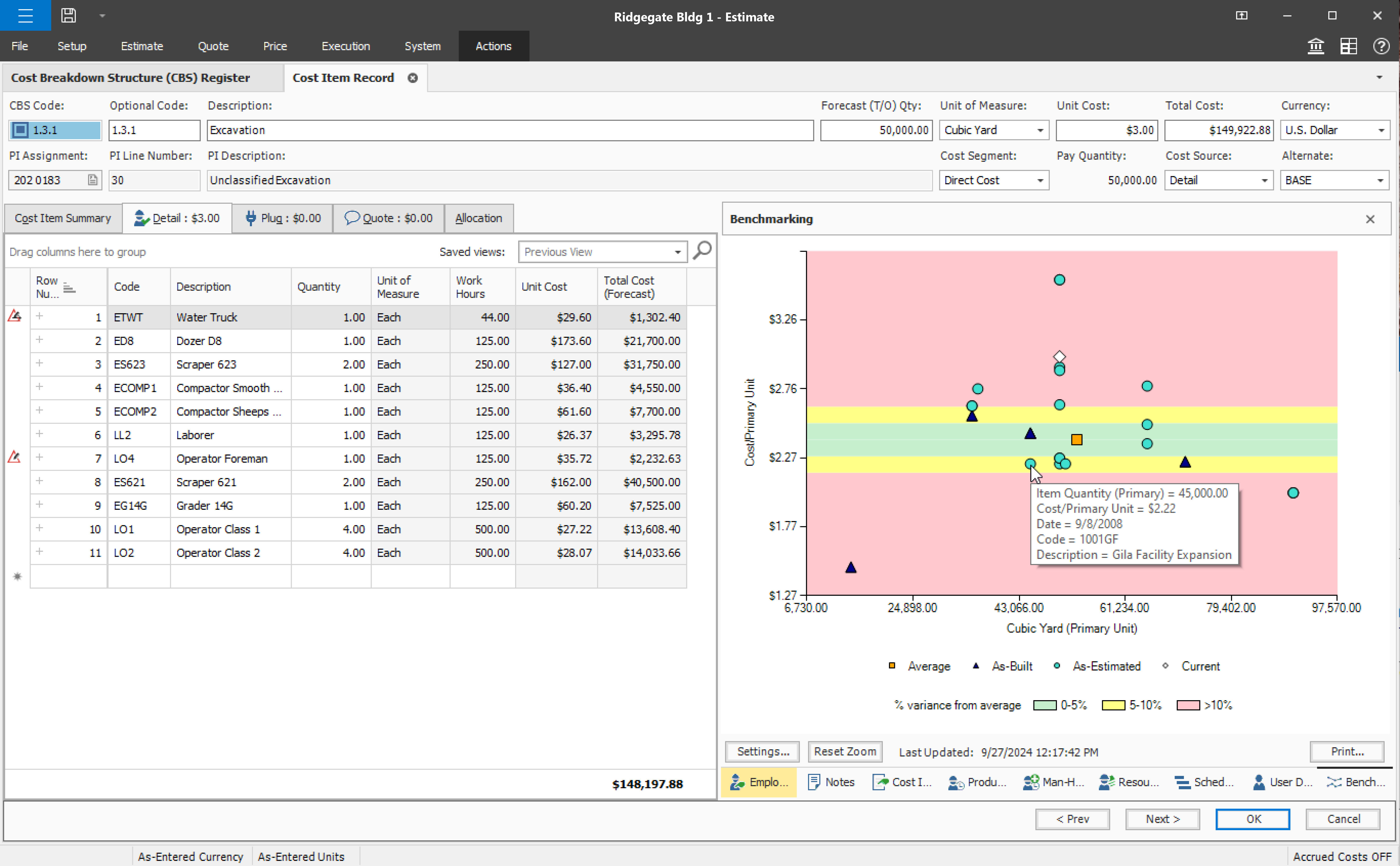 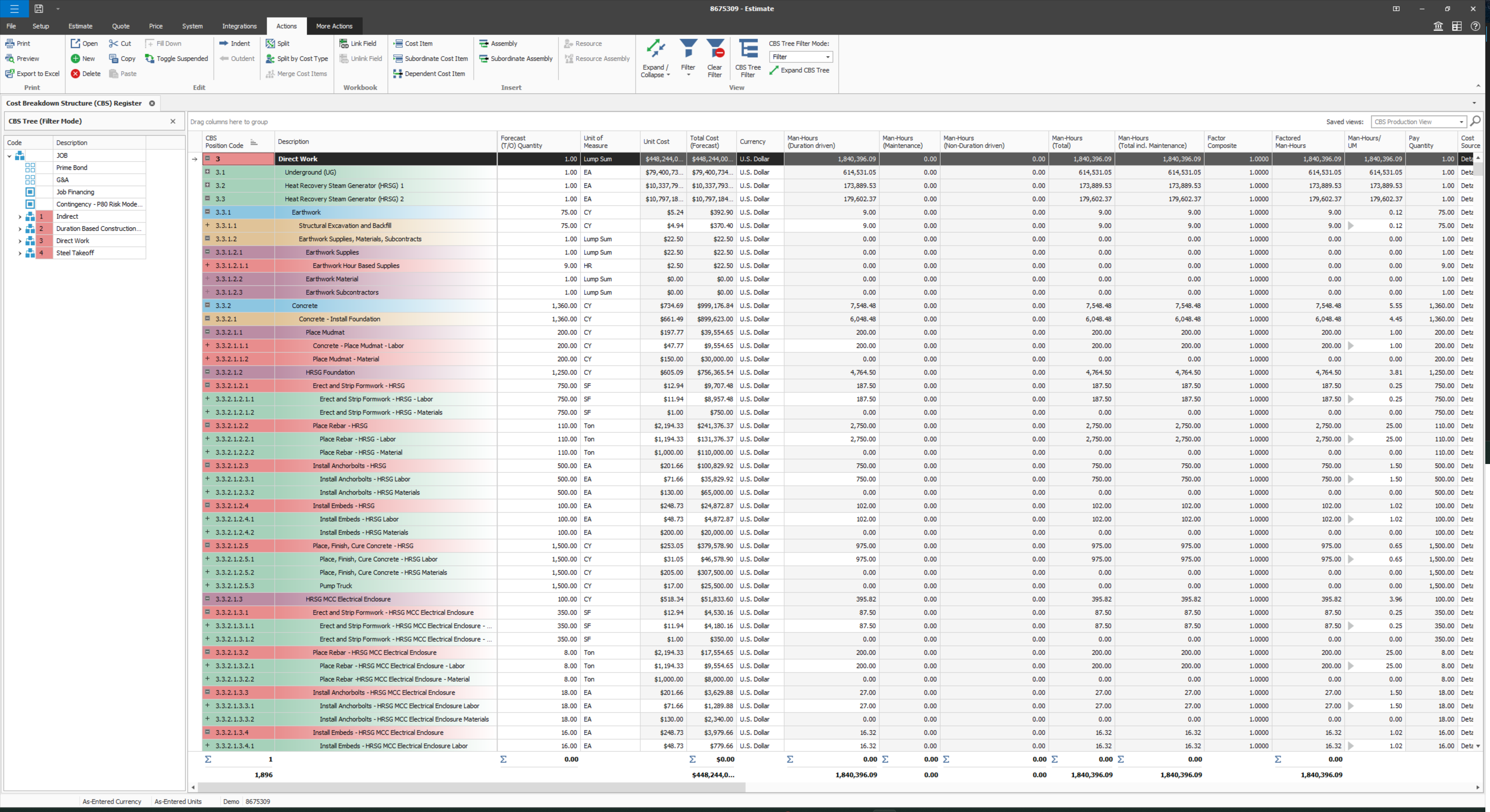 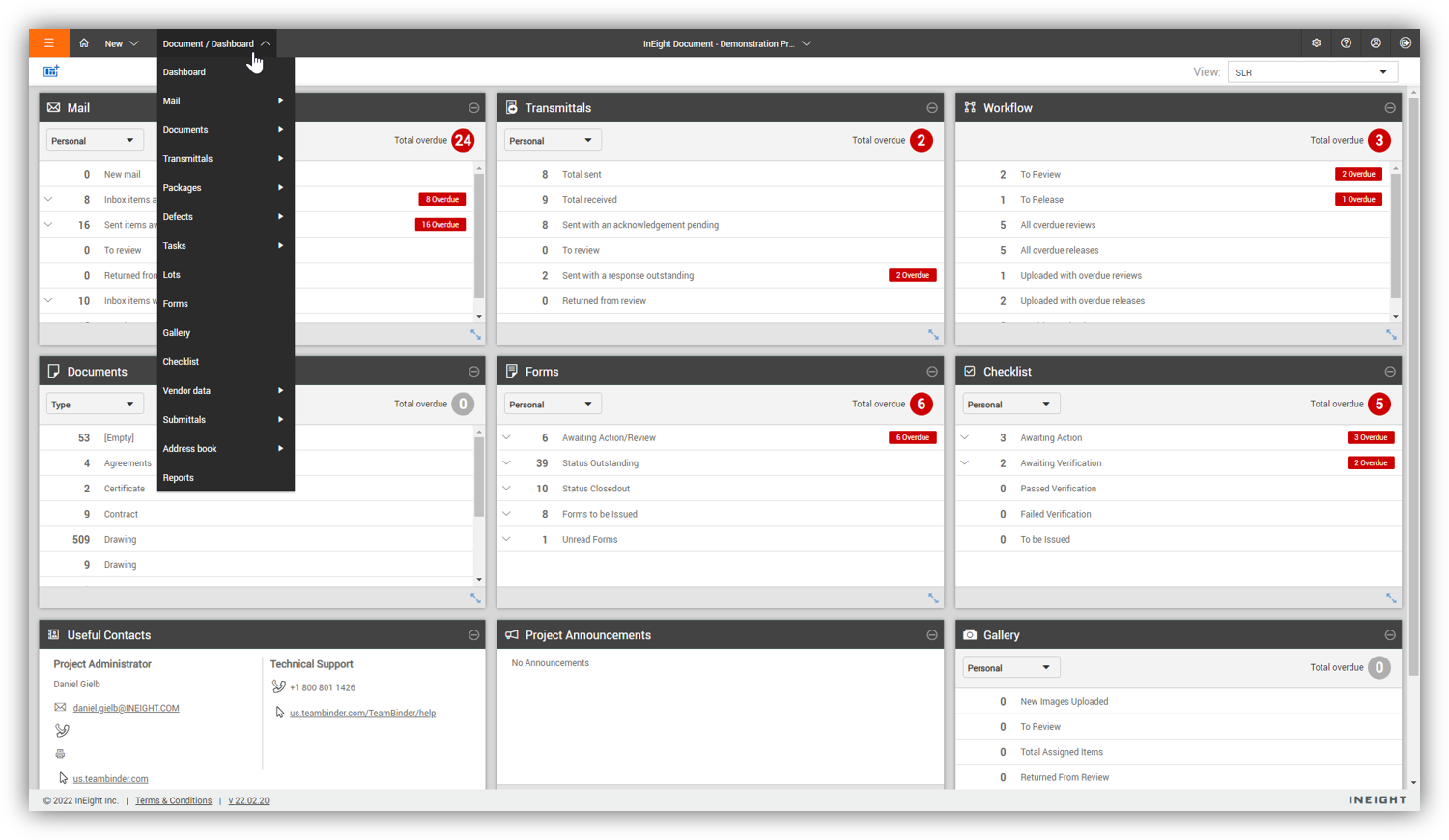  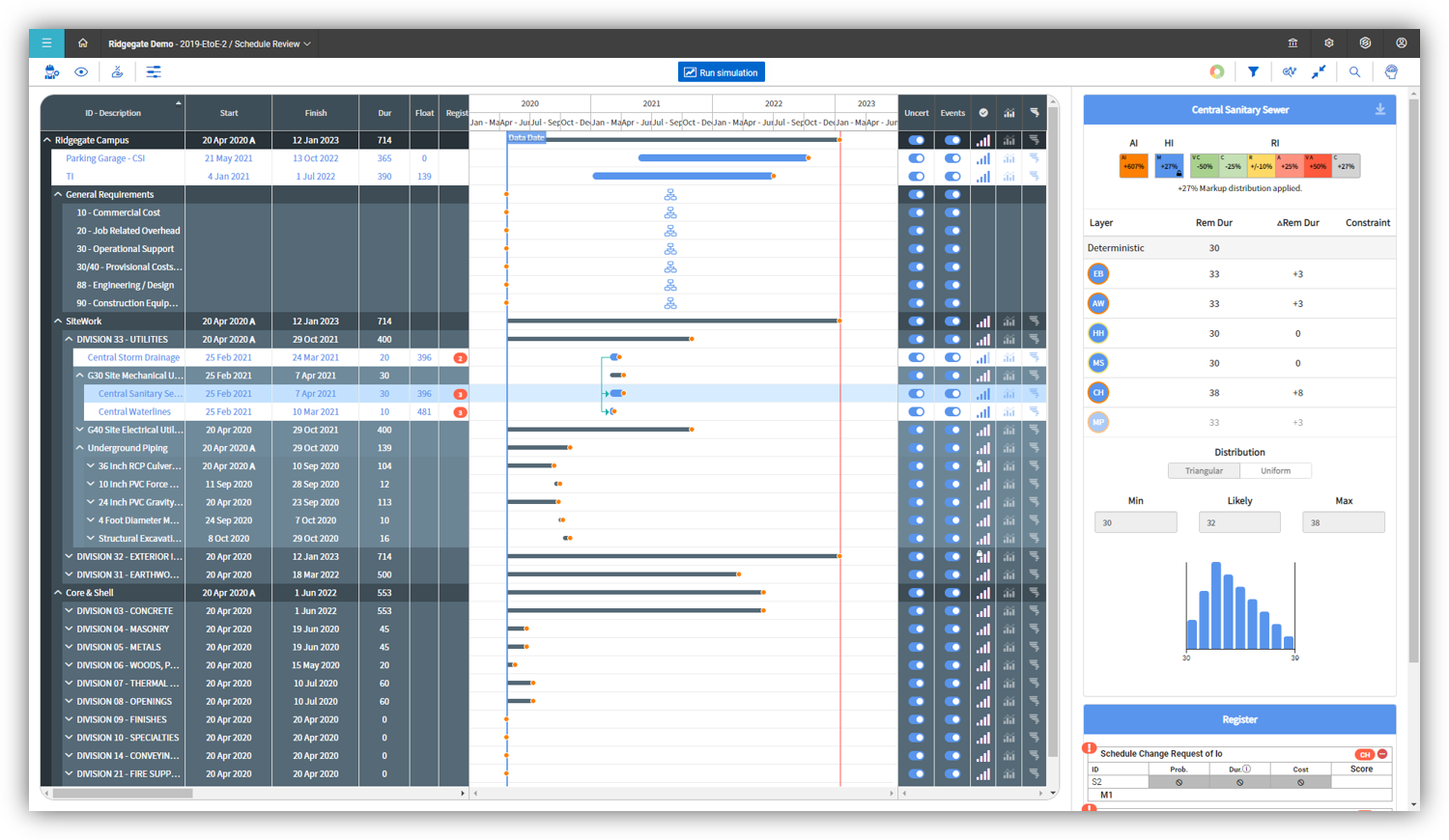 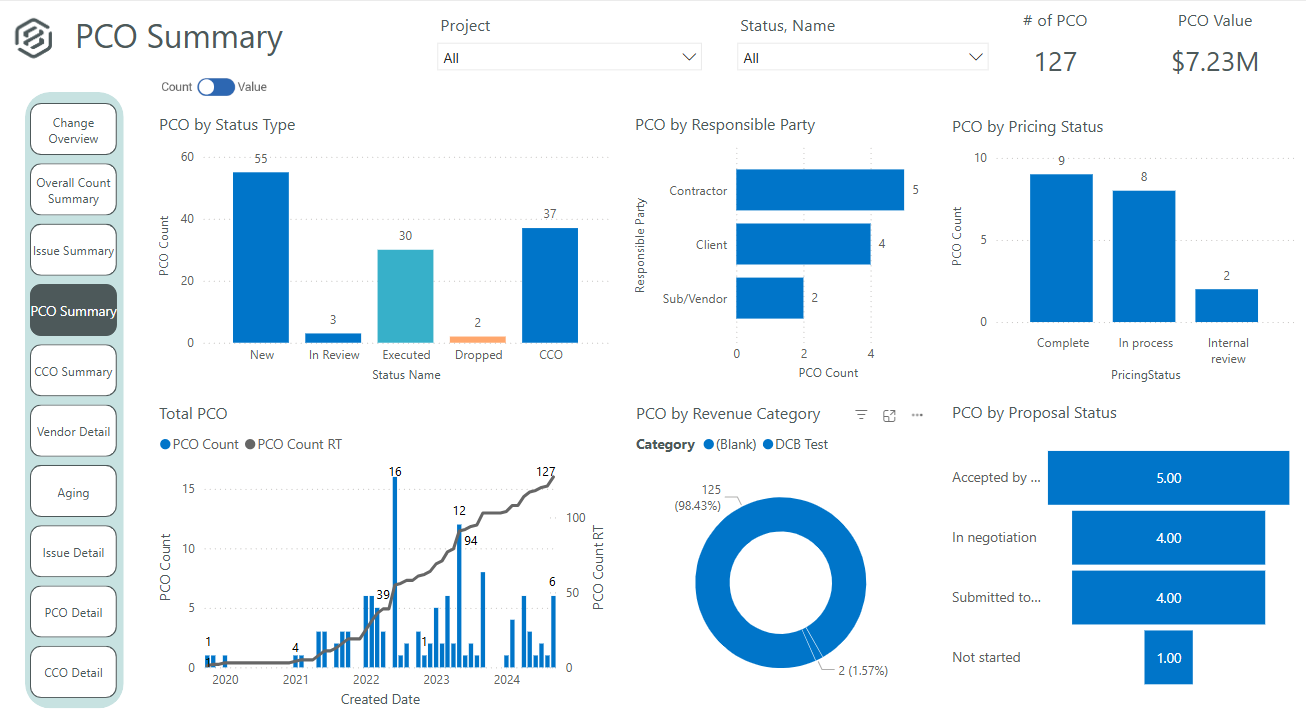 |



