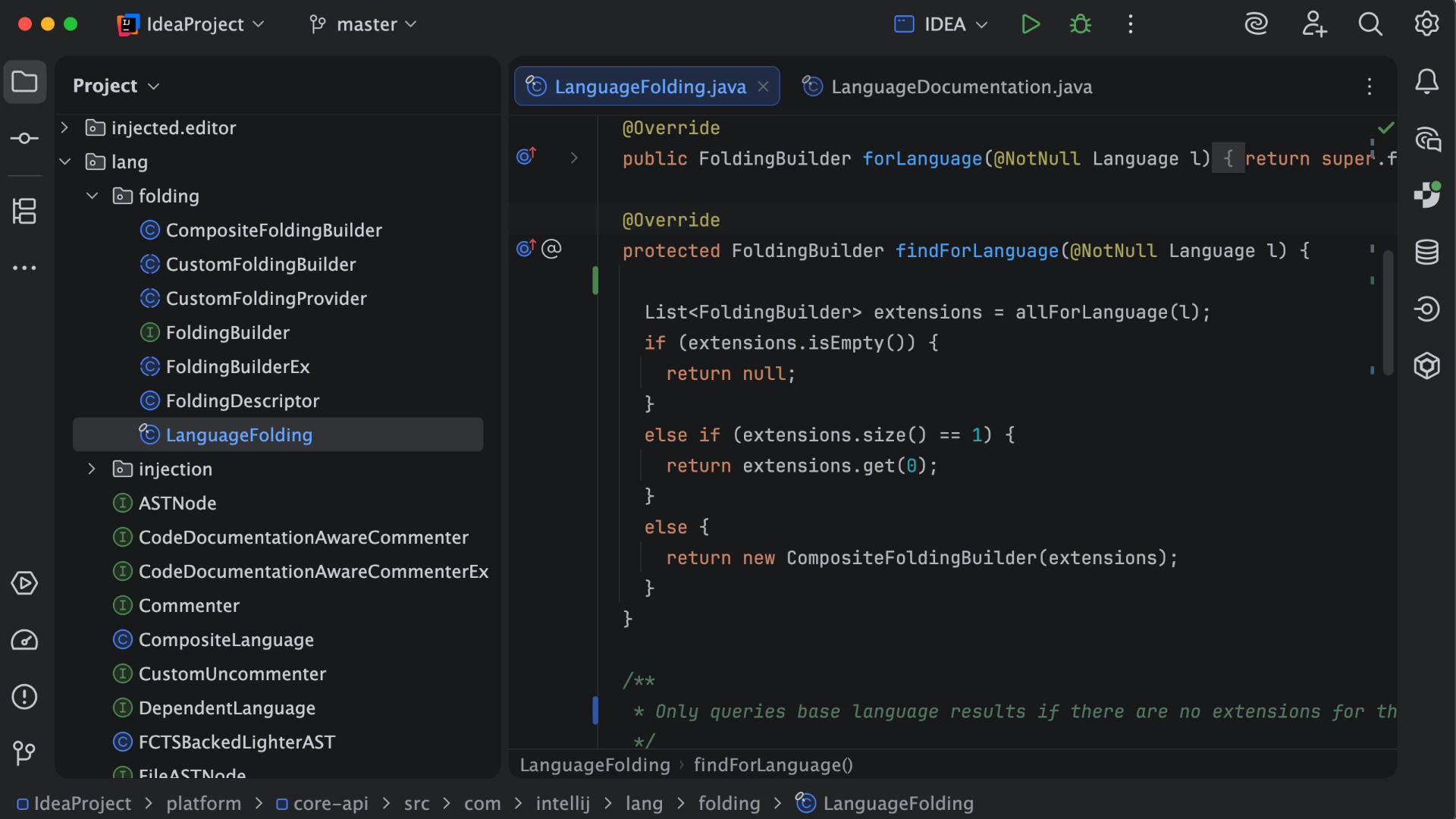
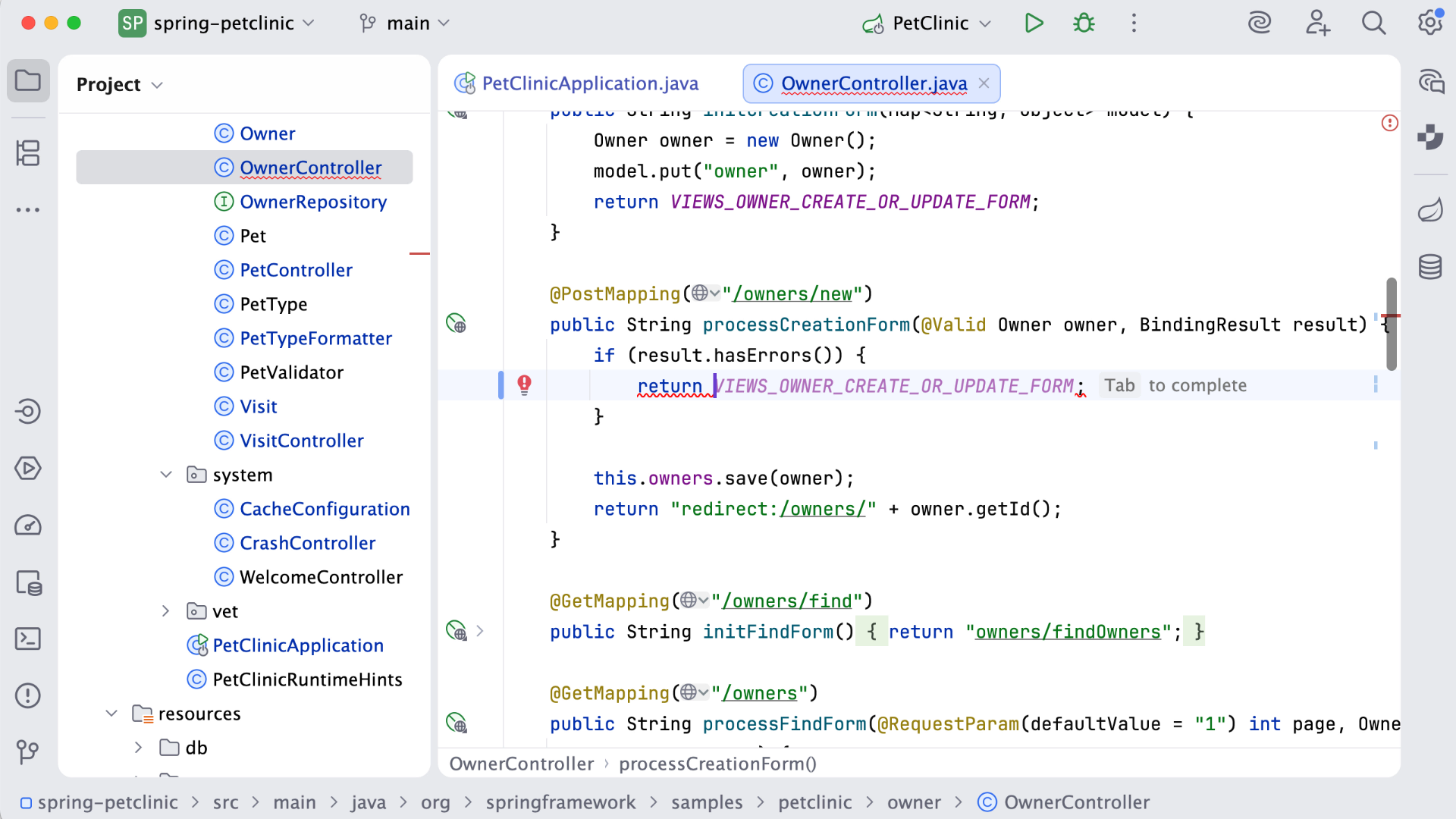
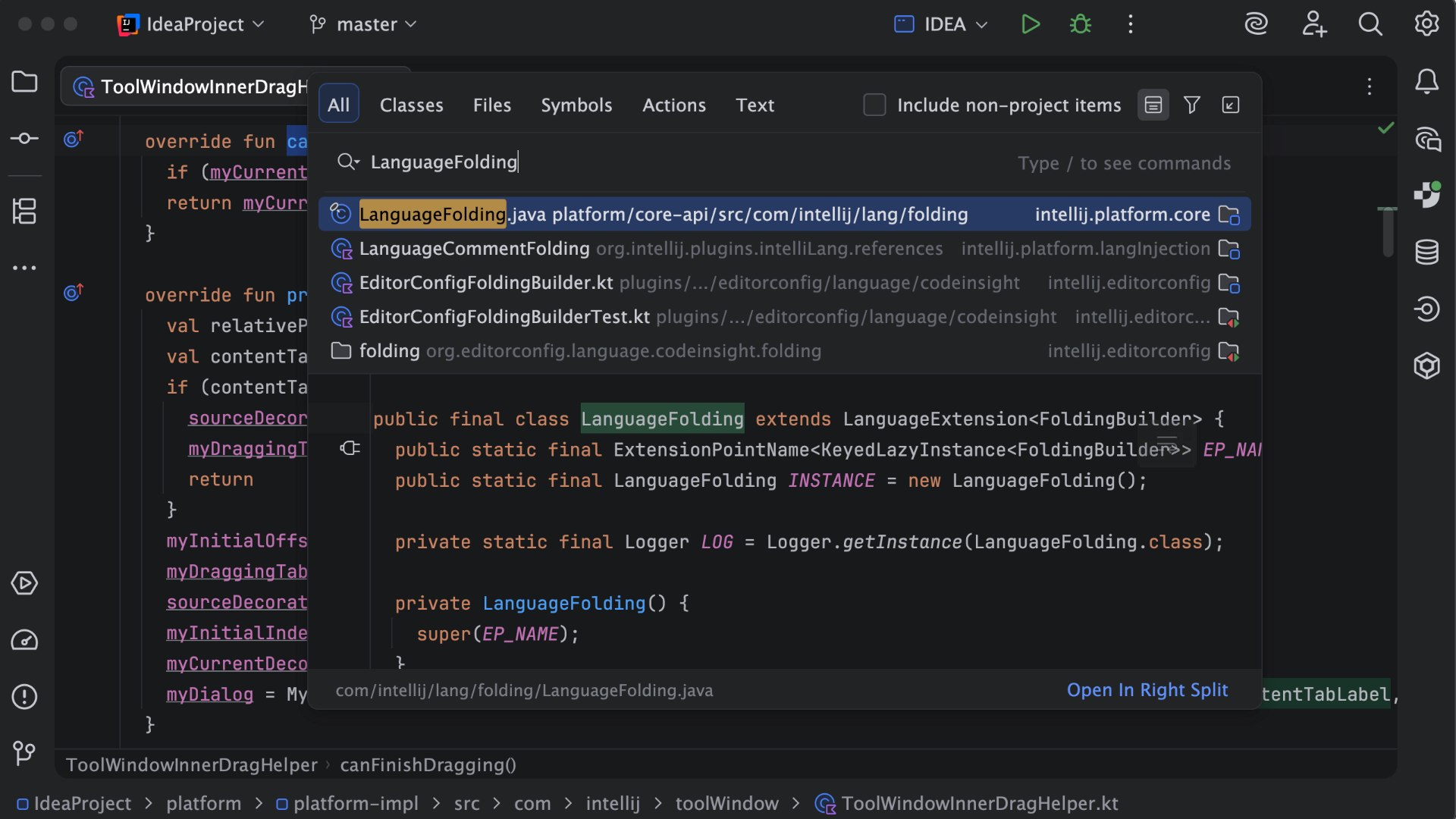
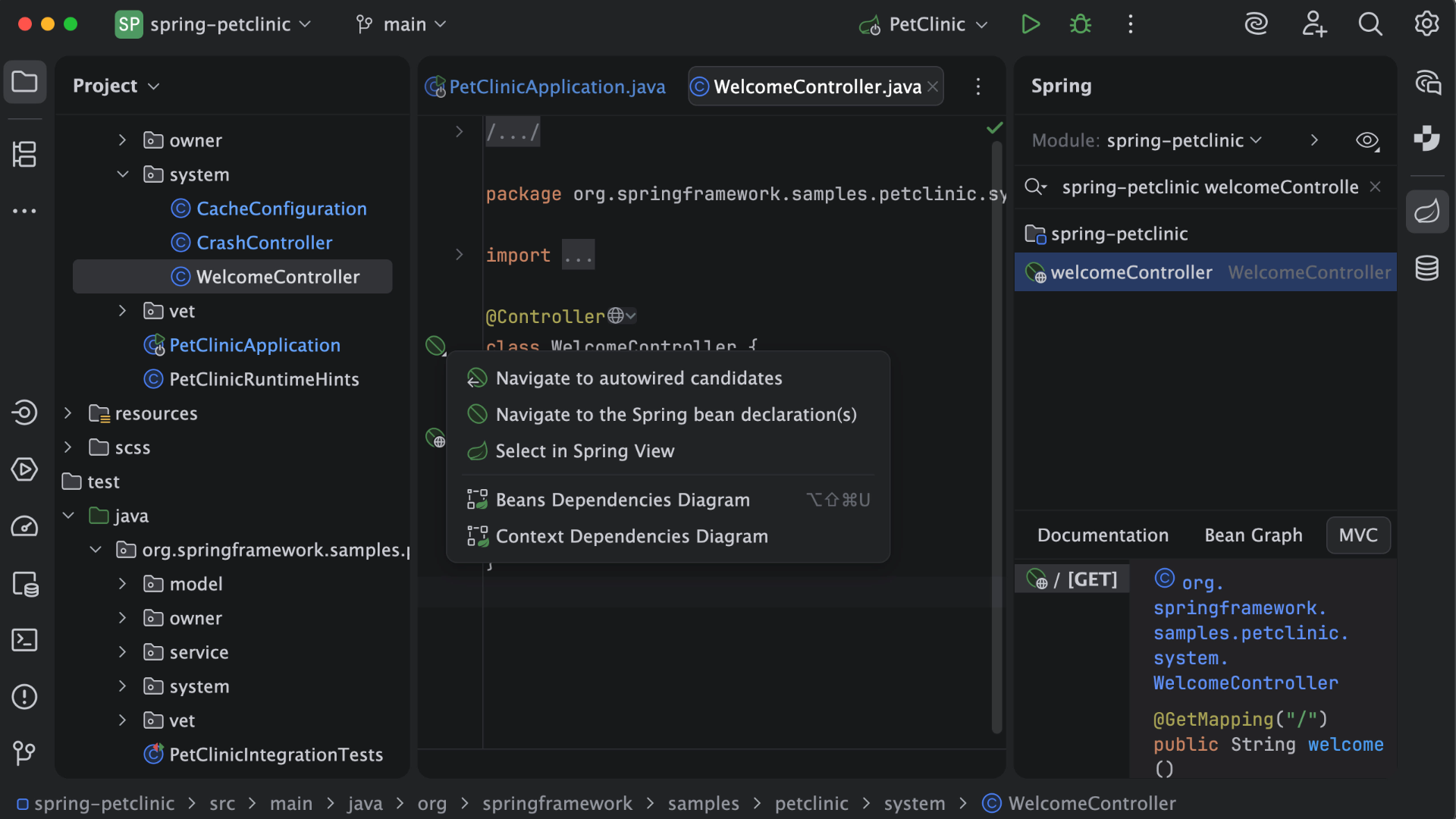
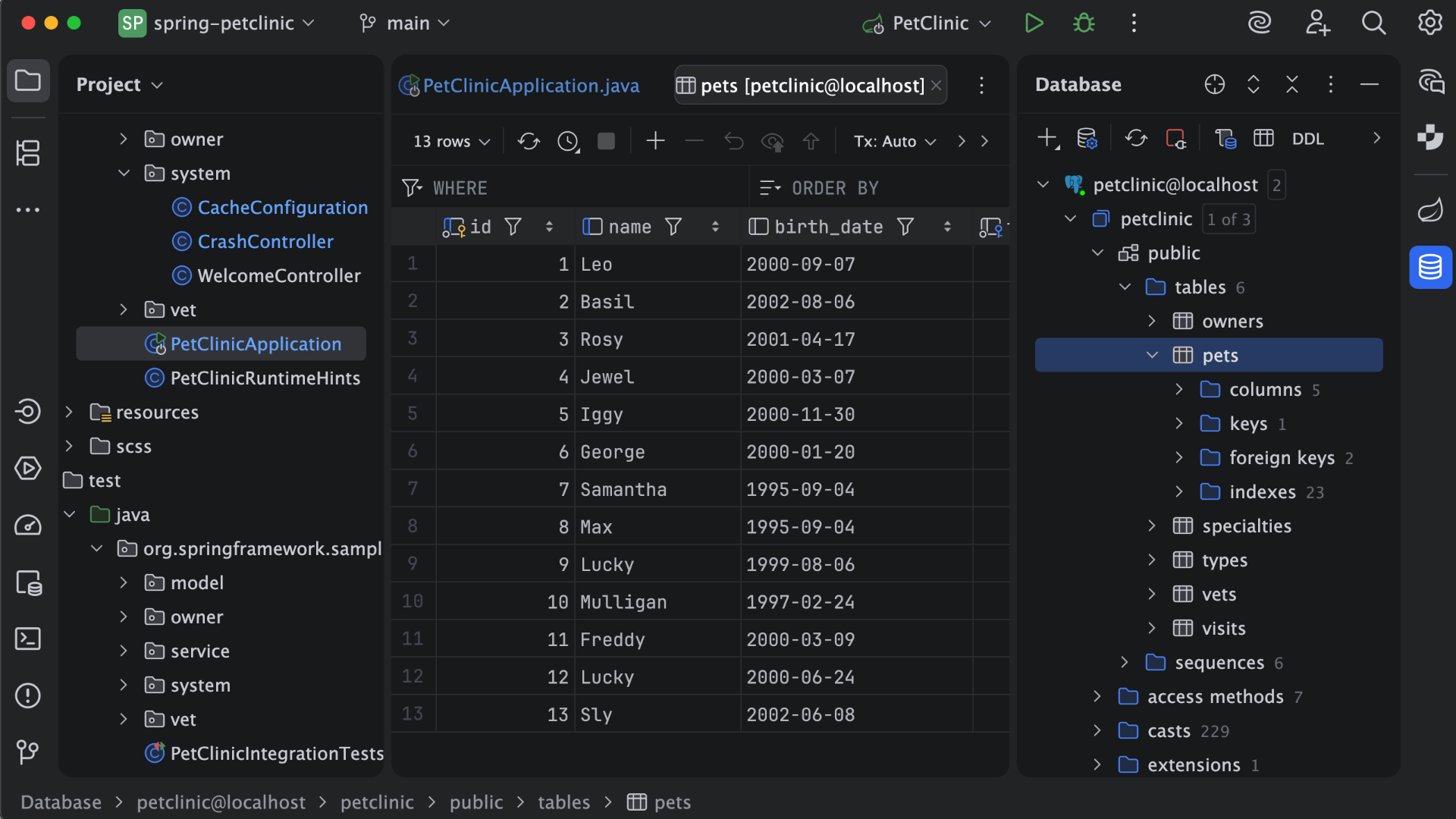
IntelliJ IDEA is an IDE that aims to give Java and Kotlin developers everything they need out of the box, including a smart code editor, built-in developer tools, framework support, database support, web development support, and much more.
$19.90
per month
LiveChat
Score6.8 out of 10
Small Businesses (1-50 employees)
LiveChat serves as a customer service platform with live chat support, help desk and web analytics functionalities, with the goal of allowing users to provide 24/7 support to customers. The core feature of the software is its chat tool, where both service and sales team can answer customers' questions in real time. Online businesses can interact with customers on their website, to be more accessible. With LiveChat, users can identify people on the website and engage…
$25
per month per user
Pricing
IntelliJ IDEA
LiveChat
Editions & Modules
For Individual Use (Monthly billing)
$19.90
per month
For Organizations (Monthly billing)
$71.90
per month
For Individual Use (Yearly billing)
$199
per year
For Organizations (Yearly billing)
$719
per year
Starter
$25
per month
Team
$59
per month per person
Business
$89
per month per person
Enterprise
Contact Sales
Offerings
Pricing Offerings
IntelliJ IDEA
LiveChat
Free Trial
Yes
Yes
Free/Freemium Version
Yes
No
Premium Consulting/Integration Services
No
No
Entry-level Setup Fee
No setup fee
No setup fee
Additional Details
All Products Pack (For Individual Use) – $299 /1st year, $ 239 /2nd year and $ 179 /3d year onwards
All Products Pack (For Organizations) – $979 / year
This is a superb tool if your project involves a lot of backend development, especially in Java/Spring Boot and Kotlin. The support for the front end is great as well, but some developers may prefer to use the GitHub copilot add-on. I especially love using the GitHub copilot add-on. It may be less appropriate if your project requires heavy use of HotSwaps for backend debugging, as sometimes the support for that can be limited.
A de minimis incentive was given to thank the reviewer for their time. The incentive was not used to bias or drive a particular response, nor was the incentive contingent on a positive endorsement. More Info
We needed a mechanism in place to make contact with visitors to our website easier. What we discovered is that it's an excellent tool for creating reports and dashboards that show how soon issues are handled. Our website can now be updated in real-time, and all of our internal teams are really excited to use this fantastic technology. I really recommend [LiveChat] to many friends and past colleagues.
A de minimis incentive was given to thank the reviewer for their time. The incentive was not used to bias or drive a particular response, nor was the incentive contingent on a positive endorsement. More Info
Unit testing: Fully integrated into IntelliJ IDEA. Your unit tests will run smoothly and efficiently, with excellent debugging tools for when things get tricky.
Spring integration: Our Spring project using Maven works flawlessly in IntelliJ IDEA. I know firsthand that Apache is also easily and readily supported too. The integration is seamless and very easy to set up using IntelliJ IDEA's set up wizard when importing new projects.
Customization: IntelliJ IDEA comes out of the box with a bunch of handy shortcuts, as well as text prediction, syntax error detection, and other tools to help keep your code clean. But even better is that it allows for total customization of shortcuts you can easily create to suit your needs.
A de minimis incentive was given to thank the reviewer for their time. The incentive was not used to bias or drive a particular response, nor was the incentive contingent on a positive endorsement. More Info
The most important factor of Livechat is their own chat support, I had many requirement from the Sales Head, Support Head to implement features that I was unsure if the product could do. However, as I did the implementation one by one I constantly used the chat support which helped me step by step all the way.
The UX of the product is pretty simple and intuitive to use. There are quite a few features that we could easily plug and play. We tried going to the market to find a solution that could help us but they did not have as many out of the box features and simple to use
Their integration between LiveChat and Chatbot is pretty seamless and since both of them are from the same company, it's works pretty well.
A de minimis incentive was given to thank the reviewer for their time. The incentive was not used to bias or drive a particular response, nor was the incentive contingent on a positive endorsement. More Info
A de minimis incentive was given to thank the reviewer for their time. The incentive was not used to bias or drive a particular response, nor was the incentive contingent on a positive endorsement. More Info
It has a limited amount of agents, so when you have many customer care employees during one shift it is hard to manage the quantity of active agents.
When system is overloaded and many customers are waiting in a queue it starts to works slowly (sometimes the program even lags) and you need to refresh the system to write a message.
Occasionally when you open a new tab, you might lose your current conversation.
A de minimis incentive was given to thank the reviewer for their time. The incentive was not used to bias or drive a particular response, nor was the incentive contingent on a positive endorsement. More Info
VS Code is maturing and has a Scala plugin now. The overall experience with VS Code - for web development at least - is very snappy/fast. IntelliJ feels a bit sluggish in comparison. If that Scala plugin for VS Code is deemed mature enough - we may not bother renewing and resort to the Community Edition if we need it.
A de minimis incentive was given to thank the reviewer for their time. The incentive was not used to bias or drive a particular response, nor was the incentive contingent on a positive endorsement. More Info
There is always room for improvement, but I haven't met any IDE that I liked more so far. Even if it did not fit a use case right out of the box, there is always a way to configure how it works to do just that.
A de minimis incentive was given to thank the reviewer for their time. The incentive was not used to bias or drive a particular response, nor was the incentive contingent on a positive endorsement. More Info
Customer support is really good in the case of IntelliJ. If you are paying for this product then, the company makes sure that you will get all the services adequately. Regular update patches are provided to improve the IDE. An online bug report makes it easier for the developers to find the solution as fast as possible. The large online community also helps to find the various solutions to the issues.
A de minimis incentive was given to thank the reviewer for their time. The incentive was not used to bias or drive a particular response, nor was the incentive contingent on a positive endorsement. More Info
The only issues I have had with LiveChat are the technical glitches within the program. These are not common as in everyday occurrences but when the glitches do happen they tend to have very negative repercussions. This is due to chats with customers being dropped, this may be an internal server issue though and may not happen for everyone.
A de minimis incentive was given to thank the reviewer for their time. The incentive was not used to bias or drive a particular response, nor was the incentive contingent on a positive endorsement. More Info
This installs just like any other application - its pretty straight forward. Perhaps licensing could be more challenging - but if you use the cloud licensing they offer its as simple as having engineers login to the application and it just works.
A de minimis incentive was given to thank the reviewer for their time. The incentive was not used to bias or drive a particular response, nor was the incentive contingent on a positive endorsement. More Info
Eclipse is just so old, like a dinosaur, compared to IntelliJ. There are still formats that Eclipse supports better, especially old and/or propriety ones. Still, most of the modern software development needs can be done on IntelliJ, & in a much better way, some of them are not even supported on Eclipse.
A de minimis incentive was given to thank the reviewer for their time. The incentive was not used to bias or drive a particular response, nor was the incentive contingent on a positive endorsement. More Info
Overall very similar in design, but LiveChat had a better interface, better reporting and analytic tools, better mobile support, and just an easier overall feel. The two products are very much alike in the vast majority of ways, but I ended up preferring this product overall. Price points were similar as well, as well as the allowed number of users.
A de minimis incentive was given to thank the reviewer for their time. The incentive was not used to bias or drive a particular response, nor was the incentive contingent on a positive endorsement. More Info
A de minimis incentive was given to thank the reviewer for their time. The incentive was not used to bias or drive a particular response, nor was the incentive contingent on a positive endorsement. More Info
We have a small team so the overall impact is that it is easy for one or two employees to handle a large number of tickets without hiring more people. Plus, you can use this software remotely, save a ton on traveling to and from and office.
A de minimis incentive was given to thank the reviewer for their time. The incentive was not used to bias or drive a particular response, nor was the incentive contingent on a positive endorsement. More Info