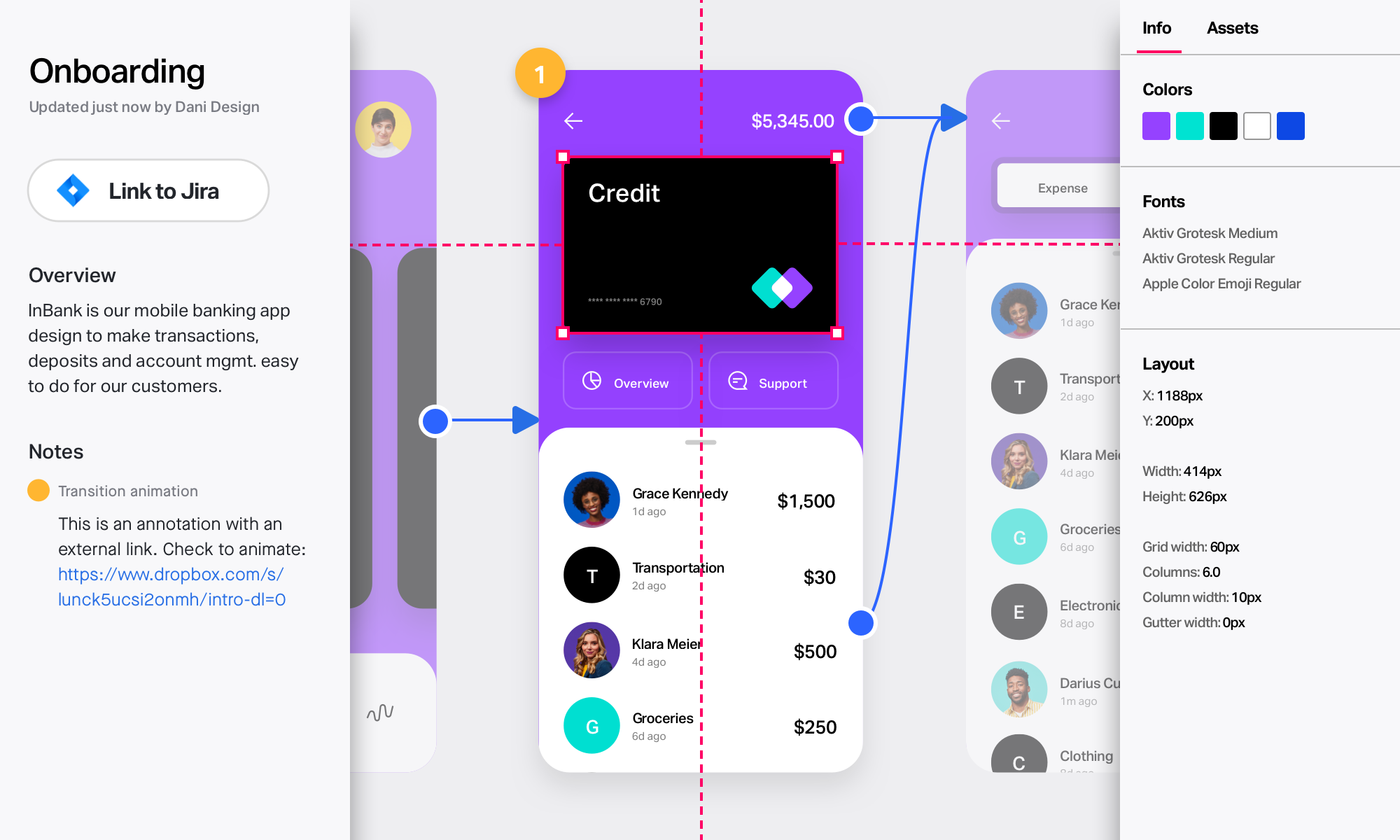
InVision is a collaborative design and prototyping platform with features such as freehand drafting mode and interactive mockups, collaboration, idea management, user testing, and integration with Slack and other collaboration tools. According to the vendor, 1 million designers are using the free version.
$0
Lucid Visual Collaboration Suite
Score9 out of 10
N/A
The Lucid Visual Collaboration Suite empowers teams to ideate, plan, design, build, and launch game-changing solutions from a shared infinite canvas.
[InVision] provides the ability to iterate really quickly, in fact, it is so intuitive that can be applied on live wireframe designing, while the ideas are being scratched and stormed from the team in a single discovery session, as well as allowing and giving access to the …
A de minimis incentive was given to thank the reviewer for their time. The incentive was not used to bias or drive a particular response, nor was the incentive contingent on a positive endorsement. TR verified that a representative sample of customers was invited. More Info
Verified User
Chose InVision
I choose InVision over Sketch, however Figma is leading because of the cloud feature collaboration and open source plugins
A de minimis incentive was given to thank the reviewer for their time. The incentive was not used to bias or drive a particular response, nor was the incentive contingent on a positive endorsement. More Info
Lucid Software
Verified User
Chose Lucid Visual Collaboration Suite
Visio is pretty bad honestly, Lucidchart is much better in my opinion. I've also used InVision which is much easier to build with but lacks some of the more advanced functionality. I think the layering feature that LucidChart has is a key differentiator and helps it stand out …
A de minimis incentive was given to thank the reviewer for their time. The incentive was not used to bias or drive a particular response, nor was the incentive contingent on a positive endorsement. More Info
Associate Product Marketing Manager in Marketing at BambooHR (Marketing and Advertising, 201-500 employees)
Chose Lucid Visual Collaboration Suite
Sketch and InVision we found to be better suited for making mockups of the product and more interactive elements of the product design. Lucidchart is better for the wireframes, flow, and processes for our team. We'll build out the concept, wireframe it, and then build how it …
A de minimis incentive was given to thank the reviewer for their time. The incentive was not used to bias or drive a particular response, nor was the incentive contingent on a positive endorsement. TR verified that a representative sample of customers was invited. More Info
Verified User
Chose Lucid Visual Collaboration Suite
While all of the other platforms we have evaluated and some we even use, Lucid has it's own unique solution and aesthetic that we find to work well for us for many of our different deliverables. There is no "One-App-Does-All" solution out there, however, when it comes to …
A de minimis incentive was given to thank the reviewer for their time. The incentive was not used to bias or drive a particular response, nor was the incentive contingent on a positive endorsement. TR verified that a representative sample of customers was invited. More Info
Director, Digital Pharmacy Product in Product Management at CoverMyMeds (Information Technology & Services, 10,001+ employees)
Chose Lucid Visual Collaboration Suite
I have used several different similar products over the course of my career and all seem to have some benefits but none seemed to really meet all my needs. Ideally, I want a tool that works for me individually and allows me to manage my own projects and visual communication …
A de minimis incentive was given to thank the reviewer for their time. The incentive was not used to bias or drive a particular response, nor was the incentive contingent on a positive endorsement. More Info
Product Manager in Finance and Accounting at Barclays (Financial Services, 1001-5000 employees)
Chose Lucid Visual Collaboration Suite
Lucidchart has a superior UI, with a very simple and delicate design. New team members can easily navigate and use the tool. Complex architectural designs, workflows can be made very easily with drag and drop features available. Also, the deep integration with major cloud …
A de minimis incentive was given to thank the reviewer for their time. The incentive was not used to bias or drive a particular response, nor was the incentive contingent on a positive endorsement. More Info
Verified User
Chose Lucid Visual Collaboration Suite
Lucidchart is easier to use than PowerPoint and generates cleaner visuals. A big part of this is due to the intuitiveness of connecting lines to boxes or shapes and having the flexibility to move points of connection on any shape and easily create new lines out of shapes. A …
A de minimis incentive was given to thank the reviewer for their time. The incentive was not used to bias or drive a particular response, nor was the incentive contingent on a positive endorsement. More Info
Sr. Experience Designer in Information Technology at Maestro Health (Human Resources, 201-500 employees)
Chose Lucid Visual Collaboration Suite
Lucidchart is designed to do one thing in my opinion, design charts of connected shapes. Other apps can do the same but are often tied to a desktop app and bloated with other illustration features I do not need. I like that is Lucidchart is limited in features to those specific …
A de minimis incentive was given to thank the reviewer for their time. The incentive was not used to bias or drive a particular response, nor was the incentive contingent on a positive endorsement. More Info
InVision is well suited for design reviews and immersing yourself in the experience of an app-to-be. As a Product Manager, it's difficult to take abstract concepts, user pain points, and business needs, and produce a vision for an app without a visual aid to communicate a vision. InVIsion offers PMs, designers, and developers the opportunity to sketch a vision, communicate about it with inline commenting, and shareable with other stakeholders.
A de minimis incentive was given to thank the reviewer for their time. The incentive was not used to bias or drive a particular response, nor was the incentive contingent on a positive endorsement. More Info
Lucid Visual Collaboration Suite is effective for process documentation and knowledge sharing across teams. For us, we used it to map out individual roles and specific tasks within each role to create clear and visual workflows that others can follow at any time. A key scenario where it works well in our business for business continuity during absences another colleague can pick up the role by following the process on Lucid Visual Collaboration Suite with minimal disruption. The visual diagrams are easy to understand and a written document.
A de minimis incentive was given to thank the reviewer for their time. The incentive was not used to bias or drive a particular response, nor was the incentive contingent on a positive endorsement. More Info
A de minimis incentive was given to thank the reviewer for their time. The incentive was not used to bias or drive a particular response, nor was the incentive contingent on a positive endorsement. More Info
Large number of predefined charts, diagrams, flows
A great repository of various symbols and objects
The easiness of using and manipulating objects and shapes. There is a lot of auto-editing and adjusting which the software does for you which saves a lot of your time.
Easy way of duplicating shapes.
While working with the app everything feels organic and natural. You don't get the clunky/limited feeling which happens with some other similar apps.
A de minimis incentive was given to thank the reviewer for their time. The incentive was not used to bias or drive a particular response, nor was the incentive contingent on a positive endorsement. More Info
A de minimis incentive was given to thank the reviewer for their time. The incentive was not used to bias or drive a particular response, nor was the incentive contingent on a positive endorsement. TR verified that a representative sample of customers was invited. More Info
The sign in page could use some help. When I first signed up, it was really difficult to login, unless I was logged into the perfect Lucid Visual Collaboration Suite software. It doesn’t seem to have a route to get people to the right place if you’re in the wrong place.
It’s nearly impossible to move content off of the Lucid Visual Collaboration Suite if you’re looking to get your content into a different platform.
Lucid Visual Collaboration Suite requires frequent updates and refreshes of the pages (at least daily).
A de minimis incentive was given to thank the reviewer for their time. The incentive was not used to bias or drive a particular response, nor was the incentive contingent on a positive endorsement. TR verified that a representative sample of customers was invited. More Info
A de minimis incentive was given to thank the reviewer for their time. The incentive was not used to bias or drive a particular response, nor was the incentive contingent on a positive endorsement. More Info
Easy for prototyping, sharing for comments and review changes with version. lags a bit when the design is heavy and large design models learning curve is shorter so saves time with new stakeholders responsiveness could be better and auto modeling can be introduced Not much advance features that can be used
A de minimis incentive was given to thank the reviewer for their time. The incentive was not used to bias or drive a particular response, nor was the incentive contingent on a positive endorsement. More Info
The usability of Lucid Visual Collaboration Suite is bar none and incomparable to any other tool used in the past. There is such a vast offering that covers all the needs of any user in industries far and wide. It is no doubt that this is a firm recommendation for anyone and everyone to utilize this tool for all their needs.
A de minimis incentive was given to thank the reviewer for their time. The incentive was not used to bias or drive a particular response, nor was the incentive contingent on a positive endorsement. More Info
I didn't need to contact InVision support, as I've never needed it. They have an intuitive UI, and most of the questions are answered in their help portal or in tutorials online. Since many people use it, there a great resources available on for example YouTube. No problems so far with InVision.
A de minimis incentive was given to thank the reviewer for their time. The incentive was not used to bias or drive a particular response, nor was the incentive contingent on a positive endorsement. More Info
I reached out about being able to access Linear through their new acquisition partner, and they kept pointing me to the same article even though I told them it wasn't giving me the information I needed. I asked for a meeting with a CSM and they didn't reach out to help. I've also tried to contact some PM friends to give feedback, but no one seems to care
A de minimis incentive was given to thank the reviewer for their time. The incentive was not used to bias or drive a particular response, nor was the incentive contingent on a positive endorsement. TR verified that a representative sample of customers was invited. More Info
We only tested out using Adobe XD for similar uses and found it to be more challenging to fit within our processes. It didn't have as robust a set of capabilities as InVision and wasn't as easy to use enterprise wide. I recall also having issues with working with Sketch.
A de minimis incentive was given to thank the reviewer for their time. The incentive was not used to bias or drive a particular response, nor was the incentive contingent on a positive endorsement. More Info
Lucidchart is well beyond Microsoft Visio and is constantly improving. Visio is pretty much stagnant and hasn't been improved for several years, Lucid is constantly adding new functionality like AI powered functions and tools. We have no reason to pay for Visio licenses when Lucid can provide so much more for less.
A de minimis incentive was given to thank the reviewer for their time. The incentive was not used to bias or drive a particular response, nor was the incentive contingent on a positive endorsement. More Info
InVision helps our team better and more professionally portray the value and the work we do as designers, leading to more company buy-in in supporting and funding our work. In the past, we would create PowerPoints with screenshots to portray a user workflow that we would share out to stakeholders. Once we began to use this app, where stakeholders could click through and comment as though they were “real” users, stakeholders began to better understand our work, designs, and workflows. This has led to more productive conversations that, in turn, lead to more effective end products that have more consistently served our business goals in tangible ways.
InVision helps us save production time, effort, and cost, as we are able to solve design issues early in the process by having clickable prototypes to show to internal stakeholders and external users. It’s, understandably, difficult for people to provide effective feedback on screenshots. Using the clickable prototypes we created in InVision, we are able to get more effective feedback to solve user workflow issues before we spend time and money developing problematic designs (and later having to redesign them).
It’s easier to market designs to potential buyers with clickable prototypes than with screenshots. With these prototypes, we’ve been able to sell more digital products before product release dates, which has helped to secure many contracts and new business relationships that continue to this day.
A de minimis incentive was given to thank the reviewer for their time. The incentive was not used to bias or drive a particular response, nor was the incentive contingent on a positive endorsement. More Info
Though I can't necessarily provide hard numbers, I can confidently say that Lucidchart has saved countless hours for myself and my teams as we don't need to try to develop some type of complex diagram using markup or any kind of code.
I have previously been able to build a complete ERD using Lucidchart in a past position, which the company never had before. It ended up being used by countless teams in the company and ultimately in a large-scale data stack migration effort.
A de minimis incentive was given to thank the reviewer for their time. The incentive was not used to bias or drive a particular response, nor was the incentive contingent on a positive endorsement. More Info