Jadu is a PHP based proprietary content management system from the company of the same name. Its architecture is cross platform and runs in Windows in the .Net framework, Linux, and Solaris.
N/A
Paligo
Score8.7 out of 10
N/A
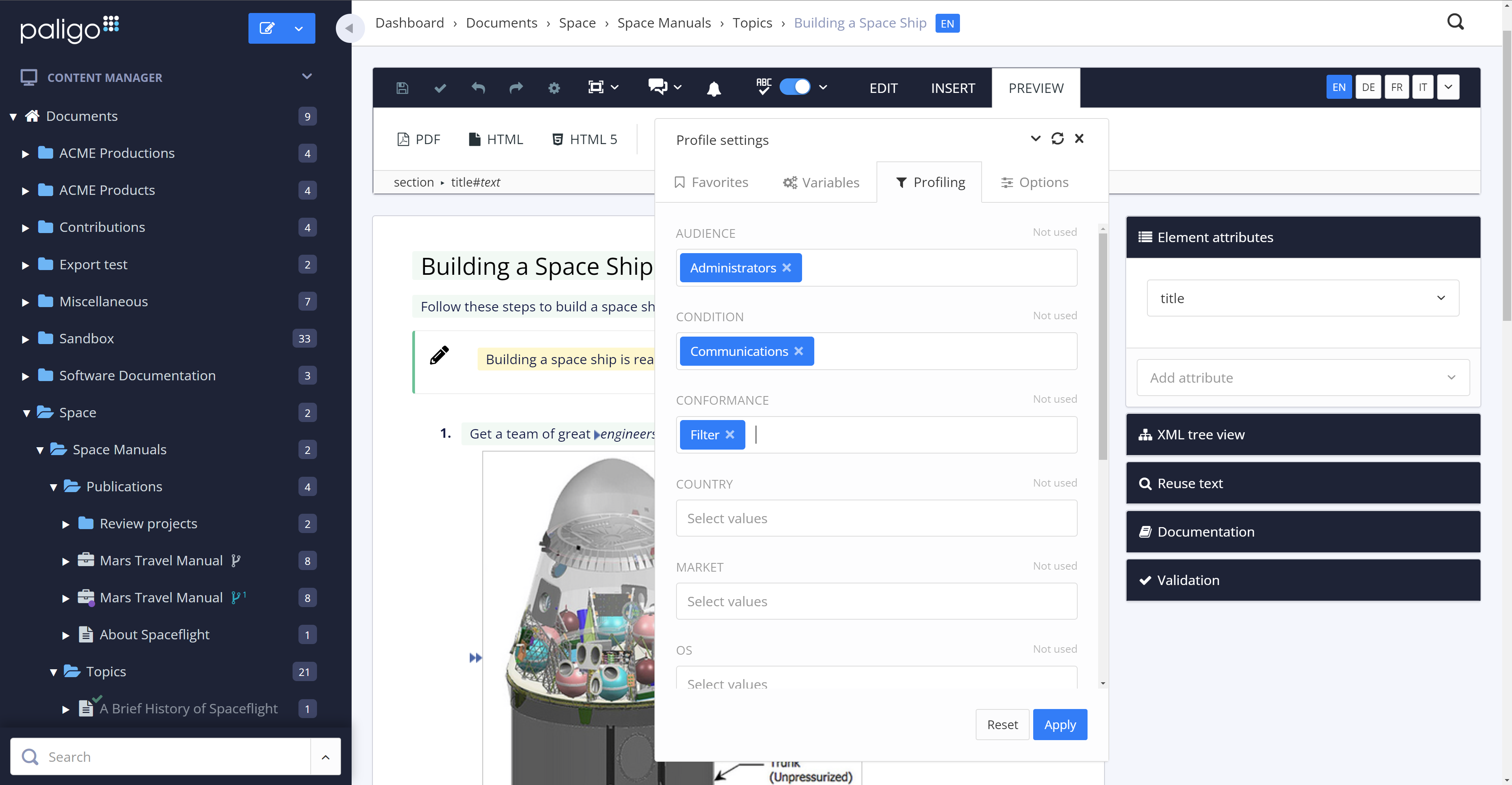
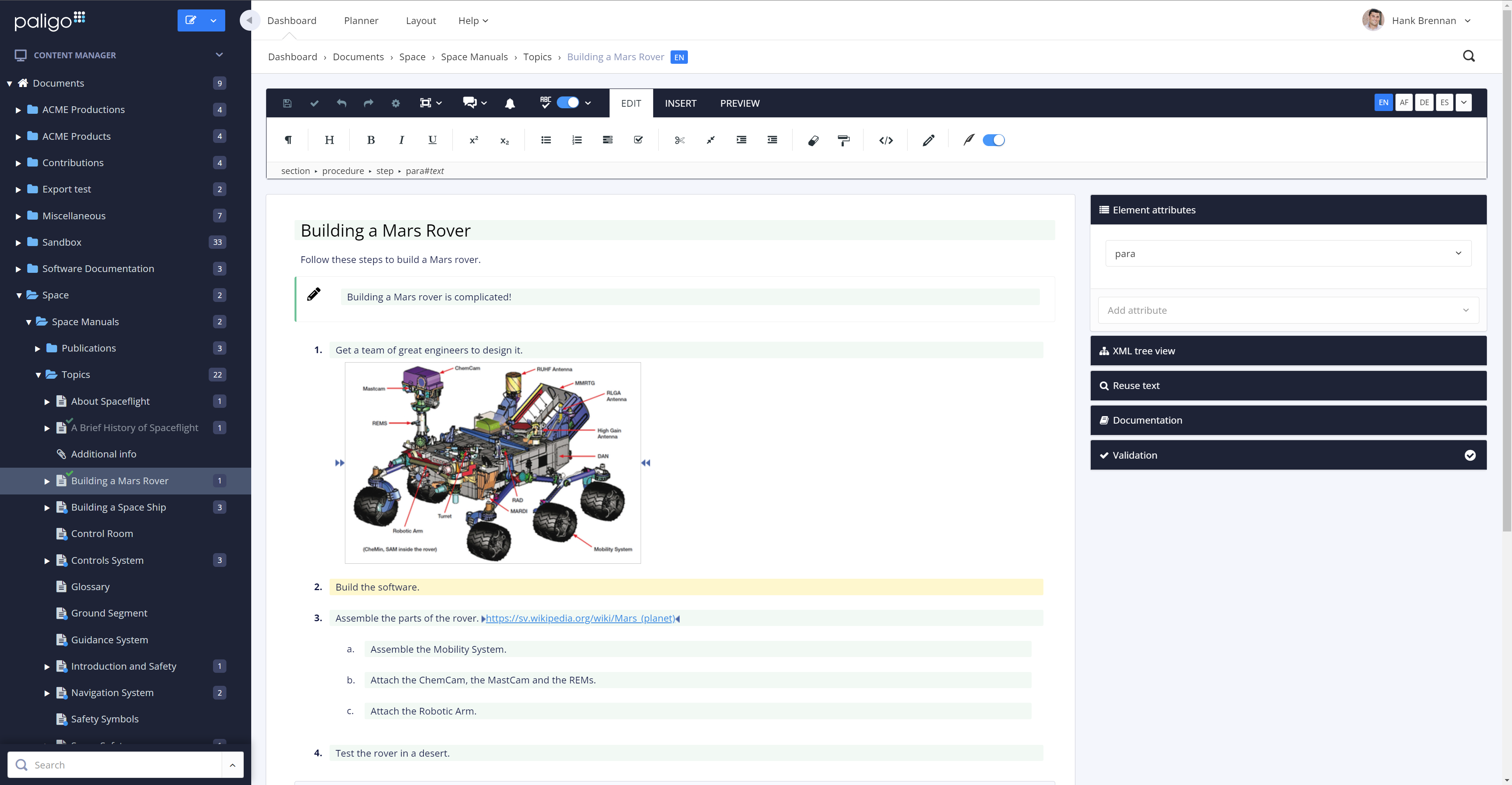
Paligo is a component content management system (CCMS) that helps teams manage complex technical documentation through structured authoring, content reuse, and controlled publishing.
Jadu CMS is not currently geared toward the academic side, but more of the business/government types of organizations. Things can be tweaked to suit your needs, but sometimes there are limitations. The programmers are very helpful in assisting with that.
If you have some in house programmers, and you can get developer training, they will be able to program their own custom widgets to use on your website. We did not have programmers but managed to create a few simple widgets.
There's also a marketplace to look for other widgets that you could use on your site.
One of the biggest strengths is the structured authoring, which not only gives clean content for users but is also well-suited for providing AI content. I also make good use of content reuse, which simplifies maintenance and documentation updates when features change. The taxonomy has allowed me to create versioned documentation on our site that correlates with customers' installed software versions. We're switching over to using the API for publishing to our website and that will be a nice switch from the publication structure we've used previously. The tool doesn't, at this time, allow me to connect it to a custom GPT or create one that would be based on our style guide. There also isn't an MCP server option to work better with my Claude configurations.
A de minimis incentive was given to thank the reviewer for their time. The incentive was not used to bias or drive a particular response, nor was the incentive contingent on a positive endorsement. More Info
Reliability. The LAMP-powered server/software rarely has any problems and can handle hundreds of concurrent users without issue. It was developed with scalability in mind.
Ease of Use. Our users find the backend GUI very easy to use. The layout is intuitive and follows the same format throughout the entire control panel.
Powerful. Even if it doesn't do something you would like it to out of the box, the code is well formatted and easy to customize.
A de minimis incentive was given to thank the reviewer for their time. The incentive was not used to bias or drive a particular response, nor was the incentive contingent on a positive endorsement. More Info
The review mode is super convenient. Comparing a snapshot of the previous versions with the current one clearly outlines the respective changes and reduces the necessary content to review tremendously.
The option to reuse text fragments is another handy feature. Text fragments will be updated whenever the original text fragment is altered is also extremely helpful.
Managing a content's structure was never easier. An intuitive drag & drop functionality allows you to design your document's structure however you like.
You can also fork content, in addition to reuse text fragments. This is another helpful option that no longer requires you to create repetetive chapters over and over.
A de minimis incentive was given to thank the reviewer for their time. The incentive was not used to bias or drive a particular response, nor was the incentive contingent on a positive endorsement. More Info
The amount of CSS/JS required to customize a site's appearance can be cumbersome
Product documentation can be lacking, specifically with integrations; in some cases, support offered no real help when trying to solve a problem with an integrated service
Some features require extensive development experience to use, which can sometimes be an obstacle to less-experienced team members
A de minimis incentive was given to thank the reviewer for their time. The incentive was not used to bias or drive a particular response, nor was the incentive contingent on a positive endorsement. More Info
I decided not to give it a 10 because I don't know what else is out there in terms of CMS products, and there's a bias when you've only been exposed to one product. At my current job, I used Jadu sparingly but it's easy to get reacquainted with the software and the look and feel of the CMS
A de minimis incentive was given to thank the reviewer for their time. The incentive was not used to bias or drive a particular response, nor was the incentive contingent on a positive endorsement. More Info
For the common user, Jadu is very easy to use and to understand. For the more complex user/administrator, there's a lot of power to be harnessed in HTML editing, creating widgets, editing styles, creating workflows, and other advanced features Jadu can work up for the customer.
Reuse feature was the main reason for selection Paligo. It is the most powerful feature for us as now we have only one source of content that is used in all other documents through reuse. Makes it very easy when we need to update the content (in some cases at least once a quarter) and batch publishing makes it very easy to publish 100s of documents in one click
A de minimis incentive was given to thank the reviewer for their time. The incentive was not used to bias or drive a particular response, nor was the incentive contingent on a positive endorsement. More Info
All the support requests I've submitted have been resolved in one way or another. Sometimes it takes some back and forth, which is to be expected. This is where being on a different continent becomes a drawback. Since we became Enterprise users, we've also had an additional level of help and support from a dedicated account manager in the US, and the resolutions seem to come more quickly
A de minimis incentive was given to thank the reviewer for their time. The incentive was not used to bias or drive a particular response, nor was the incentive contingent on a positive endorsement. More Info
A de minimis incentive was given to thank the reviewer for their time. The incentive was not used to bias or drive a particular response, nor was the incentive contingent on a positive endorsement. More Info
Jadu is miles behind these and many other CMSs. The others are much more up to date with their code and ease of use. The ability to customize other CMSs is much easier and the code structure actually makes sense. Jadu was selected because it had a portal out of the box.
We moved from Flare to Paligo. One of the main reasons was the fact that Paligo is a cloud product. Collaboration with anyone outside of our team was more difficult with Flare. Also, maintaining a server for Flare content was going to become an issue, and overall I felt the Flare desktop product was prone to errors and issues. The flexibility of assigning Paligo licenses was a huge factor, as was the stability of the cloud platform.
A de minimis incentive was given to thank the reviewer for their time. The incentive was not used to bias or drive a particular response, nor was the incentive contingent on a positive endorsement. More Info
A de minimis incentive was given to thank the reviewer for their time. The incentive was not used to bias or drive a particular response, nor was the incentive contingent on a positive endorsement. More Info
I am not involved in the financial decisions for my company regarding Paligo; the decision to migrate our content to this environment predates my hiring. However, I know that the migration effort from WordPress to Paligo was an initially heavy lift, but any content migration effort would be. I believe that ultimately, getting our content out of WordPress was a positive move, and I look forward to seeing what Paligo will help us accomplish in the future. Sorry, no hard numbers from me. :)