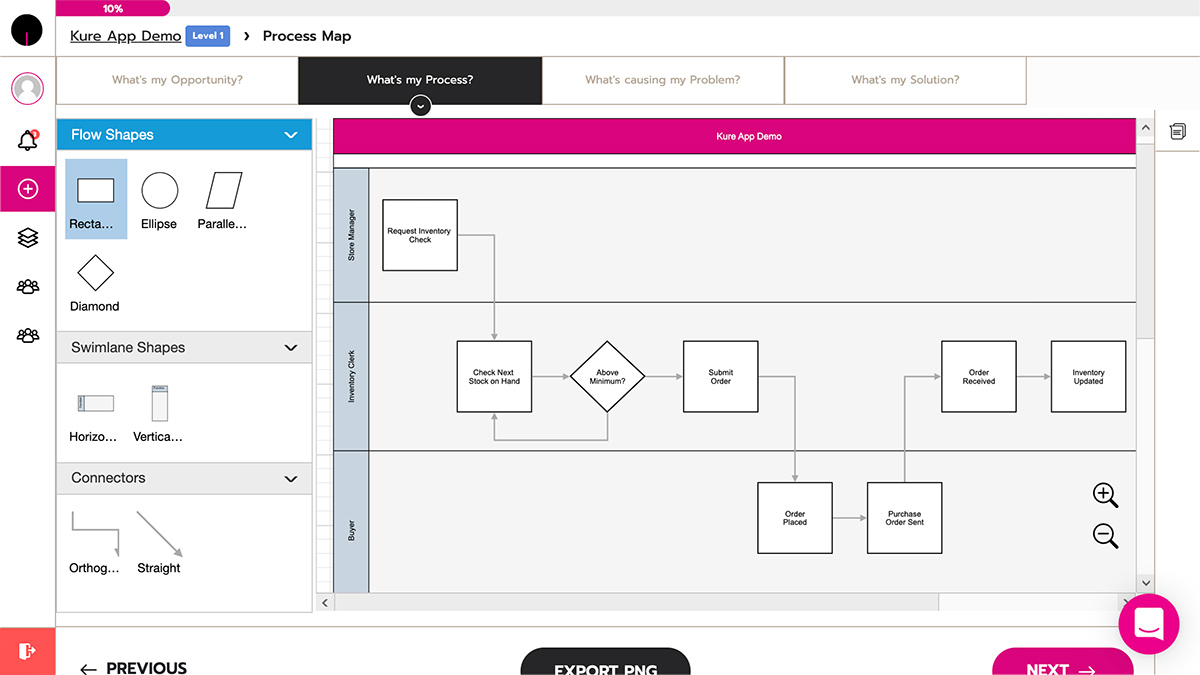
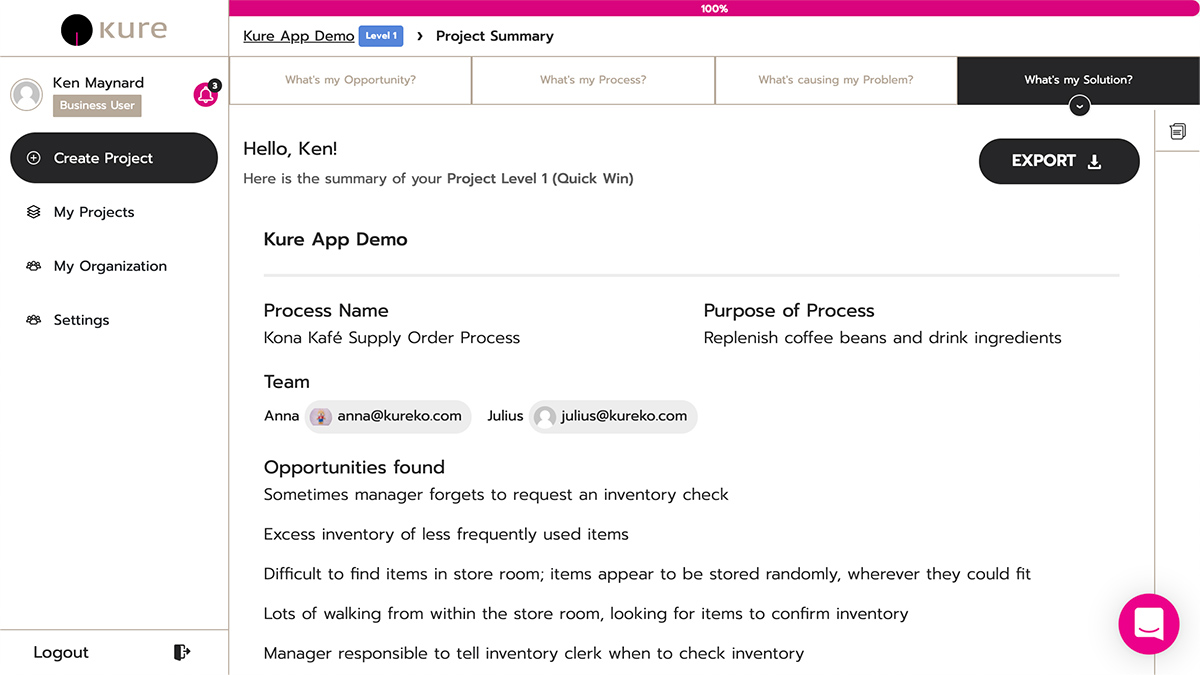
Kure is a web-based app that helps teams collaborate to complete process optimization projects. The Kure app is powered by the Process Optimization Path™. The Process Optimization Path (POP) is powered by artificial intelligence that guides users step-by-step – through improving any process – so teams are empowered to efficiently and effectively scale business improvements and create growth for the user's organization.
$0
per month per user
LiquidPlanner
Score8.3 out of 10
Mid-Size Companies (51-1,000 employees)
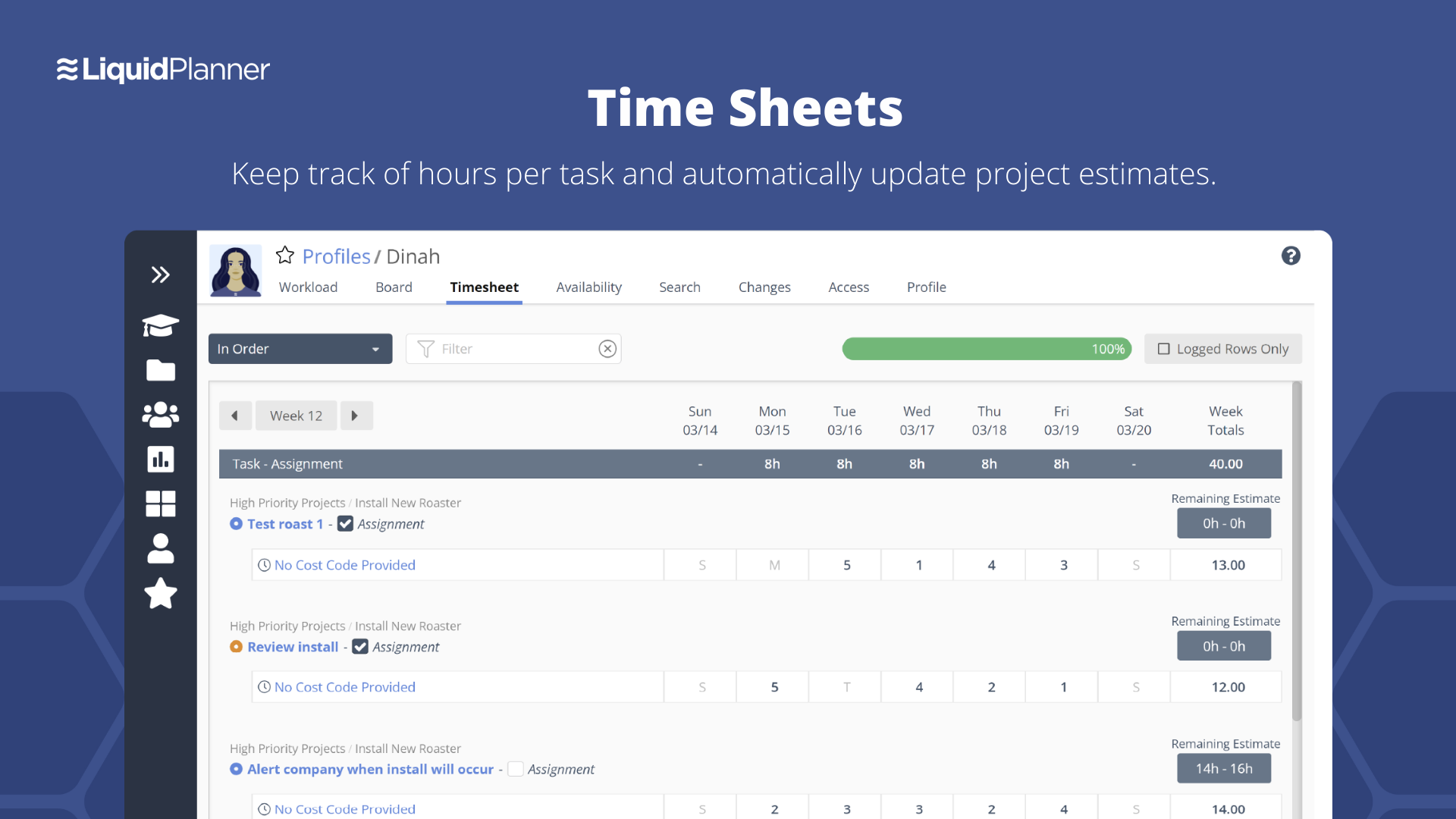
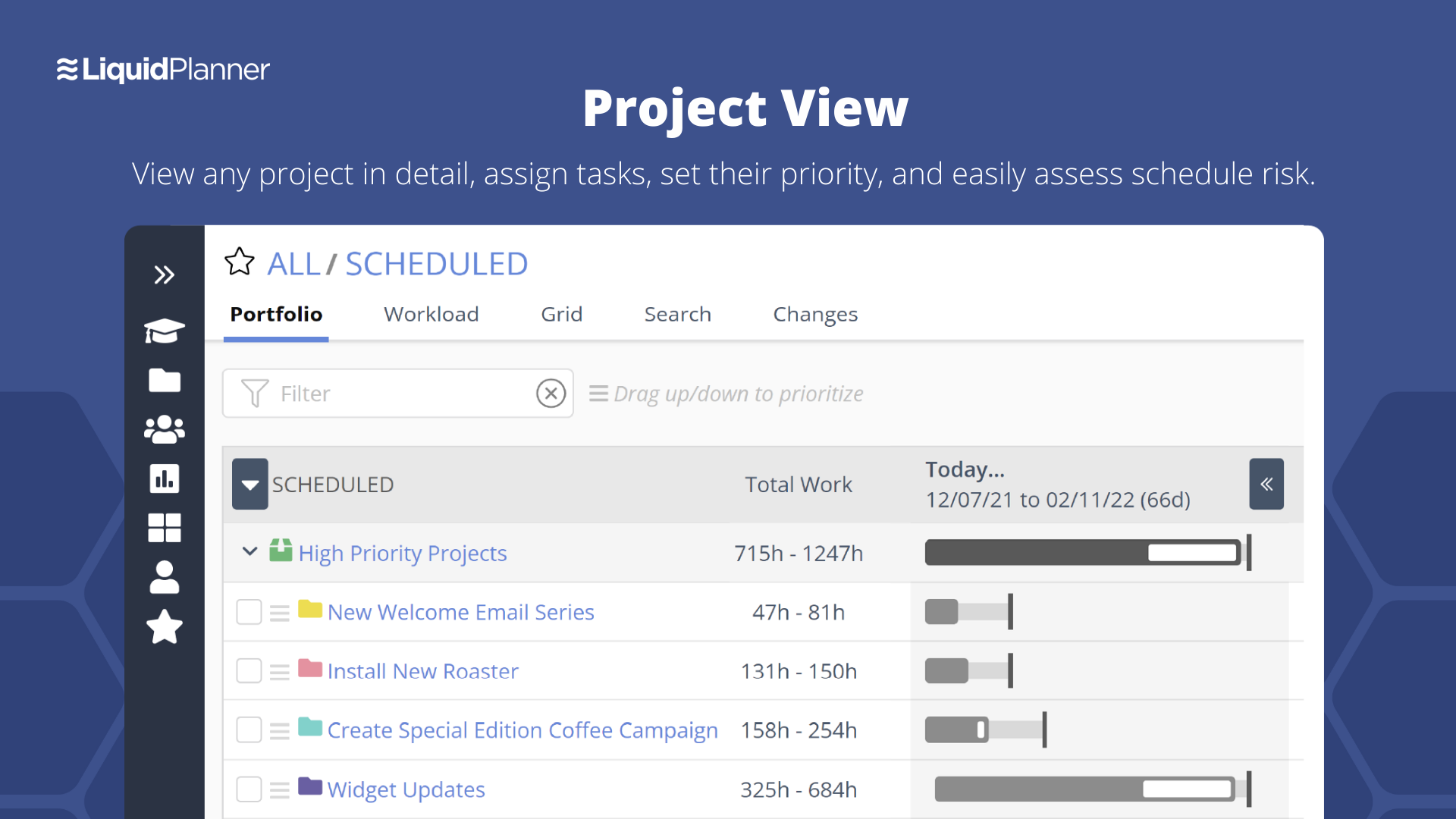
LiquidPlanner is a cloud based predictive project management solution. Some key features include: Dynamic Timeline View, Workload View, and Real-Time Activity Stream.
Kure walks you through every step of a project with helpful tips for each question and you never get lost or confused. Great on your 1st project or your 100th. I like it for my quick win, small, and medium-sized projects.
LiquidPlanner is amazing for any time of project management scenario where you have to manage several teams and details. Running a project through LiquidPlanner is so easy because it lets you break down the project into sections and folders and small tasks that you can assign to specific people. With a small to medium size team-- LiquidPlanner is amazing for organizing and tracking details. If you have a huge team or not a ton of details to track LiquidPlanner might not be right for you because it is a software that requires some good training to learn and has tons of functions that can be utilized so it seems better suited to be used by a smaller group looking to coordinate or for people who have lots of details that can be difficult to track.
A de minimis incentive was given to thank the reviewer for their time. The incentive was not used to bias or drive a particular response, nor was the incentive contingent on a positive endorsement. More Info
Priority based planning. Every other planning software we've used relies on dates and therefore needs constant attention. Priority based planning means that the plan is always up to date.
Ease of use. LiquidPlanner has a very short learning curve. This is critical to getting team members to use it.
Forecasting. LiquidPlanner makes it very easy to run scenarios by simply dragging and dropping projects and reassigning resources.
Awesome Support. I get personal responses very fast. Usually within a couple hours. And, they listen and ask for more information.
A de minimis incentive was given to thank the reviewer for their time. The incentive was not used to bias or drive a particular response, nor was the incentive contingent on a positive endorsement. More Info
The interface is messy and cluttered. The best way to find things and see what you actually want to see is the main Projects view which is also the most cluttered and hardest to maneuver in.
Clicking an external link someone posted in a comment or task description doesn't open in a new window by default, so we are constantly having to go back to get to LiquidPlanner again.
The way that the interface saves your state globally (rather than per tab instance) means that if you click a link from someone else to a task that's not yours, then it adjusts your filters on the Projects page. Then if you refresh another LiquidPlanner window where you were on the Projects tab, suddenly all of its filters are updated and what you were looking at may no longer be there.
It might just be the way that we use the system, but the Home and My Work tabs are fairly useless for us. They typically don't show the tasks we're actually looking for.
A de minimis incentive was given to thank the reviewer for their time. The incentive was not used to bias or drive a particular response, nor was the incentive contingent on a positive endorsement. More Info
We may not renew LiquidPlanner's contract, but only because my company has recently been acquired and we'll be adopting some of the software that they're using to standardize process. LiquidPlanner's development team releases new features pretty often, so it seems like the gaps and inefficiencies are slowly getting smaller/less frequent
A de minimis incentive was given to thank the reviewer for their time. The incentive was not used to bias or drive a particular response, nor was the incentive contingent on a positive endorsement. More Info
A de minimis incentive was given to thank the reviewer for their time. The incentive was not used to bias or drive a particular response, nor was the incentive contingent on a positive endorsement. More Info
They have been great in trying to come up with creative solutions to help us do what we want to do with the platform. I would say their support has been exceptional because we have hit them with some complex requests.
A de minimis incentive was given to thank the reviewer for their time. The incentive was not used to bias or drive a particular response, nor was the incentive contingent on a positive endorsement. More Info
Miro is a more versatile tool, but not quite made for planning and organizing. LiquidPlanner is very intuitive, fast to learn and easy to communicate. The added value of prioritizing tasks, personalized boards and gantt charts are really important during the planning and design thinking in the business. LiquidPlanner is simplified yet more helpful.
A de minimis incentive was given to thank the reviewer for their time. The incentive was not used to bias or drive a particular response, nor was the incentive contingent on a positive endorsement. More Info
LiquidPlanner really forces you to map out your workflow. For me, honing into a template that I can later adjust as needed has been huge, as there is less time at the beginning of a project trying to assign and figure out what needs to happen when usually it never changes.
Communication between employees, especially ones not immediately available in the office has been very welcomed. It helps having conversations documented in a public, logical place that is easy to find and refer to as the project continues.
Our productivity has definitely skyrocketed as we've really gotten a feel and committed to using LiquidPlanner daily. As we move forward, we continually try to add more and more ways for us to use the service.
A de minimis incentive was given to thank the reviewer for their time. The incentive was not used to bias or drive a particular response, nor was the incentive contingent on a positive endorsement. More Info