LeadDelta vs. Shared Contacts for Gmail

Overview
ProductRatingMost Used ByProduct SummaryStarting Price
LeadDelta
Score 1.0 out of 10
N/A
LeadDelta is a LinkedIn CRM for networking that enriches contacts with business and personal emails, as well as phone numbers. Built for salespeople, marketers, executives, and recruiters who want to turn LinkedIn connections into revenue. Unlike a generic CRM, LeadDelta will auto-import and enrich contacts, and then let sales teams collaborate in a web browser. Features Centralizes and organizes networks in a lightweight CRM Team collaboration…
$14
per month per user
Shared Contacts for Gmail
Score 8.3 out of 10
N/A
Shared Contacts for Gmail enables Google Workspace (G-Suite) & Gmail users to create, manage, share team address books (labels) from anywhere (Gmail, Google Contacts, Mobile phones etc.). Define access permissions exactly like you would do with a Google Doc: View Only Edit Delete permission Re-share Transfer of ownership Access contacts shared from anywhere in a workspace (Gmail, Google Contacts, Calendar, Mobile phones etc.).…
$0.99
per user per month
Pricing
LeadDeltaShared Contacts for Gmail
Editions & Modules
Starter
$14
per month per user
Pro
$29
per month per user
Business
$99
per month includes 2-100 users
Enterprise
Custom
Lite
$0.99
per user per month
Team
$1.79
per user per month
Business
$2.59
per user per month
Offerings
Pricing Offerings
LeadDeltaShared Contacts for Gmail
Free Trial
YesYes
Free/Freemium Version
NoYes
Premium Consulting/Integration Services
NoYes
Entry-level Setup FeeNo setup fee$0.99 per user per month
Additional DetailsDiscount available for annual pricing.
More Pricing Information
Community Pulse
LeadDeltaShared Contacts for Gmail
Best Alternatives
LeadDeltaShared Contacts for Gmail
Small Businesses
Cloze
Cloze
Score 9.9 out of 10
Cloze
Cloze
Score 9.9 out of 10
Medium-sized Companies
Shared Contacts for Gmail
Score 8.3 out of 10
Kintone
Kintone
Score 9.9 out of 10
Enterprises
Shared Contacts for Gmail
Score 8.3 out of 10
Salesforce Sales Cloud
Score 8.8 out of 10
All AlternativesView all alternativesView all alternatives
User Ratings
LeadDeltaShared Contacts for Gmail
Likelihood to Recommend
1.0
(1 ratings)
9.0
(7 ratings)
Usability
1.0
(1 ratings)
9.0
(1 ratings)
User Testimonials
LeadDeltaShared Contacts for Gmail
Likelihood to Recommend
LeadDelta
I signed up for LeadDelta because I heard they were the best CRM for business professionals using LinkedIn. I spent hours getting it set up and configured. I wanted to update my CRM contacts with the contact information from my Google account. So I went through the effort of migrating my Google contact data. But it created duplicates of all my contacts. I then tried to delete the duplicates, but the only option is to hide the imported contacts, there is no way to remove them. But hiding them does not remove them from the dashboard data. I reached out for help and had to argue with the customer support that my dashboard was indeed showing data for the hundreds of contacts I manually selected and hid. I was told they could not remove the contacts from their end. As a software engineer, I know it is not that hard to update a database. But I was told it was impossible. I politely asked for a refund, twice, but they refused, even though I had just subscribed 2 days prior and was never able to use the software to track my contacts. I had to contest the charges with the credit card company, and now LeadDelta is fighting the refund. I cannot believe their lack of customer service and care.
Read full review
Shared Contacts for Gmail
Shared Contacts for Gmail is well suited for organizations that generate and coordinate long term partnerships and that have a big remote working component as a main form or working. It is less appropriate with organizations dedicated to sales and performance based ways of working. I would recommend it for medium size organizations.
Read full review
Pros
LeadDelta
  • Update contacts from Linkedin
  • Displaying data
  • Tagging Contacts
Read full review
Shared Contacts for Gmail
  • Helps manage contact lists and distribution lists.
  • Eliminates the need for the use of an additional platform, like a CRM, to manage contacts.
  • Makes it easier to share contacts with a targeted audience with the flexibility to be selective about who the data is being shared with.
Read full review
Cons
LeadDelta
  • They should not require payment to clean up data when uploading from Google
  • They should allow deleting contacts and cleaning up the dashboard
  • They should allow rolling back failed merges with external databases
Read full review
Shared Contacts for Gmail
  • I have been looking for a way to share our contacts within our organization for a while now. This process really improves how we were doing it within Google Sheets.
  • My only negative is that it has taken so long for it to be functional within Google.
Read full review
Usability
LeadDelta
No answers on this topic
Shared Contacts for Gmail
Very easy to use. Mostly related to the design of the program, but also due to the layout. I find it easy to find what I am looking for. As noted in earlier comments, greater implementation of AI would probably make the program even easier to use, as sometimes finding certain functions is not entirely transparent.
Read full review
Alternatives Considered
LeadDelta
LeadDelta was supposed to be easier to use and update. It was recommended to me as a better way to track my contacts and organize my followup. But with data corruption, LeadDelta became unusable for me, and they were unwilling to make it right.
Read full review
Shared Contacts for Gmail
My company used Zendesk Sell for a while, but the profiles weren't as manageable and easy accessed as Shared Contacts [for Gmail.] It resulted easier to update the contact information within Shared Contacts [for Gmail] and maintain the contact flow, than updating in Zendesk, and then manually go into gmail and continue the conversation. As well we don't use Shared Contacts [for Gmail] alone. We do accompany it with an internal operations system, were we manage the clients profile, but the combination between the two is perfect.
Read full review
Return on Investment
LeadDelta
  • Cost me 2 days of work before it became unusable.
  • Cost me $300 which they do not want to refund despite their inability to fix my dashboard.
  • I wish I had never used LeadDelta in the first place.
Read full review
Shared Contacts for Gmail
  • More contact with clients
  • Keeping track of contact information no matter the places
  • Clients like the familiarity that is created by the constant check on them
Read full review
ScreenShots

LeadDelta Screenshots

Screenshot of a centralized view of contacts in a lightweight CRM view.Screenshot of a smart LinkedIn inbox that helps to save time and never miss a crucial conversation, with AI to help compose messaging.Screenshot of a pool of team contacts that displas shared connections, and supports collaboration using Notes and Tasks.Screenshot of a display of key contact information, to take action on Linkedin.Screenshot of a dedicated to-do list for networking activities.Screenshot of contacts organized with tags.

Shared Contacts for Gmail Screenshots

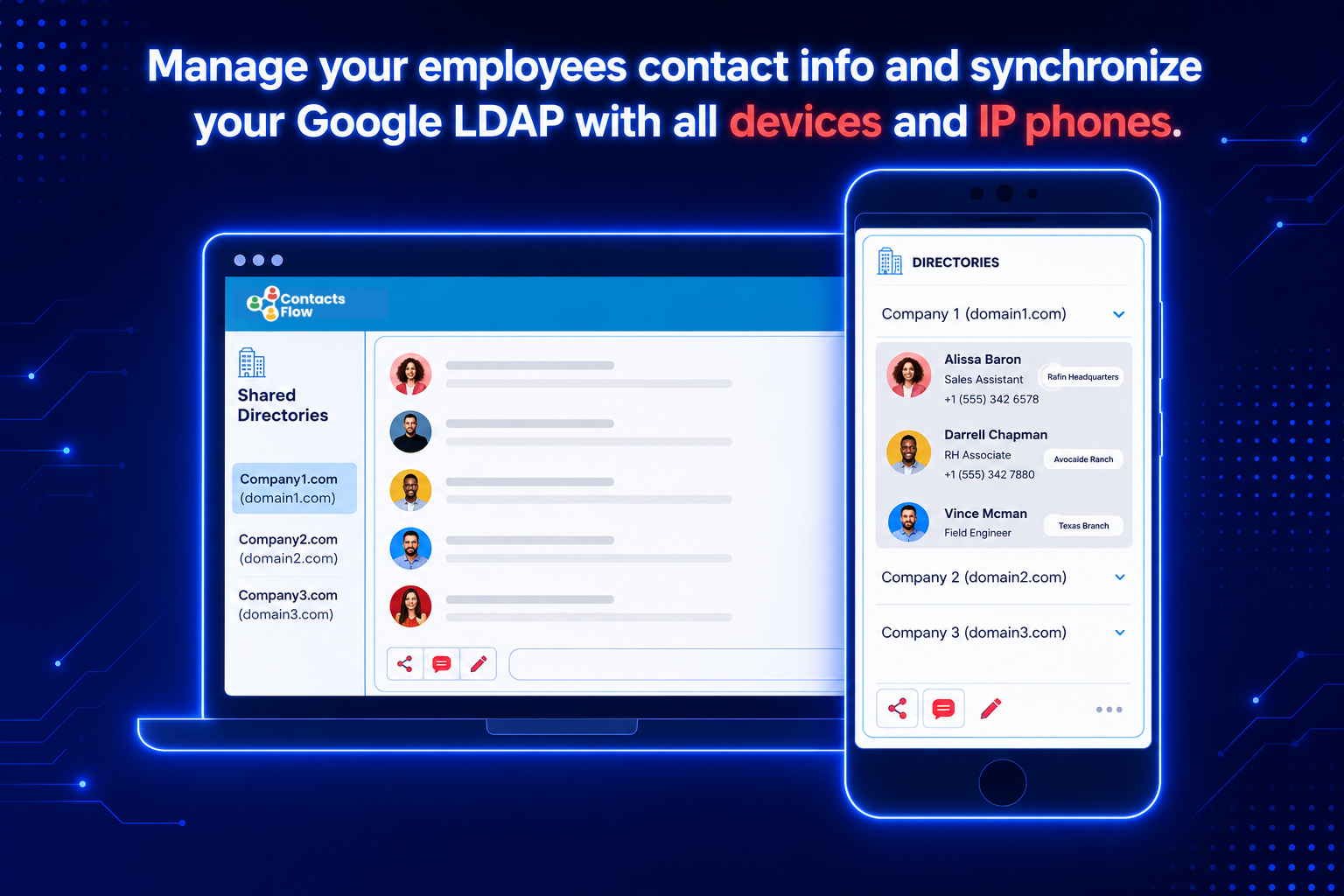
Screenshot of Easily set the access permissions while sharing your Google ContactsScreenshot of Sync your shared contacts with just a clickScreenshot of Share contacts with ease