
ManageEngine ADSelfService Plus vs. RoboForm
| Product | Rating | Most Used By | Product Summary | Starting Price |
|---|---|---|---|---|
 ManageEngine ADSelfService Plus | Score8.6 out of 10 | Mid-Size Companies (51-1,000 employees) | ManageEngine's Self-Service Plus provides self-service password management, multi‑factor authentication, and single sign-on solution. | $295 per year for 100 users |
 RoboForm | Score8.2 out of 10 | N/A | RoboForm for Business is a password automation and centralized management solution for businesses and government agencies. The software helps companies to organize logins and passwords, making password generation, storing, and sharing easier and more secure. RoboForm for Business integration aims to eliminate forgotten passwords, loss of productivity caused by it, and costs related to their reset. A RoboForm for Business company account can be created in minutes. It is customizable and… | $39.95 per year |
| ManageEngine ADSelfService Plus | RoboForm | |||||||||||||||
|---|---|---|---|---|---|---|---|---|---|---|---|---|---|---|---|---|
| Editions & Modules |
|
| ||||||||||||||
| Offerings |
| |||||||||||||||
| Entry-level Setup Fee | Optional | No setup fee | ||||||||||||||
| Additional Details | Failover and Secure Gateway Services add-on is $395 SMS add-on starts at $595 for 2000 SMS credits. | Multi-year discounts available: Save with discounted pricing on 3-year and 5-year Business plan purchases. Enterprise plan: For large organizations requiring tailored solutions, RoboForm offers an Enterprise plan that includes all Business plan features plus additional services customized to meet enterprise-scale needs. Contact sales for Enterprise pricing and to start a trial. | ||||||||||||||
| More Pricing Information | ||||||||||||||||
| ManageEngine ADSelfService Plus | RoboForm | |
|---|---|---|
| Considered Both Products | No answer on this topic | No answer on this topic |
| Key User Insights | ||
| Would buy again | ||
100% Would buy again 12 Answers | 100% Would buy again 10 Answers | |
| Delivers good value for the price | ||
100% Delivers good value for the price 12 Answers | 100% Delivers good value for the price 9 Answers | |
| Happy with the feature set | ||
100% Happy with the feature set 12 Answers | 90% Happy with the feature set 9 Answers | |
| Lived up to sales and marketing promises | ||
100% Lived up to sales and marketing promises 10 Answers | 100% Lived up to sales and marketing promises 10 Answers | |
| Implementation went as expected | ||
100% Implementation went as expected 10 Answers | 100% Implementation went as expected 10 Answers | |
| ManageEngine ADSelfService Plus | RoboForm | |
|---|---|---|
| Small Businesses | RoboForm Score8.2 out of 10 |  Bitwarden Score9.3 out of 10 |
| Medium-sized Companies |  1Password Score9.1 out of 10 | 1Password Score9.1 out of 10 |
| Enterprises |  KeePass Score8.9 out of 10 | KeePass Score8.9 out of 10 |
| All Alternatives | View all alternatives | View all alternatives |
| ManageEngine ADSelfService Plus | RoboForm | |
|---|---|---|
| Likelihood to Recommend | 8.8 | 9.7 |
| Likelihood to Renew | - | 10.0 |
| Usability | 8.6 | 10.0 |
| Support Rating | - | 10.0 |
| ManageEngine ADSelfService Plus | RoboForm | |
|---|---|---|
| Likelihood to Recommend |
|
|
| Pros |
|
|
| Cons |
|
|
| Usability |
|
|
| Support Rating | No answers on this topic |
|
| Alternatives Considered |
|
|
| Return on Investment |
|
|
| ScreenShots | ManageEngine ADSelfService Plus Screenshots 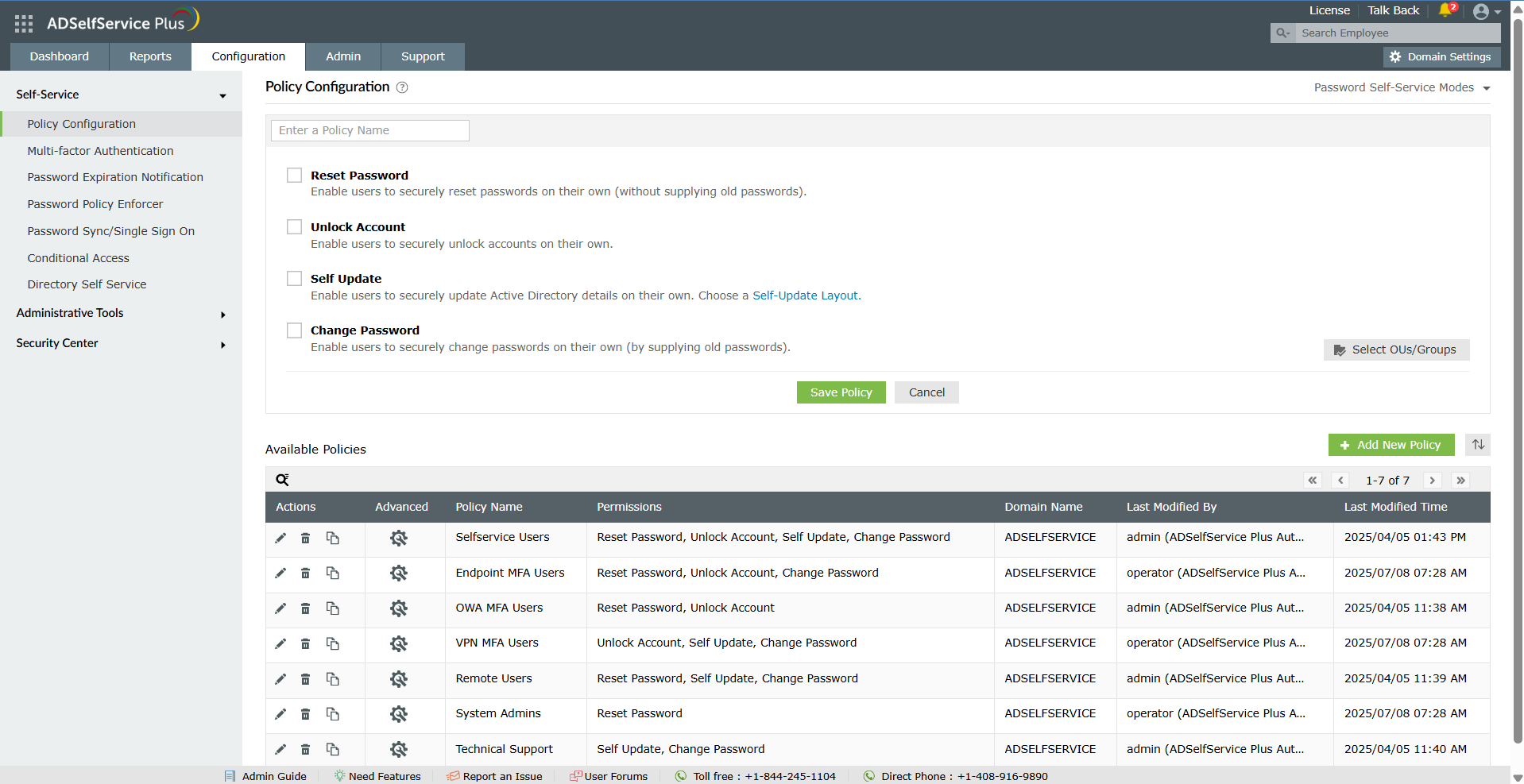    |




