ManageEngine Site24x7 vs. Microsoft System Center

Overview
ProductRatingMost Used ByProduct SummaryStarting Price
ManageEngine Site24x7
Score 9.5 out of 10
N/A
Site24x7 from ManageEngine is a full-stack application, website, server, cloud and network monitoring tool. Site24x7 offers code-level diagnostics and customizable error thresholds, end-to-end monitoring with topology visualization tools, and mobile accessibility.
$9
10 monitors
Microsoft System Center
Score 8.3 out of 10
N/A
Microsoft System Center Suite is a family of IT management software for network monitoring, updating and patching, endpoint protection with anti-malware, data protection and backup, ITIL- structured IT service management, remote administration and more. It is available in two editions: standard and datacenter. Datacenter provides unlimited virtualization for high density private clouds, while standard is for lightly or non-virtualized private cloud workloads.
$1,323
per month
Pricing
ManageEngine Site24x7Microsoft System Center
Editions & Modules
Starter
$9.00
10 monitors
Pro
$35.00
40 Monitors
Classic
$89.00
100 Monitors
Elite
$225.00
250 Monitors
Enterprise
$449.00
500 Monitors
Enterprise Plus Web
$899.00
2500 Monitors
Standard Edition
$1323
Datacenter Edition
$3607
Offerings
Pricing Offerings
ManageEngine Site24x7Microsoft System Center
Free Trial
YesNo
Free/Freemium Version
YesNo
Premium Consulting/Integration Services
YesNo
Entry-level Setup Fee$1 monitorsNo setup fee
Additional DetailsEach Pack will also support additional benefits such as Network interfaces, Applogs, Alert credits etc. You can also, purchase add-ons to create custom pricing options. Please visit the vendor's pricing page, for more information.
More Pricing Information
Community Pulse
ManageEngine Site24x7Microsoft System Center
Features
ManageEngine Site24x7Microsoft System Center
Monitoring Tasks
Comparison of Monitoring Tasks features of Product A and Product B
ManageEngine Site24x7
8.4
11 Ratings
7% above category average
Microsoft System Center
-
Ratings
Remote monitoring9.111 Ratings00 Ratings
Network device monitoring7.58 Ratings00 Ratings
Multiple Server Monitoring8.610 Ratings00 Ratings
Multi-device monitoring8.08 Ratings00 Ratings
Automated alerts and notifications9.011 Ratings00 Ratings
Management Tasks
Comparison of Management Tasks features of Product A and Product B
ManageEngine Site24x7
7.4
9 Ratings
2% below category average
Microsoft System Center
-
Ratings
Policy-based automation7.49 Ratings00 Ratings
Reporting
Comparison of Reporting features of Product A and Product B
ManageEngine Site24x7
8.5
10 Ratings
9% above category average
Microsoft System Center
-
Ratings
Performance data reports8.110 Ratings00 Ratings
Customizable reporting8.410 Ratings00 Ratings
Data visualization8.88 Ratings00 Ratings
Risk analysis8.67 Ratings00 Ratings
Security
Comparison of Security features of Product A and Product B
ManageEngine Site24x7
6.6
2 Ratings
2% below category average
Microsoft System Center
-
Ratings
Antivirus and malware management6.62 Ratings00 Ratings
Best Alternatives
ManageEngine Site24x7Microsoft System Center
Small Businesses
Panda Systems Management
Score 7.6 out of 10

No answers on this topic

Medium-sized Companies
ManageEngine ADAudit Plus
Score 9.0 out of 10

No answers on this topic

Enterprises
ManageEngine ADAudit Plus
Score 9.0 out of 10

No answers on this topic

All AlternativesView all alternativesView all alternatives
User Ratings
ManageEngine Site24x7Microsoft System Center
Likelihood to Recommend
8.6
(13 ratings)
9.0
(21 ratings)
Usability
-
(0 ratings)
9.0
(2 ratings)
Support Rating
8.0
(2 ratings)
8.0
(1 ratings)
User Testimonials
ManageEngine Site24x7Microsoft System Center
Likelihood to Recommend
ManageEngine, A Div of Zoho Corporation Pvt Ltd
[Site24x7 All-in-One Monitoring is] well suited in website monitoring where especially for uptime and availability of the website. Due to its cloud nature, the company has servers distributed globally that allow to check site availability from anywhere in the world.
Read full review
Microsoft
For companies with more than 10 Windows devices and needing to standardize the OS, AV, access, share resources, and install software. SCCM is the way to go. This software is unnecessary if the business is all remote users and not in an office-type setting. There are cloud offerings or none to accomplish what a business needs.
Read full review
Pros
ManageEngine, A Div of Zoho Corporation Pvt Ltd
  • Very clean website UI. Tests are well categorized and navigation is very simple.
  • The accompanying mobile app is very useful when on the go as it can also notify you of any issues.
  • The cost of the platform is very cheap and the cost also scales at a low amount.
  • No on-premise footprint. All cloud-based.
Read full review
Microsoft
  • Allows the grouping of devices by user.
  • Allows controlling updates being deployed to user devices.
  • Allows for the repurposing of machines by being able to load new or updated software on machines that already are in the system.
  • Allows us the ability to wipe a machine clean and restore it back to the configuration that was assigned the machine.
Read full review
Cons
ManageEngine, A Div of Zoho Corporation Pvt Ltd
  • Ability to edit an existing maintenance schedule, vs creating a new one each time
  • Grouping of emails to SMS and non SMS alerts to save on false alerts
  • Setup of Realtime user monitor was not as functional as expected with regard to adding 3rd party scripts.
Read full review
Microsoft
  • Needs web based storefront for requesting new software
  • Needs ability to manage the packaging work flow better
  • Sometimes is slow to download and there is no indication the entire catalog is being loaded, resulting in confused users not being able to find common software in the available list.
Read full review
Usability
ManageEngine, A Div of Zoho Corporation Pvt Ltd
No answers on this topic
Microsoft
It is not user-friendly for the most part. With IT infrastructure, sometimes it cannot handle excess requests. Every few months, you will need an upgrade in terms of server resources to keep up with incoming alerts and requests. This does not happen all of the time, but it does happen when there are too many requests.
Read full review
Support Rating
ManageEngine, A Div of Zoho Corporation Pvt Ltd
I have only had to use support once, so I can't go into much detail about their support team. The one time I did use it the response was fast but the resolution took some time.
Read full review
Microsoft
If I had to dislike something about the system it would be how much it changes once you upgrade. This could be more of a problem of mine since I get used to one way and don't like it when it changes so much. I am enjoying the newest update, but it is a mess when you are actually going through the upgrades.
Read full review
Alternatives Considered
ManageEngine, A Div of Zoho Corporation Pvt Ltd
The biggest difference between Site24x7 and products like PRTG, Nagios, or Icinga, is that Site24x7 is hosted off the network, completely externally. The others do a great job on network alerts-- and some can even be configured to send SMS or phone calls with the right equipment and plugins-- but they usually reside in the network or at least on-site. Hosting them in the cloud might be a way around that, in which case they would be pretty similar to Site24x7 in capability, but without the additional software costs in the case of Nagios and Icinga (both open source).
Read full review
Microsoft
We previously used a mix of FOG and Clonezilla to image machines. The biggest issues with these products is that changing one piece of the image required you to rebuild the entire image itself. These pieces of software also did not allow you to manage applications and Windows Updates, causing IT to have to constantly touch machines after they were imaged and update or manage them with a much more hands on approach.
Read full review
Return on Investment
ManageEngine, A Div of Zoho Corporation Pvt Ltd
  • Cost savings have been substantial at approximately 70%.
  • We do suffer delayed email notifications and regular locational failures from 24x7. However, this is easily overcome by extra locational checks.
  • Much quicker responses from out of hours teams with the benefit of the mobile app, which is user-friendly.
Read full review
Microsoft
  • We have been able to automate our patch management, firmware and other security concerns.
  • We have a standardized "image" ensuring our setup is consistent across the enterprise. This alone has saved us in time to support and time to understand how to use our desktops.
Read full review
ScreenShots

ManageEngine Site24x7 Screenshots

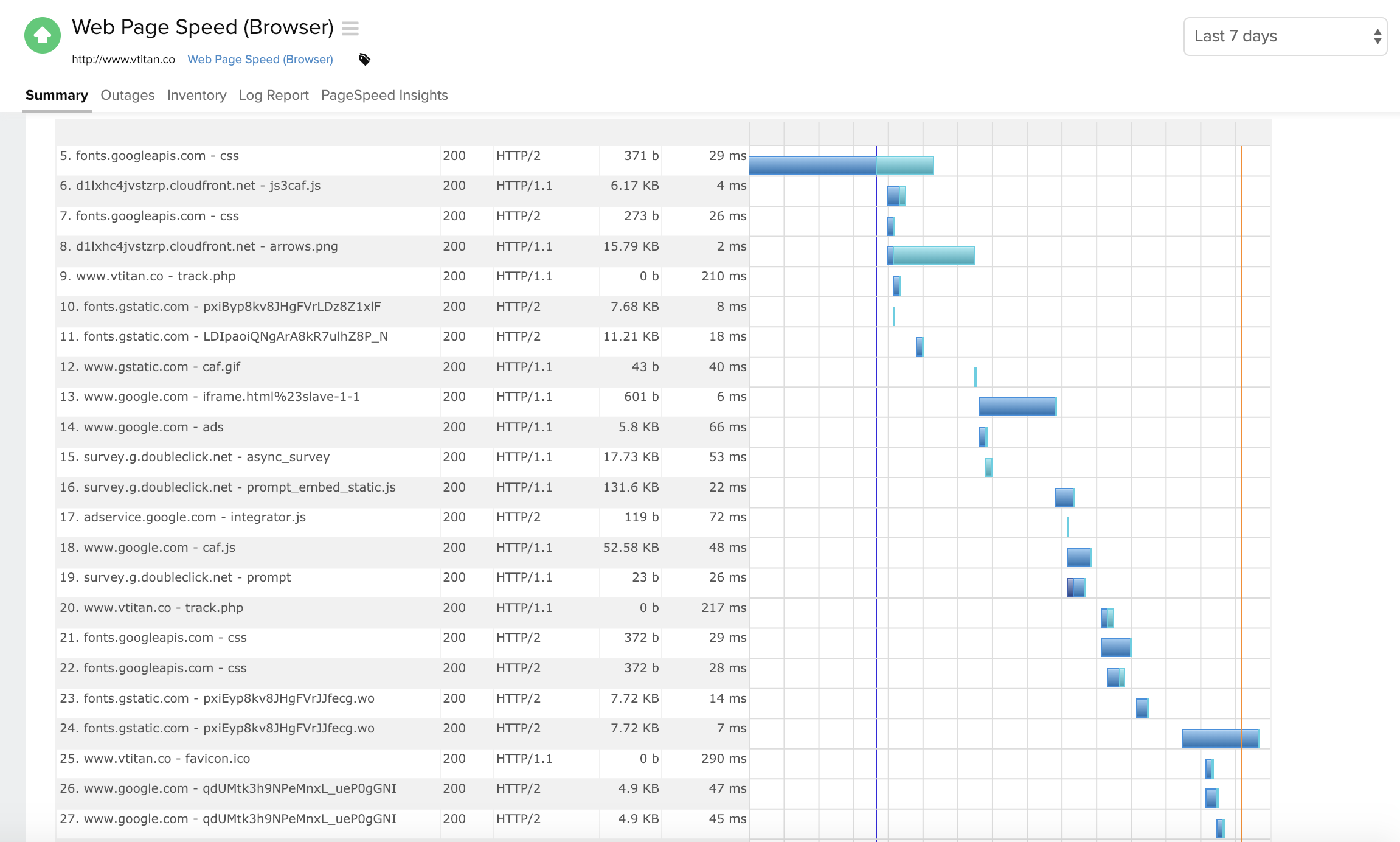
Screenshot of Component wise metric breakdown in a Webpage Speed (Browser) monitorScreenshot of Summary page for a windows server monitorScreenshot of Response time and outages summary for a DNS server monitorScreenshot of Summary page for traces run on a Java applicationScreenshot of Desktop and mobile view of a Website monitorScreenshot of Homepage view