Mendix is a low code platform-as-a-service offering with mobile and social extensions. Mendix was acquired by Siemens August 2018.
$0
Progress Telerik
Score9.4 out of 10
N/A
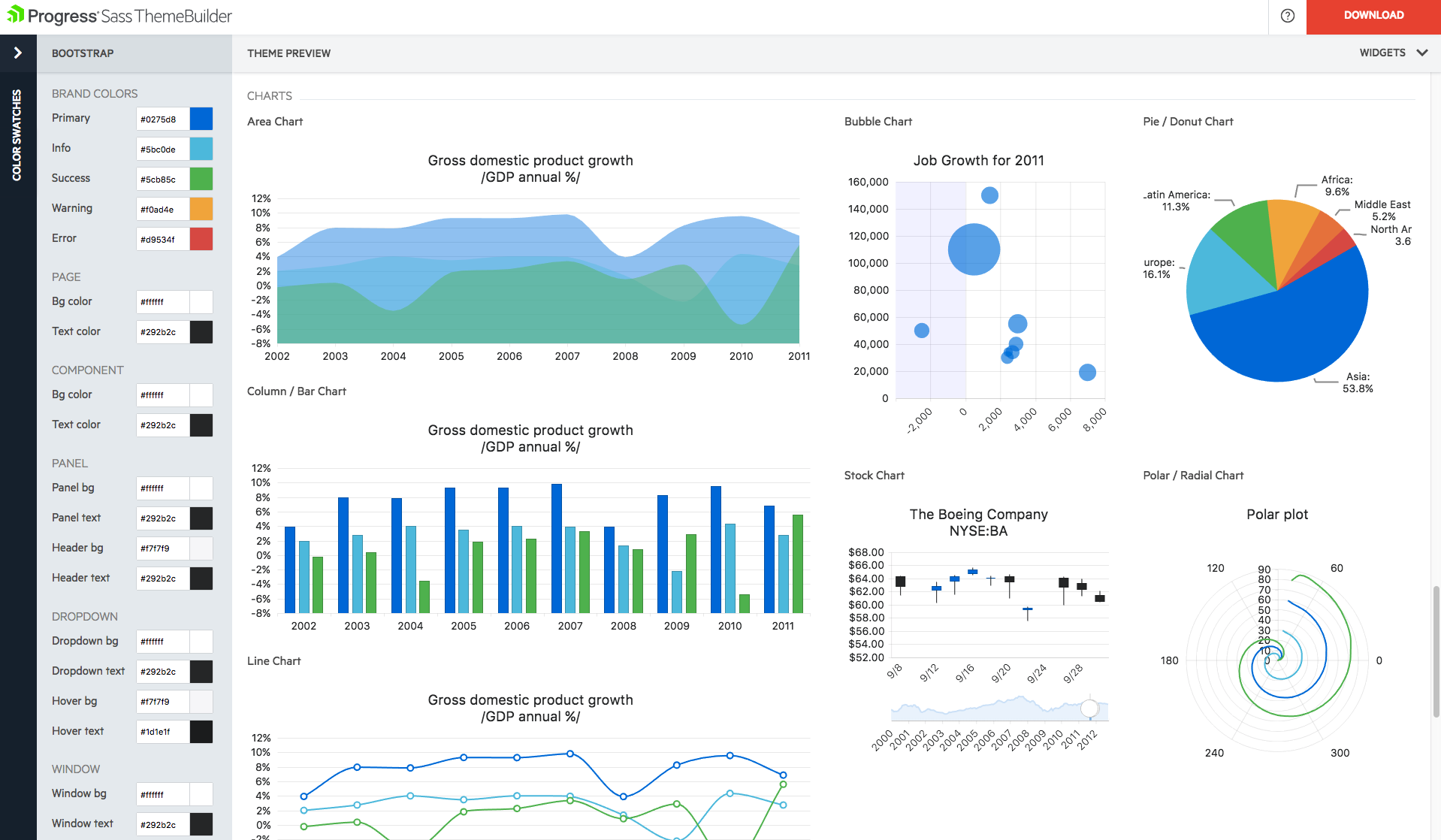
With Telerik UI libraries, Progress aims to equip .NET ninjas with a full arsenal of weapons, helping to create beautiful, modern and future-proof applications quickly and intuitively. The vendor states that with its over 1,250 UI components for all .NET platforms, as well as various themes, skins and customization options, Telerik users report cutting development time by up to 50 percent. Web
Mendix excels in scenarios involving Business Process Automation, making it a strong choice for applications requiring workflow automation, including processes like request approvals, document management, and other business workflows.Conversely, Mendix may be less suitable for projects that demand highly customized solutions with extensive custom coding. Its primary focus on low-code development may not align well with the requirements of projects that heavily rely on intricate and specialized coding.
A de minimis incentive was given to thank the reviewer for their time. The incentive was not used to bias or drive a particular response, nor was the incentive contingent on a positive endorsement. TR verified that a representative sample of customers was invited. More Info
We have used the Telerik UI controls for our Admin user experience. We found that this lead to consistent user experience, with feature rich functions already provided. Effectively this meant that hour for hour, using the Telerik UI improved productivity in creating screens with more functions than using the default controls in ASP.NET. At this point most of our focus with the Telerik controls is User Interface oriented.
We're able to really easily develop different views that are very specific to a customer's needs or customer's different types of user needs. So for example, the production managers can have a certain view that's relevant to them and then certain line managers can have views that are specific to them that allow them to run different scenarios which they define. So it allows us to easily build customized apps for each different type of user.
A de minimis incentive was given to thank the reviewer for their time. The incentive was not used to bias or drive a particular response, nor was the incentive contingent on a positive endorsement. More Info
A de minimis incentive was given to thank the reviewer for their time. The incentive was not used to bias or drive a particular response, nor was the incentive contingent on a positive endorsement. More Info
A de minimis incentive was given to thank the reviewer for their time. The incentive was not used to bias or drive a particular response, nor was the incentive contingent on a positive endorsement. More Info
The Telerik UI has become part of our staple development tools. We can not be as productive without the feature set available to us in the Telerik UI ASP.NET AJAX control package.
A 10 would say I have nothing to wish for. A 9 means I haven't seen anything better.This tool really helps you in the whole creation and maintenace cycle, so from requirements to building/modeling to testing to deploying to capturing feedback.
Progress Telerik UI is very usable and one of the best tools to use by the front-end development engineers in our team. It has helped us to improve the overall design of our existing and new applications. Also, the time to build applications has also been reduced effectively and we are able to focus on other areas of improvement to deliver a better user experience for our customers.
A de minimis incentive was given to thank the reviewer for their time. The incentive was not used to bias or drive a particular response, nor was the incentive contingent on a positive endorsement. More Info
Response times are quick and you will get updates regularly about the status of your request. Even with very technical questions they have specialists that can help you with your problems it will give you an answer or help you with a work around.
Telerik UI support is what you are paying for. If something does not work you ask them for an example of how to solve your use case. The SEO on their sites is awesome and so well bedded into Google. The videos are good, [they're] not used much but their examples and DoJo examples make all the difference.
A de minimis incentive was given to thank the reviewer for their time. The incentive was not used to bias or drive a particular response, nor was the incentive contingent on a positive endorsement. More Info
Mendix would be my preferred system all the way. The system is designed for these kinds of works. I've worked with WP and DNN but they should be used just for websites. To create an app for a business value, I would suggest Mendix. Also, the offline capabilities of Mendix have greatly improved since the deployment of Mendix 7.13.
Progress Telerik UI provides a large amount of language support, demos, and documentation. While the competition is still great in their own right, Progress Telerik UI has provided enough resources to cover a number of current and future projects without having to expand to other libraries.
A de minimis incentive was given to thank the reviewer for their time. The incentive was not used to bias or drive a particular response, nor was the incentive contingent on a positive endorsement. More Info
It helps to speed up application development because of its low code by the fact that it's low code. It allows professional developers to focus more on specialized application development rather than the more routine application development that business IT and super users can do for themselves with some coaching from the IT department. So it's just allowing the more specialist professional developers.net, for example, Java in our organization to focus on more complex engineering application developments.
A de minimis incentive was given to thank the reviewer for their time. The incentive was not used to bias or drive a particular response, nor was the incentive contingent on a positive endorsement. More Info
A de minimis incentive was given to thank the reviewer for their time. The incentive was not used to bias or drive a particular response, nor was the incentive contingent on a positive endorsement. More Info