Microsoft Azure is a cloud computing platform and infrastructure for building, deploying, and managing applications and services through a global network of Microsoft-managed datacenters.
$29
per month
SAP Crystal
Score7.1 out of 10
N/A
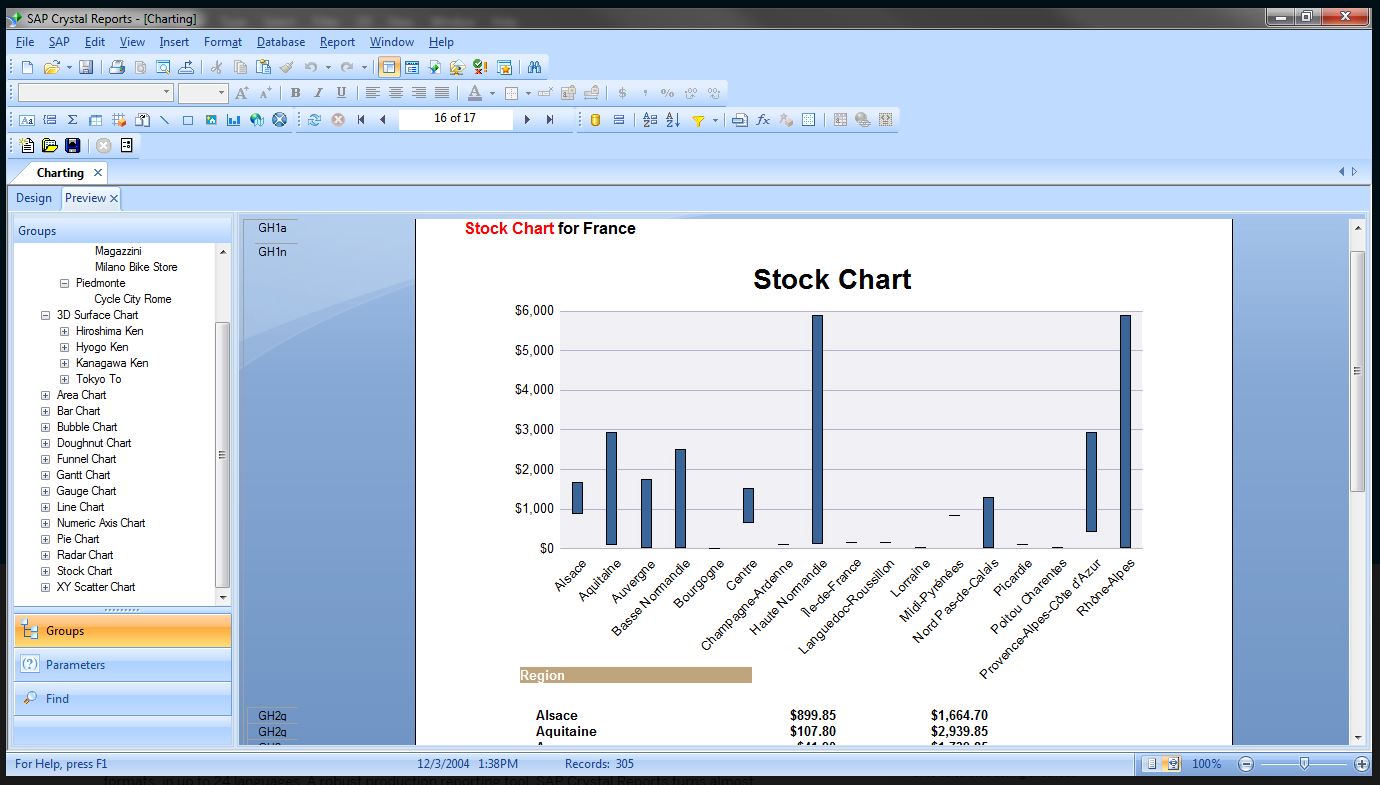
SAP Crystal is an analytics and reporting software solution for SMBs. SAP Crystal comprises Crystal Reports for pixel-perfect reporting, and SAP Crystal Server for automated distribution and self-service access to reports, dashboards and data exploration.
$295
per single user license
Pricing
Microsoft Azure
SAP Crystal
Editions & Modules
Developer
$29
per month
Standard
$100
per month
Professional Direct
$1000
per month
Basic
Free
per month
Upgrade Version to SAP Crystal Reports 2020
$295
per single user license
SAP Crystal Reports 2020 64-Bit
$495
per single user license
SAP Crystal Reports 2016 32-Bit
$495
per single user license
SAP Crystal Server 2020 1 NUL
$869
per user license + first year maintenance to be added
SAP Crystal Server 2020 5 CAL
$8,744
5 concurrent users + first year maintenance to be added
Offerings
Pricing Offerings
Microsoft Azure
SAP Crystal
Free Trial
Yes
Yes
Free/Freemium Version
Yes
Yes
Premium Consulting/Integration Services
No
Yes
Entry-level Setup Fee
No setup fee
Optional
Additional Details
The free tier lets users have access to a variety of services free for 12 months with limited usage after making an Azure account.
* SAP Crystal Reports 2020 Viewer allows you to view static data within a SAP Crystal Reports file.
* SAP Crystal Reports 2020 - Full version allows you to create powerful, richly formatted, and dynamic reports from virtually any data source, delivered in dozens of formats, in up to 28 languages. If you already have an older version of Crystal Reports, buy a license for SAP Crystal Reports 2020 - Upgrade at a discounted, upgrade price.
* SAP Crystal Server 2020, 1 NUL includes 1 license of: SAP Crystal Reports 2020 - SAP Crystal Server 2020.
* As an add-on to SAP Crystal Server 2020 1 NUL, SAP Crystal Server 2020 5 CAL allows you to support a wider, intermittent audience of end users, up to five logged on at the same time.
Microsoft SQL Server DBA in Information Technology at DBI (Information Technology and Services, 201-500 employees)
Chose SAP Crystal
More visualization options than PowerBI has, we are using PowerBI as well as it works better for non-relational big data sources. Less complex than SSRS and more flexible at the same time. Native support for SAP HANA databases makes SAP Crystal the best choice for this cases. …
A de minimis incentive was given to thank the reviewer for their time. The incentive was not used to bias or drive a particular response, nor was the incentive contingent on a positive endorsement. TR verified that a representative sample of customers was invited. More Info
UI Designer in Information Technology at ANS Commerce (Internet, 11-50 employees)
Chose SAP Crystal
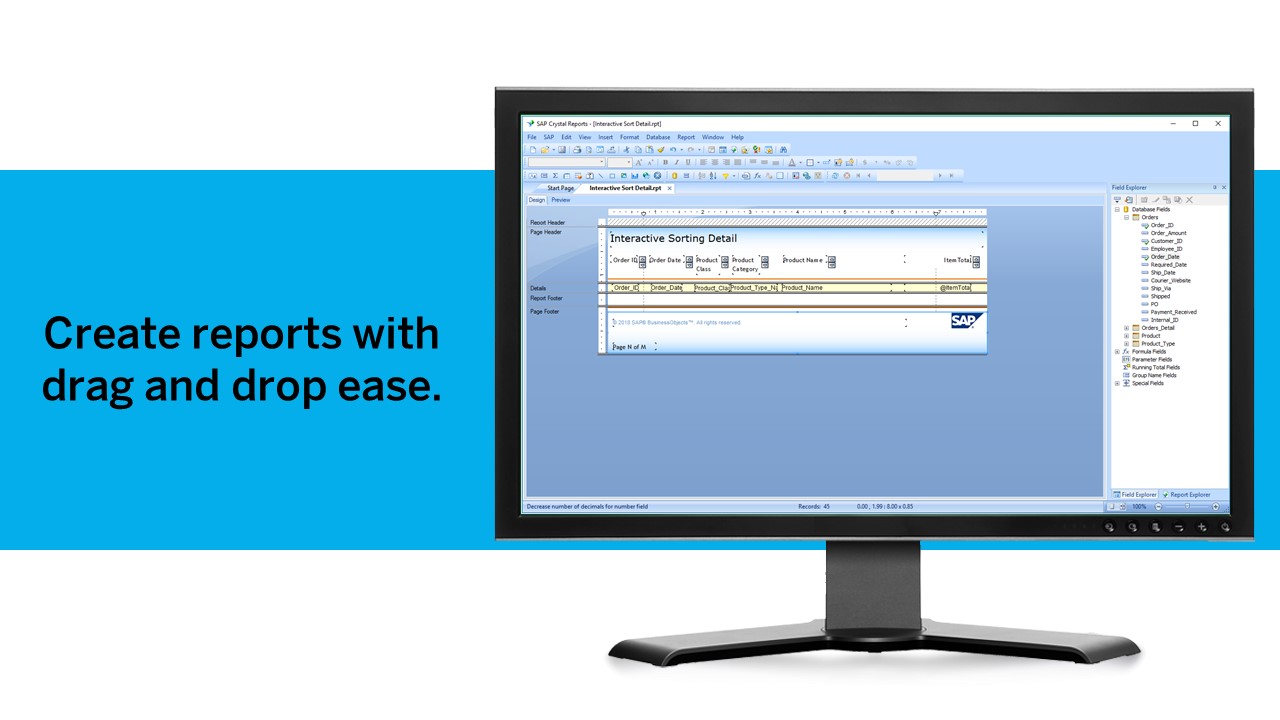
WYSIWYG allows you to create your own template in Crystal Reports, also if you know HTML you can design it on WYSIWYG. Crystal Reports delivers design dynamic reports that can be linked to almost any data source. It integrates with a range of applications, such as Microsoft …
A de minimis incentive was given to thank the reviewer for their time. The incentive was not used to bias or drive a particular response, nor was the incentive contingent on a positive endorsement. TR verified that a representative sample of customers was invited. More Info
Azure is particularly well suited for enterprise environments with existing Microsoft investments, those that require robust compliance features, and organizations that need hybrid cloud capabilities that bridge on-premises and cloud infrastructure. In my opinion, Azure is less appropriate for cost-sensitive startups or small businesses without dedicated cloud expertise and scenarios requiring edge computing use cases with limited connectivity. Azure offers comprehensive solutions for most business needs but can feel like there is a higher learning curve than other cloud-based providers, depending on the product and use case.
Generation of templated reports is the strong suit of SAP Crystal. Allows users to change formats in templates bases on requirement with minimal effort. Automated report delivery requires the user to be aware of sql which cannot be expected from all users. Should support more document export formats and improve the UI for SAP B1 Users
A de minimis incentive was given to thank the reviewer for their time. The incentive was not used to bias or drive a particular response, nor was the incentive contingent on a positive endorsement. More Info
Microsoft Azure is highly scalable and flexible. You can quickly scale up or down additional resources and computing power.
You have no longer upfront investments for hardware. You only pay for the use of your computing power, storage space, or services.
The uptime that can be achieved and guaranteed is very important for our company. This includes the rapid maintenance for security updates that are mostly carried out by Microsoft.
The wide range of capabilities of services that are possible in Microsoft Azure. You can practically put or create anything in Microsoft Azure.
A de minimis incentive was given to thank the reviewer for their time. The incentive was not used to bias or drive a particular response, nor was the incentive contingent on a positive endorsement. More Info
Crystal Reports allows us to create a consistent template for all of our reports.
Crystal Reports and Server allows us to house a repository for all of our reports to make them easy to find and update when necessary.
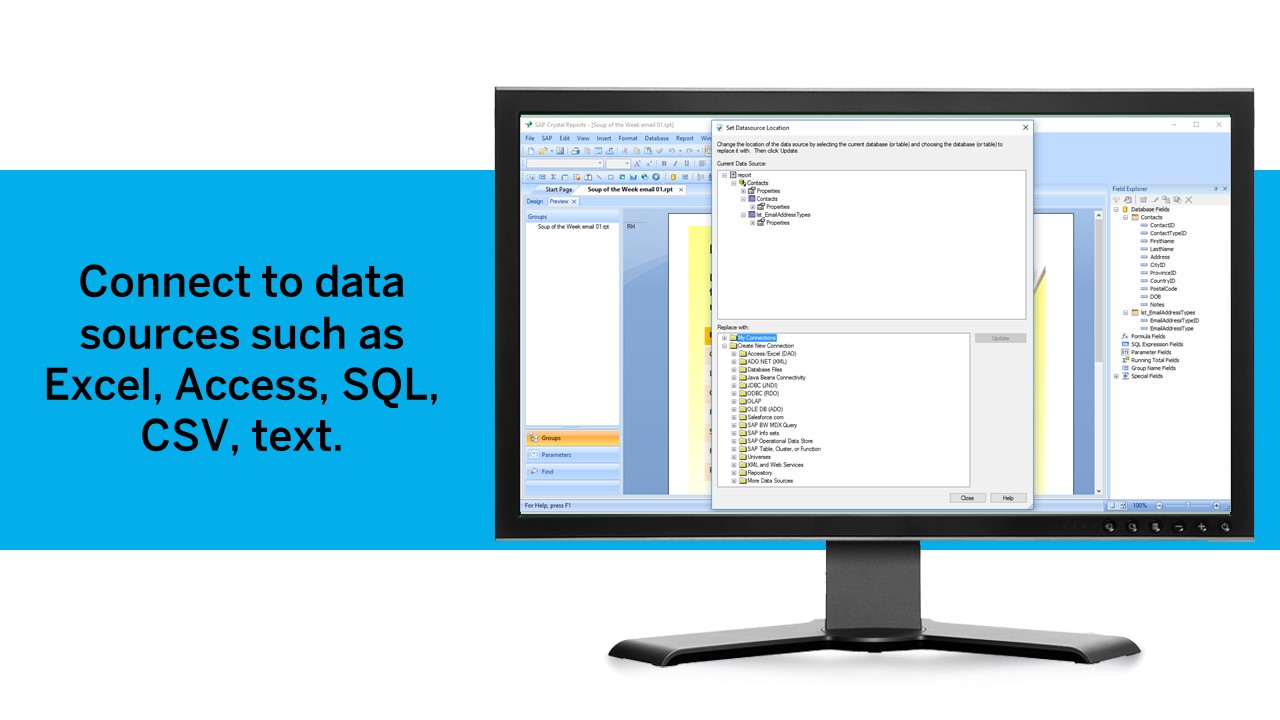
Crystal Reports can connect to a wide variety of data sources.
Crystal Reports can be a little daunting when first implementing. There are a lot of nuances in learning how to truly master this software and it can be frustrating at times.
A de minimis incentive was given to thank the reviewer for their time. The incentive was not used to bias or drive a particular response, nor was the incentive contingent on a positive endorsement. TR verified that a representative sample of customers was invited. More Info
The cost of resources is difficult to determine, technical documentation is frequently out of date, and documentation and mapping capabilities are lacking.
The documentation needs to be improved, and some advanced configuration options require research and experimentation.
Microsoft's licensing scheme is too complex for the average user, and Azure SQL syntax is too different from traditional SQL.
A de minimis incentive was given to thank the reviewer for their time. The incentive was not used to bias or drive a particular response, nor was the incentive contingent on a positive endorsement. TR verified that a representative sample of customers was invited. More Info
Moving to Azure was and still is an organizational strategy and not simply changing vendors. Our product roadmap revolved around Azure as we are in the business of humanitarian relief and Azure and Microsoft play an important part in quickly and efficiently serving all of the world. Migration and investment in Azure should be considered as an overall strategy of an organization and communicated companywide.
We have been using this product for so many years and it has truly become a cornerstone to our business processes when it comes to developing and distributing information via reports. We currently have over 500 reports developed to date over about 30 systems and that will continue to grow as user needs change.
As Microsoft Azure is [doing a] really good with PaaS. The need of a market is to have [a] combo of PaaS and IaaS. While AWS is making [an] exceptionally well blend of both of them, Azure needs to work more on DevOps and Automation stuff. Apart from that, I would recommend Azure as a great platform for cloud services as scale.
A de minimis incentive was given to thank the reviewer for their time. The incentive was not used to bias or drive a particular response, nor was the incentive contingent on a positive endorsement. More Info
Crystal is very robust, but not always easy to use. It create wonderful looking reports, and so deserves a high rating. However, I have to take a couple of points off for the simple fact that I cannot hand it to a user and expect them to be able to do development with it.
A de minimis incentive was given to thank the reviewer for their time. The incentive was not used to bias or drive a particular response, nor was the incentive contingent on a positive endorsement. TR verified that a representative sample of customers was invited. More Info
A de minimis incentive was given to thank the reviewer for their time. The incentive was not used to bias or drive a particular response, nor was the incentive contingent on a positive endorsement. More Info
We were running Windows Server and Active Directory, so [Microsoft] Azure was a seamless transition. We ran into a few, if any support issues, however, the availability of Microsoft Azure's support team was more than willing and able to guide us through the process. They even proposed solutions to issues we had not even thought of!
A de minimis incentive was given to thank the reviewer for their time. The incentive was not used to bias or drive a particular response, nor was the incentive contingent on a positive endorsement. More Info
The support community can be difficult to navigate. I've also run into issues with my login. The SAP system has a bizarre mechanism for validating users that requires users to have what is called an S-ID. A basic ID may not give you access to all the features in the portal. The limitation may include not being able to perform a simple task like downloading patches and updates. This isn't a big deal for single user license but for teams it can be a pain.
A de minimis incentive was given to thank the reviewer for their time. The incentive was not used to bias or drive a particular response, nor was the incentive contingent on a positive endorsement. TR verified that a representative sample of customers was invited. More Info
A de minimis incentive was given to thank the reviewer for their time. The incentive was not used to bias or drive a particular response, nor was the incentive contingent on a positive endorsement. TR verified that a representative sample of customers was invited. More Info
As I have mentioned before the issue with my Oracle Mismatch Version issues that have put a delay on moving one of my platforms will justify my 7 rating.
Just like any other implementation: When designing the differing reports, get end users' input, make sure to design the reports so that they display the information that the company requires, in the best and clearest way possible.
Test, test, test, revise when needed, and, particularly, do sufficient training so users are comfortable using Crystal Reports!
A de minimis incentive was given to thank the reviewer for their time. The incentive was not used to bias or drive a particular response, nor was the incentive contingent on a positive endorsement. TR verified that a representative sample of customers was invited. More Info
As I continue to evaluate the "big three" cloud providers for our clients, I make the following distinctions, though this gap continues to close. AWS is more granular, and inherently powerful in the configuration options compared to [Microsoft] Azure. It is a "developer" platform for cloud. However, Azure PowerShell is helping close this gap. Google Cloud is the leading containerization platform, largely thanks to it building kubernetes from the ground up. Azure containerization is getting better at having the same storage/deployment options.
A de minimis incentive was given to thank the reviewer for their time. The incentive was not used to bias or drive a particular response, nor was the incentive contingent on a positive endorsement. More Info
Crystal reports is useful in case we want to import data from data base . We can write queries in it but Google Charts require to be implemented in our application using code so crystal reports is better than Google Charts.
A de minimis incentive was given to thank the reviewer for their time. The incentive was not used to bias or drive a particular response, nor was the incentive contingent on a positive endorsement. TR verified that a representative sample of customers was invited. More Info
For about 2 years we didn't have to do anything with our production VMs, the system ran without a hitch, which meant our engineers could focus on features rather than infrastructure.
DNS management was very easy in Azure, which made it easy to upgrade our cluster with zero downtime.
Azure Web UI was easy to work with and navigate, which meant our senior engineers and DevOps team could work with Azure without formal training.
A de minimis incentive was given to thank the reviewer for their time. The incentive was not used to bias or drive a particular response, nor was the incentive contingent on a positive endorsement. More Info
It is a decent buy for specific departments in terms of reporting capabilities but updates and cost (frequent) demands are higher with the benefits offered.
So long as the requirements are not ever changing, with scheduling functionality, it's a handsome tool.
A de minimis incentive was given to thank the reviewer for their time. The incentive was not used to bias or drive a particular response, nor was the incentive contingent on a positive endorsement. TR verified that a representative sample of customers was invited. More Info