Remote Desktop Services from Microsoft is virtual desktop and remote user session technology.
N/A
ServiceMax
Score7.9 out of 10
N/A
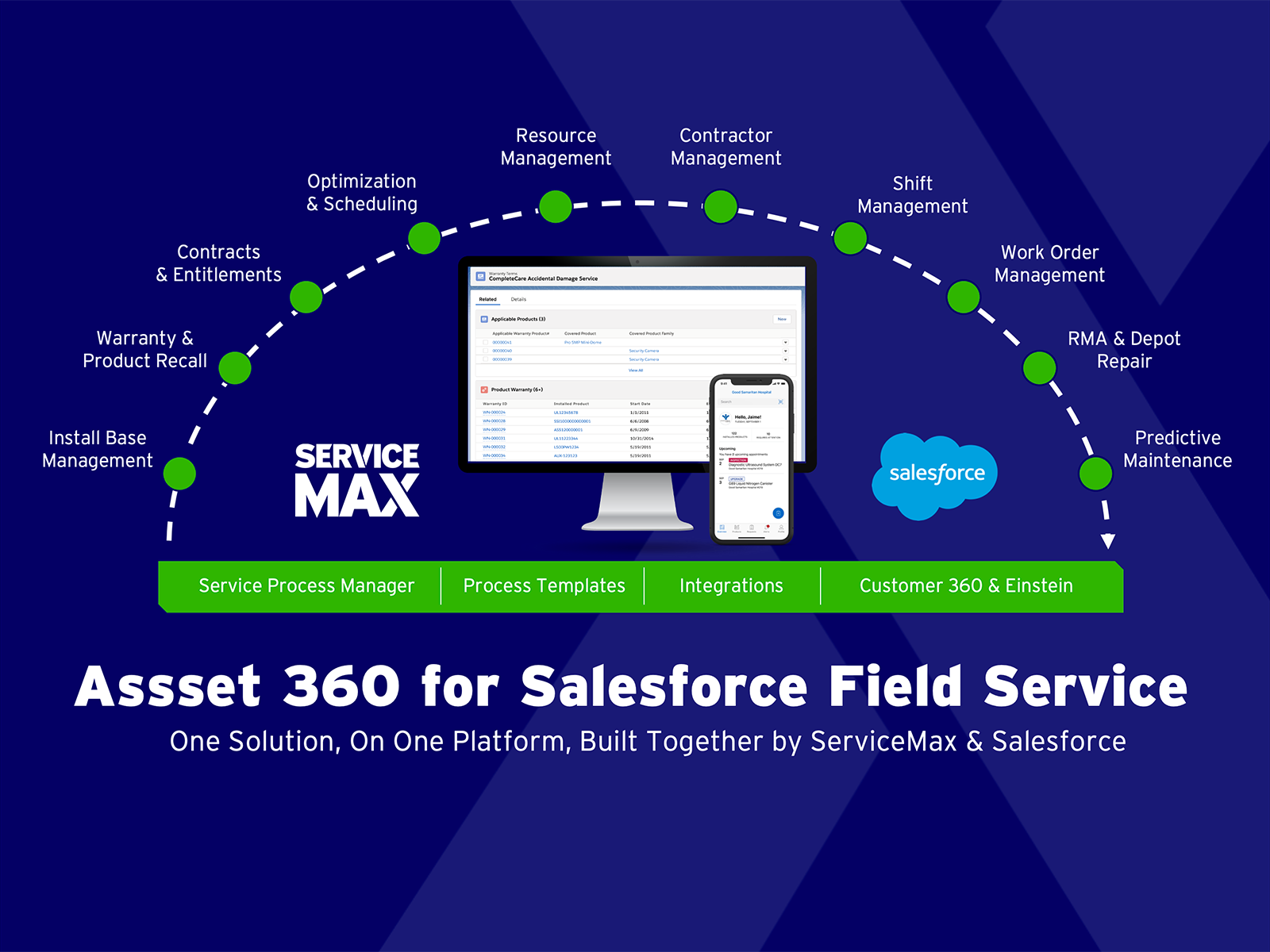
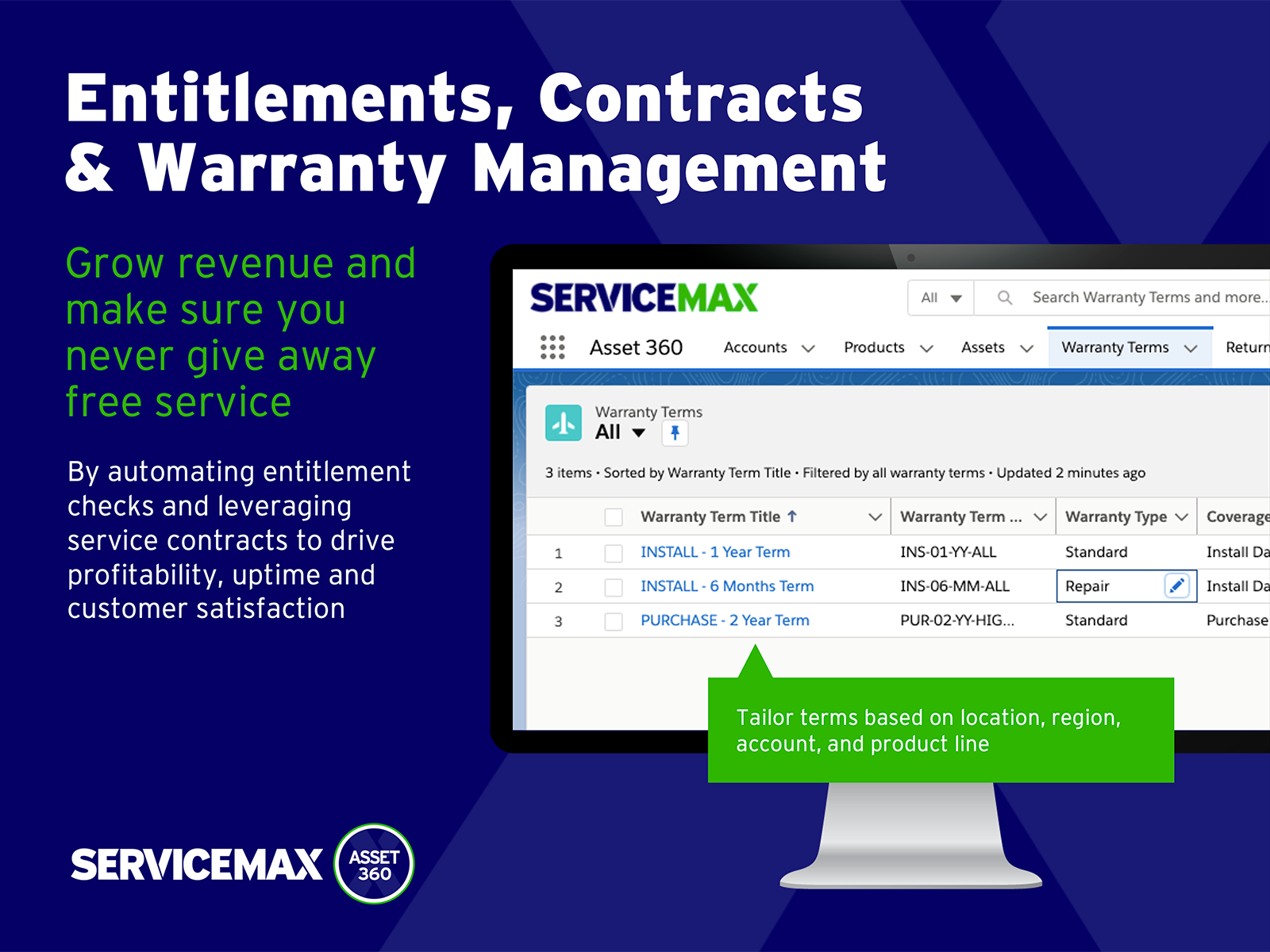
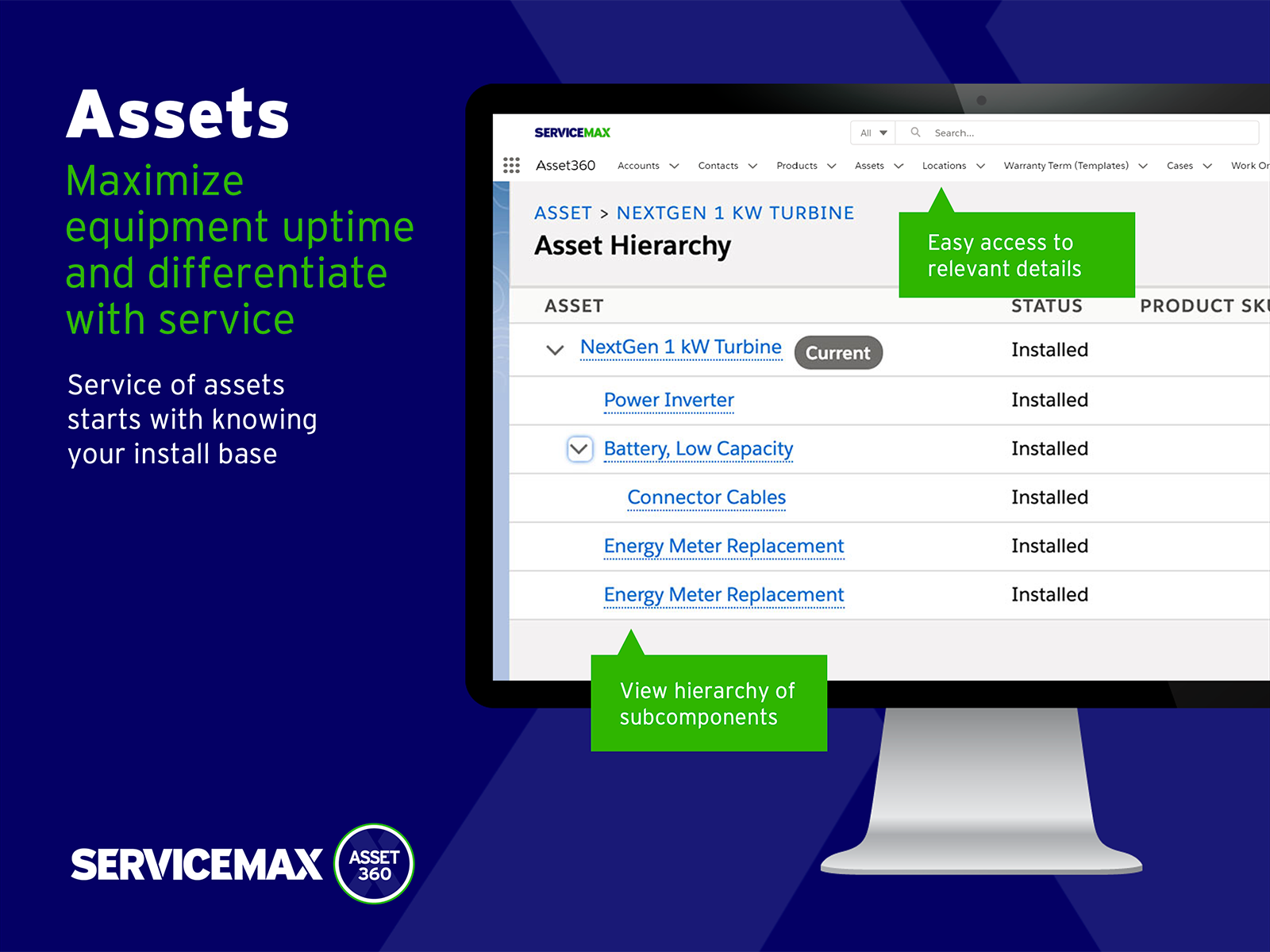
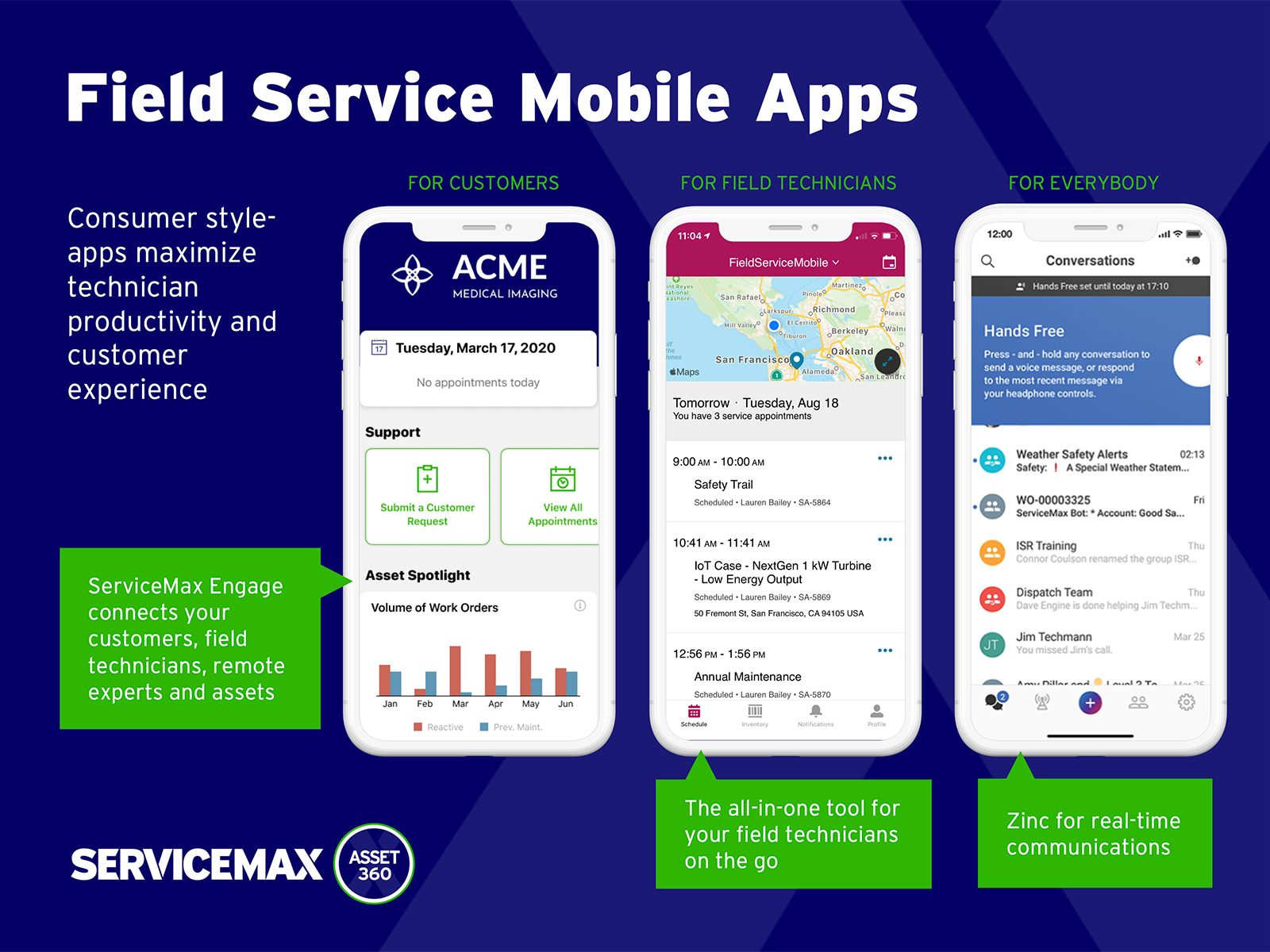
ServiceMax’s mission is to help customers with asset-centric field service management software. ServiceMax’s mobile apps and cloud-based software provide an overview of assets to field service teams. By optimizing field service operations, customers across all industries can better manage the complexities of service, support faster growth and run more profitable, outcome-centric businesses.
This is well-suited if you need to log in to a remote machine on occasion to make updates or change configurations. It is also good for a production environment or for environments where people need to log in to use common applications, so you don't need to install the application on each individual client.
A de minimis incentive was given to thank the reviewer for their time. The incentive was not used to bias or drive a particular response, nor was the incentive contingent on a positive endorsement. More Info
Small deployments, where you have some specific need for ServiceMax and absolutely need offline capabilities, and are willing to deal with the problems. Otherwise, you may be better off looking at the built-in Work Orders and field service module that Salesforce is now providing. Their app is direct competition for ServiceMax and integrates much better with cases and knowledge articles.
A de minimis incentive was given to thank the reviewer for their time. The incentive was not used to bias or drive a particular response, nor was the incentive contingent on a positive endorsement. More Info
When you connect with RDS, everything looks and feels (and is) exactly like you're sitting at that desktop. This is great for us and for users.
You can sign in with RDS and the desktop will be the same as when you left it (if you choose to set it up that way).
Although they take some setup, RemoteApps are a very handy way to let users access a program without requiring them to actually connect to a remote desktop on the server.
A de minimis incentive was given to thank the reviewer for their time. The incentive was not used to bias or drive a particular response, nor was the incentive contingent on a positive endorsement. More Info
A de minimis incentive was given to thank the reviewer for their time. The incentive was not used to bias or drive a particular response, nor was the incentive contingent on a positive endorsement. More Info
Remote Desktop Services currently does not support multiple monitors on the terminal server. Unlike other applications such as Teamviewer, there's no feature to toggle between multiple screens even if they were connected to the terminal server.
Remote Desktop Services should provide an option to scale up or down the screen size after a connection is established. Currently you can only adjust the screen size prior to a connection is established. So you'll have to take a best guess at what display screen resolution will fit best on your screen.
Remote Desktop Services should offer some kind of menu to send special key strokes like Ctrl+Alt+Del to the terminal server. Currently the substitute for that particular combination is Ctrl+Alt+End. But I have yet to discover a replacement for other combination keystrokes such as Alt+PrintScrn.
A de minimis incentive was given to thank the reviewer for their time. The incentive was not used to bias or drive a particular response, nor was the incentive contingent on a positive endorsement. More Info
A de minimis incentive was given to thank the reviewer for their time. The incentive was not used to bias or drive a particular response, nor was the incentive contingent on a positive endorsement. More Info
The initial setup for Remote Desktop Services is complex, and licensing is costly. Each user connects to their virtual desktop hosted by a single server or group of servers, so a change or issue with servers quickly impacts every single user at the same time. Aside from that, users appreciate seeing their same personal desktop from any device or geographical location.
A de minimis incentive was given to thank the reviewer for their time. The incentive was not used to bias or drive a particular response, nor was the incentive contingent on a positive endorsement. More Info
A de minimis incentive was given to thank the reviewer for their time. The incentive was not used to bias or drive a particular response, nor was the incentive contingent on a positive endorsement. More Info
As with any Microsoft Server product, support for Remote Desktop Services requires a paid support package. These are license-based and very costly, on top of the already costly product licensing. Microsoft's licensing is complicated to begin with, so setting up licensing alone essentially requires a licensing expert's counsel. There is community documentation and support available on Microsoft websites, as well as community websites.
A de minimis incentive was given to thank the reviewer for their time. The incentive was not used to bias or drive a particular response, nor was the incentive contingent on a positive endorsement. More Info
A de minimis incentive was given to thank the reviewer for their time. The incentive was not used to bias or drive a particular response, nor was the incentive contingent on a positive endorsement. More Info
We selected Remote Desktop Services based upon price alone. Other solutions on the market are significantly more expensive, but if your company can foot the bill you should seriously consider products that have been on the market for longer. The lack of an ability to easily upgrade farm servers has been a challenge for us - although it is still faster than updating an application on 2000+ machines. The lack of a centralized management console in 2008 R2 is also challenging, but you get by with the tools available to you. If you don't have the money to spend on Citrix or VMWare Horizon, Remote Desktop Services is a decent replacement.
A de minimis incentive was given to thank the reviewer for their time. The incentive was not used to bias or drive a particular response, nor was the incentive contingent on a positive endorsement. More Info
ServiceMax has an offline capability, and also integrates with our Salesforce side of business. At the time, Salesforce did not have a field service application so we could not consider it, but if we could now, we would probably go with that instead. ServiceMax is also expensive. But at the time, ServiceMax was the only offering out there that integrated with Salesforce, had mobile offline capability, and could operate at the scale we needed.
A de minimis incentive was given to thank the reviewer for their time. The incentive was not used to bias or drive a particular response, nor was the incentive contingent on a positive endorsement. More Info
A de minimis incentive was given to thank the reviewer for their time. The incentive was not used to bias or drive a particular response, nor was the incentive contingent on a positive endorsement. More Info
ROI for ServiceMax is mostly dependent on how in depth the organization wants the software. Our ROI is expected within the second year of operation due to the complexity of integration and the initial training requirements for in-house programmers.
Inventory control ROI is expected within year three or four due to the number of technicians and creating the foundation of information to import into ServiceMax. Expectations are the front end programming will be complete and our programmers will be better acquainted with the modules and architecture to make the inventory integration smoother than the initial integration.
Our organization has been working with ServiceMax for ten months and beginning to incorporate the financials to the work orders. This process has not been as seamless as once projected and the root causes are under investigation. It appears the original fields available to track time between employees were not in depth nor segregated sufficiently for granularity.
A de minimis incentive was given to thank the reviewer for their time. The incentive was not used to bias or drive a particular response, nor was the incentive contingent on a positive endorsement. More Info