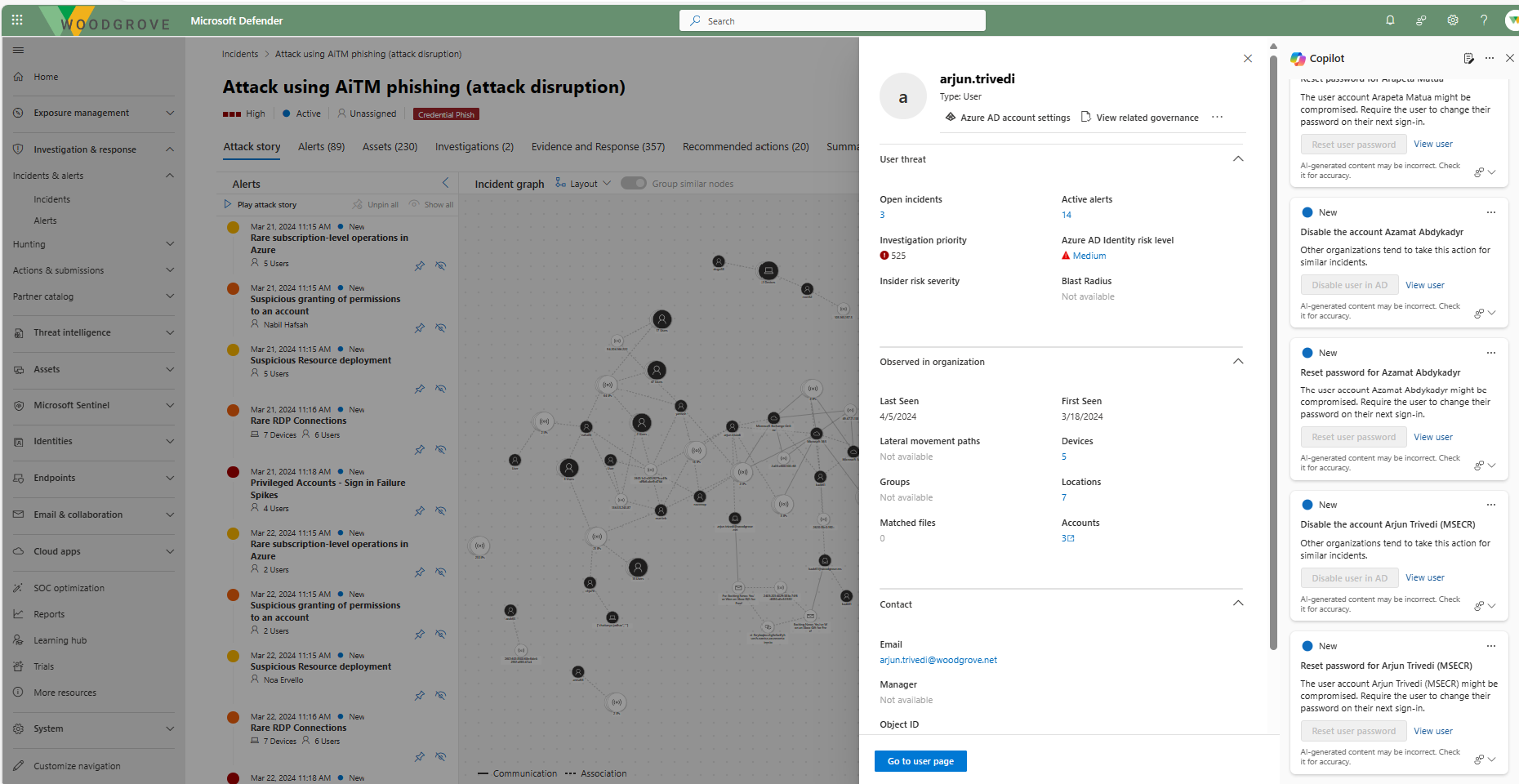
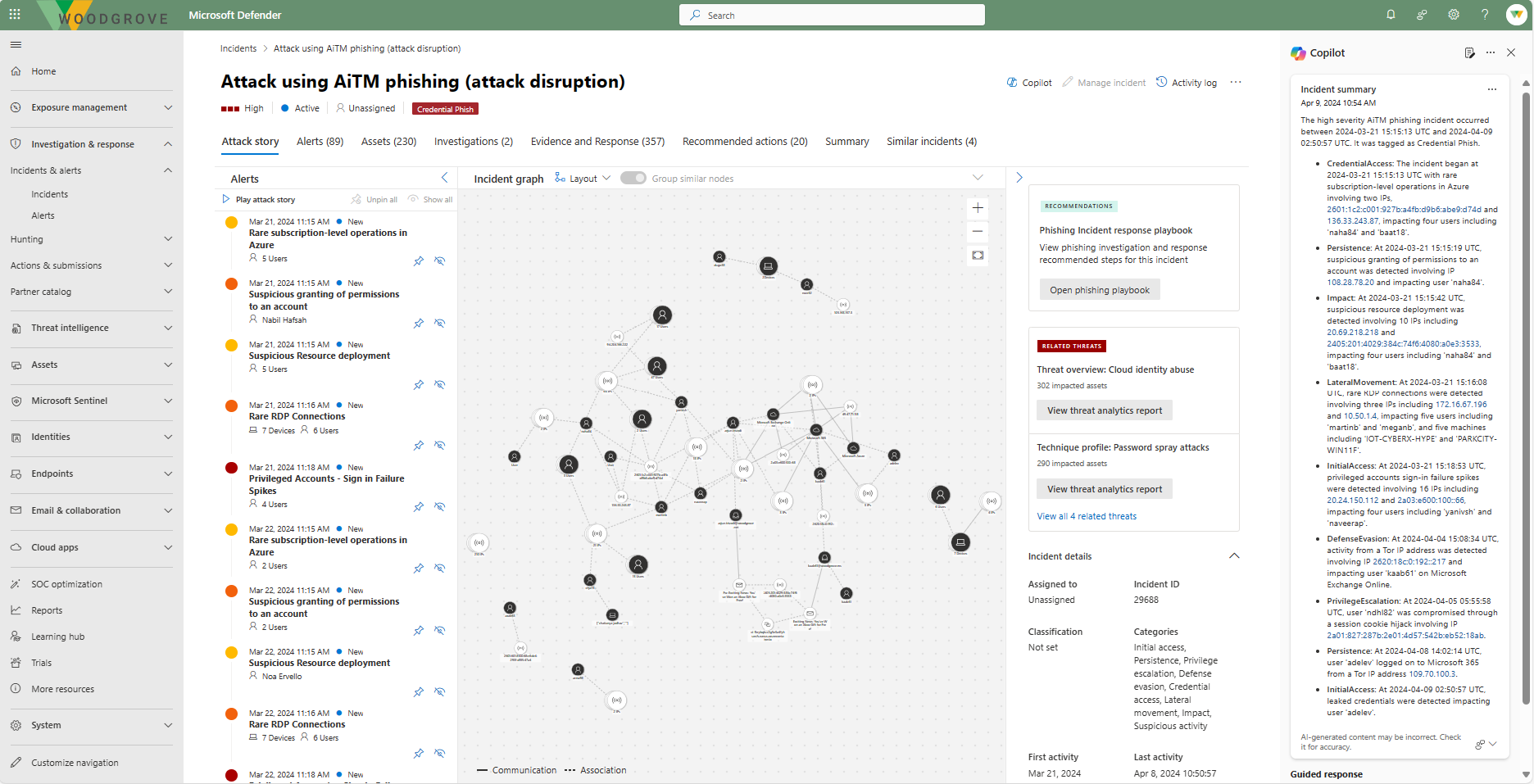
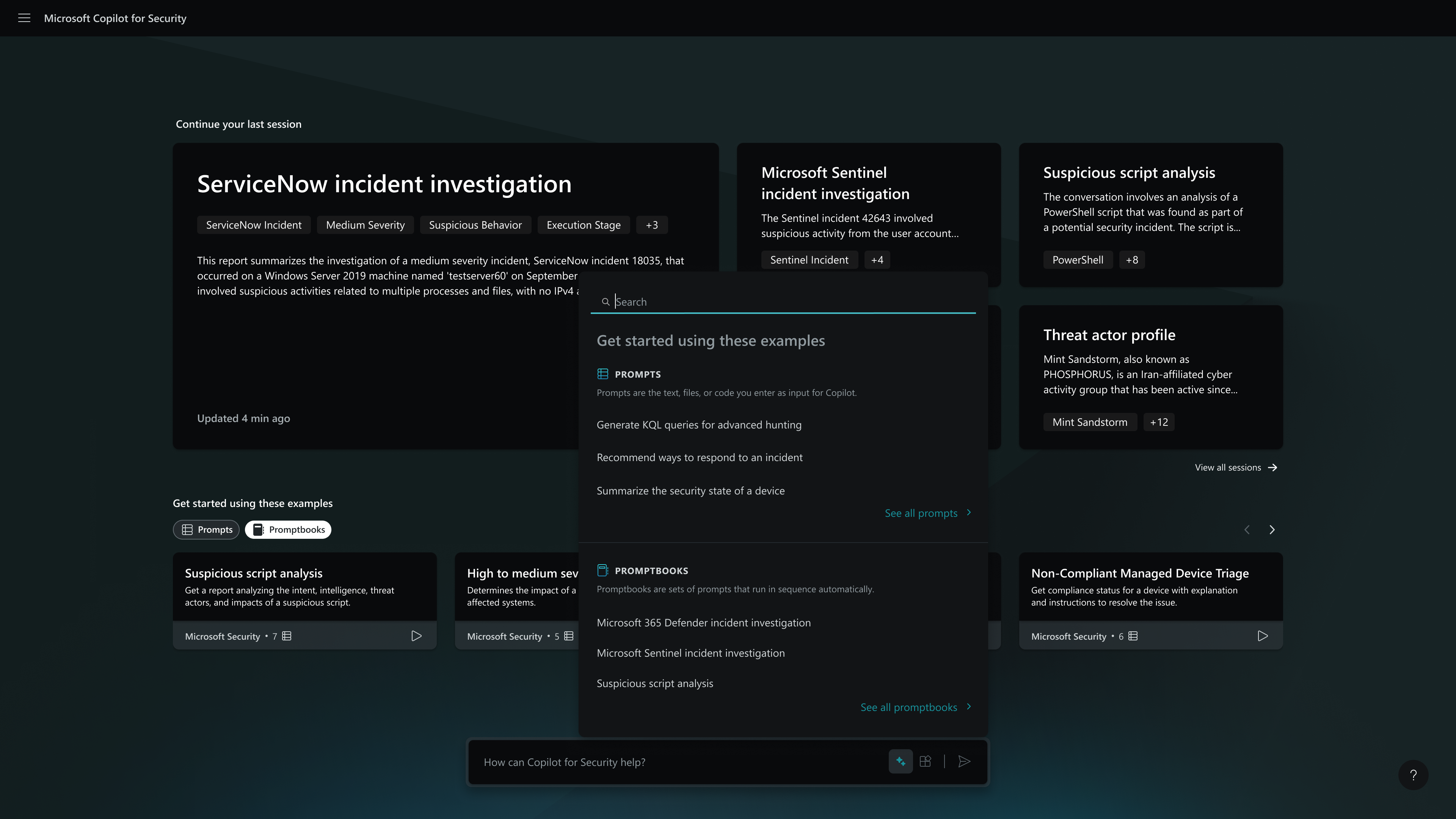
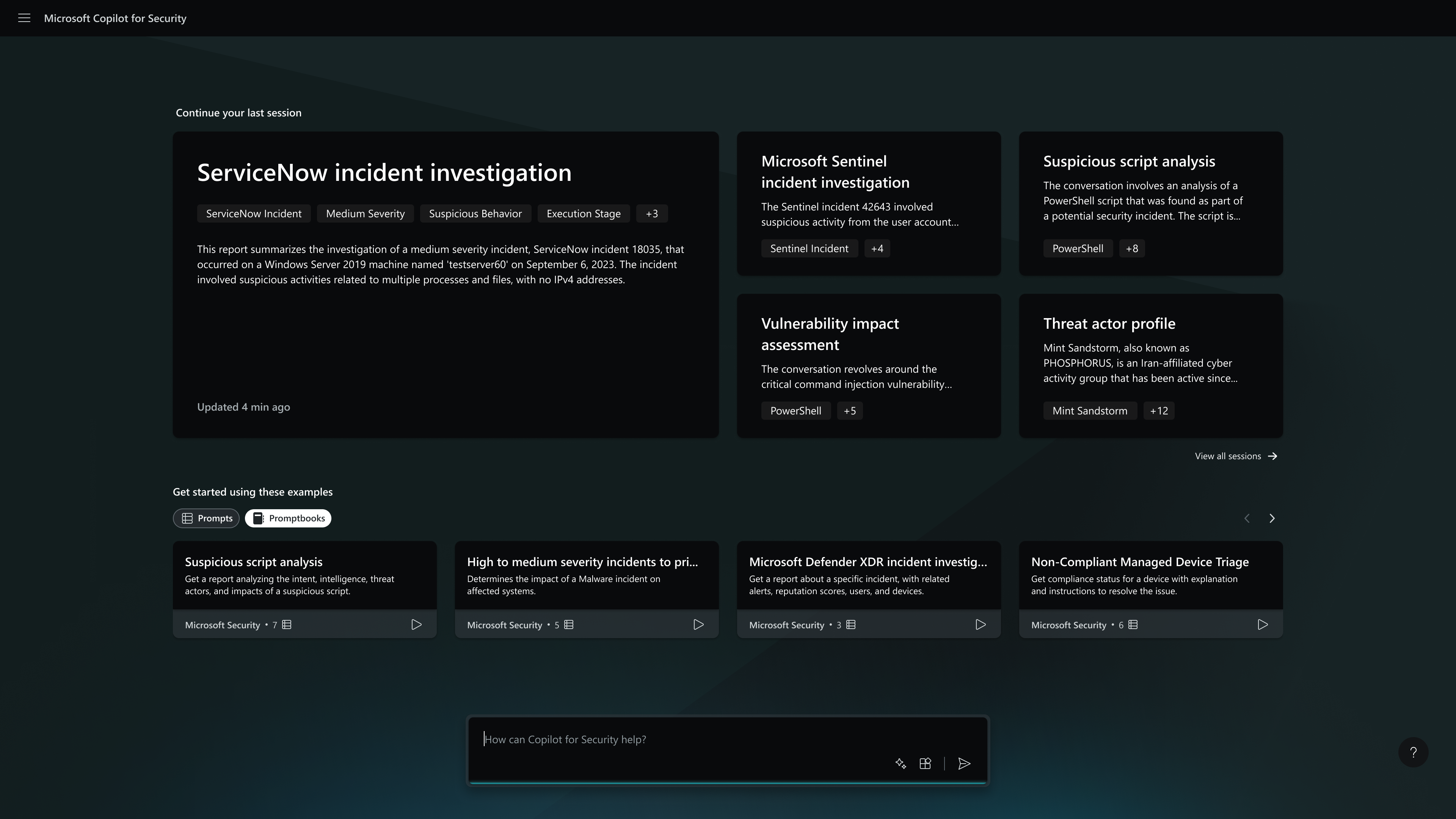
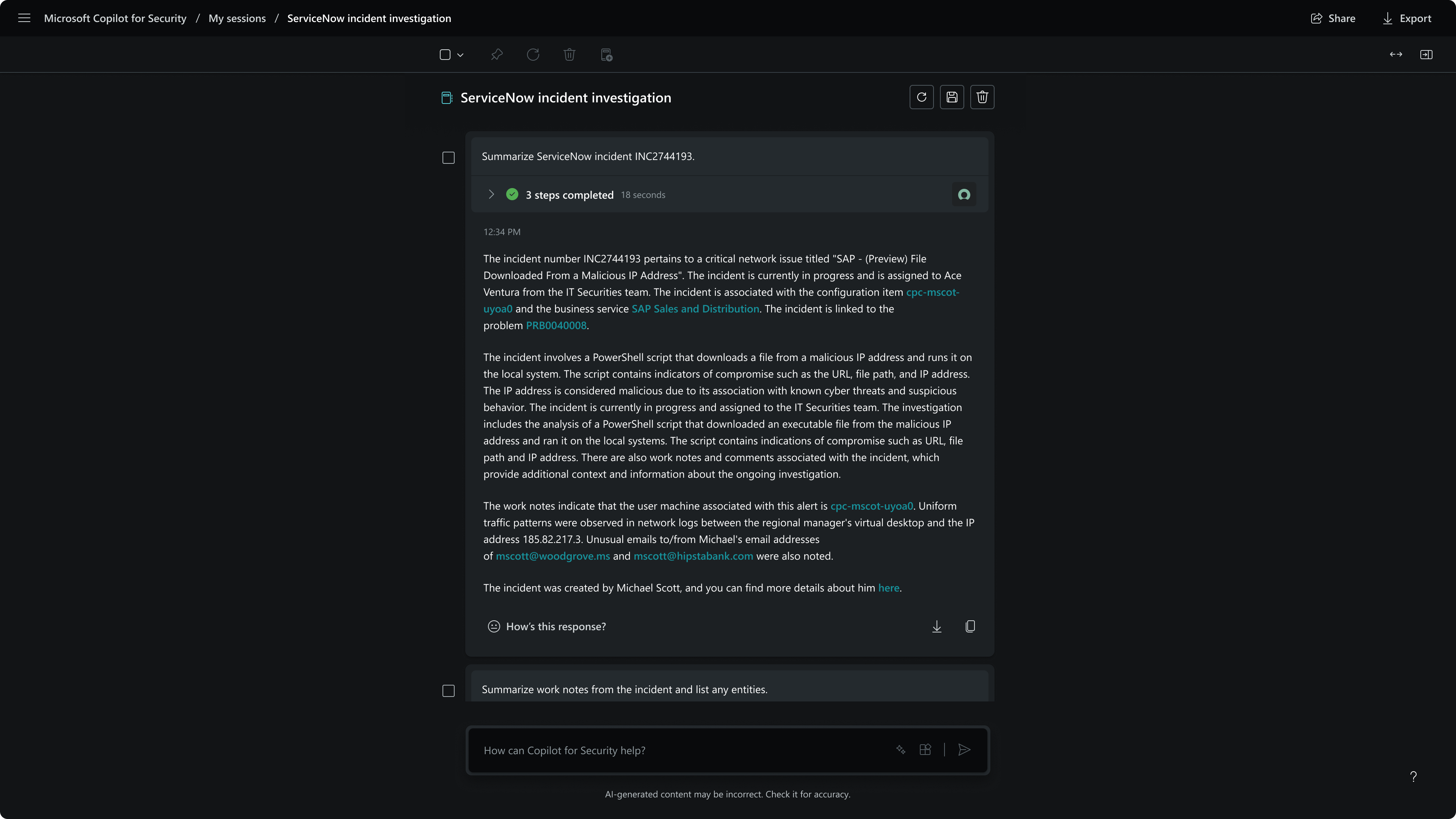
Microsoft Security Copilot helps security and IT teams to protect organizations at the speed and scale of AI. It is available in a standalone experience or embedded into other Microsoft Security products.
N/A
Sumo Logic
Score 8.9 out of 10
N/A
Sumo Logic is a log management offering from the San Francisco based company of the same name.
It's easy to integrate with other tools because it's a native Microsoft solution for generating OAuth tokens and handling other integrations. But as far as querying for data, using the LLM to analyze it and find that needle in the haystack, whatever, I feel it's terrible. In my experience, it just takes so much manipulation to get it to actually do what you want it to do.
SumoLogic is a fantastic log aggregator and analysis tool, a fine alternative to Splunk. Searching is powerful and mostly intuitive and results come fast. If you have application logs in clusters or Kubernetes pods that lose their logs every time they're restarted, Sumo is the solution for you
Sometimes people don't know how to do a certain feature, especially in Excel, for example. It's a little bit more complex and a community for certain people. And with just a couple of questions about using Microsoft Security Copilot, they can get their answers ready, not having to get support from IT, right? So it eliminates multiple tickets and support from personnel on our team, and they can get the response themselves via this assistant.
Sumo Logic allowed for our InfoSec team to ingest logs from our CDN directly, in real-time, instead of massive compressed archives that were sent every two-hours (the only alternative at the time). Sumo Logic had an app for these logs, that allowed us to easily get an immediate payoff from the data, with canned dashboard and saved searches.
Sumo Logic has a fairly extensive REST API when it comes to log sources, source configurations, dashboard data, searches, etc. Their wiki for the API is usually kept up to date.
Sumo Logic, during the period of time I had used their product, had added the ability to configure agents via configuration files. This allowed customers to configure their endpoints, and modify the endpoints, with configuration management tools like Chef / Puppet / Salt. Beforehand, the only option was to always make changes either via the web portal or REST API.
The solutions engineers were extremely helpful, and easily reachable when issues would occur.
Users at our company found it easy to get started, working on new dashboards, scheduled searches, and alerting. The alerting worked well with our third-party paging tool.
I don't have that as of yet. I do like the product for now. I'm sure that as I use it more, I will find things that can be improved. Just understanding how it integrates with the Microsoft ecosystem, it works just fine for what I use it for.
We are not going to stop using M365 and our environment is large enough that there is not enough in-house expertise to handle all aspects of security, even with the help of a MSSP. Security Copilot helps us shore up the knowledge gap and keep our organization's security posture tight.
Anyone can use it. Easy to prompt, also capabilities to become advance with custom agents. It can become custom to your workflow. Many people will have their unique experiences to share and results are generally positive. This is a growth in the product from the effect of community and adoption/usage.
Sumo Logic is very powerful but definitely requires some configuration work to get the most out of it. You can get a certification related to this, but it is definitely not something you can just throw together.
I would give this rating because I attended a free Sumo Logic training at a WeWork in Chicago. I found the training very useful, and I learned a lot of features that I was not aware of before I went to the training. I like the idea that SumoLogic provides free training seminars. I am certified in level1, and I plan on certifying to level2.
I was satisfied with the implementation, as at the time, it was the best way to implement the product with the available feature sets in Sumo Logic. User creation and management became more of an issue during continued use, instead of it being an issue related to deploying the product in our environment.
My usage of other products is based on SIEM tools. So far, Microsoft Security Copilot is the only product I've seen that works across multiple technologies/products to provide full visibility into security tooling using AI. I know other vendors are working towards this, but Microsoft has definitely taken a lead.
Sumo Logic works very well out of the gate. For a small business it has given us what we need. I worked at a larger company previously, and we produced so many logs we had to create a custom logging service to handle them all. Cost and availability are big issues when deciding between the different services, whether self maintained and hosted, or provided by another company.
I'd say it was initially negative because it took us time to learn it and understand how to build the workflow around it. But since then, we've been able to speed up and adjust and adapt and move a lot faster. So it's overall.