Microsoft's SharePoint is an Intranet solution that enables users to share and manage content, knowledge, and applications to empower teamwork, quickly find information, and collaborate across the organization.
$5
Per User Per Month
Simpplr
Score 10.0 out of 10
N/A
Simpplr is an AI-powered employee experience platform. Organizations can use Simpplr to deliver personalized experiences, with the goal of inspiring and engaging employees. Boasting users among more than 500+ leading brands, including Zoom, Snowflake, Moderna, Eurostar, and AAA, Simpplr aims to help companies achieve improvements in employee engagement, productivity, and accelerated business performance. Simpplr is headquartered in Silicon Valley, CA with offices in the UK,…
N/A
Workvivo
Score 9.2 out of 10
N/A
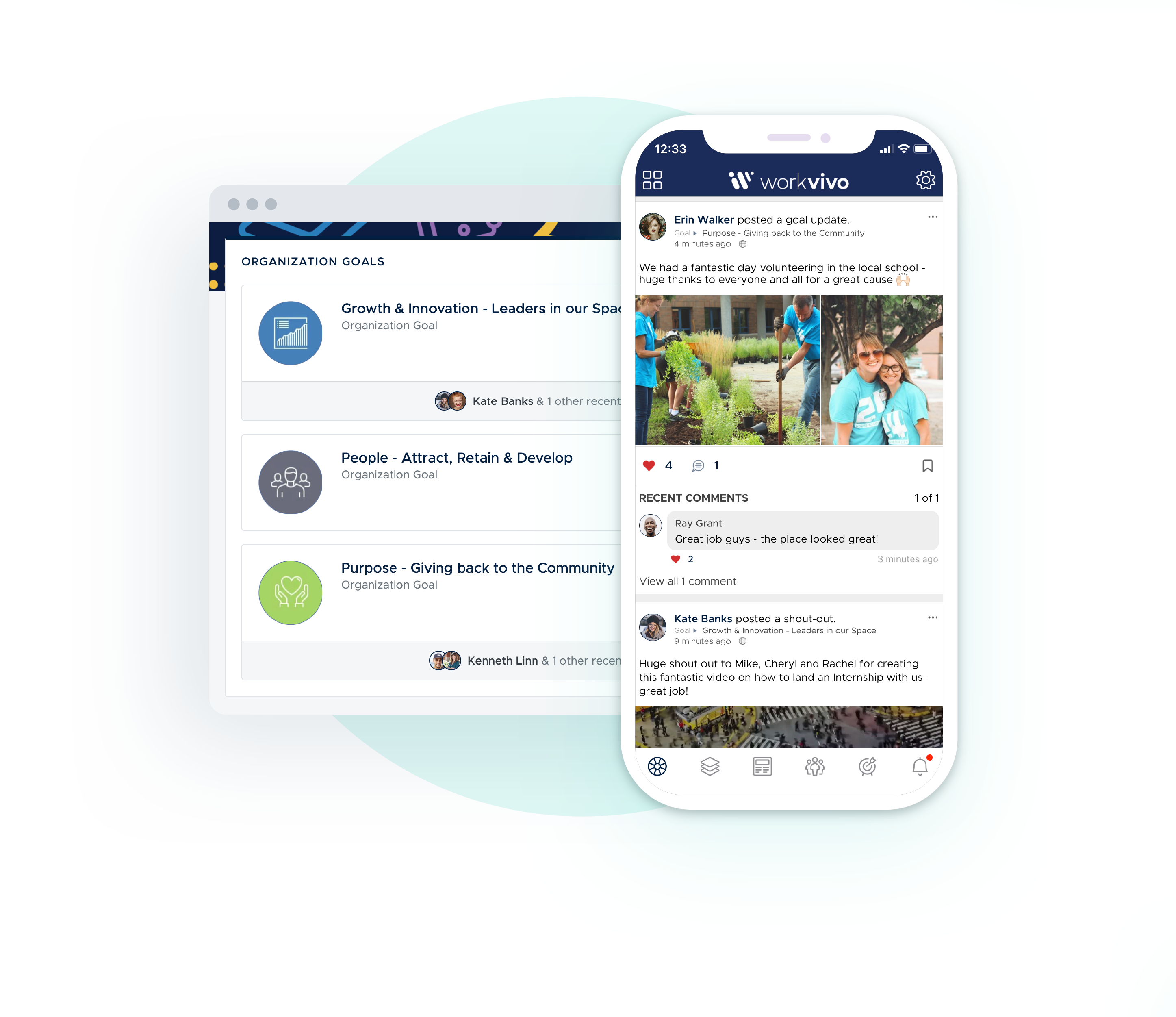
Workvivo is an employee communication platform designed to build natural, meaningful bonds between teams, allowing companies to reach and engage their employees.
It’s presented as an intranet, comms tool, and employee app all blended into one familiar social experience so that people naturally embrace it, offering companies oversight while giving employees freedom and flexibility. It's goals are to provide: ✔️ Less distraction, greater engagement
✔️ Adoption for fast time-to…
MS SharePoint stacks great against its competitors for a simple reason, it is perfectly integrated into Microsoft ecosystem, as it is tightly synchronized with Skype for business, Outlook, Outlook calendar and any other O365 software. The great thing about MS SharePoint is that …
Simpplr seemed to have the most modern approach when describing what they want to achieve for the company. It integrates with all the platforms that we use and ticked all of the boxes we were looking for in a modern intranet package. It is significantly more modern and easier …
Every other similar platform was riddled with internal errors and caching issues. Microsoft is far too expansive to dive into blind unless you know exactly what you're looking for. Workvivo allows you to see everything happening in real-time and go from there.
It is secure and organization only. It is user-friendly and it helps to communicate not just with the team but with the whole community. At Workvivo we can also share our ideas which can be helpful to others. This helps my everyday office work. It is a kind of social media …
SharePoint Document Management excels as a central repository for storing, organising, and retrieving documents. It supports version control, metadata tagging, secure access, and integration with tools like Power Automate. At our organisation, it's used for managing contracts, policies, and supplier documents. SharePoint Workflow Automation integrates with Power Automate to streamline approvals, gather feedback, and automate recurring tasks. This reduces reliance on email chains and manual trackers.
It's well suited as a central point for your company. It can easily be branded for your every need and showcase everything that's going on for your users. The mobile app is excellent and gives the full package on your mobile device so that you're always in tune with what's going on at your workplace. There are loads of shoutouts and constant uploads of team photos and excursions. We work for a really active company, so there are always loads getting posted on a day-to-day basis. It breaks up the monotony of staring at a spreadsheet when you see your colleagues having fun while working.
We have an FAQ section which is categorized in Workvivo. Being an HR, you will have a lot of queries coming from employees on various aspects. Based on the queries we receive from employees, we have built a FAQ with answers on it. So it was easy for us to direct them to the place where there can find ever more similar questions & answers. Policy announced to all and received acknowledgment through the same tool Separate Private Teams are created for special projects and discussions are happening easily
Windows Explorer users have some difficulty having to constantly UPLOAD / DOWNLOAD files. Specifically on the DOWNLOAD when they are used to Drag & Drop in & out of LOCAL folders via Window's explorer.
Microsoft SharePoint supports multiple "library" types. When implementing our "image" library the search function is done via "tags" and boolean logic. This is challenging to most end users. I'd like our users to be able to search our Microsoft SharePoint image library without having to enter KEYWORD or other BOOLEAN logic.
Microsoft SharePoint can also be an internal website for each department or company wide communication tool but I believe these features are geared for much larger organizations. Since we are a SMB we really aren't using these features. So maybe something more useful to SMBs would be nice.
I don't like the name. It's actually not simpler to spell Simpplr. Nice product, daft name.
I'd like to see the people section stand out more and have a bolder collaboration side to it. It would be awesome to collaborate on documents together via a screen share facility.
Video calling directly via Simpplr would be awesome.
It's integral to our business. It's already included with most of the Office 365 licensing we buy, so the cost is effectively zero. It stores our files, it is the foundation for custom applications, and Microsoft only continues to enhance its functionality and its connections to other Microsoft tools. SharePoint just keeps getting better and better.
To my best friend Workvivo, I would like to give 10/10. Everything is running smoothly. I feel glad when people at my workplace from other departments and also from other shifts recognise me with my name. That gives me inner peace. I am feeling blissful. I am on the moon.
No usability issues reported. Individual teams also have allocated areas which replace legacy shared drives on local LANs. Access to Sharepoint resources is fully integrated with corporate Active Directory with additional two-factor authentication required for administrative users. Users have access to Microsoft Services Hub which allows you to create, manage, and track support requests while staying current on Microsoft technologies with access to select self-paced learning paths
Super user friendly, I've not once wondered how to access, find do anything. As soon as I log in I am confident I can find whatever I need and whatever I am looking for and I it is very easy to engage with coworkers and colleagues all over the world.
The face to face training I received was on SharePoint Administration. It was rushed as there was a lot of information to cover and the application of the labs weren't that great either. I like to be able to relate what I am learning to what I am currently doing.
I like to learn at my own pace and online training allows for that. Additionally, you can skip through pieces of content that you already know or are already comfortable with. Microsoft actually offers great videos on their website for basic fundamental SharePoint Training. I have used these training videos in some of my own training sessions with end users.
All the things were explained in an effective way. Easy to understand the tools, features, their use, implementation. Monitoring & support wherever required. Feedback was recorded & improvements were done wherever required to improve the coaching experience. Knowledge checks were taken to understand understanding levels. Overall experience was very well with the training.
The reasons for selecting MS SharePoint are: SharePoint provides ease of use and web design assistance and support SharePoint helps you schedule your content for publishing. enables users to share documents with external parties and offers a better internal structure of the content and better indexing and searching capabilities.
Simpplr seemed to have the most modern approach when describing what they want to achieve for the company. It integrates with all the platforms that we use and ticked all of the boxes we were looking for in a modern intranet package. It is significantly more modern and easier to manage than our old Intranet. Our comms team loves it, and feedback has been great from everyone in the company. It's hard to find any negatives about it.
This helps my everyday office work. It is a kind of social media environment for offices where we can share thoughts. We can also share our ideas which can be helpful to other colleagues. We also get updates on recent news on what's happening in the LOB. Also, we do have an option to take a voting polling on whatever we want. Additionally, It also helps us connect with our official resources. We share our personal observations there a post which can be seen worldwide in our organization. This has been the greatest of all time since I saw any employee-related portal in any organization!!!!!