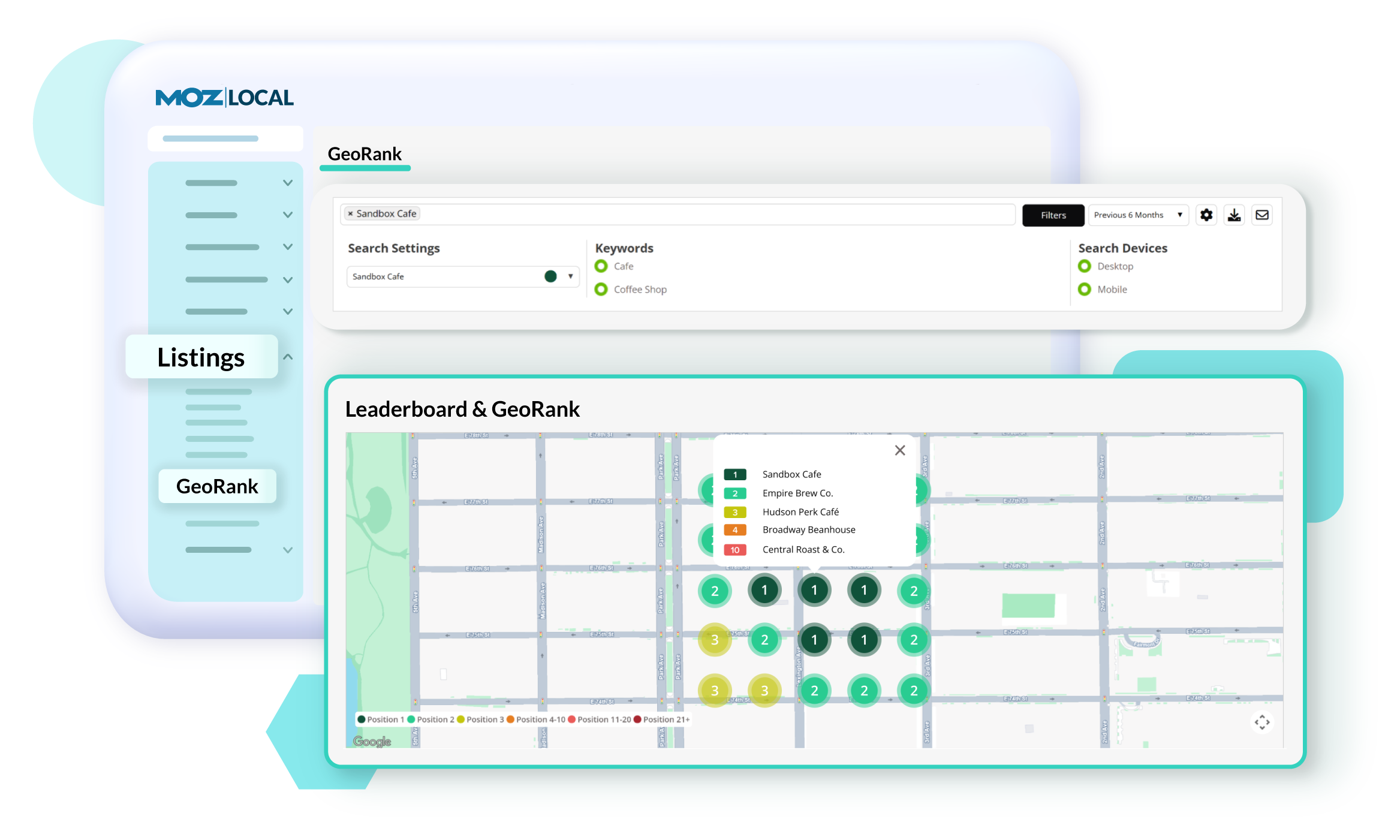
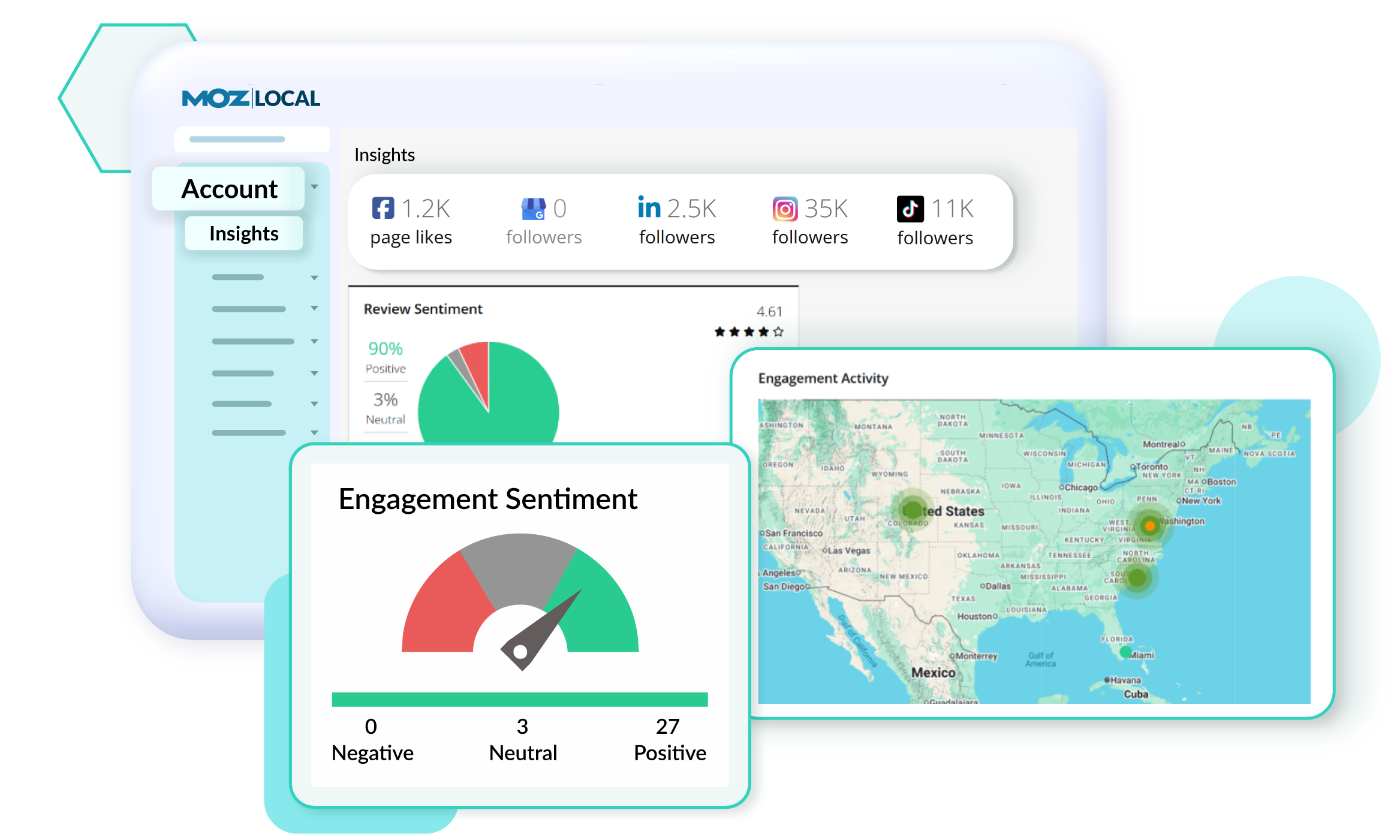
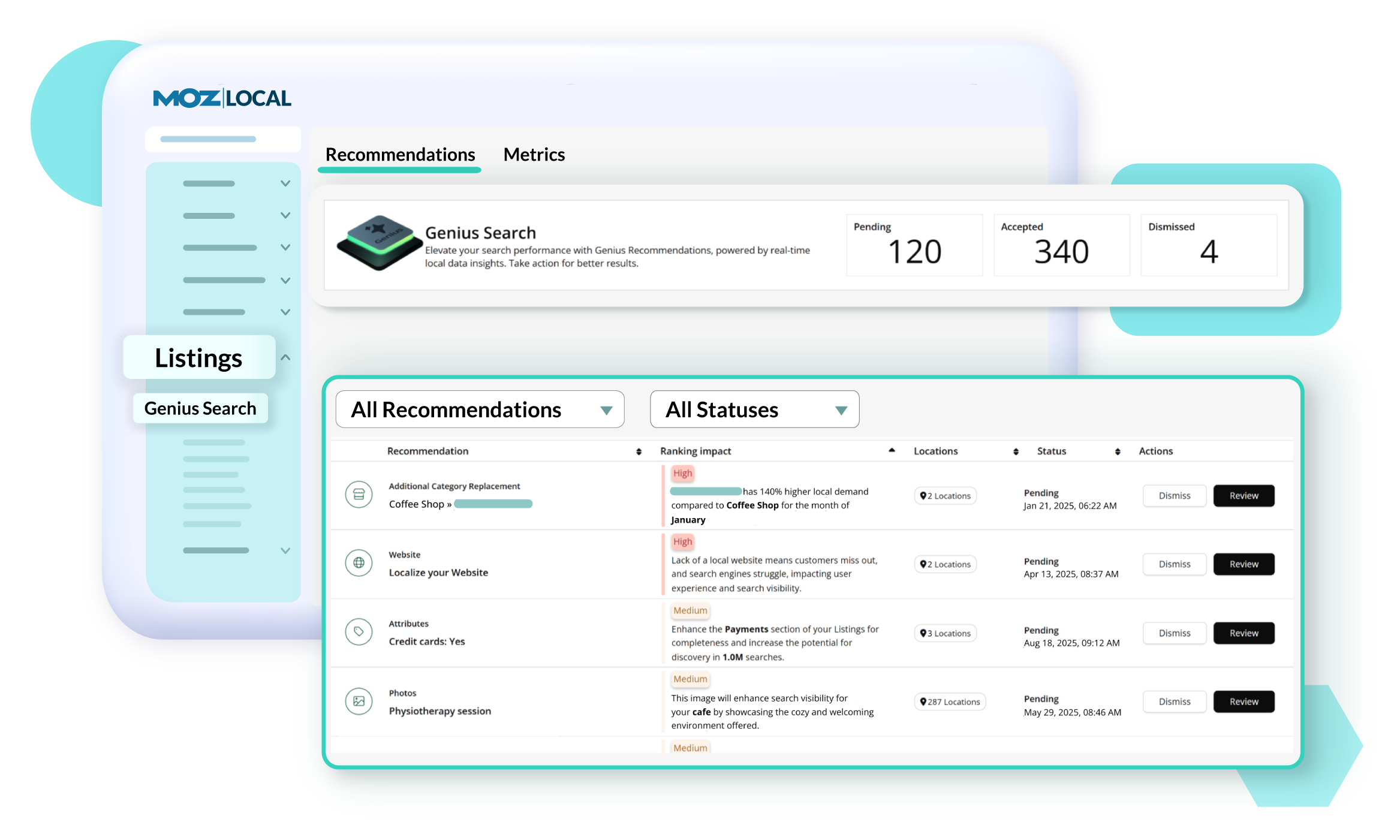
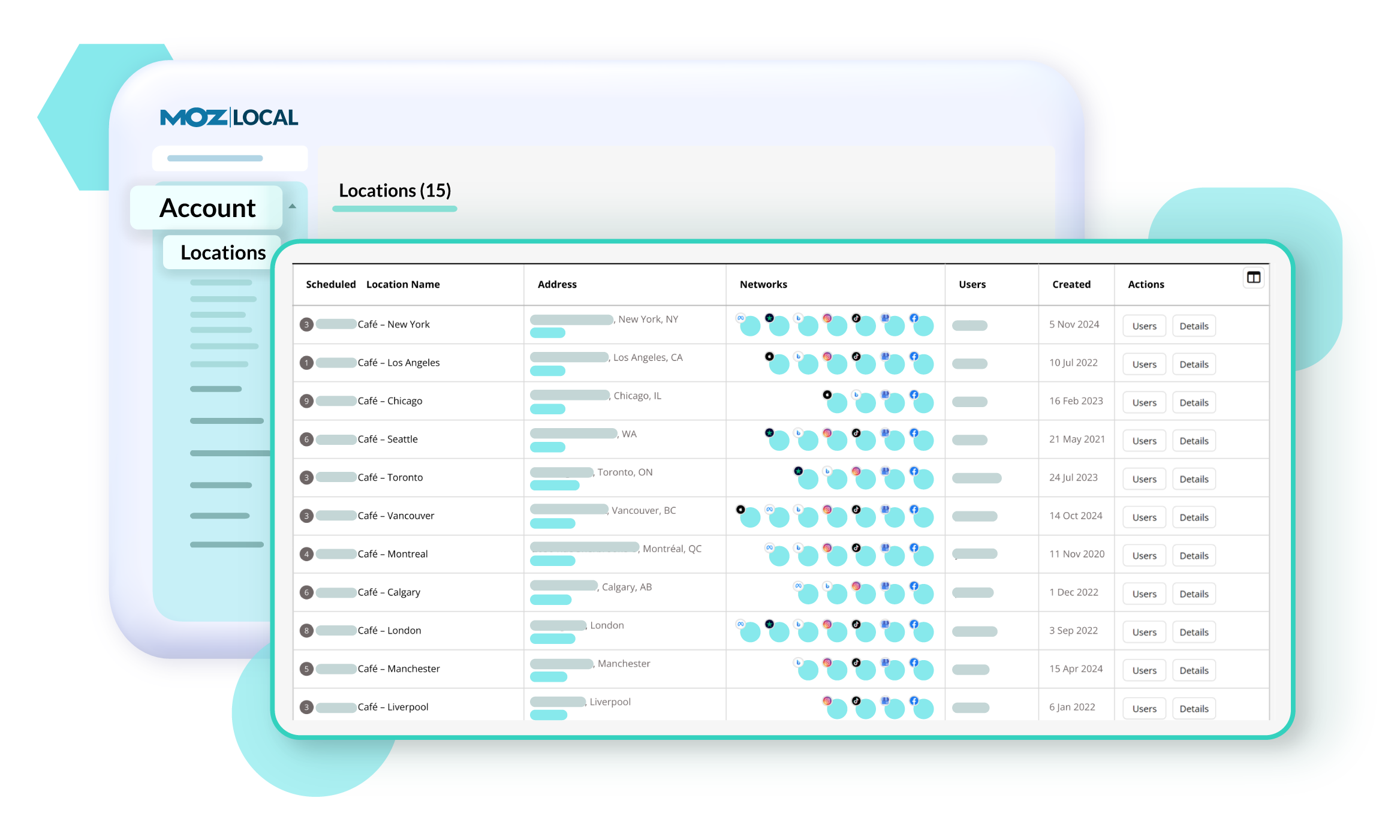
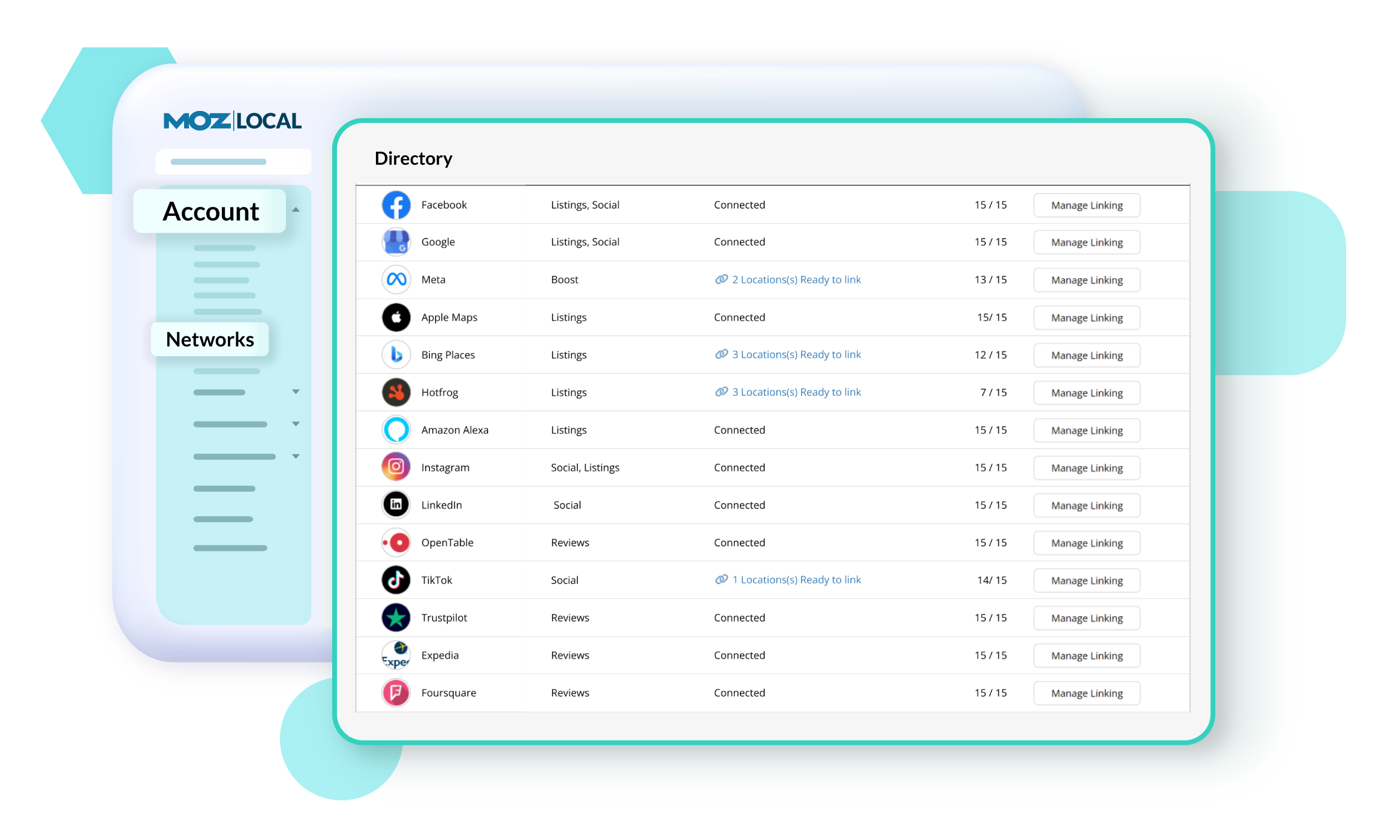
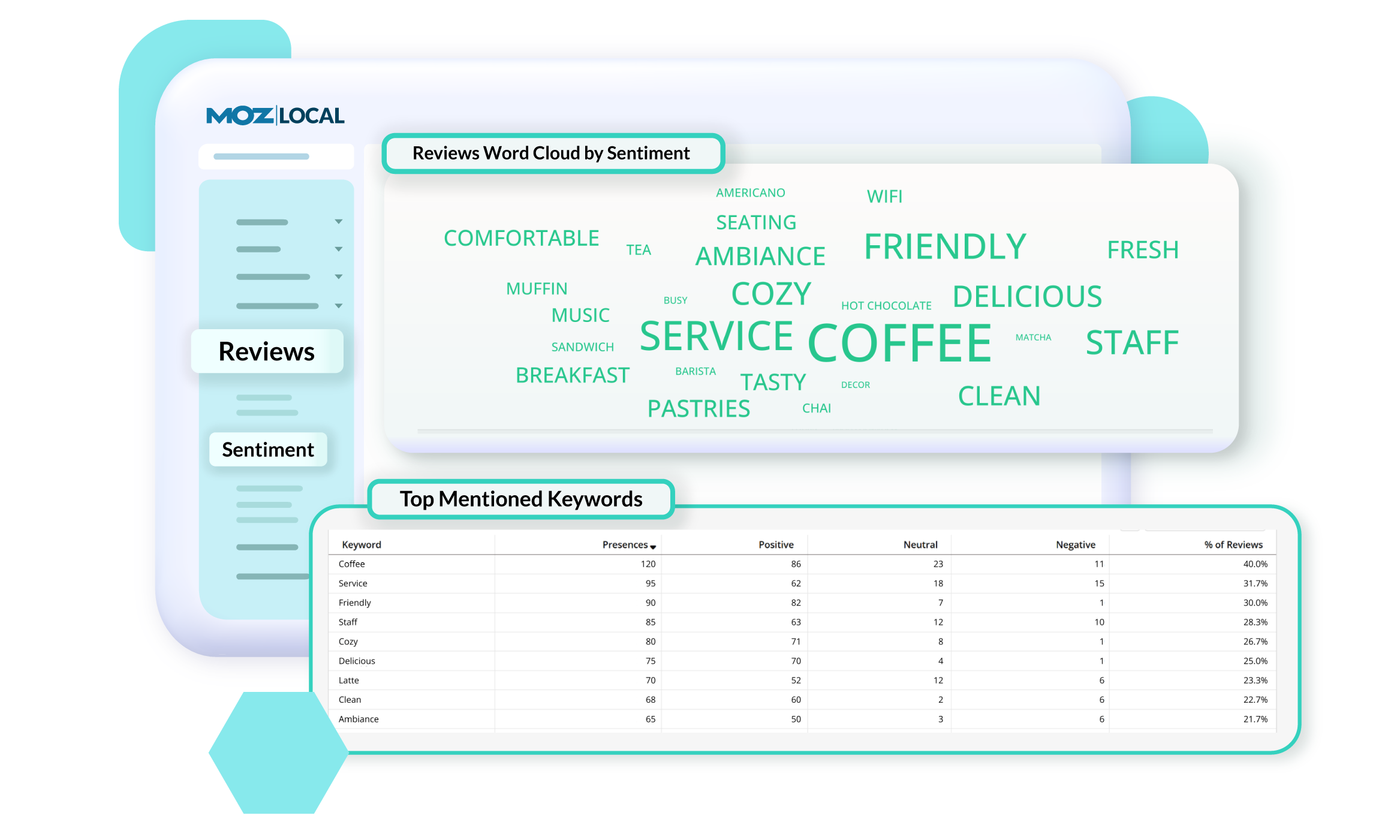
Moz Local is a Listing Management & Distribution software solution that enables users to actively manage location data to optimize local search performance. The solution also enables users to respond to reviews and analyze review sentiment on the most popular sites without having to visit them individually, delete duplicate listings, and engage with consumers to share news, offers, and updates across Google, Facebook and other directories.
$20
per month
WP Engine
Score 7.2 out of 10
N/A
WP Engine is a website hosting service built to host WordPress for companies of any size, with features such as daily backups, firewall,SSL, and proprietary caching technology.
$35
per month
Pricing
Moz Local
WP Engine
Editions & Modules
Lite
$20
per month
Preferred
$30
per month
Elite
$40
per month
Startup
$35
per month
Core
$400
per month (annual contract)
Enterprise
Custom
*Per Month
Offerings
Pricing Offerings
Moz Local
WP Engine
Free Trial
No
Yes
Free/Freemium Version
No
No
Premium Consulting/Integration Services
No
No
Entry-level Setup Fee
No setup fee
No setup fee
Additional Details
Discounts are available for annual billing. Add-ons like Reviews AI and Listings AI are available on certain plans. A discount of up to 20% is available for annual billing.
Discount available for annual billing on the Startup plan.
Moz Local is a great alternative as well as a compliment to Yext. The service has a smaller network but is just as powerful. The dashboard is super easy to load your location information into and allows the product to do the work by distributing the data across platforms. Issues are easily identifiable and can easily be corrected. Depending on your service level package, you also can have access to reviews and be able to monitor those as you see fit. I would strongly recommend this service to anyone who has a local business they are looking to get seen across the web. For a larger business, I'd consider a larger company with a bigger network.
I am an enterprise user of WordPress and host over 7000 sites with WPEngine. Areas that I think they are well suited for include customers that need enterprise-level support and uptime and have more complex needs than a simple blog. They also manage scale well with a variety of isolated install options that you can scale up or down depending on your contract needs. They also provide premier support for enterprises and have highly knowledgable Technical Account Managers that provide a significant value add. If I were to look at where it isn't as appropriate for usage I would focus on the low-end needs and say while they do support small sites, there are options out there for cheaper hosting that lack the support a WPEngine gives you.
I love the database backups and how quickly & easy it is to restore from an old backup point. This gives me & my clients confidence that any change can be rolled back.
The built in caching & CDN mean that I have to spend less time worrying about the speed of the server & site. The caching has some side-effects that take getting used to (on-page dynamic PHP code sometimes needs to be moved to API endpoints), but this is true for most caching systems.
They have really good support for multiple environments. It's very easy to have separate production & staging environments. It's also very simple to deploy from staging to production, making product launches and large scale website copy changes much easier to coordinate.
I'd like to see WP Engine offer their own monitoring solution. When I say monitoring, I mean specific use cases that may end up being something you could script. This would keep customers from having to pay for additional services like Pingdom, New Relic, etc.
I would like to see some proactive analysis done by WP Engine on their customer sites - at least on their home pages, and offer up suggestions. This kind of goes along with the other example.
Finally, it would be nice to see a "lighter" offering, perhaps a plan that costs $49 for those who want to host only a few sites, or even 1 site.
I was in a situation where I had to bolt Wordpress on to an existing infrastructure that could not support it. If I ever end up in that situation again, please kill me. Other than that reasonably common use case, I don't think it offers a lot of value over robust shared hosting, virtual private server (VPS) or dedicated servers.
From the onboarding and in the days afterward, it was very easy to get into the platform and begin creating important websites and configuring user options. The interface is easy to navigate, and the platform pages load quickly. Since the platform is built for Word plus press, it has features including backup, staging, maintenance mode, and direct WP-Admin login to make configuration and site management faster. We have never had any issues on the billing side of the account.
Support is generally great. Enterprise support is fantastic, with little to no wait times. I find that chat support can almost always take care of the problem without escalating to a ticket for a higher level of troubleshooting. The chat support for many other hosting providers can only handle basic issues. This is a big bonus for us to get quick and helpful answers.
While we still use GoDaddy for some services, WP Engine definitely has been a major upgrade for our WordPress hosting. In addition to faster load speeds, WP Engine has been more adept at allowing us to manage a high number of websites without straining the system. We have never used Network Solutions for our own hosting needs, but when we do interact with them on behalf of our clients, their systems always seem to be clunky and hard to use, and they often overcharge customers by selling them products they do not need.