NetBeans is a free and open source platform and integrated development environment (IDE).
N/A
OpenText Magellan
Score 9.0 out of 10
N/A
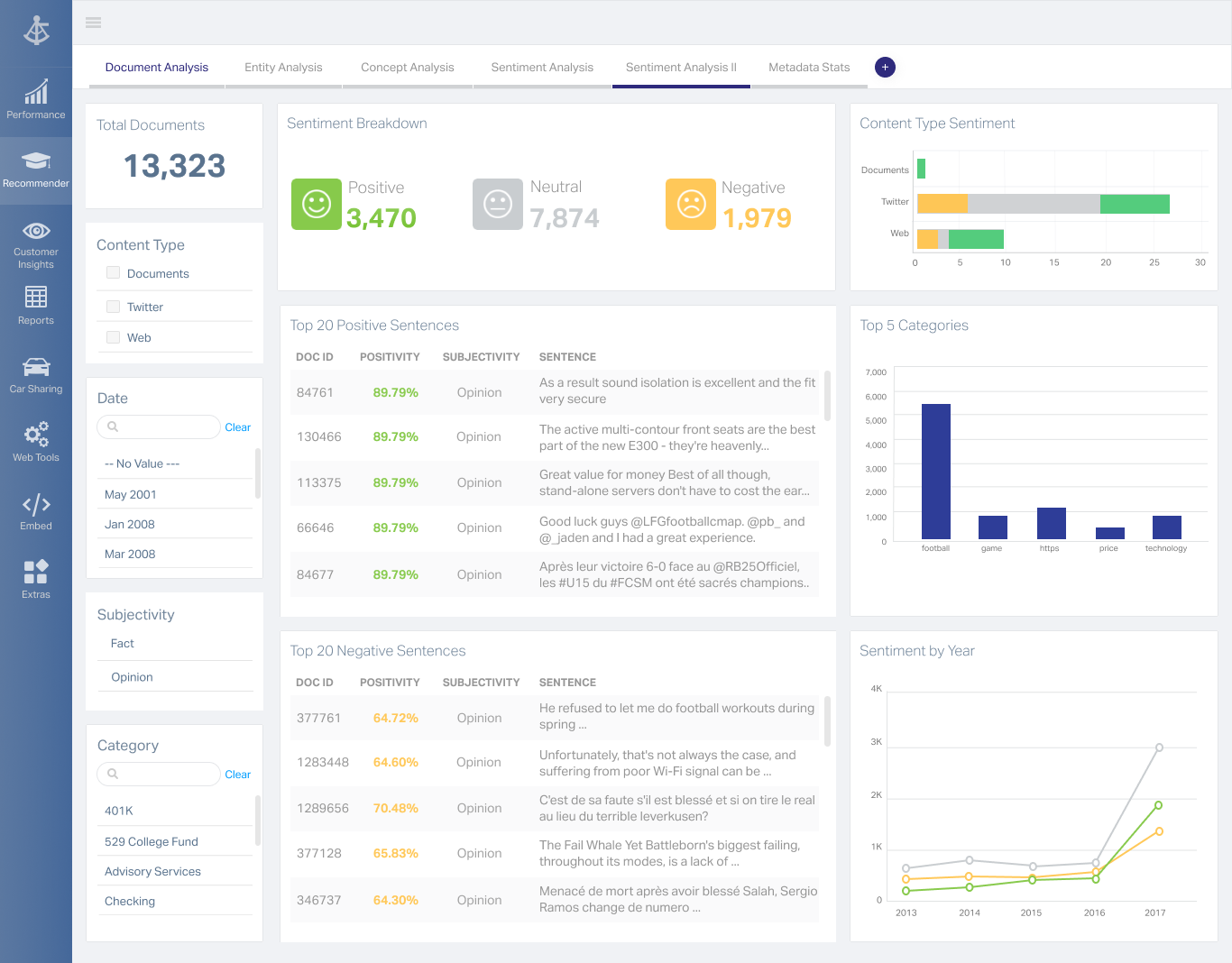
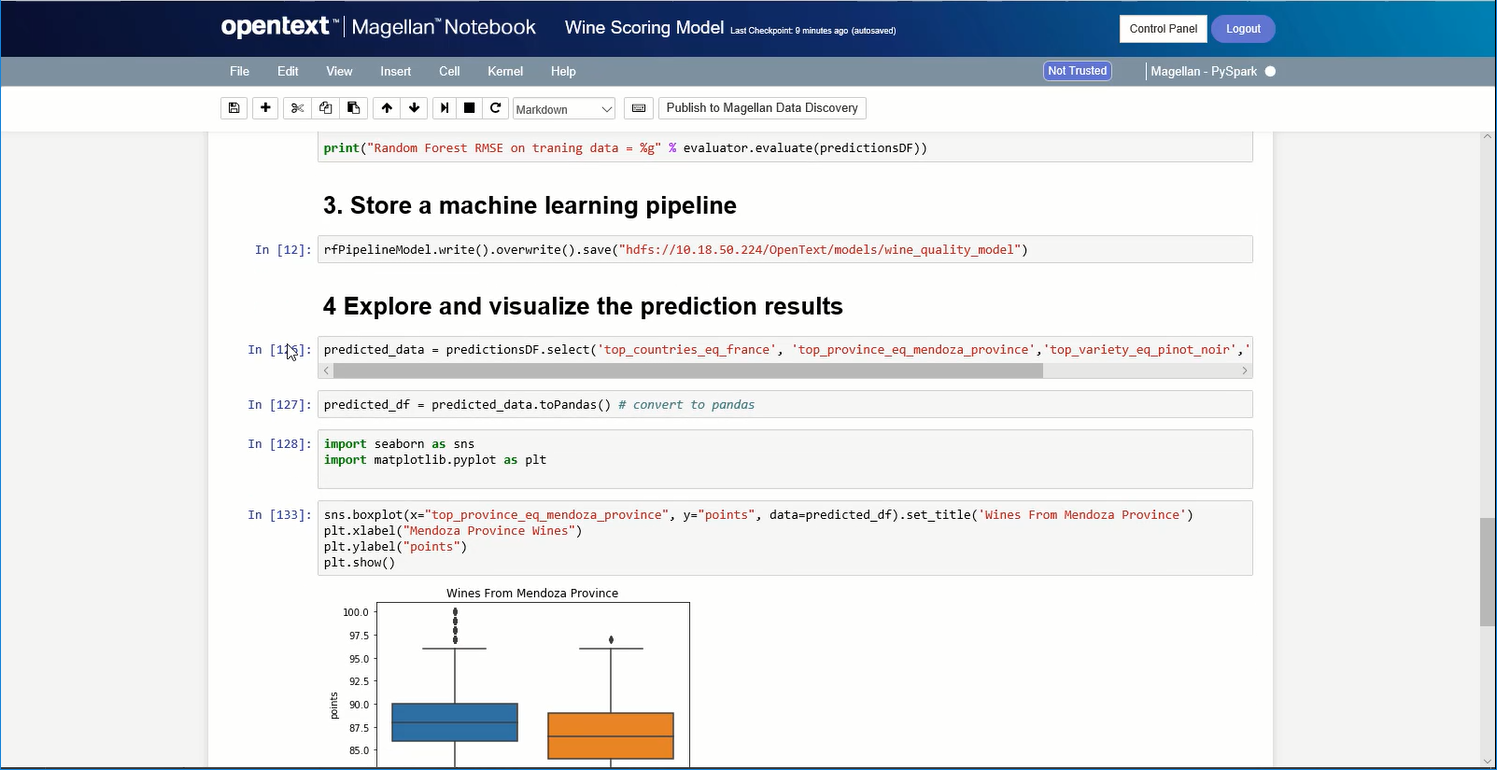
OpenText Magellan Analytics Suite leverages a comprehensive set of data analytics software to identify patterns, relationships and trends through data visualizations and interactive dashboards.
N/A
Pricing
NetBeans
OpenText Magellan
Editions & Modules
No answers on this topic
No answers on this topic
Offerings
Pricing Offerings
NetBeans
OpenText Magellan
Free Trial
No
No
Free/Freemium Version
No
No
Premium Consulting/Integration Services
No
No
Entry-level Setup Fee
No setup fee
No setup fee
Additional Details
—
—
More Pricing Information
Community Pulse
NetBeans
OpenText Magellan
Features
NetBeans
OpenText Magellan
BI Standard Reporting
Comparison of BI Standard Reporting features of Product A and Product B
NetBeans
-
Ratings
OpenText Magellan
7.0
2 Ratings
16% below category average
Customizable dashboards
00 Ratings
7.02 Ratings
Report Formatting Templates
00 Ratings
7.01 Ratings
Ad-hoc Reporting
Comparison of Ad-hoc Reporting features of Product A and Product B
NetBeans
-
Ratings
OpenText Magellan
8.3
3 Ratings
3% above category average
Drill-down analysis
00 Ratings
8.03 Ratings
Formatting capabilities
00 Ratings
8.03 Ratings
Integration with R or other statistical packages
00 Ratings
9.01 Ratings
Report sharing and collaboration
00 Ratings
8.02 Ratings
Report Output and Scheduling
Comparison of Report Output and Scheduling features of Product A and Product B
NetBeans
-
Ratings
OpenText Magellan
8.3
2 Ratings
1% above category average
Publish to Web
00 Ratings
8.02 Ratings
Publish to PDF
00 Ratings
8.02 Ratings
Report Versioning
00 Ratings
9.02 Ratings
Report Delivery Scheduling
00 Ratings
8.02 Ratings
Data Discovery and Visualization
Comparison of Data Discovery and Visualization features of Product A and Product B
NetBeans is extremely user friendly and easy to start developing complex applications. Adding and configuring external libraries is much simpler than in Eclipse. It is highly cost effective and most of the latest framework based libraries required are automatically downloaded to the projects. The overall tool is also light weight and consumes less memory as compared to other competitor tools.
If you do not have a large budget and are a large organization, I would steer clear of Actuate. If you are looking to do very complex washboarding, I would not use them. Your developers have to be very skilled to work with this. Plan to bring in consultants if necessary to help your process. Adhoc reporting is weak. If your pricing is user based and you expand, this could be very expensive.
NetBeans [should] work smoothly with systems having less RAM. Systems with less RAM face trouble with NetBeans.
File open history also requires improvement. Once NetBeans is restarted, all files are closed automatically and there is no shortcut to open last opened files.
I am no longer working for the company that was using Actuate but I believe they would continue to use it because the stitching costs would be to high. It would require a complete rewrite of the reports and the never version of Actuate (BIRT) even required an almost complete report rewrite
Netbeans enhances my coding work, shows me where I have errors and helps find variable instances. I would be lost without find/replace in projects functionality as I use projects as templates for new projects. Occasionally the code hints aggravate me, but I understand that it is actually making me a better coder, working to get the 'green light' of a clean file with no errors or clumsy code.
It is quite intuitive to use. It is fit specifically for doing sentiment, emotion, and intention analysis as well as text classification and text summarization. I would have given 10 if it is fit for the purpose of doing image processing and analysis as well. There is a huge market to analyze video and image data.
NetBeans has a very strong user community. We can find solutions here for almost all the problems we face. In addition, we can forward NetBeans Support teams the problems we cannot solve. We can get quick feedback from the support teams, but I generally try to solve my problems by following the forums.
It works very smoothly as compared to other tools . The problem of restarting and reimporting the projects is not in the netbeans IDE . The front end development features are good . Netbeans connector is one of the best thing which enables us to deeply integrate netbeans IDE with google chrome browser
It is vastly superior to these in many ways, for complex reporting it is a much more sophisticated solution. Visualizations are very good. Javascript extensibility is very powerful, others don't support this or as well. Pentaho and MS are both OLAP oriented. Pentaho is moving more toward big data, which was not our primary focus. Others are stuck in the Crystal Reports Band metaphor.
By working on Netbeans I just learned one more tool and can teach others about it. One should learn every tool so that it might help someday if another editor is not available and you have to use different software for your work.
Compiling code became easy as it is not a feature of normal text editors. Only IDE can do this.
Actuate can handle 50 to 60 sub reports inside a report very well.
Dynamically creating the datasource, chart, graph, reports are the main advantages. We can do any level of drilling, and can create a performance matrix dashboard efficiently.