
OnSinch vs. When I Work
| Product | Rating | Most Used By | Product Summary | Starting Price |
|---|---|---|---|---|
 OnSinch | N/A | N/A | OnSinch automates everyday processes from creating orders to final invoicing. Orders, shift scheduling, worker recruitment and coordination, attendance approval, billing, and payroll all happen in the single application, that is always accessible online. | $220 per month per installation |
 When I Work | Score6.5 out of 10 | N/A | When I Work is a way for businesses to schedule, track time and attendance, and communicate with their hourly employees. The schedule and time clock is placed in every employee's pocket with When I Work's iOS and Android apps. It can be used to keep track of time off, employee availability, and manage shift swaps with a few clicks. When I Work integrates with payroll providers to streamline the process and avoid human error. | $2.50 per month per user |
| OnSinch | When I Work | |||||||||||||||
|---|---|---|---|---|---|---|---|---|---|---|---|---|---|---|---|---|
| Editions & Modules | No answers on this topic |
| ||||||||||||||
| Offerings |
| |||||||||||||||
| Entry-level Setup Fee | $410 one-time fee per installation | No setup fee | ||||||||||||||
| Additional Details | Additional modules, features, and usage limits available. Implementation and onboarding fee starts at $410, with the final cost based on the selected package—Starter, Essential, Grow, or Enterprise. | — | ||||||||||||||
| More Pricing Information | ||||||||||||||||
| OnSinch | When I Work | |
|---|---|---|
| Considered Both Products | No answer on this topic | No answer on this topic |
| Key User Insights | ||
| Would buy again | ||
No answers on this topic | 95% Would buy again 21 Answers | |
| Delivers good value for the price | ||
No answers on this topic | 94% Delivers good value for the price 16 Answers | |
| Happy with the feature set | ||
No answers on this topic | 100% Happy with the feature set 22 Answers | |
| Lived up to sales and marketing promises | ||
No answers on this topic | 92% Lived up to sales and marketing promises 12 Answers | |
| Implementation went as expected | ||
No answers on this topic | 94% Implementation went as expected 15 Answers | |
| OnSinch | When I Work | |
|---|---|---|
| Small Businesses |  Deputy Score8.6 out of 10 |  7shifts Score9.5 out of 10 |
| Medium-sized Companies |  Harri Score6 out of 10 | No answers on this topic |
| Enterprises |  Enterprise eTIME, by ADP (discontinued) Score10 out of 10 | No answers on this topic |
| All Alternatives | View all alternatives | View all alternatives |
| OnSinch | When I Work | |
|---|---|---|
| Likelihood to Recommend | - | 10.0 |
| Likelihood to Renew | - | 10.0 |
| Usability | - | 9.0 |
| Support Rating | - | 8.7 |
| Implementation Rating | - | 8.0 |
| OnSinch | When I Work | |
|---|---|---|
| Likelihood to Recommend | No answers on this topic |
|
| Pros | No answers on this topic |
|
| Cons | No answers on this topic |
|
| Likelihood to Renew | No answers on this topic |
|
| Usability | No answers on this topic |
|
| Support Rating | No answers on this topic |
|
| Implementation Rating | No answers on this topic |
|
| Alternatives Considered | No answers on this topic |
|
| Return on Investment | No answers on this topic |
|
| ScreenShots | OnSinch Screenshots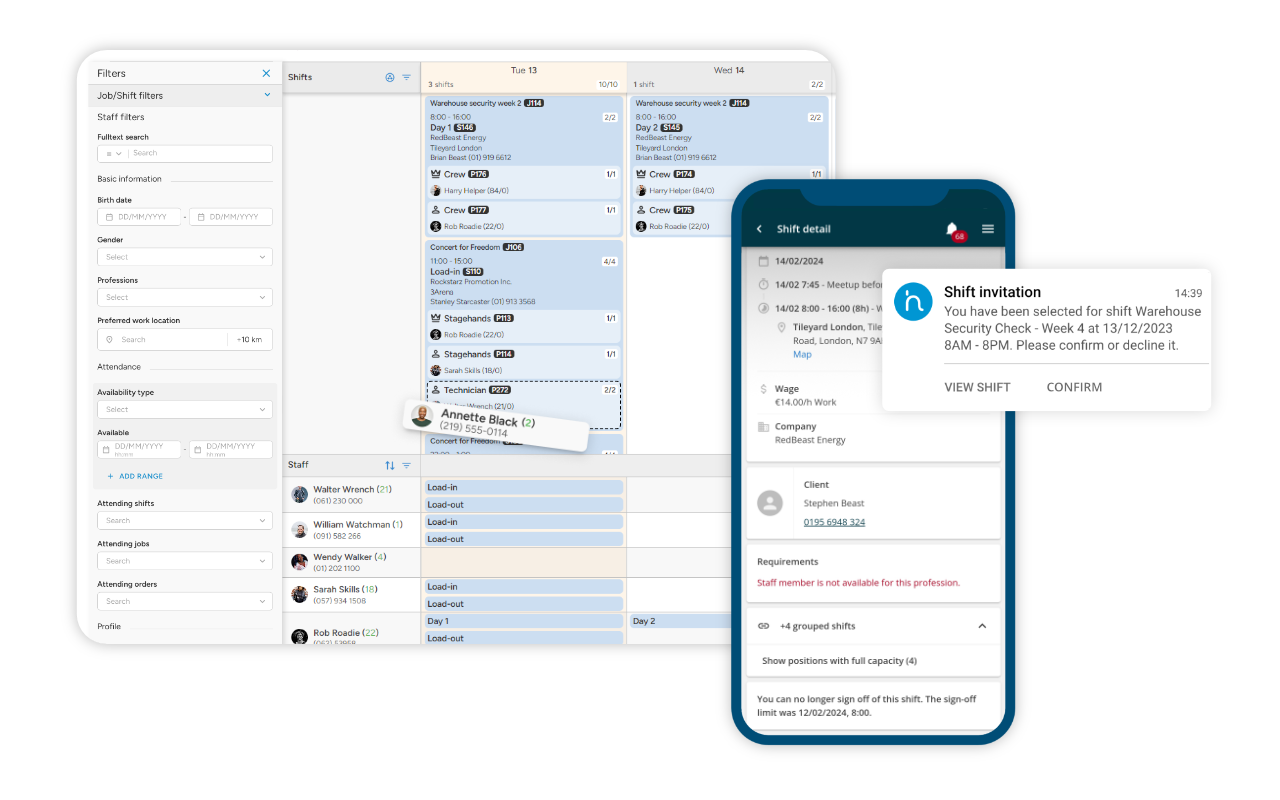 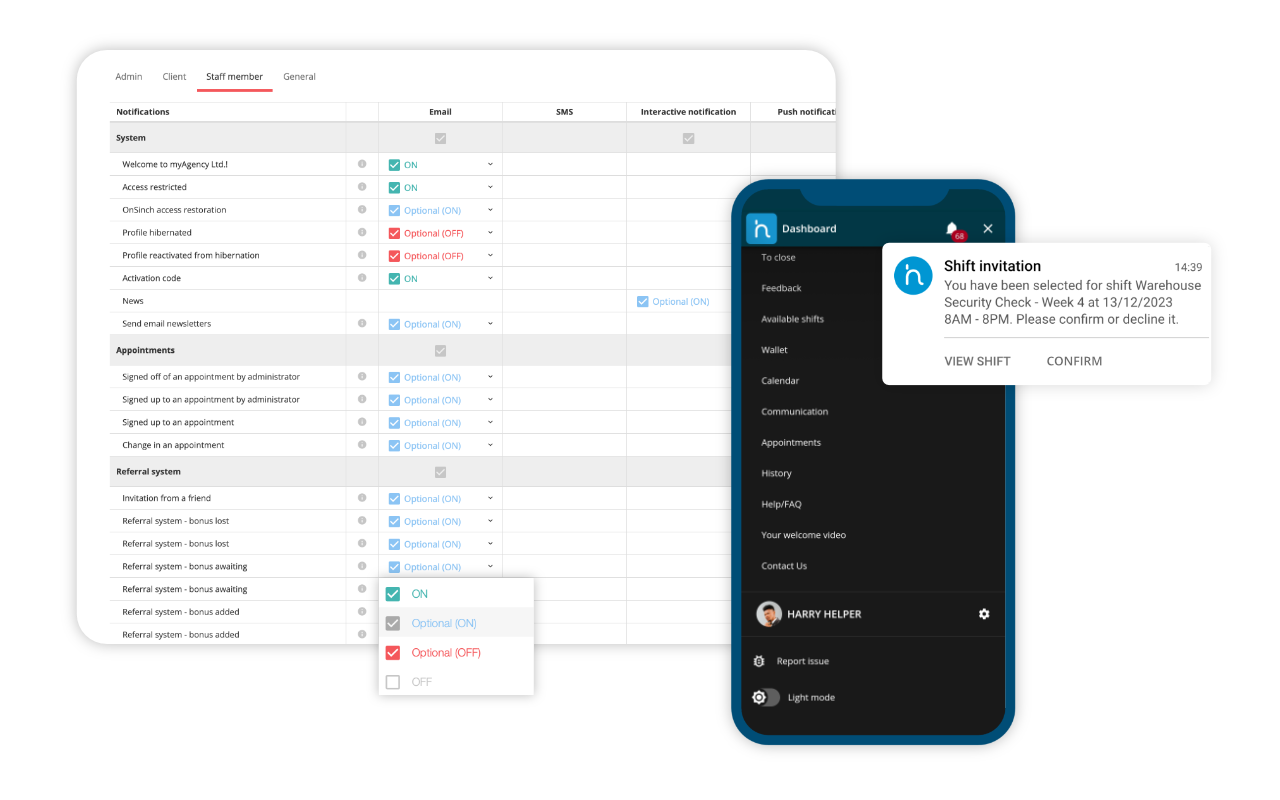 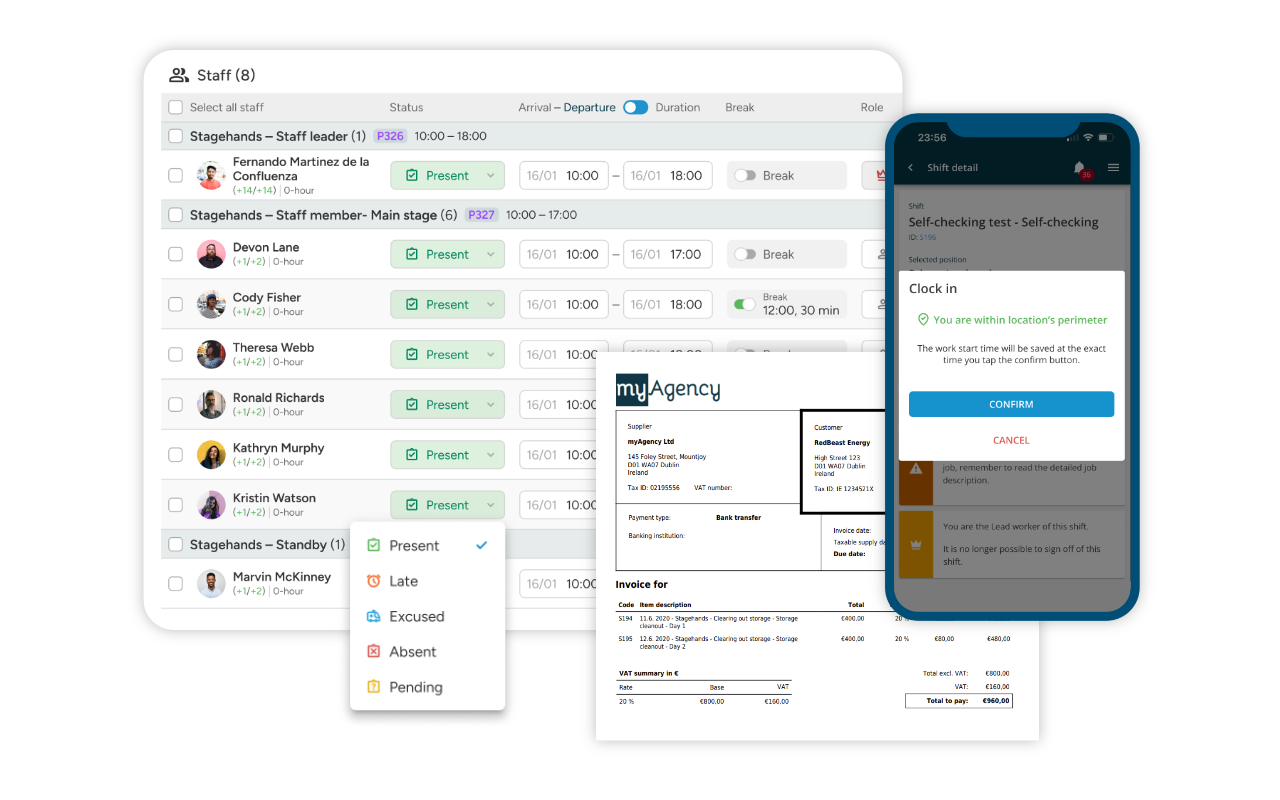 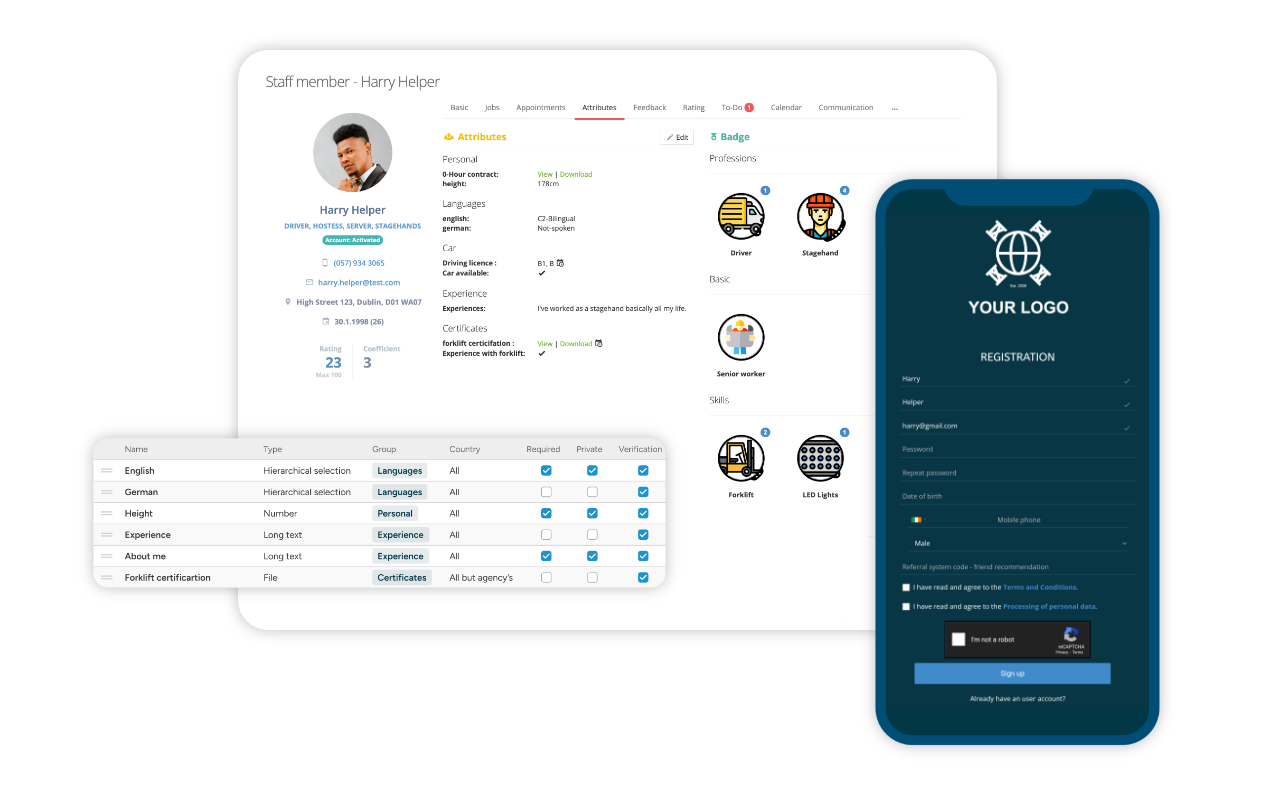 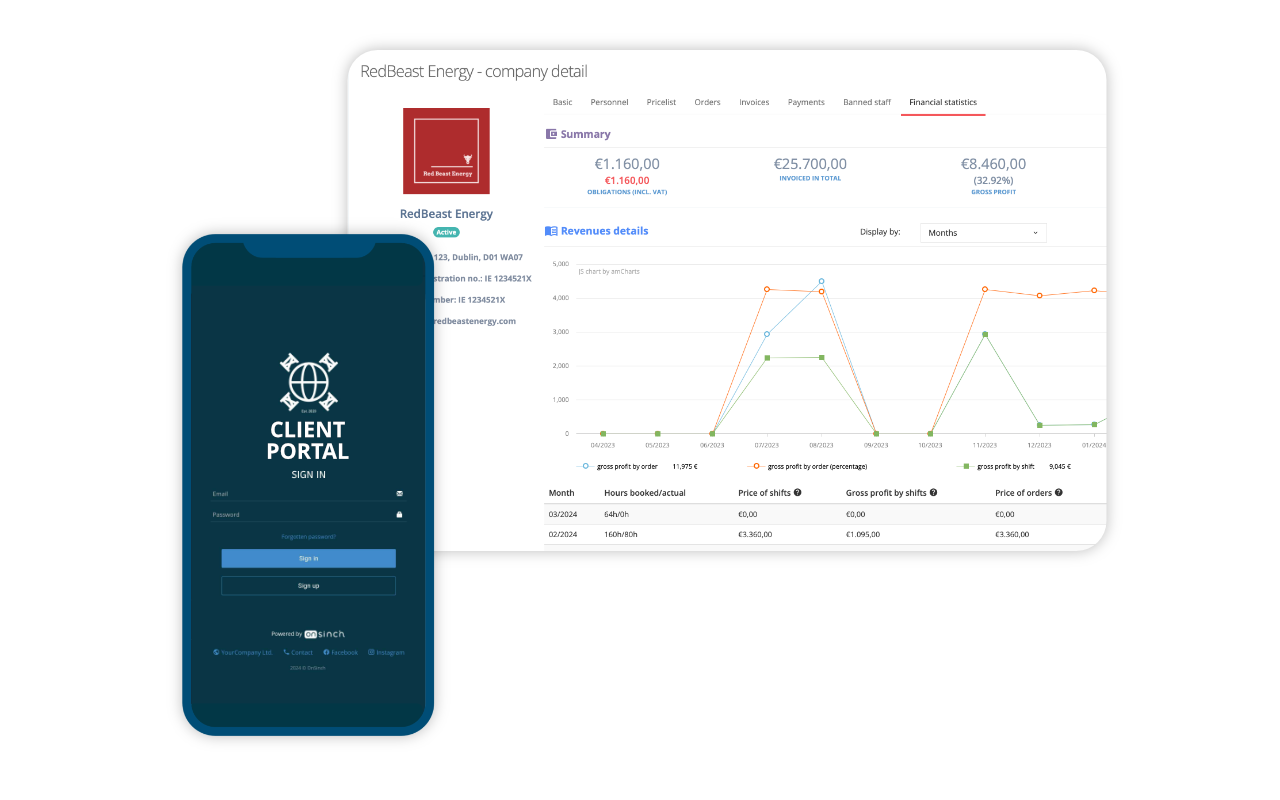 |


