Optimizely Feature Experimentation vs. UserBob

Overview
ProductRatingMost Used ByProduct SummaryStarting Price
Optimizely Feature Experimentation
Score 8.3 out of 10
N/A
Optimizely Feature Experimentation unites feature flagging, A/B testing, and built-in collaboration—so marketers can release, experiment, and optimize with confidence in one platform.N/A
UserBob
Score 6.5 out of 10
N/A
UserBob provides remote user testing. The vendor recruits users to try out an organization's website and records the tester's screen and feedback. Organizations can provide instructions on what will be tested and can also select the demographic groups from which the users will be chosen.N/A
Pricing
Optimizely Feature ExperimentationUserBob
Editions & Modules
No answers on this topic
Offerings
Pricing Offerings
Optimizely Feature ExperimentationUserBob
Free Trial
NoYes
Free/Freemium Version
YesNo
Premium Consulting/Integration Services
YesNo
Entry-level Setup FeeRequiredNo setup fee
Additional DetailsPricing is $1 per requested user testing minutes.
More Pricing Information
Community Pulse
Optimizely Feature ExperimentationUserBob
Best Alternatives
Optimizely Feature ExperimentationUserBob
Small Businesses
GitLab
GitLab
Score 8.8 out of 10
Smartlook
Smartlook
Score 8.6 out of 10
Medium-sized Companies
GitLab
GitLab
Score 8.8 out of 10
Optimal
Optimal
Score 9.1 out of 10
Enterprises
GitLab
GitLab
Score 8.8 out of 10
Optimal
Optimal
Score 9.1 out of 10
All AlternativesView all alternativesView all alternatives
User Ratings
Optimizely Feature ExperimentationUserBob
Likelihood to Recommend
8.3
(48 ratings)
6.5
(4 ratings)
Likelihood to Renew
4.5
(2 ratings)
-
(0 ratings)
Usability
7.7
(27 ratings)
-
(0 ratings)
Support Rating
3.6
(1 ratings)
-
(0 ratings)
Implementation Rating
10.0
(1 ratings)
-
(0 ratings)
Product Scalability
5.0
(1 ratings)
-
(0 ratings)
User Testimonials
Optimizely Feature ExperimentationUserBob
Likelihood to Recommend
Optimizely
Based on my experience with Optimizely Feature Experimentation, I can highlight several scenarios where it excels and a few where it may be less suitable. Well-suited scenarios: - Multi-Channel product launches - Complex A/B testing and feature flag management - Gradual rollout and risk mitigation Less suited scenarios: - Simple A/B tests (their Web Experimentation product is probably better for that) - Non-technical team usage -
Read full review
UserBob
some specific scenarios where UserBob may be suitable is for testing delivery apps, short trip apps like uber, clothing sales apps, and banking service apps where it is less suitable is for service apps or sites legal, medical, consulting, insurance sales, sale of products for vehicles, sale of houses, sale of construction materials.
Read full review
Pros
Optimizely
  • It is easy to use any of our product owners, marketers, developers can set up experiments and roll them out with some developer support. So the key thing there is this front end UI easy to use and maybe this will come later, but the new features such as Opal and the analytics or database centric engine is something we're interested in as well.
Read full review
UserBob
  • Cheap, but high quality user testing.
  • Bare bones - just the basics of what you need. It lets you customize questions, customize audiences, and then see results!
  • Fast.
Read full review
Cons
Optimizely
  • Would be nice to able to switch variants between say an MVT to a 50:50 if one of the variants is not performing very well quickly and effectively so can still use the standardised report
  • Interface can feel very bare bones/not very many graphs or visuals, which other providers have to make it a bit more engaging
  • Doesn't show easily what each variant that is live looks like, so can be hard to remember what is actually being shown in each test
Read full review
UserBob
  • Haven't had any issues with UserBob.
Read full review
Likelihood to Renew
Optimizely
Competitive landscape
Read full review
UserBob
No answers on this topic
Usability
Optimizely
Easy to navigate the UI. Once you know how to use it, it is very easy to run experiments. And when the experiment is setup, the SDK code variables are generated and available for developers to use immediately so they can quickly build the experiment code
Read full review
UserBob
No answers on this topic
Support Rating
Optimizely
Support was there but it was pretty slow at most times. Only after escalation was support really given to our teams
Read full review
UserBob
No answers on this topic
Implementation Rating
Optimizely
It’s straightforward. Docs are well written and I believe there must be a support. But we haven’t used it
Read full review
UserBob
No answers on this topic
Alternatives Considered
Optimizely
When Google Optimize goes off we searched for a tool where you can be sure to get a good GA4 implementation and easy to use for IT team and product team. Optimizely Feature Experimentation seems to have a good balance between pricing and capabilities. If you are searching for an experimentation tool and personalization all in one... then maybe these comparison change and Optimizely turns to expensive. In the same way... if you want a server side solution. For us, it will be a challenge in the following years
Read full review
UserBob
UserTesting allows for better user segmentation that's not just based on the honor system of the user but UserBob is cheaper and it's quicker to get data back so it makes collecting data easy and fast so you can move quicker and experiment more. UserBob is great for a first audience or a general audience.
Read full review
Scalability
Optimizely
had troubles with performance for SSR and the React SDK
Read full review
UserBob
No answers on this topic
Return on Investment
Optimizely
  • We have a huge, noteworthy ROI case study of how we did a SaaS onboarding revamp early this year. Our A/B test on a guided setup flow improved activation rates by 20 percent, which translated to over $1.2m in retained ARR.
Read full review
UserBob
  • increase in electronic branch users
  • Increased use of platforms by providers
  • more credit card sales
Read full review
ScreenShots

Optimizely Feature Experimentation Screenshots

Screenshot of Feature Flag Setup. Here users can run flexible A/B and multi-armed bandit tests, as well as:

- Set up a single feature flag to test multiple variations and experiment types
- Enable targeted deliveries and rollouts for more precise experimentation
- Roll back changes quickly when needed to ensure experiment accuracy and reduce risks
- Increase testing flexibility with control over experiment types and delivery methodsScreenshot of Audience Setup. This is used to target specific user segments for personalized experiments, and:

- Create and customize audiences based on user attributes
- Refine audience segments to ensure the right users are included in tests
- Enhance experiment relevance by setting specific conditions for user groupsScreenshot of Experiment Results, supporting the analysis and optimization of experimentation outcomes. Viewers can also:

- examine detailed experiment results, including key metrics like conversion rates and statistical significance
- Compare variations side-by-side to identify winning treatments
- Use advanced filters to segment and drill down into specific audience or test dataScreenshot of a Program Overview. These offer insights into any experimentation program’s performance. It also offers:

- A comprehensive view of the entire experimentation program’s status and progress
- Monitoring for key performance metrics like test velocity, success rates, and overall impact
- Evaluation of the impact of experiments with easy-to-read visualizations and reporting tools
- Performance tracking of experiments over time to guide decision-making and optimize strategiesScreenshot of AI Variable Suggestions. These enhance experimentation with AI-driven insights, and can also help with:

- Generating multiple content variations with AI to speed up experiment design
- Improving test quality with content suggestions
- Increasing experimentation velocity and achieving better outcomes with AI-powered optimizationScreenshot of Schedule Changes, to streamline experimentation. Users can also:

- Set specific times to toggle flags or rules on/off, ensuring precise control
- Schedule traffic allocation percentages for smooth experiment rollouts
- Increase test velocity and confidence by automating progressive changes

UserBob Screenshots

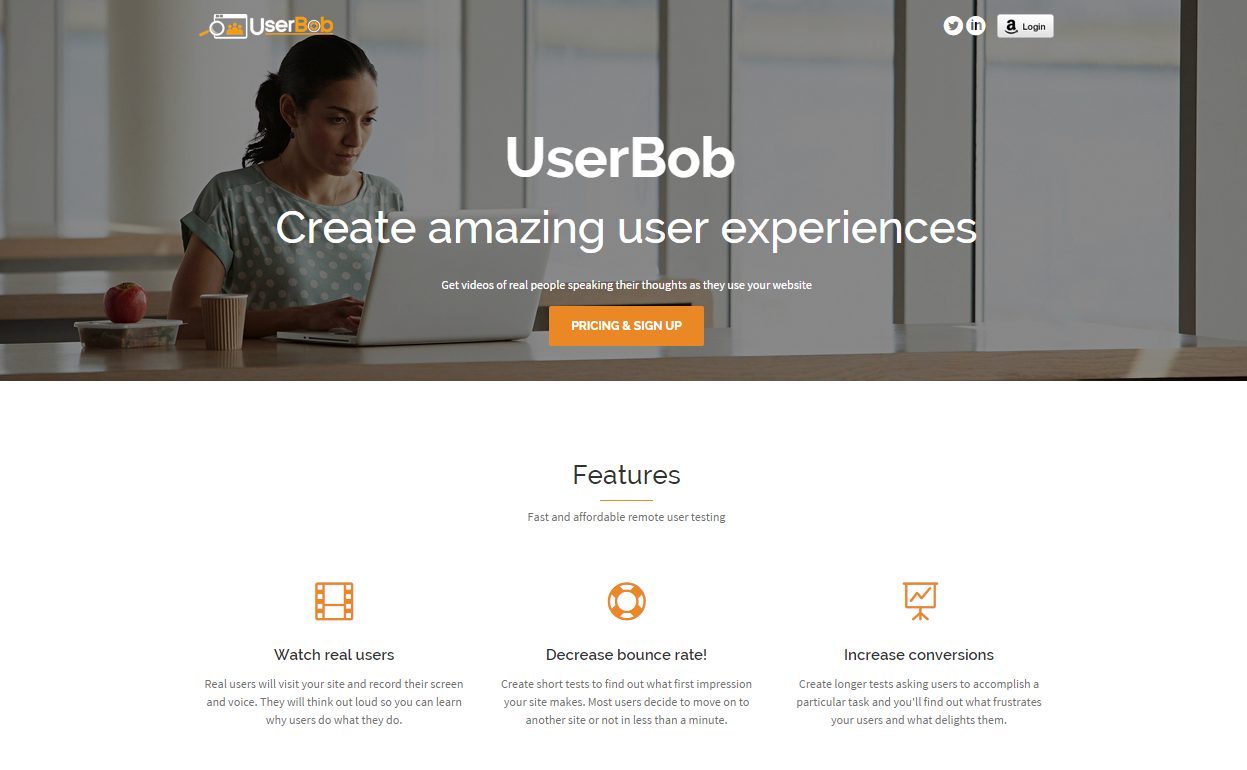
Screenshot of Home screen