The PeopleAdmin Higher Ed Platform is a talent management platform designed for Higher Education and Government organizations, now from PowerSchool (acquired August, 2018). Modules include analytics, applicant tracking, position management, onboarding, records management, and performance management.
N/A
PowerSchool SIS
Score6.3 out of 10
Mid-Size Companies (51-1,000 employees)
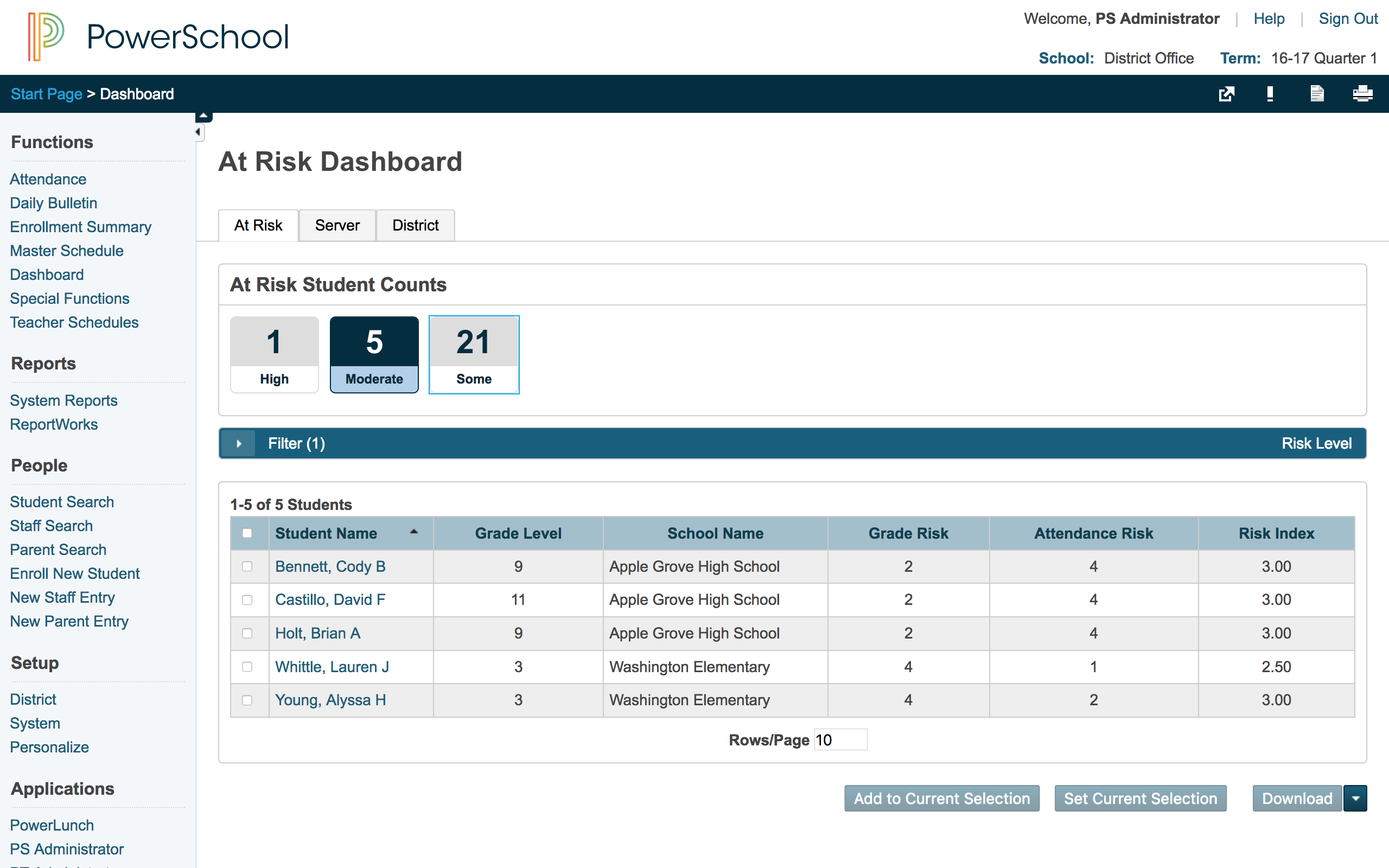
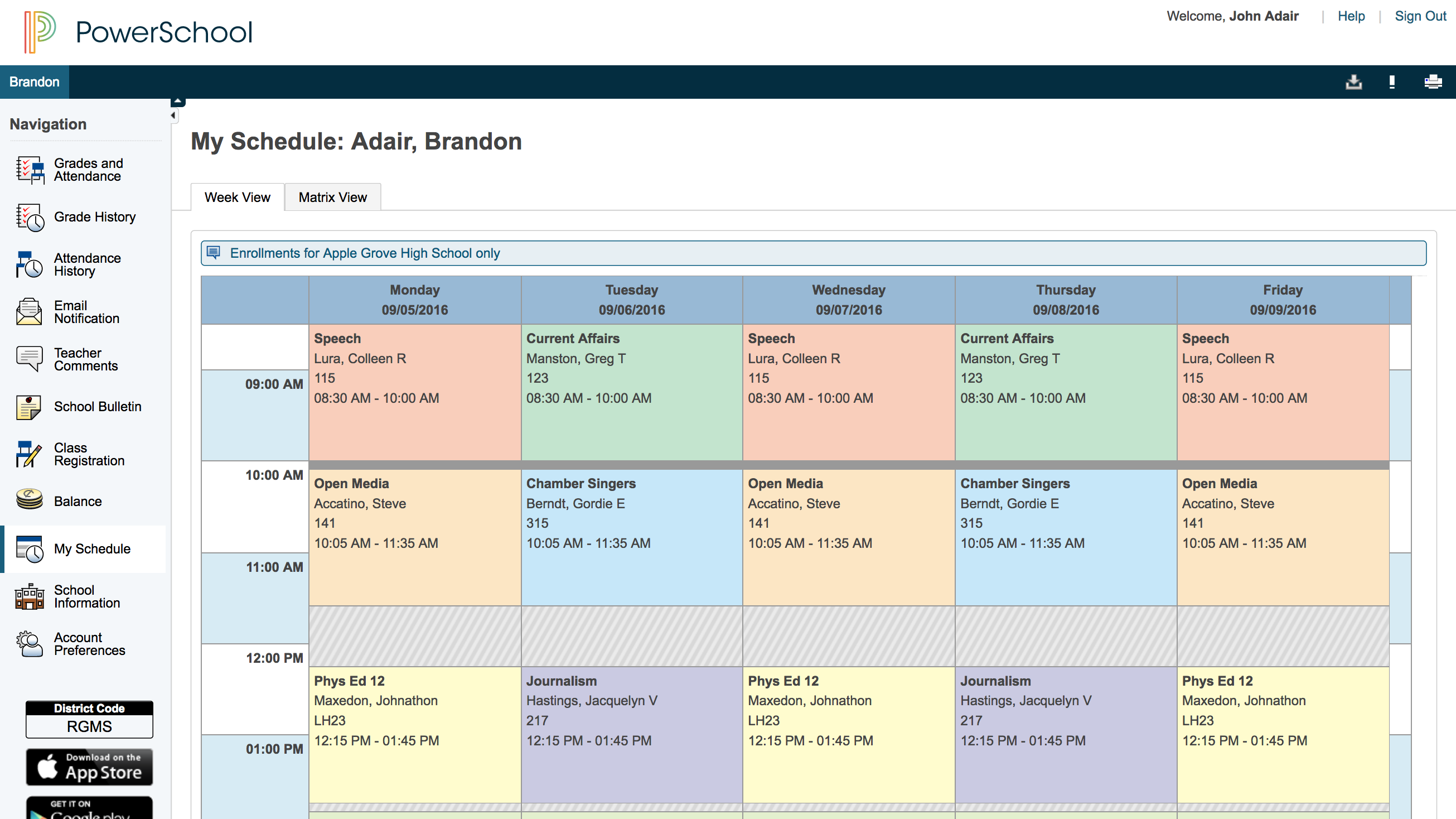
The PowerSchool Student
Information System covers administrative needs, such as scheduling, attendance,
reporting, data management, faculty management, emergency/medical and health
management, registration, and more for K-12 schools and districts. It is easy
to use and boasts an industry-leading gradebook, PowerTeacher Pro. Users enjoy
a fully web-based SIS that is flexible, configurable, and scalable with
real-time updates on any operating system, browser or device.
Comparison of Onboarding features of PeopleAdmin Higher Ed Platform, from Powerschool and PowerSchool Student Information System
Feature
PeopleAdmin Higher Ed Platform, from Powerschool
7.7
8 Ratings
6% above category average
PowerSchool Student Information System
-
Ratings
New hire portal
9.07 Ratings
00 Ratings
Manager tracking tools
7.07 Ratings
00 Ratings
Compliance tracking and reporting
7.07 Ratings
00 Ratings
Performance and Goals
Comparison of Performance and Goals features of PeopleAdmin Higher Ed Platform, from Powerschool and PowerSchool Student Information System
Feature
PeopleAdmin Higher Ed Platform, from Powerschool
5.8
3 Ratings
23% below category average
PowerSchool Student Information System
-
Ratings
Corporate goal setting
7.03 Ratings
00 Ratings
Subordinate goal setting
7.03 Ratings
00 Ratings
Individual goal setting
7.03 Ratings
00 Ratings
Line-of sight-visibility
6.03 Ratings
00 Ratings
Performance tracking
2.03 Ratings
00 Ratings
Performance Management
Comparison of Performance Management features of PeopleAdmin Higher Ed Platform, from Powerschool and PowerSchool Student Information System
Feature
PeopleAdmin Higher Ed Platform, from Powerschool
2.7
3 Ratings
87% below category average
PowerSchool Student Information System
-
Ratings
Performance plans
4.02 Ratings
00 Ratings
Plan weighting
2.02 Ratings
00 Ratings
Performance improvement plans
2.02 Ratings
00 Ratings
Review status tracking
4.03 Ratings
00 Ratings
Rater nomination workflow
2.02 Ratings
00 Ratings
Review reminders
4.02 Ratings
00 Ratings
Workflow restrictions
1.02 Ratings
00 Ratings
Multiple review frequency
4.02 Ratings
00 Ratings
Reporting
1.03 Ratings
00 Ratings
Succession Planning
Comparison of Succession Planning features of PeopleAdmin Higher Ed Platform, from Powerschool and PowerSchool Student Information System
Feature
PeopleAdmin Higher Ed Platform, from Powerschool
7.3
4 Ratings
7% above category average
PowerSchool Student Information System
-
Ratings
Create succession plans/pools
6.33 Ratings
00 Ratings
Candidate ranking
7.04 Ratings
00 Ratings
Candidate search
9.04 Ratings
00 Ratings
Candidate development
7.03 Ratings
00 Ratings
Recruiting / ATS
Comparison of Recruiting / ATS features of PeopleAdmin Higher Ed Platform, from Powerschool and PowerSchool Student Information System
Feature
PeopleAdmin Higher Ed Platform, from Powerschool
7.3
3 Ratings
3% above category average
PowerSchool Student Information System
-
Ratings
Job Requisition Management
8.03 Ratings
00 Ratings
Company Website Posting
7.22 Ratings
00 Ratings
Publish to Social Media
7.12 Ratings
00 Ratings
Job Search Site Posting
8.12 Ratings
00 Ratings
Customized Application Form
8.03 Ratings
00 Ratings
Resume Management
7.03 Ratings
00 Ratings
Duplicate Candidate Prevention
2.72 Ratings
00 Ratings
Candidate Search
7.92 Ratings
00 Ratings
Applicant Tracking
8.03 Ratings
00 Ratings
Collaboration
7.03 Ratings
00 Ratings
Task Creation and Delegation
7.12 Ratings
00 Ratings
Email Templates
7.82 Ratings
00 Ratings
User Permissions
8.42 Ratings
00 Ratings
Notifications and Alerts
7.03 Ratings
00 Ratings
Reporting
8.62 Ratings
00 Ratings
Student and Faculty Administration
Comparison of Student and Faculty Administration features of PeopleAdmin Higher Ed Platform, from Powerschool and PowerSchool Student Information System
Feature
PeopleAdmin Higher Ed Platform, from Powerschool
-
Ratings
PowerSchool Student Information System
8.5
3 Ratings
2% above category average
Integrations with 3rd-Party Education Technology
00 Ratings
9.02 Ratings
Online Registration Management
00 Ratings
10.02 Ratings
District Communications, such as messaging and alerting
Organizations who have very few applications and/or very few positions posted are probably less likely to benefit as high from PeopleAdmin. Large organizations who have several positions and/or several applications/applicants can definitely benefit from this product. This product is not as well suited for performance management as I had hoped because there is not a lot of freedom to creating and designing different evaluations for different position types in the system when you have an organization that has thousands of different employees and types.
A de minimis incentive was given to thank the reviewer for their time. The incentive was not used to bias or drive a particular response, nor was the incentive contingent on a positive endorsement. More Info
PowerSchool Student Information System is a cool software that can be highly recommended to anyone who is living in the educational management space. It is proven that this software can reduce your manual workload massively if you use it right. Plus it is really worth the price you pay. Especially if you are in the administrative field, this software will help you to minimize manual efforts put into student registrations, staffing recruitment, and main resource management processes.
A de minimis incentive was given to thank the reviewer for their time. The incentive was not used to bias or drive a particular response, nor was the incentive contingent on a positive endorsement. More Info
Applicant tracking was a good use of this tool for our department. I think it could use a few more customization features but overall it was a good tool to weed out applicants who were not qualified for the position.
The system has some canned reporting tools that also worked well for our department and management needs.
It was a great place to house our position descriptions and provided a readily accessible source for hiring managers to make requested updates and changes and for employees to see and have access to their position descriptions.
PowerSchool houses student or staff information that can be easily accessed by those teachers and administrators who need the information. This allows everyone to go to one place to access information.
Parents can view their child's grades at any time with their protected login on a parent portal. This allows teachers to keep parents informed and involved in their child's progress at school. When everyone works together it increases our students' chance for success.
PowerSchool offers videos to train new users. When we have new employees, the videos can be accessed at any time the employee needs as opposed to them waiting for someone to help them.
A de minimis incentive was given to thank the reviewer for their time. The incentive was not used to bias or drive a particular response, nor was the incentive contingent on a positive endorsement. More Info
PeopleAdmin's internal report writer needs work. Currently, in version 7, reporting can only be done requisition number by requisition number. The report writer needs to be modified so it can create reports enterprise-wide.
PeopleAdmin's Data Mart product needs substantial modification. In version 5.8, on a monthly basis, PeopleAdmin provided us with an Microsoft Access database containing our historical data up to that period end. In version 7, the "Data Mart" contains our historical data. The Data Mart consists of over 300 files. These files are not database table downloads nor is it parts of a database data dump. Rather, the files appear to be scrapes from html pages. They contain html codes and other character data that needs to be cleaned before they can be uploaded. The files are not in a table-by-table format. Any one file can contain data from two or more tables. The format of the Data Mart makes it difficult to load the data into a database and format it in a table structure that is comparable to the Access database provided with version 5.8.
A de minimis incentive was given to thank the reviewer for their time. The incentive was not used to bias or drive a particular response, nor was the incentive contingent on a positive endorsement. More Info
We are evaluating our options as it relates to PeopleAdmin. We are likely to renew as we can not find another product that gives us the functionality we have with PeopleAdmin 5.8 in the area of Position Description. Outside of that, we would likely be close to finding another product solution.
We would be starting over at square one if we did not continue our PowerSchool subscription. We do not have a program in a place that would take its place.
A de minimis incentive was given to thank the reviewer for their time. The incentive was not used to bias or drive a particular response, nor was the incentive contingent on a positive endorsement. More Info
A de minimis incentive was given to thank the reviewer for their time. The incentive was not used to bias or drive a particular response, nor was the incentive contingent on a positive endorsement. More Info
Overall, I have not had to use support for PowerSchool Student Information System because our school district gives us training in each area in which we will be utilizing PowerSchool Student Information System. In terms of in-user support, I feel that there is mild to moderate user support that is built into PowerSchool SIS.
A de minimis incentive was given to thank the reviewer for their time. The incentive was not used to bias or drive a particular response, nor was the incentive contingent on a positive endorsement. More Info
I've used both Target Recruit and HR Smart. When working with Target Recruit it quickly became apparent it was not the right solution for us. Another solution we examined prior to selection PeopleAdmin was iCIMS. iCIMS is a very social system but was not as familiar with the Higher Education recruitment processes as was PeopleAdmin.
A de minimis incentive was given to thank the reviewer for their time. The incentive was not used to bias or drive a particular response, nor was the incentive contingent on a positive endorsement. More Info
I have heard good things for Infinite Campus and Skyward. I would [evaluate] each of them and see what fits your needs. Each has their strengths and weaknesses and so picking the right one for your needs is important. PowerSchool [Student Information System] does have some great features, but lacks some fundamental reports and functions to make it top notch.
A de minimis incentive was given to thank the reviewer for their time. The incentive was not used to bias or drive a particular response, nor was the incentive contingent on a positive endorsement. More Info
It has created shortcuts for all staff members, saving us time.
In creating shortcuts and combining many different systems into one, it is saving our school money.
It has created a safety net for teachers because grades and student information is stored electronically, which means teachers not having to worry about losing or misplacing their grade books.
A de minimis incentive was given to thank the reviewer for their time. The incentive was not used to bias or drive a particular response, nor was the incentive contingent on a positive endorsement. More Info