Pipedrive is a customer relationship management (CRM) software built to help small teams to drive sales.
$24
per month per seat
ProProfs Help Desk
Score 8.1 out of 10
Mid-Size Companies (51-1,000 employees)
ProProfs Help Desk is a customer support tool that promises to help agents track and resolve customer-care-related issues. The cloud-based software aims to enable businesses to deliver a delightful customer experience. This becomes possible with faster and effective ticket resolution. Key benefits and capabilities include: Timely resolution of customer queries: Customers feel delighted with timely responses. ProProfs help desk ticketing system allows managers and system…
$29.99
per month per user
Pricing
Pipedrive
ProProfs Help Desk
Editions & Modules
Essential
$24
per month per seat
Advanced
$49
per month per seat
Professional
$69
per month per seat
Power
$79
per month per seat
Enterprise
$129
per month per seat
Free
$0
Unlimited Users
Team
$29.99
per month per user
ENTERPRISE
$ 499 per month
Unlimited Users
Offerings
Pricing Offerings
Pipedrive
ProProfs Help Desk
Free Trial
Yes
Yes
Free/Freemium Version
No
Yes
Premium Consulting/Integration Services
No
No
Entry-level Setup Fee
No setup fee
No setup fee
Additional Details
Monthly plans are available. The Essentials monthly plan at $24 per month.
—
More Pricing Information
Community Pulse
Pipedrive
ProProfs Help Desk
Features
Pipedrive
ProProfs Help Desk
Sales Force Automation
Comparison of Sales Force Automation features of Product A and Product B
Pipedrive
7.9
68 Ratings
1% above category average
ProProfs Help Desk
-
Ratings
Customer data management / contact management
8.724 Ratings
00 Ratings
Workflow management
7.721 Ratings
00 Ratings
Territory management
6.514 Ratings
00 Ratings
Opportunity management
8.365 Ratings
00 Ratings
Integration with email client (e.g., Outlook or Gmail)
8.764 Ratings
00 Ratings
Contract management
8.217 Ratings
00 Ratings
Quote & order management
7.214 Ratings
00 Ratings
Interaction tracking
8.521 Ratings
00 Ratings
Channel / partner relationship management
7.116 Ratings
00 Ratings
Customer Service & Support
Comparison of Customer Service & Support features of Product A and Product B
Pipedrive
2.9
7 Ratings
91% below category average
ProProfs Help Desk
-
Ratings
Case management
4.76 Ratings
00 Ratings
Call center management
1.15 Ratings
00 Ratings
Help desk management
3.16 Ratings
00 Ratings
Marketing Automation
Comparison of Marketing Automation features of Product A and Product B
Pipedrive
7.5
49 Ratings
4% below category average
ProProfs Help Desk
-
Ratings
Lead management
7.449 Ratings
00 Ratings
Email marketing
7.513 Ratings
00 Ratings
CRM Project Management
Comparison of CRM Project Management features of Product A and Product B
Pipedrive
6.7
67 Ratings
14% below category average
ProProfs Help Desk
-
Ratings
Task management
7.964 Ratings
00 Ratings
Billing and invoicing management
4.15 Ratings
00 Ratings
Reporting
8.163 Ratings
00 Ratings
CRM Reporting & Analytics
Comparison of CRM Reporting & Analytics features of Product A and Product B
Pipedrive
7.7
68 Ratings
0% above category average
ProProfs Help Desk
-
Ratings
Forecasting
7.619 Ratings
00 Ratings
Pipeline visualization
8.268 Ratings
00 Ratings
Customizable reports
7.516 Ratings
00 Ratings
Customization
Comparison of Customization features of Product A and Product B
Pipedrive
6.3
64 Ratings
20% below category average
ProProfs Help Desk
-
Ratings
Custom fields
8.464 Ratings
00 Ratings
Custom objects
8.454 Ratings
00 Ratings
Scripting environment
1.04 Ratings
00 Ratings
API for custom integration
7.646 Ratings
00 Ratings
Security
Comparison of Security features of Product A and Product B
Pipedrive
6.7
62 Ratings
23% below category average
ProProfs Help Desk
-
Ratings
Single sign-on capability
6.112 Ratings
00 Ratings
Role-based user permissions
7.260 Ratings
00 Ratings
Social CRM
Comparison of Social CRM features of Product A and Product B
Pipedrive
1.1
5 Ratings
149% below category average
ProProfs Help Desk
-
Ratings
Social data
1.15 Ratings
00 Ratings
Social engagement
1.15 Ratings
00 Ratings
Integrations with 3rd-party Software
Comparison of Integrations with 3rd-party Software features of Product A and Product B
Pipedrive
3.6
7 Ratings
70% below category average
ProProfs Help Desk
-
Ratings
Marketing automation
3.67 Ratings
00 Ratings
Compensation management
3.54 Ratings
00 Ratings
Platform
Comparison of Platform features of Product A and Product B
Pipedrive
8.2
61 Ratings
8% above category average
ProProfs Help Desk
-
Ratings
Mobile access
8.261 Ratings
00 Ratings
Incident and problem management
Comparison of Incident and problem management features of Product A and Product B
Pipedrive
-
Ratings
ProProfs Help Desk
8.2
1 Ratings
0% below category average
Organize and prioritize service tickets
00 Ratings
8.21 Ratings
ITSM collaboration and documentation
00 Ratings
7.31 Ratings
Ticket creation and submission
00 Ratings
9.11 Ratings
Ticket response
00 Ratings
8.21 Ratings
Self Help Community
Comparison of Self Help Community features of Product A and Product B
Pipedrive
-
Ratings
ProProfs Help Desk
8.2
1 Ratings
2% above category average
Internal knowledge base
00 Ratings
8.21 Ratings
Multi-Channel Help
Comparison of Multi-Channel Help features of Product A and Product B
Pipedrive is a fantastic tool to help monitor and track lead generation and referral sources. It helps maintain accountability with the sales team and helps ensure that we are doing appropriate marketing to maintain a steady influx of cases. The weekly and quarterly sales reports that it can generate are incredibly helpful and insightful. They help inform us of what we need to focus on each quarter/year.
As this tool is an affordable option, this help desk software is best suited for startups to deal with their customer base and build customer-centric brand value. This helps in not only helped me increase customer loyalty but also ensured customer retention, increasing my company’s profits substantially. But, this tool does have a few minor drawbacks. The most important feature, for me, that is missing from this tool is skill-based routing. Without this feature, our agents lose a lot of time in replying to just one customer question. Sometimes, the ticket needs to be reassigned to a specialized agent - and until they are available, the ticket remains open.
Great visual visibility of the funnel plus easy to drag the deals across the stages
The email integration that collects all relevant communication (also through the possibility of adding a deal-specific Pipedrive address on BCC)
The integration with Pandadoc, which we use a lot, so that Pipedrive keeps a really handy overview of the documents we have sent out / which have been signed
Sometimes customers ask questions that require more than one agent to look into the matter. For such situations, ProProfs Help Desk has the “child ticket” feature. This literally made my life so so easy! Whenever I was in this situation, all I had to do was create a child ticket and assign it to another agent and give him a heads up on what has been going on. Answering a customer’s question accurately becomes really easy with this feature.
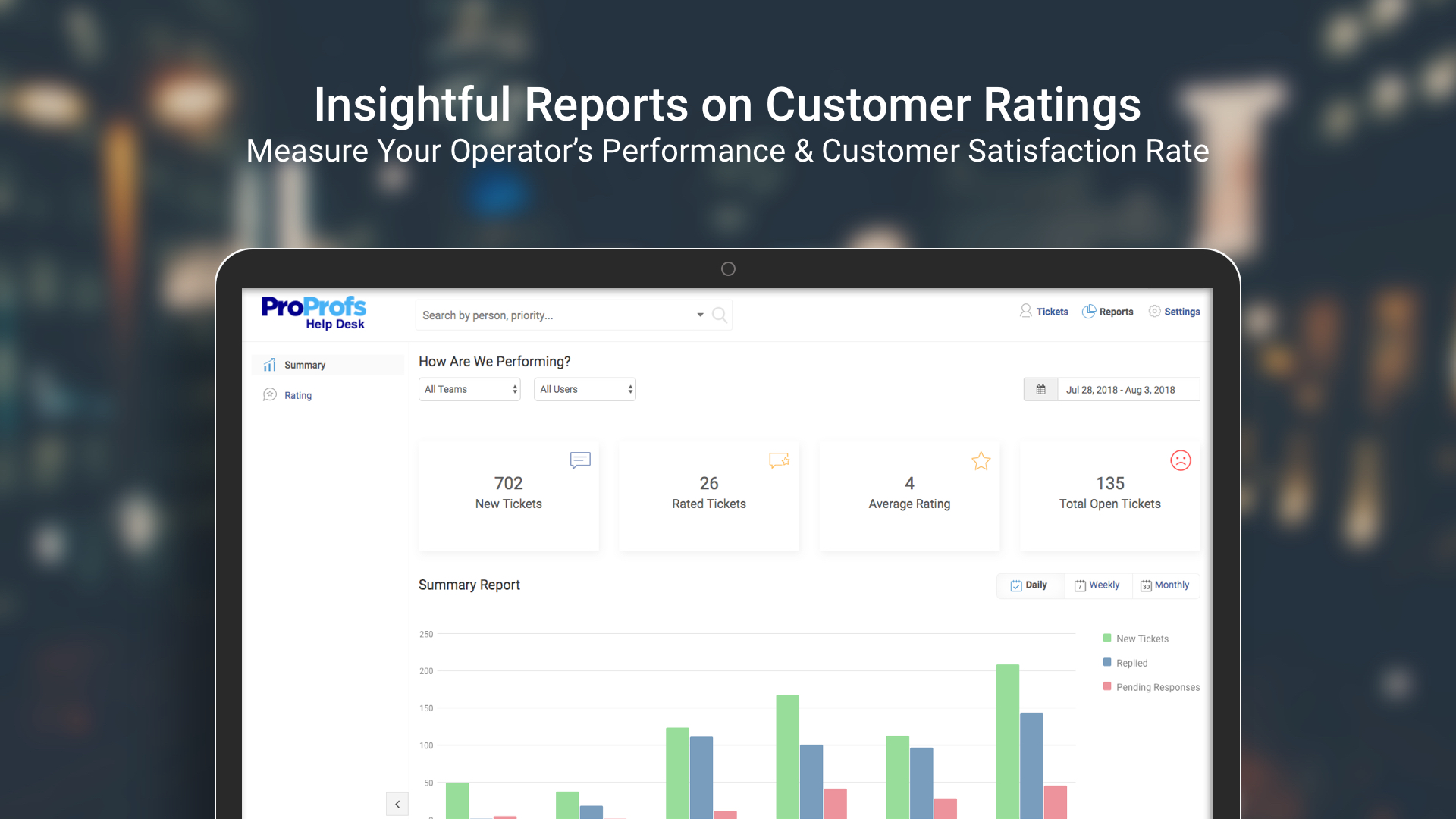
Our entire team’s performance was always static. We never knew how anyone was performing or was anyone making any difference in the overall company’s value. With this tool, it became easy to see how every agent is performing and whether there was any positive impact on both - the company and our current customer base.
Showing the customers name on the pipeline page. Right now I can only get it to show the brand name twice. I wish it would replace the second brand name with the main point of contact.
Better reporting tools. Their reporting tools are not easy to pick up. I've spent time trying to figure it out and it isn't something I can pick up on quickly.
Better training options. I wish I had a personal trainer to walk me through the best way to use Pipedrive so I can get the most out of it.
This tool does route tickets, but the one drawback is that the tickets are;t assigned to a specialized agent. It is randomly assigned to any available agent, and if he doesn’t have expertise in terms of the customer question, it becomes hard to give an accurate answer.
Giving automatic responses to customers makes our life easy, but we can’t personalize these messages. This sometimes makes our customers feel that they are talking to a bot, making it difficult to answer their questions without them having a hostile reaction to the automated answers.
Pipedrive is easy to use and has a clean interface so we can follow up accurately. Its custom features help manage leads and evaluate team performance. It saves time and improves efficiency. Pipedrive is stable and supports integrations and automation.
Between quick video tutorials and having very quick feedback from their support teams, it is one of the main reasons I would recommend Pipedrive. It is critical, especially when setting up the platform to meet your companies needs, that a solid support team like Pipedrive has is there to make the transition easier.
I much prefer the interface of Pipedive when compared to Zoho. Much more user friendly and the team is always readily available when we need them. Pipedrive allowed for many custom integrations to be added, as Zoho was a tad more complicated to manipulate. We would not go back to Zoho in any case.
I shifted from Kayako to ProProfs Help Desk for mainly two reasons, UI and features. ProProfs Help Desk definitely has a more user-friendly interface and the features offered by this tool are also more compared to Kayako. A few features that aren’t available in Kayako but are available in ProProfs Help Desk are multiple shared inboxes, private notes, and email ticketing.
Great on setup which made our work easier and less technically equipped people can manage a lot of things(compared to SalesForce where you need to hire a developer to set it up)
We were able to integrate our calling system easily and get things going on the lead calling aspect.
Great multipipeline option where we were able to manage both organisations under one roof.