Overview
ProductRatingMost Used ByProduct SummaryStarting Price
Proposify
Score 8.8 out of 10
N/A
Proposify is an online proposal software designed to give users control and visibility into the most important stage of a sales process: the close. From deal design to sign-off, the vendor states users get the confidence and flexibility to dominate deals, and further states users will: Create impressive sales documents that stay consistent and error-free. Receive the insights to scale a process, make timely engagements, and accurately…N/A
Responsive
Score 8.9 out of 10
N/A
Responsive (formerly RFPIO), headquartered in Beaverton, offers their proposal management and automation software, featuring import and export, proposal knowledgebase and answer library, evaluation intake forms, and project management tools (e.g. Gantt chart) associated to proposal tracking.N/A
Pricing
ProposifyResponsive
Editions & Modules
No answers on this topic
Offerings
Pricing Offerings
ProposifyResponsive
Free Trial
YesNo
Free/Freemium Version
YesNo
Premium Consulting/Integration Services
NoNo
Entry-level Setup FeeOptionalNo setup fee
Additional DetailsGet a free trial version of our Team Plan for 14 days. You're welcome to switch to our Free plan if you need more time with the product. No credit card required. No contracts. Pick the plan that meets your needs when you're ready.
More Pricing Information
Community Pulse
ProposifyResponsive
Considered Both Products
Proposify
Chose Proposify
It was highly recommended by an associate and we have been on the receiving end of Proposify proposals and impressed by it. I don't recall if we looked at others but if we did they paled in comparison. There was no question as to using Proposify. It met all the needs, was easy …
Chose Proposify
Proposify is not a professional solution
Chose Proposify
Proposify stacks up well against its competitors. We tested all of these platforms. We found Proposify to be amongst the leaders in the look and feel of the software as well as the quality of the documents.

Where Proposify lacked in comparison to Conga and PandaDoc was in …
Chose Proposify
Previously, our team had used Word documents to generate our proposals, which was not only clunky, but didn't offer any sort of tracking. It was cumbersome to have to keep track of multiple copies when there were updates, and there wasn't a streamlined way in order to request …
Chose Proposify
We looked for a solution after we spent countless hours and years maintaining a MS Word Template system. Proposify takes many features and streamlines them, mak[ing] them interactive and clean. It's nice to digitally deliver a proposal that a customer can view online- it ads a …
Chose Proposify
I think that Proposify wins when proposals are cut and dry and their is simply need for selection of items and signature. I also believe that it is better than acrobat because you can get out of email and file sharing.

Where it struggles is with reviewing, commenting and …
Chose Proposify
We prefer the user interface and design more compared to Bidsketch. Probably the best advantage of Proposify is the detailed reporting and notifications of the actions by the recipients - we have a detailed breakdown of who has viewed our proposals, how many time it has been …
Chose Proposify
Admittedly, Proposify is the first dedicated proposal software I've used. Had previously been using Google Docs.
Chose Proposify
Better Proposals and Nusii have also been used by us. Both have pros and cons, but ultimately Proposify had the best balance of features and cost for our business.
Chose Proposify
Tried to use tools like Word, Google Docs, etc. but did not work. Freshbooks allows for estimates (as does Quick Books) but not proposals.
Chose Proposify
Proposify works well if you're a company looking for an easy way to send out digital proposals
Chose Proposify
Qwilr was interesting, but wasn't my favorite. It was cool in the fact that the proposals looked beautiful and interactive. But it was a bit much for my clients to figure out how to use. Kind of overwhelming for them. I really didn't like Pandadoc's functionality and UX when I …
Chose Proposify
Proposify allows me to save templates and template sections, which for me is the biggest difference. Although Adobe pdf is nice it lacked in many features that I didn't even realize were out there and that now save me so much time. Another thing I love with Proposify compared …
Chose Proposify
Proposify was the only proposal solution we looked at and we have no regrets in selecting it.

Unless they totally change the interface we'll never look elsewhere.
Chose Proposify
It really was the only software that worked with what we were looking for. We wanted a document that could be updated and edit in real time and there were not any other document softwares out there that could do that for us. It just needs to fix some of its glitches.
Chose Proposify
proposify has a better competition editor and better template library. I found it to be more intuitive and easier.
Responsive
Chose Responsive
I didn't select a tool, so I'm not sure what else is available in the market beyond Loopio, which we used previously. It's been at least 2 years since I last used Loopio, so it might be inaccurate at this point, but Responsive's AI seems much better at providing a specific …
Chose Responsive
While others have had a good experience with Qvidian, we unfortunately did not. Our questions were never answered by our Qvidian rep, as we used it the platform had no AI capabilities, and we had very low usage. It didn't serve our needs. Responsive has been incredible in their …
Chose Responsive
Loopio wasn't able to scale with us at the time. It couldn't import 50% of the documents we were seeing. Responsive imports them all. The reporting in Loopio at the time was also subpar. There wasn't a completed status, so that was a showstopper for us being able to generate …
Chose Responsive
more collaborative and interface intuitive
Chose Responsive
Responsive is integral to how we work, replacing it was never an option due to how embedded we are with the platform.
Chose Responsive
Responsive is more user-friendly, has better content library management, and offers better configuration and mapping.
Chose Responsive
Better, with Loopio not far behind based on a qual and quant assessment at the time of choosing
Chose Responsive
Loopio is proposal management "lite" and seems to spend more on marketing than product upgrades.
Chose Responsive
Responsive has better UI and pricing
Chose Responsive
RFPIO has outstanding, responsive, helpful customer support located in the US in Oregon. Support techs go the extra mile to help with basic issues and functionality training. Same-day support response and problem resolution are the norms. The system is also very user-friendly …
Chose Responsive
RFPIO's licensing model is a bit different from others which worked better for our organization. Rather than licensing by a number of users, it's licensed by the active project. This allows us to add multiple users that are responsible for reviewing and updating content without …
Chose Responsive
Unfortunately, I have not had the opportunity to use or evaluate other products like RFPIO. When I was hired, my company had just purchased our RFPIO software.
Chose Responsive
I greatly prefer RFPIO over Loopio. It's a much cleaner interface and the searchable library is amazing.
Chose Responsive
We are a small proposal team, with a large group of resources who support our responses. Responsive is easy to use for internal and external users, doesn't require extensive onboarding for new users, and is constantly adding new capabilities and enhancements to make the product …
Chose Responsive
Qvidian, as I remember it, was clunky and difficult to use. Not user friendly at all.
Chose Responsive
I have not seen another tool in the market that is collaborative or intuitive. Those features are very impressive.
Chose Responsive
I've only used RFPIO to compile responses to RFPs, and I've only used Scout RFP to respond to RFPs issued within Scout (i.e., the customer sent us an RFP without Scout RFP and asked the response and all communication to go through Scout RFP).

As such, I've used two tools, but …
Chose Responsive
At the time, three years ago, we evaluated Loopio as an alternative to RFPIO. Loopio didn't have the same resources as far as dynamic branding, content segmentation ability and was less price competitive than RFPIO. RFPIO also has an unlimited user model where you are not …
Chose Responsive
I was not involved in the process of selecting RFP360 for our firm, so I am largely unfamiliar with competitors. I am, however, quite pleased with RFP360 as a user, and am confident that my colleagues who were responsible for making the decision were thorough and discerning.
Chose Responsive
None, RFP360 is the first and the last one we will use always. It is the best, I am not sure of other competitors but I have zero desire to even look for them. Everything you need is inside this one software, and if you have past RFPs you can juggle in, it is an absolute breeze …
Chose Responsive
It was the only one that had a content library that was separate from the main system. Initially, we were only looking for a content library, but we ultimately went with the full RFP360 system and will move to implement more tools in the future. We stopped looking at other …
Chose Responsive
  • RFP360 - We used this tool for three years and it was a great first step/upgrade from a searchable Google doc. We decided to start evaluating other systems for a couple of reasons:
    • RFP360 is an end-to-end tool for RFP requestors and responders. We felt they were more focused on …
Features
ProposifyResponsive
Proposal Creation & Organization
Comparison of Proposal Creation & Organization features of Product A and Product B
Proposify
7.6
Ratings
3% below category average
Responsive
-
Ratings
Proposal branding9.20 Ratings00 Ratings
Proposal templates9.20 Ratings00 Ratings
Proposal content library updates8.40 Ratings00 Ratings
Guided proposal creation3.80 Ratings00 Ratings
Searchable proposal database7.30 Ratings00 Ratings
Proposal Collaboration & Workflow
Comparison of Proposal Collaboration & Workflow features of Product A and Product B
Proposify
5.6
Ratings
34% below category average
Responsive
-
Ratings
Proposal collaboration & approval7.30 Ratings00 Ratings
User permissions/proposal editing controls4.70 Ratings00 Ratings
Sales proposal workflow6.60 Ratings00 Ratings
Proposal automation user interface3.80 Ratings00 Ratings
Proposal Delivery
Comparison of Proposal Delivery features of Product A and Product B
Proposify
7.5
Ratings
5% below category average
Responsive
-
Ratings
Proposal distribution9.20 Ratings00 Ratings
Interactive proposals5.70 Ratings00 Ratings
Proposal content tracking7.80 Ratings00 Ratings
Best Alternatives
ProposifyResponsive
Small Businesses
QuoteWerks
QuoteWerks
Score 9.7 out of 10

No answers on this topic

Medium-sized Companies
QuoteWerks
QuoteWerks
Score 9.7 out of 10

No answers on this topic

Enterprises
Conga CLM
Conga CLM
Score 8.8 out of 10

No answers on this topic

All AlternativesView all alternativesView all alternatives
User Ratings
ProposifyResponsive
Likelihood to Recommend
8.7
(0 ratings)
9.3
(0 ratings)
Likelihood to Renew
1.0
(0 ratings)
9.5
(0 ratings)
Usability
8.3
(0 ratings)
10.0
(0 ratings)
Support Rating
7.7
(0 ratings)
9.8
(0 ratings)
Implementation Rating
-
(0 ratings)
10.0
(0 ratings)
User Testimonials
ProposifyResponsive
Likelihood to Recommend
We use proposals for client contracts. They are several pages long with a lot of legalese. We also use them for NDA contracts with clients. Mainly we use Proposify for client project proposals. The proposals include description, main project points, price, timing, scope, process, cost, and everything the client can expect. I like that we were able to design a custom cover for our proposals. Proposify does one thing very well and that is proposals. I like that it doesn't try to be everything
Read full review
Responsive is well suited for bid response teams and organizations that often respond to RFPs, but also for organizations looking to have access to information from their large library of documents, presentations, and images using AI and a chat bot that serves their internal organization to respond to clients faster and more accurately
Read full review
Pros
  • So our favorite feature is the huge time savings. If anybody's ever done proposals on Word or Excel; it’s a head wreck. Proposify is great because there are beautiful templates there ready to go, it saves you a ton of time, and they are visually appealing. We get lots of feedback from our clients when we send them out proposals that our proposals look amazing.
  • There are great, sneaky metrics that we absolutely love. You get notifications on your phone via the app when somebody opens the proposal and when they've signed off on it. But you can also go into the app and see how much time people are actually spending looking at your proposal.
  • Because you send out the proposals and you can have automated reminder emails, there’s communication back and forth within the proposal that you can have-- the clients can actually write notes back and forth. It just makes the whole thing super smooth and it integrates with most of your CRMs out there.
Read full review
  • Manages structure responses well
  • Manages permissions from the various users that access the solution
  • Allows for a global deployment with built in language capabilities
  • Allows for 100% visibility into the RFx process for all stakeholders
  • Allows for ease of answering via ML that has been built in
Read full review
Cons
  • The text editor is slow, buggy, and the Achilles heel of the Proposify platform. It got worse with the launch of their new UI.
  • The new interface was launched way before it was ready for prime-time. As a result, there are still quite a few bugs Proposify has yet to fix. Once you upgrade to the new interface, you can't go back.
  • It's not uncommon to have sections of a proposal disappear entirely from the PDF version.
  • Depending on the browser, formatting can be far different that the creator intended.
Read full review
  • Analysis Tools: although what is provided is quite good, there is definitely room for improvement. For instance it would be nice if it were easier/quicker for each evaluator to record their notes/comments when scoring, and to be able to search through those notes/comments later. Also, it would be really helpful to be able to annotate/mark-up the actual responses (highlight, underline, circle, call-out notes, etc.), with such mark-up tracked by evaluator, and with the option to hide/show mark-up.
  • Results Analysis, Reporting, and Presentation: in my opinion, this is the only area of weakness in RFP360. There are very limited options, after scoring/evaluation of responses is completed, for generating reports, graphs, charts, etc. to be used in evaluating results and presenting to the end client. I've always had to export the scores and use Excel to create the necessary visuals for final analysis and presentation.
  • Complex Questions: RFP360's ability to handle complex RFP questions (e.g. involving tables, charts, multi-part answers, graphics, etc.) is limited, and existing capabilities in this area are fairly cumbersome to navigate and use.
Read full review
Likelihood to Renew
We require a fair amount of back and forth of editing so this tool while helpful is not ideal for us
Read full review
We'd be sunk without Responsive. The sales motion would slow way down in several places, and that's just unacceptable. AND I love the product. It helps me do my job efficiently. The Responsive team is GREAT. Support is getting better. The Product and Customer Experience Team is so knowledgeable and willing to help with new features and troubleshoot what's going on. It's an all-around great experience. Not to mention starting over - I can't even get my head around that.
Read full review
Usability
Overall it's great. There's definitely a learning curve, and I wish that some things were easier to use. For example, changing images isn't the easiest thing to do in it, but I'd love to be able to quickly add and change header images in my proposals. So far I've figured it out, but each time I do it I forget how it's done since it's not intuitive.
Read full review
Very easy to navigate and use. Very intuitive user interface
Read full review
Support Rating
I've actually never used Proposify support, so I'm unable to speak about it. I suppose that's a good thing. If I did need to use it, I would hope that they'd be responsive and intelligent, but, again, since everything has worked smoothly I don't really know how the support functions or how good it is.
Read full review
If I cannot solve a problem, then I reach out to Support and they are ON IT. They always solve the problem and get back to me immediately with an answer. Our customer support person who is assigned to us (we have had several) are responsive and helpful. We have asked them to sit in on meetings and help socialize the tool.
Read full review
Implementation Rating
No answers on this topic
We were able to complete an RFP during our free trial. We were already leaning toward RFPIO but that pushed us over the edge.
Read full review
Alternatives Considered
We looked for a solution after we spent countless hours and years maintaining a MS Word Template system. Proposify takes many features and streamlines them, mak[ing] them interactive and clean. It's nice to digitally deliver a proposal that a customer can view online- it ads a "creative expectation" for a design agency to fulfill this approach facing a client. It's expected rather than a MS Word doc sent via email or printed and hand delivered. The export to PDF is a nice feature if you need to print.
Read full review
I didn't select a tool, so I'm not sure what else is available in the market beyond Loopio, which we used previously. It's been at least 2 years since I last used Loopio, so it might be inaccurate at this point, but Responsive's AI seems much better at providing a specific answer to your question and is less general.
Read full review
Return on Investment
  • The use of templates within Proposify has empowered our sales team to reduce the amount of time it took to send out a proposal by almost 50%!
  • The ability to add user-selectable "add-ons" to a proposal saw a 10% increase in overall sale price.
  • Developing the templates within the somewhat limited parameters that Proposify's design interface offers did require some significant time from our design team.
Read full review
  • Increased revenue - with our ability to respond to more proposals, we have seen amazing return on investment.
  • Compliance oversight - the system allows our national complaince team to review answers and ensure that responses are inalignment.
  • Content and brand management - RFPIO allows our marketing and design team to better manage our visual and written brand.
  • Faster timeline - we have been able to take a process that used to take months into a much shorter process.
Read full review
ScreenShots

Proposify Screenshots

Screenshot of Business Proposal MetricsScreenshot of Proposal EditorScreenshot of Pipeline Viewer

Responsive Screenshots

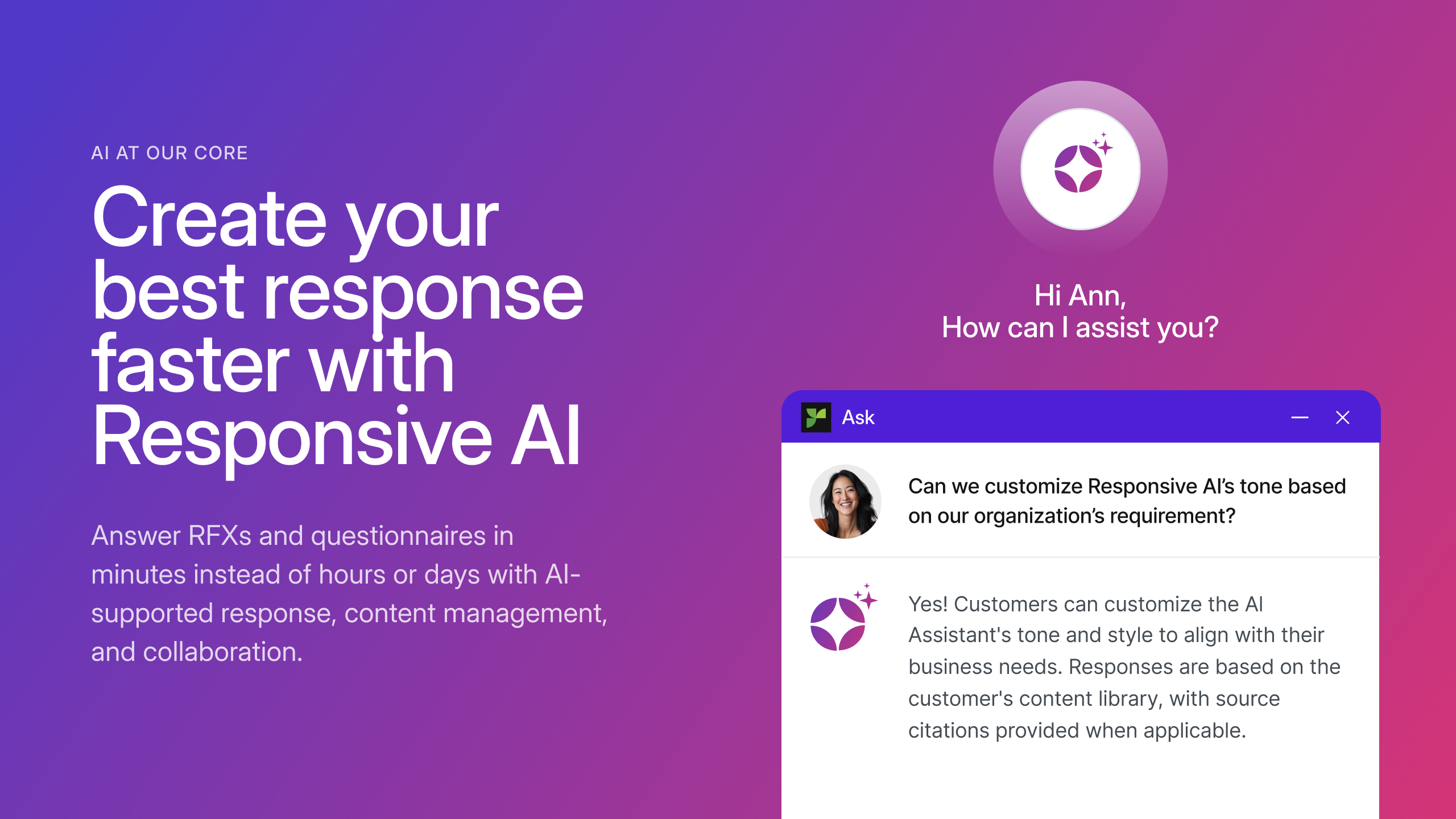
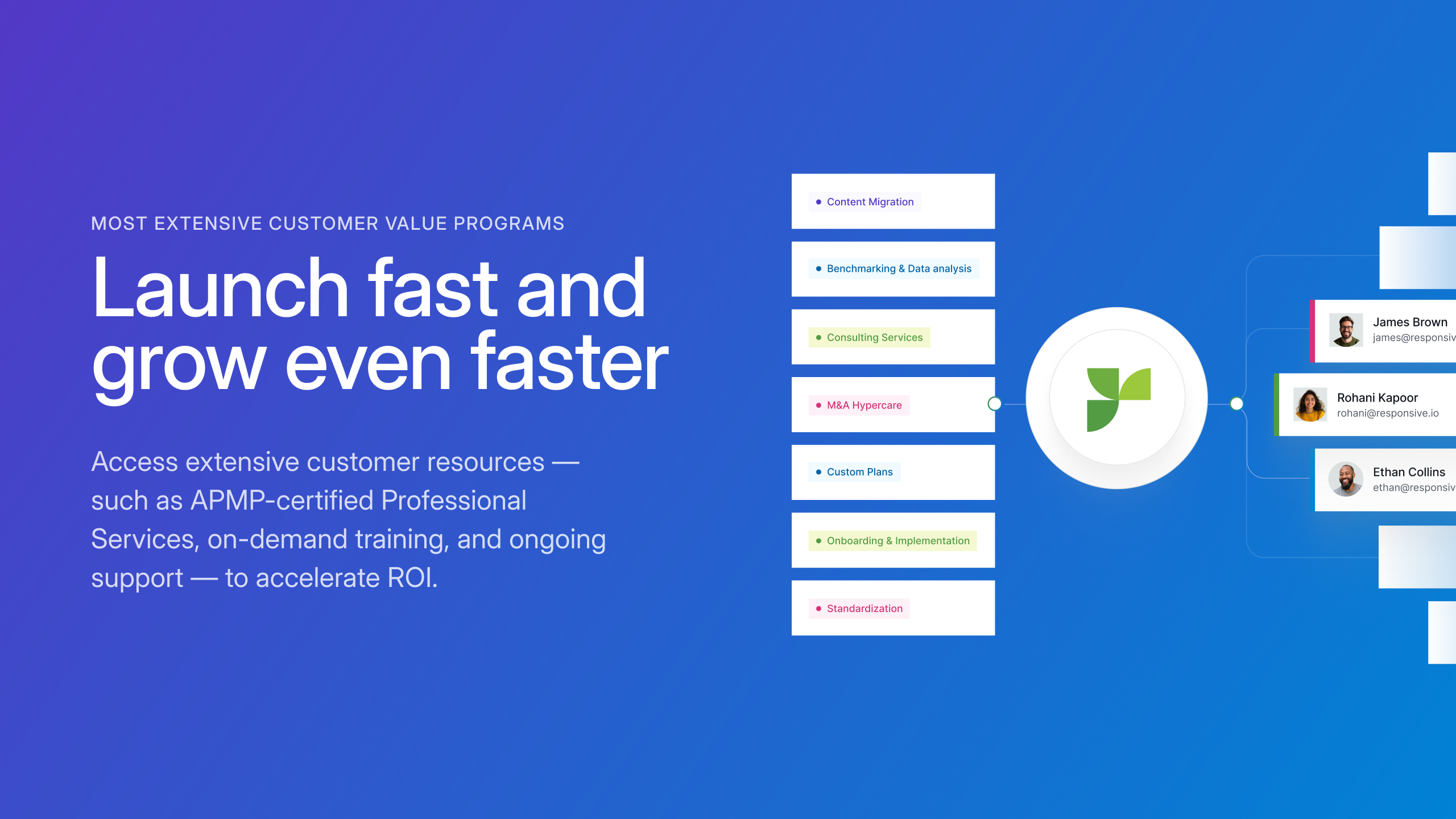
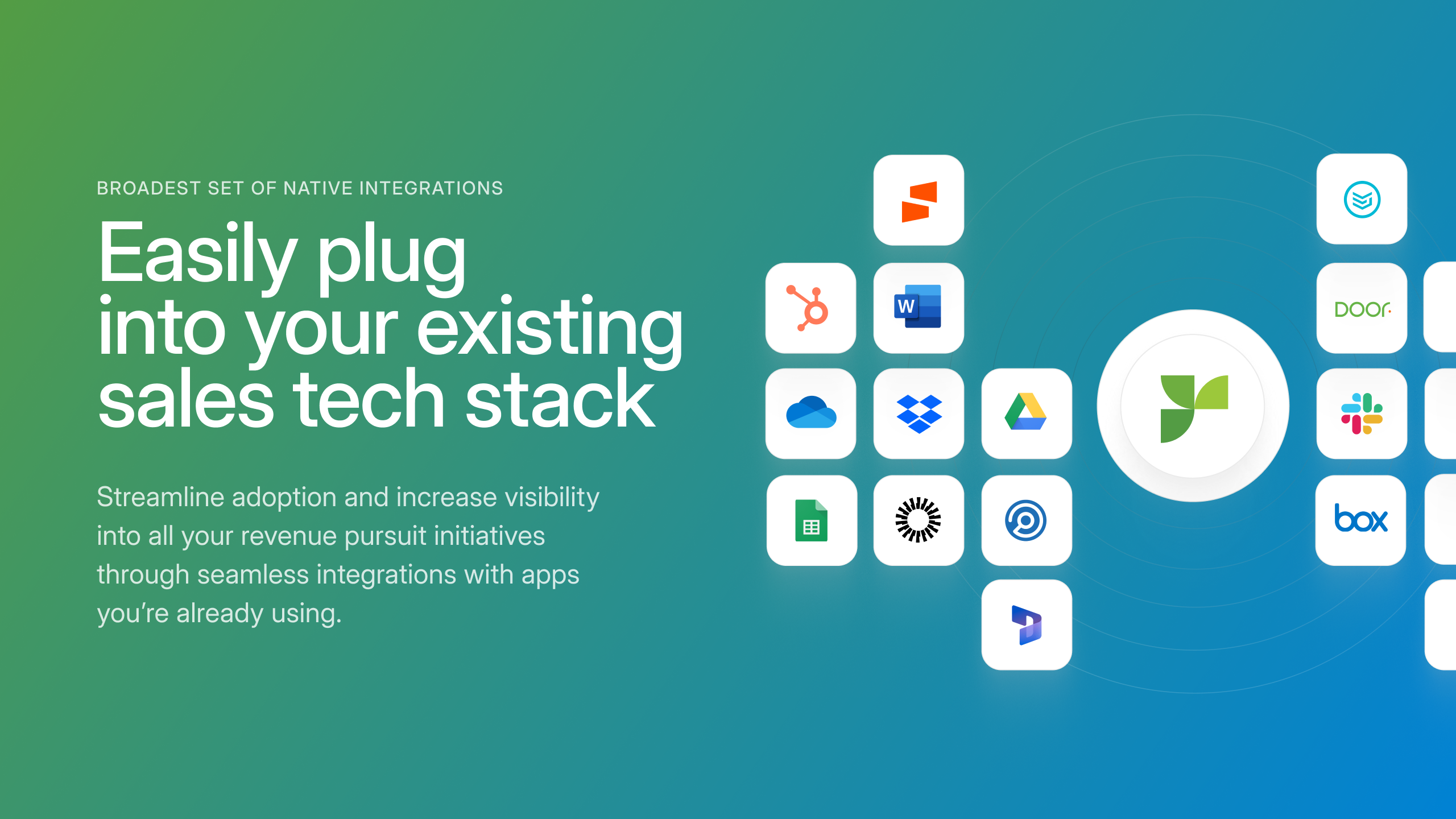
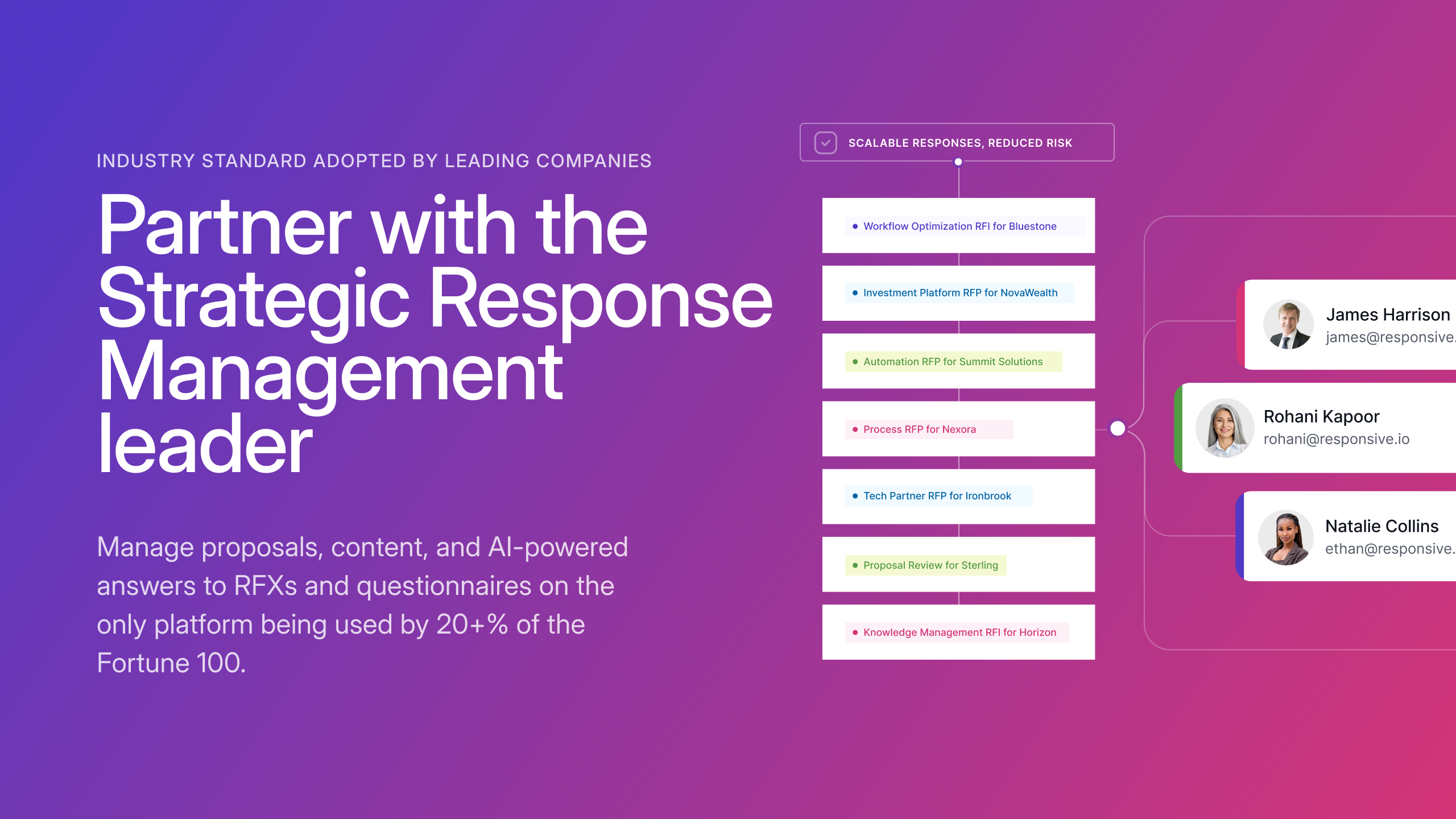
Screenshot of a view of the platformScreenshot of an AI generated responseScreenshot of some of the available customer resourcesScreenshot of some of the available integrationsScreenshot of a promotional flyerScreenshot of an example of the AI augmented content management feature