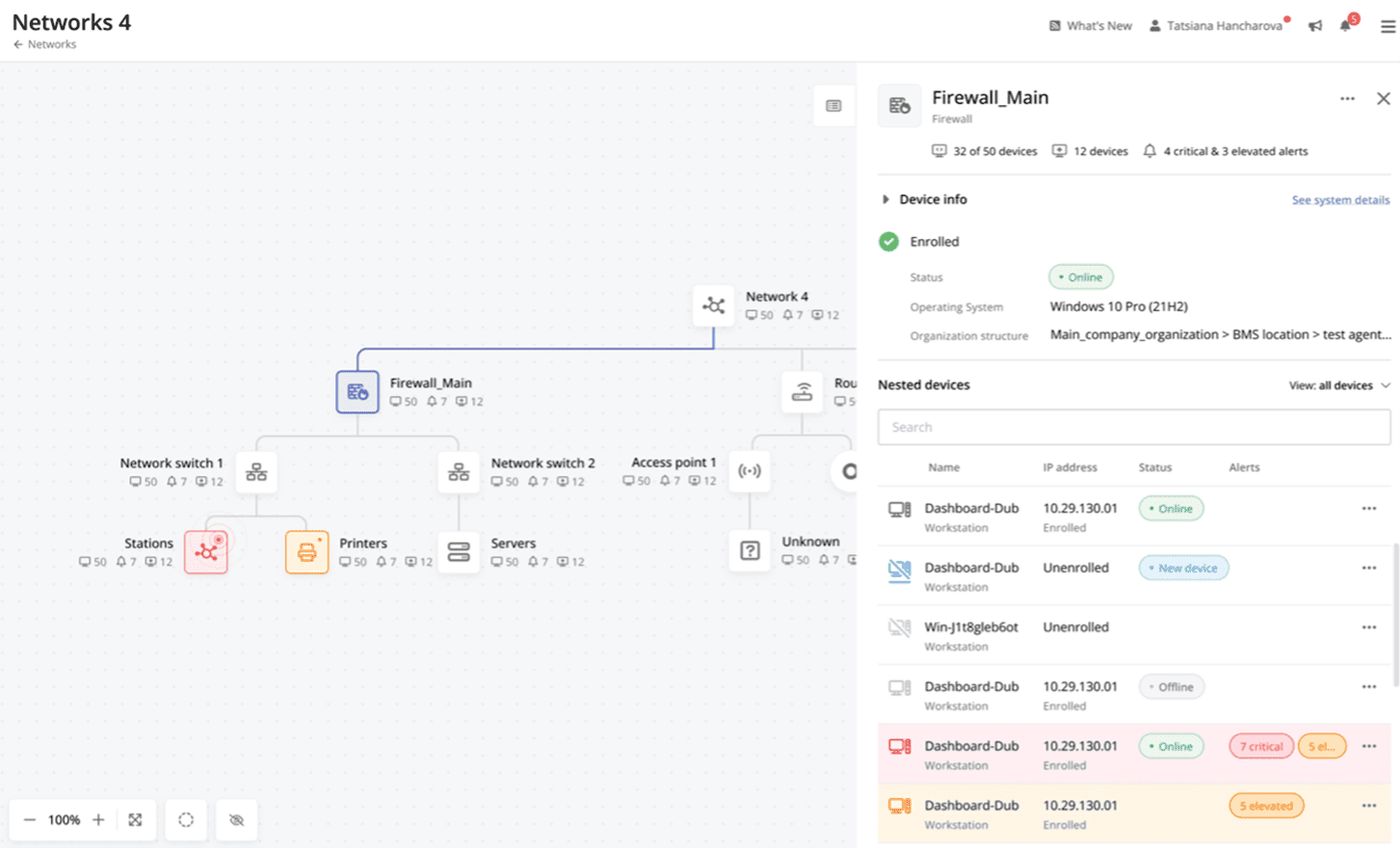
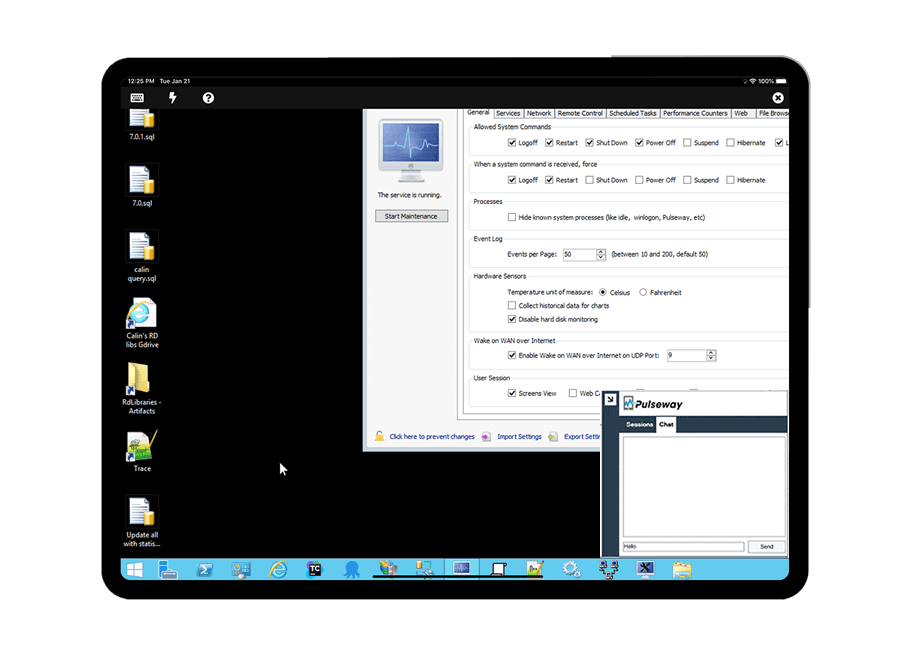
Pulseway is an IT monitoring and management solution that enables users to monitor, manage and control all systems and servers from a smartphone, tablet or browser. For system administrators, Pulseway sends a notification, so they can see an issue and sort it in seconds. Pulseway features: Automation: Auto-remediation workflows, so that IT issues are fixed before users even notice them. Mobile Access: Customers can monitor, manage, connect with…
$0.80
per month per installation
Splunk Observability Cloud
Score8.5 out of 10
N/A
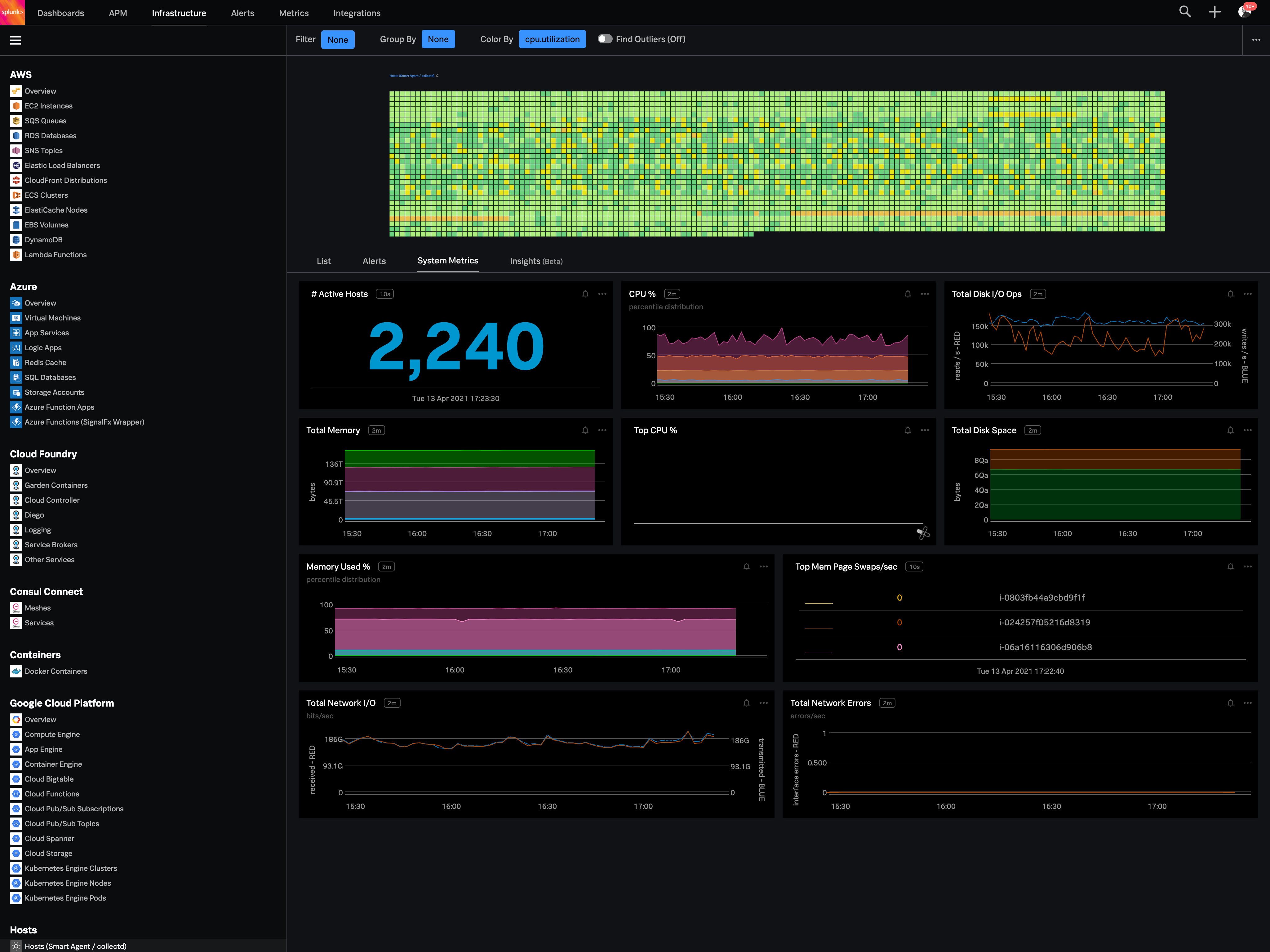
Splunk Observability Cloud aims to enable operational agility and better customer experience through real-time AI-driven streaming analytics allowing accurate alerts in seconds. It is designed to shorten MTTD and MTTR by providing real-time visibility into cloud infrastructure and services.
$180
per year per host
Pricing
Pulseway
Splunk Observability Cloud
Editions & Modules
Enterprise
$0.80
per month per installation
Infrastructure
$15
per month (billed annually) per host
App & Infra
$60
per month (billed annually) per host
End-to-End
$75
per month (billed annually) per host
Offerings
Pricing Offerings
Pulseway
Splunk Observability Cloud
Free Trial
Yes
Yes
Free/Freemium Version
Yes
No
Premium Consulting/Integration Services
Yes
No
Entry-level Setup Fee
No setup fee
No setup fee
Additional Details
No hidden fees or contracts. Term-based discounts.
If you have to manage a large number of computers, especially spread over multiple clients or a large physical area. This is one of the main products that allows us to act as a Managed Service Provider (MSP) and actually manage our clients devices and not just react to issues as clients call them in. Clients really love the proactive approach it allows us to take. Sadly as we became more familiar with options out there we found this area lacking and what was actually holding us back.
A de minimis incentive was given to thank the reviewer for their time. The incentive was not used to bias or drive a particular response, nor was the incentive contingent on a positive endorsement. More Info
Its great if you need real-time visibility across complex or regulated environments. Also strong for hybrid or multi-cloud setups where uptime, observability and fast IR are required. It’s probably overkill for smaller teams or environments that don’t have constant changes or compliance reporting needs. It's expensive and has a steep learning curve. Also, in my opinion, do not get yourself into a consumption based model. Costs can certainly get out of control quickly.
A de minimis incentive was given to thank the reviewer for their time. The incentive was not used to bias or drive a particular response, nor was the incentive contingent on a positive endorsement. TR verified that a representative sample of customers was invited. More Info
It monitors computers and notifies us of any issues with any computer.
It allows remote control of computers, such as requesting a computer to reboot itself.
It is very highly configurable to monitor exactly what we need to monitor. For example, on server, we can have it notify us any time the server is shutdown or rebooted. On the other hand, for a desktop computer, we don't have to be bothered with notifications when a user decides to reboot his computer.
A de minimis incentive was given to thank the reviewer for their time. The incentive was not used to bias or drive a particular response, nor was the incentive contingent on a positive endorsement. More Info
The first one is its Kubernetes container monitoring.
I really like this features because as we know how much K8s is vast and to manually monitor each part of the Kubernetes it takes so much time but Splunk Observability Cloud makes it easier. And even once we integrate K8s with Splunk Observability Cloud it gives us some prebuilt dashboards which gives holistic view of our Cluster and its nodes, pods, etc.
The dashbaord feature of Splunk Observability Cloud, it gives us full flexibility to customize our dashboard with a wide range of predefined chart types.
Now it also supports OTEL, which is a plus point for observability. As now everyone is moving towards Otel and in current market there are only few tools who supports OTEL based integrations, Splunk Observability Cloud is one out of them.
A de minimis incentive was given to thank the reviewer for their time. The incentive was not used to bias or drive a particular response, nor was the incentive contingent on a positive endorsement. TR verified that a representative sample of customers was invited. More Info
A de minimis incentive was given to thank the reviewer for their time. The incentive was not used to bias or drive a particular response, nor was the incentive contingent on a positive endorsement. More Info
You can use table-like functionality to generate dashboards, but these queries are heavy on the system.
It could be easier to give insight into what type of line parsing is used for specific documents in a company-managed environment and/or show ways to gain the insights needed.
I would like to see ways to anonymize specific data for shared reports without pre-formatting this in a dashboard on which reports could be based.
A de minimis incentive was given to thank the reviewer for their time. The incentive was not used to bias or drive a particular response, nor was the incentive contingent on a positive endorsement. More Info
Good: Stable system with low error rate Easy to use for simple use cases Bad: UI is not very clear for complex usage Mobile view (when logged in from phone) is bad No library for .net
A de minimis incentive was given to thank the reviewer for their time. The incentive was not used to bias or drive a particular response, nor was the incentive contingent on a positive endorsement. More Info
The tool is easy to use however it is can be daunting with the amount of features available in it. Last I checked, their knowledge base was not very expansive and they relied a lot on the changelog for how to do some stuff. This can make it hard to learn how to do some more advanced things like the automation.
A de minimis incentive was given to thank the reviewer for their time. The incentive was not used to bias or drive a particular response, nor was the incentive contingent on a positive endorsement. More Info
When there is an issue, it’s a win if one can easily identify the root cause. To do the same, it should allow the user to dig deep with multiple data points and compare the data and identify the anomaly. In this use case, it’s good to drive from Splunk 011y.
A de minimis incentive was given to thank the reviewer for their time. The incentive was not used to bias or drive a particular response, nor was the incentive contingent on a positive endorsement. More Info
I have never had to use the support for Pulseway. However, when initially starting out, we would receive emails every so often asking how we are doing and if there is any support that they can provide. I would imagine that any request would be supplied with the same great support!
A de minimis incentive was given to thank the reviewer for their time. The incentive was not used to bias or drive a particular response, nor was the incentive contingent on a positive endorsement. More Info
A de minimis incentive was given to thank the reviewer for their time. The incentive was not used to bias or drive a particular response, nor was the incentive contingent on a positive endorsement. More Info
A de minimis incentive was given to thank the reviewer for their time. The incentive was not used to bias or drive a particular response, nor was the incentive contingent on a positive endorsement. More Info
Pulseway has the most features, the best looking app with the best design and better usability than any others we evaluated. We liked the uniformity of the app design across all platforms (Windows, Android, Apple) and the notifications displayed on each platform. The price was a major contributor to our selection of Pulseway compared to the competition.
A de minimis incentive was given to thank the reviewer for their time. The incentive was not used to bias or drive a particular response, nor was the incentive contingent on a positive endorsement. More Info
Splunk Infrastructure Monitoring provides far superior options for anybody using a complex hybrid multi-cloud environment and allows both your SOC and NOC to work together on the same data while driving their own insights. We found other products are still in the old world view of servers and agents residing together within a single data centre, but modern apps are no longer like this.
A de minimis incentive was given to thank the reviewer for their time. The incentive was not used to bias or drive a particular response, nor was the incentive contingent on a positive endorsement. More Info
Problems can be dealt with more rapidly because I have access to systems from anywhere. I don't have to carry a computer with me nor do I have to find a location with potentially non-secure wifi to gain access to my systems.
I can handle 99% of my system admin tasks using Pulseway and never have to touch a system or connect to the console.
Pulseway gives so much control over a system that I don't need to spend extra money on other software to perform management tasks.
A de minimis incentive was given to thank the reviewer for their time. The incentive was not used to bias or drive a particular response, nor was the incentive contingent on a positive endorsement. More Info
A de minimis incentive was given to thank the reviewer for their time. The incentive was not used to bias or drive a particular response, nor was the incentive contingent on a positive endorsement. More Info