Overview
ProductRatingMost Used ByProduct SummaryStarting Price
Qt Framework
Score 8.0 out of 10
N/A
QT is a cross-platform application and UI framework that can be used to develop applications once and deploy to desktop, embedded & mobile targets. The framework provides a visual 2D/3D UI editor with ready-made UI components supporting design from prototype to production. It is a set of libraries for UI development, business logic and machine-to-machine communication using imperative C++ and other declarative approaches.
$0
Progress Telerik
Score 9.4 out of 10
N/A
With Telerik UI libraries, Progress aims to equip .NET ninjas with a full arsenal of weapons, helping to create beautiful, modern and future-proof applications quickly and intuitively. The vendor states that with its over 1,250 UI components for all .NET platforms, as well as various themes, skins and customization options, Telerik users report cutting development time by up to 50 percent. Web
$999
per developer, royalty-free
Visual Studio
Score 8.7 out of 10
N/A
Visual Studio (now in the 2022 edition) is a 64-bit IDE that makes it easier to work with bigger projects and complex workloads, boasting a fluid and responsive experience for users. The IDE features IntelliCode, its automatic code completion tools that understand code context and that can complete up to a whole line at once to drive accurate and confident coding.
$45
per month
Pricing
Qt FrameworkProgress TelerikMicrosoft Visual Studio
Editions & Modules
No answers on this topic
Individual Product Licence
$999
per developer, royalty-free
DevCraft UI
$1,299
per developer, royalty-free
DevCraft Complete
$1,499
per developer, royalty-free
DevCraft Ultimate
$2,199
per developer, royalty-free
Professional
$45.00
per month
Enterprise
$250.00
per month
Offerings
Pricing Offerings
Qt FrameworkProgress TelerikVisual Studio
Free Trial
NoYesNo
Free/Freemium Version
YesNoYes
Premium Consulting/Integration Services
NoYesNo
Entry-level Setup FeeNo setup feeNo setup feeNo setup fee
Additional Details
More Pricing Information
Community Pulse
Qt FrameworkProgress TelerikMicrosoft Visual Studio
Considered Multiple Products
Qt Framework

No answer on this topic

Progress Telerik
Chose Progress Telerik
We didn't use SyncFusion for long. We found that if you did anything custom, the controls simply didn't behave the way you would expect. Very annoying for us.
Chose Progress Telerik
I found Progress Telerik components easier to use than others.
Chose Progress Telerik
Progress Telerik provides mor API options for each component. Also, the documentation is easier to read and search.
Chose Progress Telerik
While the more expensive to use for a small shop(for example syncfusion is free to start), the quality paid for itself in no time flat. Other options are either half baked, have lock in and will become quite expensive once you hit a treshhold, or plain simply didn't mesh with …
Chose Progress Telerik
Progress Telerik UI provides a large amount of language support, demos, and documentation. While the competition is still great in their own right, Progress Telerik UI has provided enough resources to cover a number of current and future projects without having to expand to …
Chose Progress Telerik
Telerik Support (pre-progress) is awesome, way better than Infragistics or Syncfusion.
Syncfusion is a little cheaper.
They all have Grid components (like Excel) then there are a few edge cases of having different controls to another to show off. Once you know what UI tech you …
Chose Progress Telerik
[Progress Telerik UI] had a specific set of controls that were suited directly to our application space. Telerik also provided a Xamarin solution for very similar pricing, which should allow us to speed up our app development.
Chose Progress Telerik
Using Progress Telerik UI on the front end and Spring on the back end, you can focus on your business logic in the middle. There is no need to reinvent the wheel. This allows you to focus on what's under the hood. These have both been a pleasure to work with.
Chose Progress Telerik
We have been implementing our own custom code using the ASP.NET framework, and it has taken us a lot longer to implement functionality. When we transitioned to using Progress Telerik UI components, it exponentially sped up our development time and improved the look of our …
Chose Progress Telerik
With Progress Telerik UI, didn't really look for alternatives.
Chose Progress Telerik
Super easy to use and integrate into Visual Studio. The MVC helpers greatly simplify development. The controls are easy to implement and the online examples are excellent.
Chose Progress Telerik
Superior to Dijit, jQuery UI and devart studio. Other tools were evaluated in 2006 prior to the selection of Telerik for our software. Support has been quite good and issues have generally been well handled. Custom coding has been needed for some scenarios like schedule …
Visual Studio
Chose Microsoft Visual Studio
MATLAB and QT are way more different than Visual Studio. Despite of being famous as per their IDE environment, they would not stand much comparison with VS Visual Studio IDEs. because, MATLAB and QT are limited edition and feature related Visual Studio IDEs, and they stick to …
Chose Microsoft Visual Studio
I have used Visual Studio Code and while powerful, is not the same as the Visual Studio IDE functionality.
Best Alternatives
Qt FrameworkProgress TelerikMicrosoft Visual Studio
Small Businesses
Syncfusion® Essential Studio®
Score 6.5 out of 10
Syncfusion® Essential Studio®
Score 6.5 out of 10
PyCharm
PyCharm
Score 9.2 out of 10
Medium-sized Companies
React
React
Score 8.9 out of 10
React
React
Score 8.9 out of 10
PyCharm
PyCharm
Score 9.2 out of 10
Enterprises
React
React
Score 8.9 out of 10
React
React
Score 8.9 out of 10
PyCharm
PyCharm
Score 9.2 out of 10
All AlternativesView all alternativesView all alternativesView all alternatives
User Ratings
Qt FrameworkProgress TelerikMicrosoft Visual Studio
Likelihood to Recommend
-
(0 ratings)
9.4
(44 ratings)
9.0
(105 ratings)
Likelihood to Renew
-
(0 ratings)
10.0
(5 ratings)
10.0
(3 ratings)
Usability
-
(0 ratings)
9.0
(30 ratings)
10.0
(2 ratings)
Support Rating
-
(0 ratings)
9.3
(28 ratings)
8.8
(15 ratings)
Implementation Rating
-
(0 ratings)
9.0
(3 ratings)
-
(0 ratings)
User Testimonials
Qt FrameworkProgress TelerikMicrosoft Visual Studio
Likelihood to Recommend
The QT Company
No answers on this topic
Progress Software Corporation
We have used the Telerik UI controls for our Admin user experience. We found that this lead to consistent user experience, with feature rich functions already provided. Effectively this meant that hour for hour, using the Telerik UI improved productivity in creating screens with more functions than using the default controls in ASP.NET. At this point most of our focus with the Telerik controls is User Interface oriented.
Read full review
Microsoft
It's useful for app development, debugging, and testing. I've been using it for two years and have seen it grow into a fantastic tool. All of the features, NuGet packages, and settings that enable different types of projects are fantastic. It also has a connection to Azure DevOps and Git. It's a fantastic product that's simple to use.
Read full review
Pros
The QT Company
No answers on this topic
Progress Software Corporation
  • Easy to configure with application.
  • It provides flexibility for complex grid customizations.
  • Takes less time for quick development UI elements.
  • UI is very responsible, which can be viewable in any device.
  • Great support from Telerik team. It only takes 24 to 48 hours to resolve your issues.
Read full review
Microsoft
  • Since Microsoft offers a free Community Edition of the IDE many of our new developers have used it at home or school and are very familiar with the user interface, requiring little training to move up to the paid, enterprise-friendly editions we use.
  • The online community support for Visual Studio is outstanding, as solid or better than any other commercial or open-source project software.
  • Microsoft continuously keeps the product up to date and has maintained a history of doing so. They use it internally for their own development so there is little chance it will ever fall out of favor and become unsupported.
Read full review
Cons
The QT Company
No answers on this topic
Progress Software Corporation
  • I have not worked with the App Builder but I think a GUI for dragging and dropping components to build a web page would be great.
  • In addition to the app builder there should some tools to design a responsive web application to see the results for different screen sizes.
Read full review
Microsoft
  • Certain settings and features can sometimes be challenging to locate. The interface isn't always intuitive.
  • Sometimes there are too many ways to do the same thing. For example, users can quickly add a new workspace in Source Control Explorer when a local path shows as "Not Mapped," but it doesn't indicate that the user might want to check the dropdown list of workspaces. The shortcut of creating a new workspace by clicking on the "Not Mapped" link can lead to developers creating too many workspaces and causing workspace management to become unwieldy. If the shortcut link were removed, the user would be forced to use the Workspace dropdown. While it can add an extra step to the process, workspaces would be managed more easily, and this would enforce consistency. At the very least, there should be a high-level administrative setting to hide the shortcut link.
Read full review
Likelihood to Renew
The QT Company
No answers on this topic
Progress Software Corporation
The Telerik UI has become part of our staple development tools. We can not be as productive without the feature set available to us in the Telerik UI ASP.NET AJAX control package.
Read full review
Microsoft
VS is the best and is required for building Microsoft applications. The quality and usefulness of the product far out-weight the licensing costs associated with it.
Read full review
Usability
The QT Company
No answers on this topic
Progress Software Corporation
Progress Telerik UI is very usable and one of the best tools to use by the front-end development engineers in our team. It has helped us to improve the overall design of our existing and new applications. Also, the time to build applications has also been reduced effectively and we are able to focus on other areas of improvement to deliver a better user experience for our customers.
Read full review
Microsoft
The thing I like the most is Visual Studio doesn't suffer from Microsoft's over eager marketing department who feel they need to redesign the UI (think Office and windows) which forces users to loose large amounts of productivity having to learn software that they had previously known.
Read full review
Support Rating
The QT Company
No answers on this topic
Progress Software Corporation
Telerik UI support is what you are paying for. If something does not work you ask them for an example of how to solve your use case. The SEO on their sites is awesome and so well bedded into Google. The videos are good, [they're] not used much but their examples and DoJo examples make all the difference.
Read full review
Microsoft
Between online forums like StackOverflow, online documentation, MSDN forums, and the customer support options, I find it very easy to get support for Visual Studio IDE when I need it. If desired, one can also download the MSDN documentation about the IDE and have it readily available for any support needs.
Read full review
Implementation Rating
The QT Company
No answers on this topic
Progress Software Corporation
The controls work very well as long as they are used as intended. Built-in functionality should be used whenever possible,
Read full review
Microsoft
No answers on this topic
Alternatives Considered
The QT Company
No answers on this topic
Progress Software Corporation
Progress Telerik UI provides a large amount of language support, demos, and documentation. While the competition is still great in their own right, Progress Telerik UI has provided enough resources to cover a number of current and future projects without having to expand to other libraries.
Read full review
Microsoft
I personally feel Visual Studio IDE has [a] better interface and [is more] user friendly than other IDEs. It has better code maintainability and intellisense. Its inbuilt team foundation server help coders to check on their code then and go. Better nugget package management, quality testing and gives features to extract TRX file as result of testing which includes all the summary of each test case.
Read full review
Return on Investment
The QT Company
No answers on this topic
Progress Software Corporation
  • Telerik enabled us to demonstrate our vision for new flagship software with only a years worth of effort.
  • Telerik provided out of the box solutions for some of our more challenging UI problems.
  • Telerik support has been extremely helpful and critical to our success.
Read full review
Microsoft
  • We've had hundreds of hours saved by the rapid development that Visual Studio provides.
  • We've lost some time in the Xamarin updates. However, being cross platform, we ultimately saved tons of time not having to create separate apps for iOS and Android.
Read full review
ScreenShots

Progress Telerik Screenshots

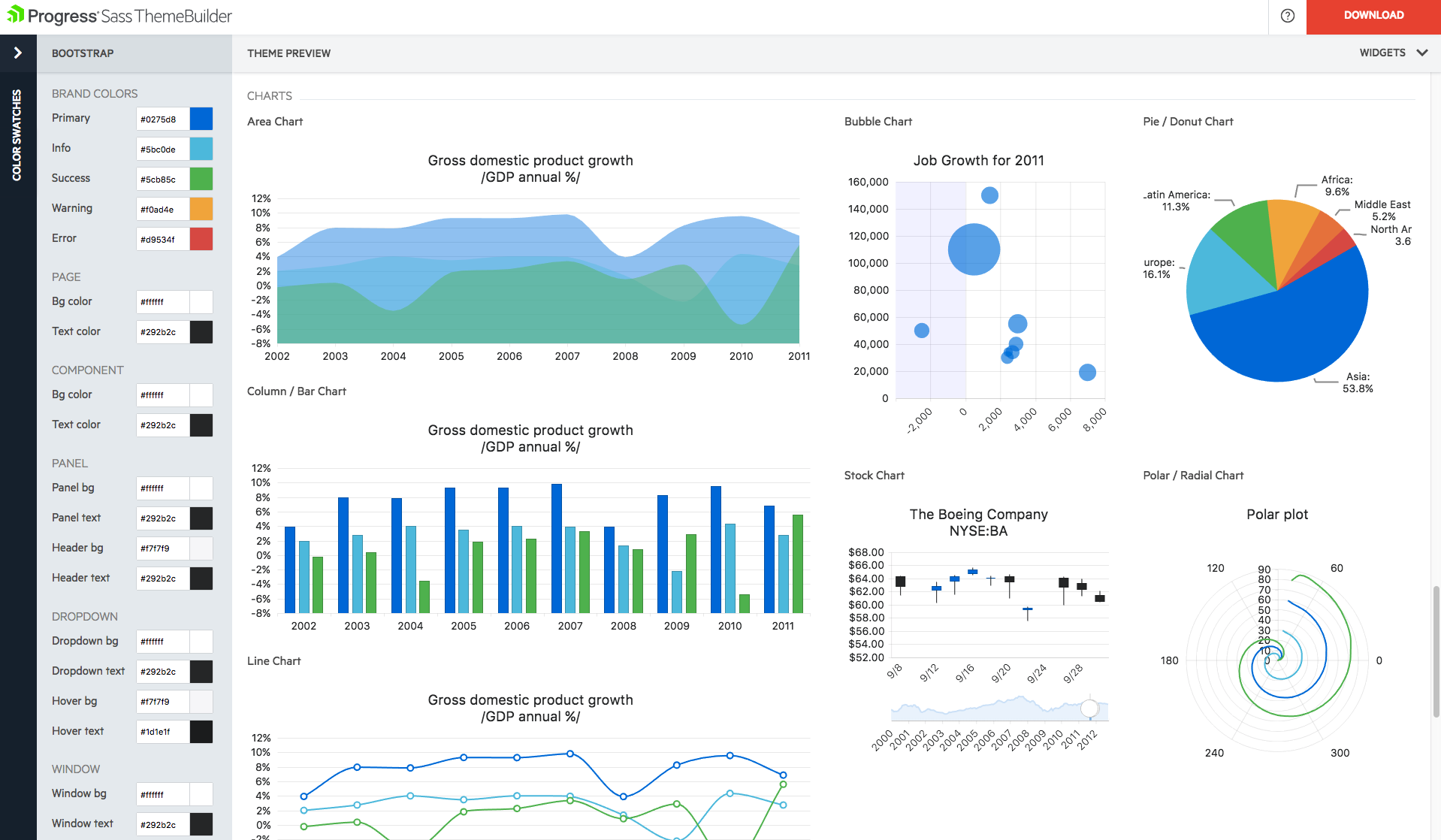
Screenshot of Easily create eye-catching and full-featured user interface for web, mobile and desktop by selecting from our rich library of components. Use advanced features like our grid component to create tables that display data in a wide range of formats from both local and remote sources.Screenshot of Create rich dashboard applications by taking advantage of the breadth of UI widgets available within the Telerik UI toolset. Easily wire up the UI controls to any backend to display any and all kind of data that you need to surface in your applications.Screenshot of Need to add reporting and analytics capabilities to your applications? Telerik Reporting is a complete, lightweight .NET embedded reporting tool for web and desktop applications. Use Telerik Reporting to create, style, view and export rich, interactive and reusable reports to attractively and beautifully present analytical and business data.Screenshot of With Telerik UI for Xamarin you can build native iOS and Android applications, with rich user experience and outstanding performance. Enjoy all the components you need to build your mobile application.Screenshot of Build modern desktop applications with Telerik UI for WinForms and Telerik UI for WPF. The most complete desktop UI suites, with rich feature set and modern look and feel.Screenshot of