
Salesforce CMS vs. Tilda
Salesforce CMS vs. Tilda
| Product | Rating | Most Used By | Product Summary | Starting Price |
|---|---|---|---|---|
 Salesforce CMS | N/A | Salesforce Marketing Cloud Personalization (formerly Salesforce CMS) is a hybrid CMS allowing users to author content once and deliver it anywhere, in or out of Salesforce. Users create content, define content access, and define channels so they can share content and limit access to appropriate contributors. For an experience built with Salesforce, users can choose from two of the company's “what-you-see-is-what-you-get” (WYSIWYG) tools: Experience Builder and Commerce Page Designer. If the user… | N/A | |
 Tilda | N/A | Tilda website builder helps users build websites for business and media. With Tilda users can create long forms and articles, as well as landing pages, websites, blogs and all other kinds of content oriented web projects. | $15 per month |
| Salesforce CMS | Tilda | |||||||||||||||
|---|---|---|---|---|---|---|---|---|---|---|---|---|---|---|---|---|
| Editions & Modules | No answers on this topic |
| ||||||||||||||
| Offerings |
| |||||||||||||||
| Entry-level Setup Fee | No setup fee | No setup fee | ||||||||||||||
| Additional Details | — | — | ||||||||||||||
| More Pricing Information | ||||||||||||||||
| Salesforce CMS | Tilda |
|---|
| Salesforce CMS | Tilda | |||||||||||||||||||||||||||
|---|---|---|---|---|---|---|---|---|---|---|---|---|---|---|---|---|---|---|---|---|---|---|---|---|---|---|---|---|
| Security |
| |||||||||||||||||||||||||||
| Platform & Infrastructure |
| |||||||||||||||||||||||||||
| Web Content Creation |
| |||||||||||||||||||||||||||
| Web Content Management |
|
| Salesforce CMS | Tilda | |
|---|---|---|
| Small Businesses |  ManageWP Score 10.0 out of 10 | ManageWP Score 10.0 out of 10 |
| Medium-sized Companies |  RWS Tridion Sites Score 9.0 out of 10 | RWS Tridion Sites Score 9.0 out of 10 |
| Enterprises | RWS Tridion Sites Score 9.0 out of 10 | RWS Tridion Sites Score 9.0 out of 10 |
| All Alternatives | View all alternatives | View all alternatives |
| Salesforce CMS | Tilda | |
|---|---|---|
| Likelihood to Recommend | 8.4 (63 ratings) | 9.1 (2 ratings) |
| Likelihood to Renew | 9.0 (5 ratings) | - (0 ratings) |
| Usability | 8.3 (48 ratings) | - (0 ratings) |
| Availability | 9.0 (2 ratings) | - (0 ratings) |
| Performance | 8.0 (2 ratings) | - (0 ratings) |
| Support Rating | 9.0 (9 ratings) | - (0 ratings) |
| In-Person Training | 8.0 (1 ratings) | - (0 ratings) |
| Implementation Rating | 9.0 (1 ratings) | - (0 ratings) |
| Configurability | 9.0 (2 ratings) | - (0 ratings) |
| Ease of integration | 9.0 (2 ratings) | - (0 ratings) |
| Product Scalability | 9.0 (2 ratings) | - (0 ratings) |
| Vendor post-sale | 8.0 (1 ratings) | - (0 ratings) |
| Vendor pre-sale | 8.0 (1 ratings) | - (0 ratings) |
| Salesforce CMS | Tilda | |
|---|---|---|
| Likelihood to Recommend |  Salesforce
| Tilda Publishing
 Deborah Avila 🏳️🌈 Art Director, UI/UX Designer |
| Pros | Salesforce
| Tilda Publishing
 Oleksandr Torlo Product Advisor, Co-founder |
| Cons | Salesforce
| Tilda Publishing
Deborah Avila 🏳️🌈 Art Director, UI/UX Designer |
| Likelihood to Renew | Salesforce
| Tilda Publishing No answers on this topic |
| Usability | Salesforce
| Tilda Publishing No answers on this topic |
| Reliability and Availability | Salesforce
| Tilda Publishing No answers on this topic |
| Performance | Salesforce
| Tilda Publishing No answers on this topic |
| Support Rating | Salesforce
| Tilda Publishing No answers on this topic |
| In-Person Training | Salesforce
| Tilda Publishing No answers on this topic |
| Online Training | Salesforce
 Kaley White Data and Systems Analyst | Tilda Publishing No answers on this topic |
| Implementation Rating | Salesforce
| Tilda Publishing No answers on this topic |
| Alternatives Considered | Salesforce
| Tilda Publishing Oleksandr Torlo Product Advisor, Co-founder |
| Contract Terms and Pricing Model | Salesforce
Kaley White Data and Systems Analyst | Tilda Publishing No answers on this topic |
| Scalability | Salesforce
| Tilda Publishing No answers on this topic |
| Professional Services | Salesforce
Kaley White Data and Systems Analyst | Tilda Publishing No answers on this topic |
| Return on Investment | Salesforce
| Tilda Publishing
Deborah Avila 🏳️🌈 Art Director, UI/UX Designer |
| ScreenShots | Tilda Screenshots 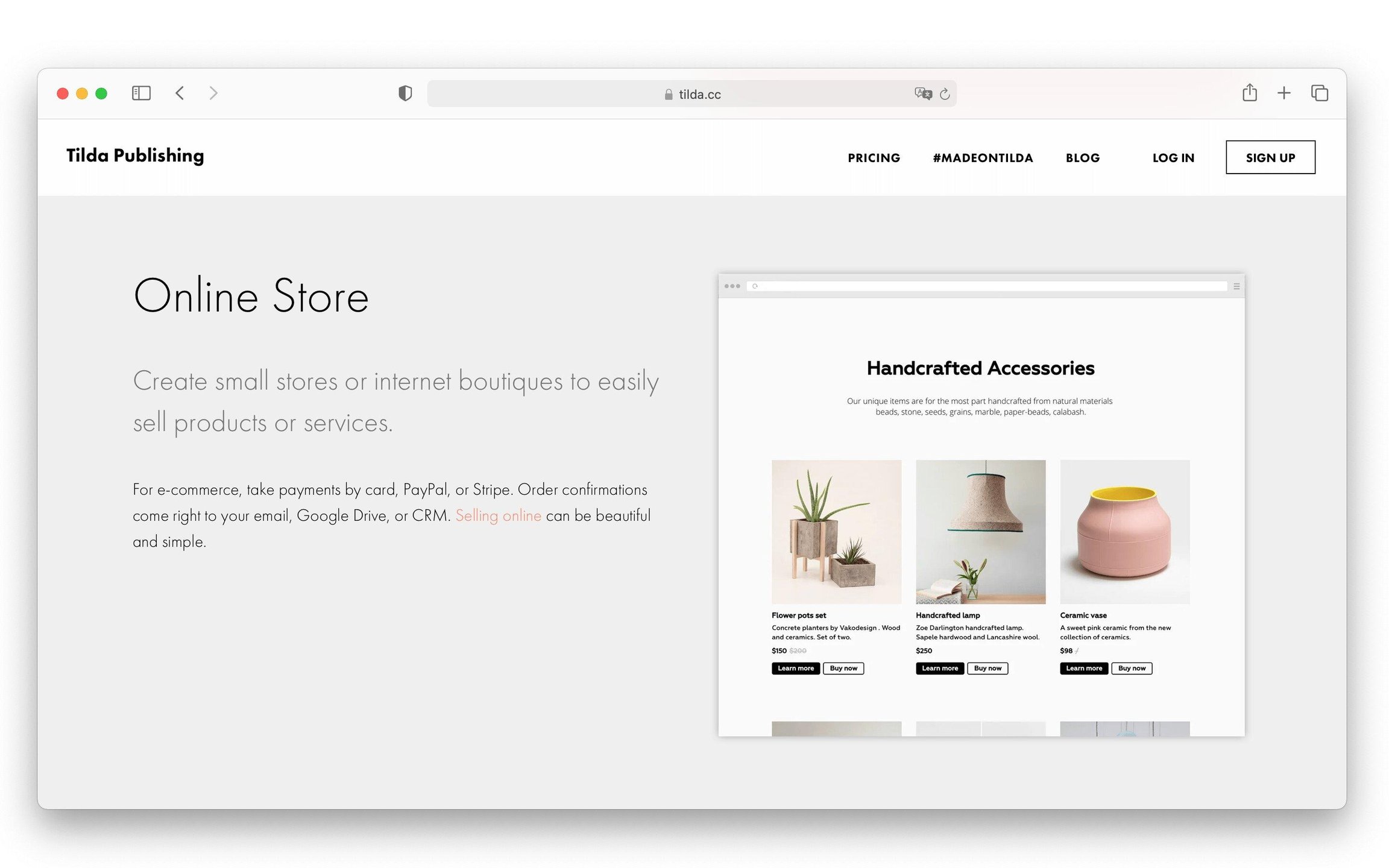 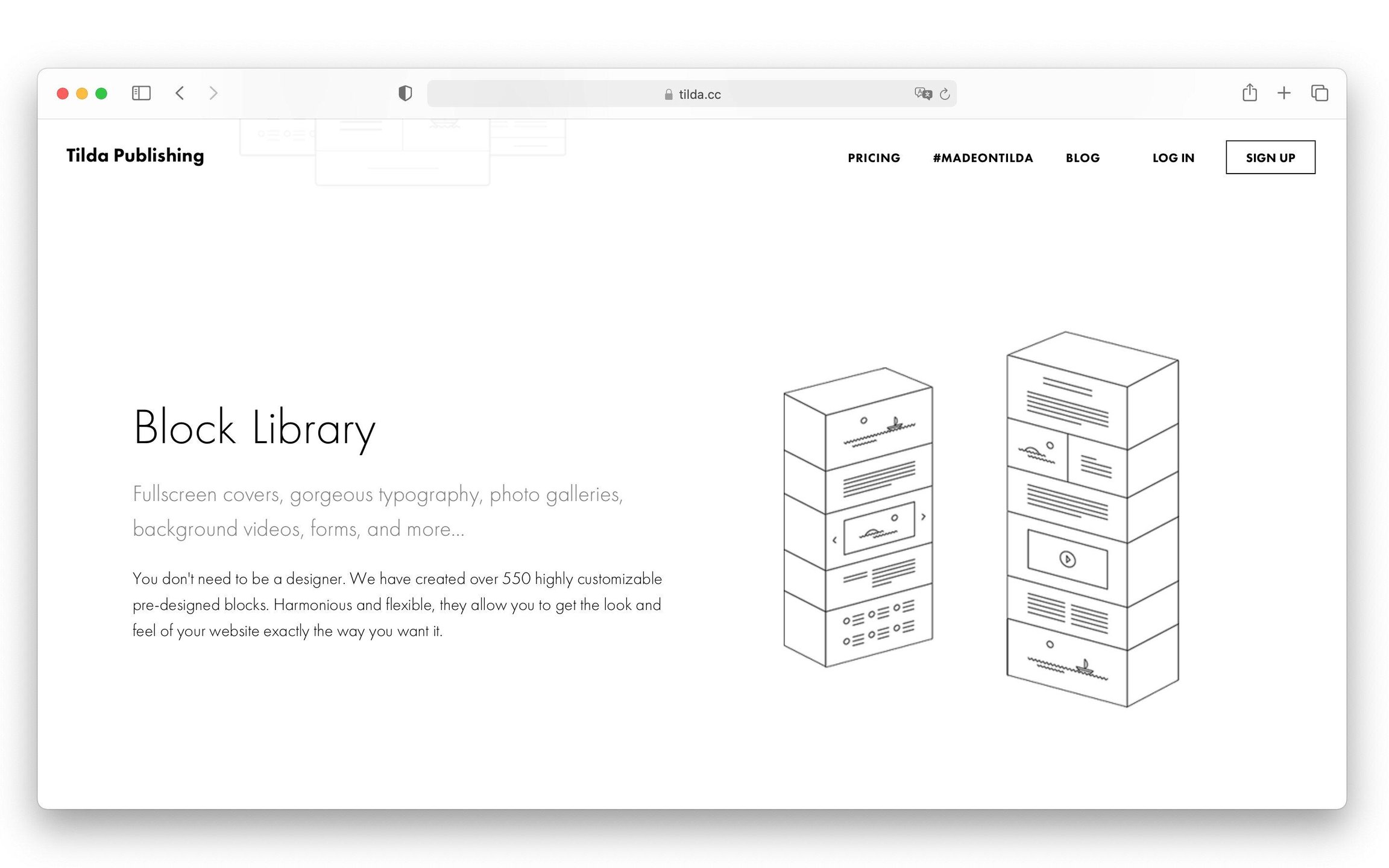   |