Salesforce Sales Engagement vs. Salesforce Starter

Overview
ProductRatingMost Used ByProduct SummaryStarting Price
Salesforce Sales Engagement
Score 8.0 out of 10
N/A
Salesforce Sales Engagement, formerly Einstein High Velocity Sales, is a cloud-based sales engagement platform that uses artificial intelligence capabilities to increase sales productivity.N/A
Salesforce Starter
Score 9.0 out of 10
Small Businesses (1-50 employees)
Salesforce Starter (formerly Salesforce Essentials) is a small business CRM that replaces the former SalesforceIQ product. It is priced at $35 per user, on a monthly basis, or at $25 per month for if billed annually ($300) and can be tried free for 14 days on a trial.
$35
per month per user
Pricing
Salesforce Sales EngagementSalesforce Starter
Editions & Modules
No answers on this topic
Offerings
Pricing Offerings
Salesforce Sales EngagementSalesforce Starter
Free Trial
NoYes
Free/Freemium Version
NoNo
Premium Consulting/Integration Services
NoYes
Entry-level Setup FeeNo setup feeNo setup fee
Additional Details
More Pricing Information
Community Pulse
Salesforce Sales EngagementSalesforce Starter
Features
Salesforce Sales EngagementSalesforce Starter
Sales Force Automation
Comparison of Sales Force Automation features of Product A and Product B
Salesforce Sales Engagement
-
Ratings
Salesforce Starter
8.7
7 Ratings
10% above category average
Customer data management / contact management00 Ratings7.47 Ratings
Territory management00 Ratings7.67 Ratings
Opportunity management00 Ratings9.07 Ratings
Integration with email client (e.g., Outlook or Gmail)00 Ratings9.56 Ratings
Quote & order management00 Ratings9.55 Ratings
Interaction tracking00 Ratings8.46 Ratings
Channel / partner relationship management00 Ratings9.75 Ratings
Marketing Automation
Comparison of Marketing Automation features of Product A and Product B
Salesforce Sales Engagement
-
Ratings
Salesforce Starter
7.4
6 Ratings
5% below category average
Lead management00 Ratings7.46 Ratings
CRM Project Management
Comparison of CRM Project Management features of Product A and Product B
Salesforce Sales Engagement
-
Ratings
Salesforce Starter
8.3
5 Ratings
7% above category average
Task management00 Ratings9.55 Ratings
Billing and invoicing management00 Ratings6.55 Ratings
Reporting00 Ratings8.75 Ratings
CRM Reporting & Analytics
Comparison of CRM Reporting & Analytics features of Product A and Product B
Salesforce Sales Engagement
-
Ratings
Salesforce Starter
9.0
5 Ratings
15% above category average
Forecasting00 Ratings9.05 Ratings
Pipeline visualization00 Ratings8.85 Ratings
Customizable reports00 Ratings9.25 Ratings
Customization
Comparison of Customization features of Product A and Product B
Salesforce Sales Engagement
-
Ratings
Salesforce Starter
7.0
6 Ratings
10% below category average
Custom fields00 Ratings7.36 Ratings
Custom objects00 Ratings7.35 Ratings
Scripting environment00 Ratings6.05 Ratings
API for custom integration00 Ratings7.55 Ratings
Security
Comparison of Security features of Product A and Product B
Salesforce Sales Engagement
-
Ratings
Salesforce Starter
8.7
6 Ratings
3% above category average
Single sign-on capability00 Ratings8.76 Ratings
Role-based user permissions00 Ratings8.76 Ratings
Social CRM
Comparison of Social CRM features of Product A and Product B
Salesforce Sales Engagement
-
Ratings
Salesforce Starter
8.5
5 Ratings
12% above category average
Social engagement00 Ratings8.55 Ratings
Integrations with 3rd-party Software
Comparison of Integrations with 3rd-party Software features of Product A and Product B
Salesforce Sales Engagement
-
Ratings
Salesforce Starter
8.2
5 Ratings
8% above category average
Marketing automation00 Ratings8.35 Ratings
Compensation management00 Ratings8.05 Ratings
Platform
Comparison of Platform features of Product A and Product B
Salesforce Sales Engagement
-
Ratings
Salesforce Starter
8.3
6 Ratings
8% above category average
Mobile access00 Ratings8.36 Ratings
Best Alternatives
Salesforce Sales EngagementSalesforce Starter
Small Businesses
Salesmate
Salesmate
Score 10.0 out of 10
Salesmate
Salesmate
Score 10.0 out of 10
Medium-sized Companies
Mixmax
Mixmax
Score 9.7 out of 10
Creatio
Creatio
Score 9.3 out of 10
Enterprises
Outreach
Outreach
Score 8.3 out of 10
Creatio
Creatio
Score 9.3 out of 10
All AlternativesView all alternativesView all alternatives
User Ratings
Salesforce Sales EngagementSalesforce Starter
Likelihood to Recommend
4.0
(11 ratings)
9.0
(7 ratings)
Likelihood to Renew
-
(0 ratings)
4.0
(1 ratings)
Usability
-
(0 ratings)
8.5
(4 ratings)
User Testimonials
Salesforce Sales EngagementSalesforce Starter
Likelihood to Recommend
Salesforce
HVS should be well suited for automated email responses and cadences. However, we have been unable to get it to work as we would like it to. The cadence builder is robust, but can be a bit complicated. It's not as easy to set up a cadence, as we would like. The program isn't well suited for mass marketing emails, but more for SDR emails.
Read full review
Salesforce
If you own a business that has complex selling processes or requires integrations with 3rd party tools/systems, you should look at Professional, Enterprise, or Unlimited editions. Salesforce operates very well across pretty much every industry, but not all sales, marketing, and operational processes are created equal. If your marketing process requires a long list of sendable contacts then I would recommend adding on Pardot or Hubspot. Always start small and scale up, to avoid boxing yourself in down the road.
Read full review
Pros
Salesforce
  • Allows you to move to different cadences and cadence steps without refreshing the screen or clicking to a new screen
  • Fairly simple to send a one-off email to a single prospect
  • Pretty easy to update contact information b/c it's directly integrated with Salesforce
Read full review
Salesforce
  • Tracking phone calls is extremely easy when using the app on the iphone. After a phone call is complete it prompts the user to enter in call details.
  • SalesforceIQ also automatically logs emails for us. This has saved us time from entering in information manually.
  • SalesforceIQ was easy to set up and allowed us customization for fields that were relevant to our business.
Read full review
Cons
Salesforce
  • We haven't found anything in High Velocity Sales that we don't like. To reach out to prospects the company may use an all-in-one platform. The ability to organize, call, email, and follow up on leads is a game-changer for sales representatives.
Read full review
Salesforce
  • Table views can be sorted by column. Filters can be applied, but only to one column. Multi-column filtering like Excel allows would be extremely useful and a big improvement.
  • The ability to quick copy data in a table view would also be helpful, like (ctrl ') in excel.
Read full review
Usability
Salesforce
No answers on this topic
Salesforce
The system is very user-friendly on a desktop but lacks mobile friendliness. The Customer relationship manager disappears after the deal is signed. We struggled to get the system in a usable format, which was not cost-effective. The CRM system on desktop was great but way more complicated than it should be.
Read full review
Alternatives Considered
Salesforce
While I have not used many other automated email CRM integration systems, SalesforceIQ is hands down a crucial part of my daily work flow. I could not picture our company putting up the monthly numbers we are able to allocate without the efficiency and concise notification settings SalesforceIQ gives Everlasting Capital. I highly recommend if you're looking for fast integration results to update numerous departments within your company, to look into SalesforceIQ as it will make your daily tasks substantially easier while keeping all parties more thoroughly notified.
Read full review
Salesforce
more expensive but as an industry leader and go, the learning curve pays for itself in ROI in lost time in onboarding
Read full review
Return on Investment
Salesforce
  • Positive. We close deals faster and don't need to have a long thread of back and forth emails
  • We have far valuable insights into if the client opened the email and how many times they've opened their emails
  • We can schedule sends so it appears at the top of the customers inbox.
Read full review
Salesforce
  • It made the job more efficient for staff so they can spend time doing other tasks rather than configuring and maintaining Salesforce Starter.
Read full review
ScreenShots

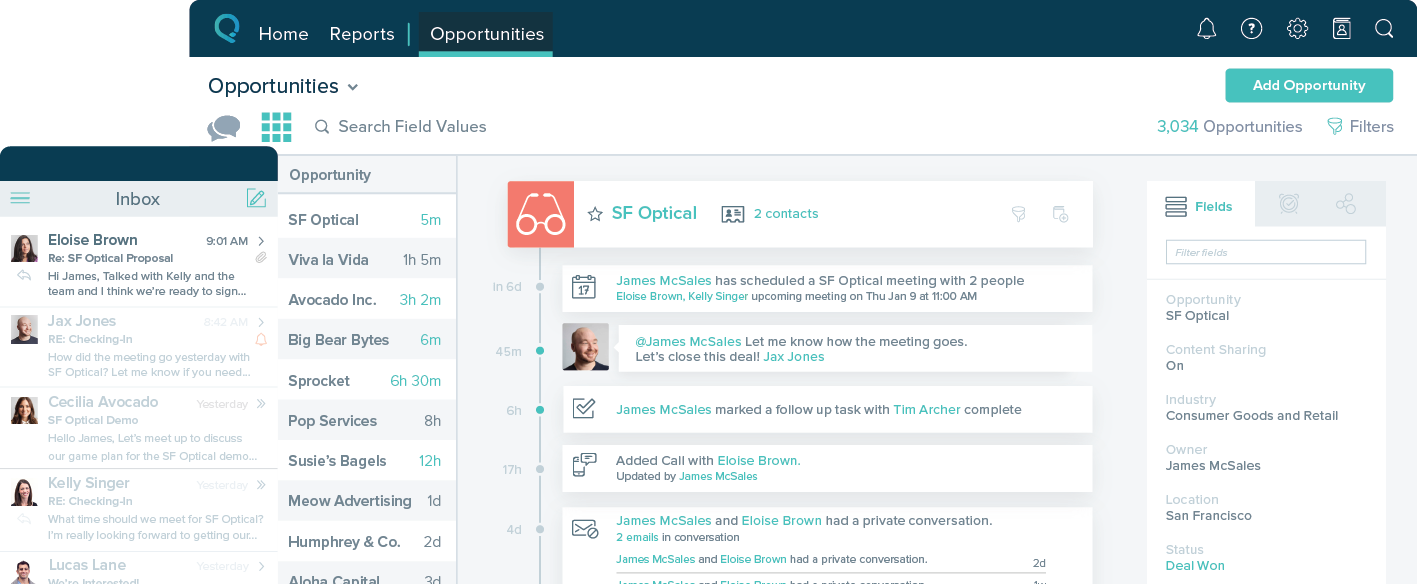
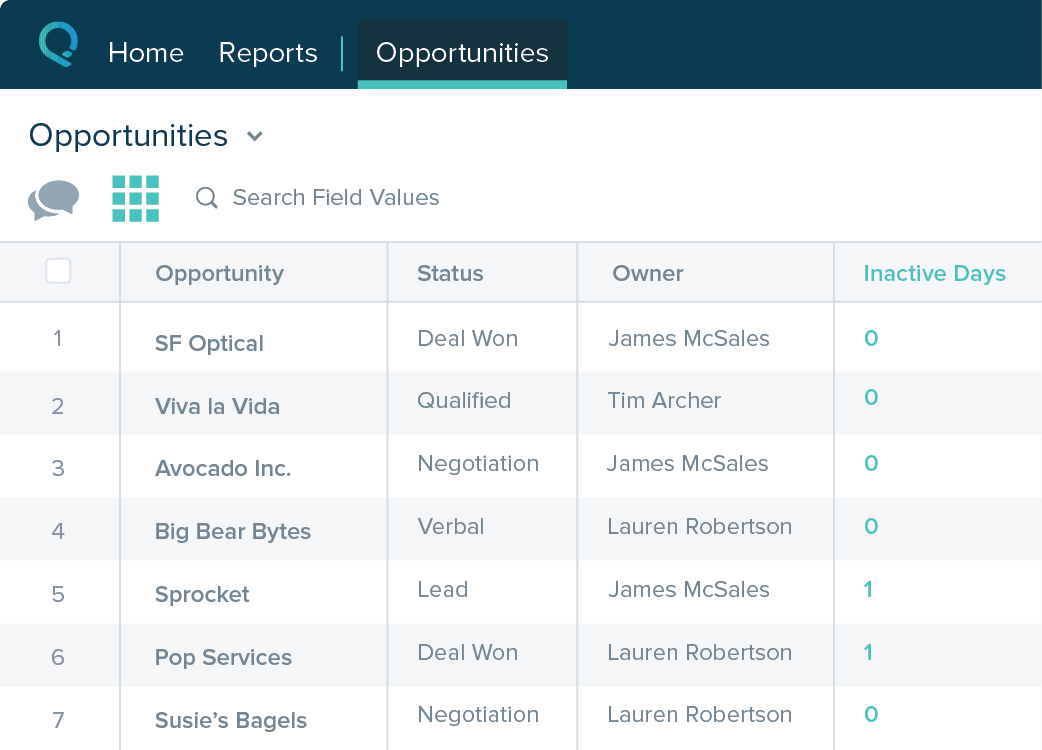
Salesforce Starter Screenshots

Screenshot of Screenshot of Screenshot of Screenshot of