Selenium is open source software for browser automation, primarily used for functional, load, or performance testing of applications.
N/A
TestComplete
Score 7.9 out of 10
N/A
TestComplete is a GUI test automation tool that enables users of all skill levels to test the UI of every desktop, web, and mobile application. TestComplete is best suited for testers, automation engineers, and QA teams in any industry.
$2,256
per license
Tricentis qTest
Score 8.6 out of 10
N/A
Tricentis qTest (formerly QASymphony) provides enterprise-level agile testing tools giving businesses visibility and control needed to ensure application quality in fast-paced development environments. Tricentis and QASymphony merged in summer 2018.
$1,200
per year per user
Pricing
Selenium
TestComplete
Tricentis qTest
Editions & Modules
No answers on this topic
Node-Locked Base
2,256
per license
Node-Locked Pro
3,950
per license
Float - Base
5,077
per license
Float - Pro
7,901
per license
No answers on this topic
Offerings
Pricing Offerings
Selenium
TestComplete
Tricentis qTest
Free Trial
No
Yes
Yes
Free/Freemium Version
No
No
No
Premium Consulting/Integration Services
No
No
Yes
Entry-level Setup Fee
No setup fee
No setup fee
Optional
Additional Details
—
Pay for only the modules needed. TestComplete Pro includes all three modules: desktop, web, and mobile, at a bundled price point, as well as access to the parallel testing engine, TestExecute.
TestComplete has additional add-ons, including TestExecute and the Intelligent Quality Add-On.
TestComplete is more like an enterprise automation testing tool, that consists of many built-in functions. The license is rather expensive https://smartbear.com/product/testcomplete/pricing/. TestComplete's user community is not as large as Selenium user. Smartbear's …
Verified User
Team Lead
Chose Selenium
It is one of the leading open source tools with lot of good features to go well with web automation.
In the end we did not select Selenium. For a company that is well established it is best to spend a little extra cash and get the support that a paid company offers. If something goes wrong you can easily contact them.
Selenium does not offer that although there are third-party …
HQ UFT, it is one of the best and has more abilities but it is too much expensive while Selenium is free. SmartBear TestComplete, same reason as UFT. Watir, it is a Selenium-like open source project but has less features and limited documentation.
TestComplete is easy to set up and allows you to map certain objects with it's play and record feature. We can then convert that to scripts and use those scripts to update other existing scripts if the Xpath is not being read properly. We compared it to Selenium, which you have …
Previously I was working on Selenium with Java for automating the test cases/scenarios and to perform regression testing in web applications. And for the last few months, I have been working with TestComplete on automating desktop and web applications. And I like the name …
UFT, TOSCA, and open-source Selenium/Cucumber based. The ease of use with TestComplete is comparable to TOSCA, but it is a lot cheaper and allows for a better ROI. UFT is better at recognizing elements and different technologies based on Java. TestComplete is easier to set up …
We aren't 100% sure that we will stick with TestComplete for our web-based UI testing for the long haul because Selenium is a bit lighter on the overhead front, but we definitely really like it for testing our standalone applications and utilities. As far as a complete testing …
Selenium gets a lot of mileage for being opensource and free, but in terms of features, ease of use, and the added support and development structure of an enterprise product, TestComplete is the clean cut winner.
We used before the Coded UI Tests which are in Visual Studio / Azure DevOps, and the tests were impossible to maintain and very very flaky. Then in 2015, we selected TestComplete, as it was clearly the tool with the most feature for desktop UI testing. Selenium was …
TestComplete stacks up against them in terms of GUI and seamless performance. It records each and every step and action been performed in the application and produces a detailed report in a well-structured manner. It can connect and access seamlessly among various databases …
Below are the points why we selected TestComplete 1. Better UI. 2. Plenty of validation cases supports i.e. checkpoints. 3. Multiple scripting languages. 4. Better accuracy and robustness. 5. Good documentation and Video tutorials. 6. Great support team.
The major advantage over other tools is the ease of use. A chimp will be able to figure out TestComplete whereas the others require extensive coding knowledge
I have used UFT, Katalon Studio. UFT has robust object recognition engine than TestComplete. For example, Katalon Studio supports Groovy and Java so it is easier for programmers/testers to automate apps in java as it is a popular language, but TC doesn't support it.
It's a great tool with a lot of in built features and support for cloud. In the market, there are many test tools available and there are many open source tools too. But this tool has some unique features which fair well.
We also evaluated Rational Functional Tester and QuickTest Pro. These other tools were a little more difficult to implement and very costly. They were not as flexible as TestComplete. The sales staff around TestComplete was friendlier and more responsive. They made us feel …
TestComplete was expensive as compared to the other tools that we used and did not live up to the expectation. Only good thing with TestComplete is that the test integration for multiple platform is pretty good and works well as compared to these individual tools as these are …
All of them offer formidable solutions in the test management realm, but each one caters to different niche and need. qTest distinguishes itself with its deep integration capabilities, especially with Agile and DevOps tools, enabling streamlined CI/CD process. Its modern, …
- It was not our decision to use qTest as a tool, as this was a management decision. - Since I have used many Test Management Tools I can compare for e.g The Reporting and Statistics in qTest is very impressive.
Quality Assurance Manager - Application Development & Support
Chose Tricentis qTest
None of our previous tools we listed in the available drop-down options. We had previously used Spira Test and Xray as our test repositories. We are currently evaluating Test Rail, Zephyr, PractiTest, and others.
From an organizational perspective, qTest is better than Xray as …
When you have to test the UI and how it behaves when certain actions are performed, you need something that can automate the browsers. This is where Selenium comes to the rescue. If you have to test APIs and not the frontend (UI), I would recommend going with other libraries that support HTTP Requests. Selenium is good only when you have no choice but to run the steps on a browser.
Best suited to smaller unit test or tests broken up, couple of forms at a time Not suited - larger regressions test involving multiple systems. - my main regression involving payments has been unsuccessful for the last 3 years despite all working fine separately and while being watched
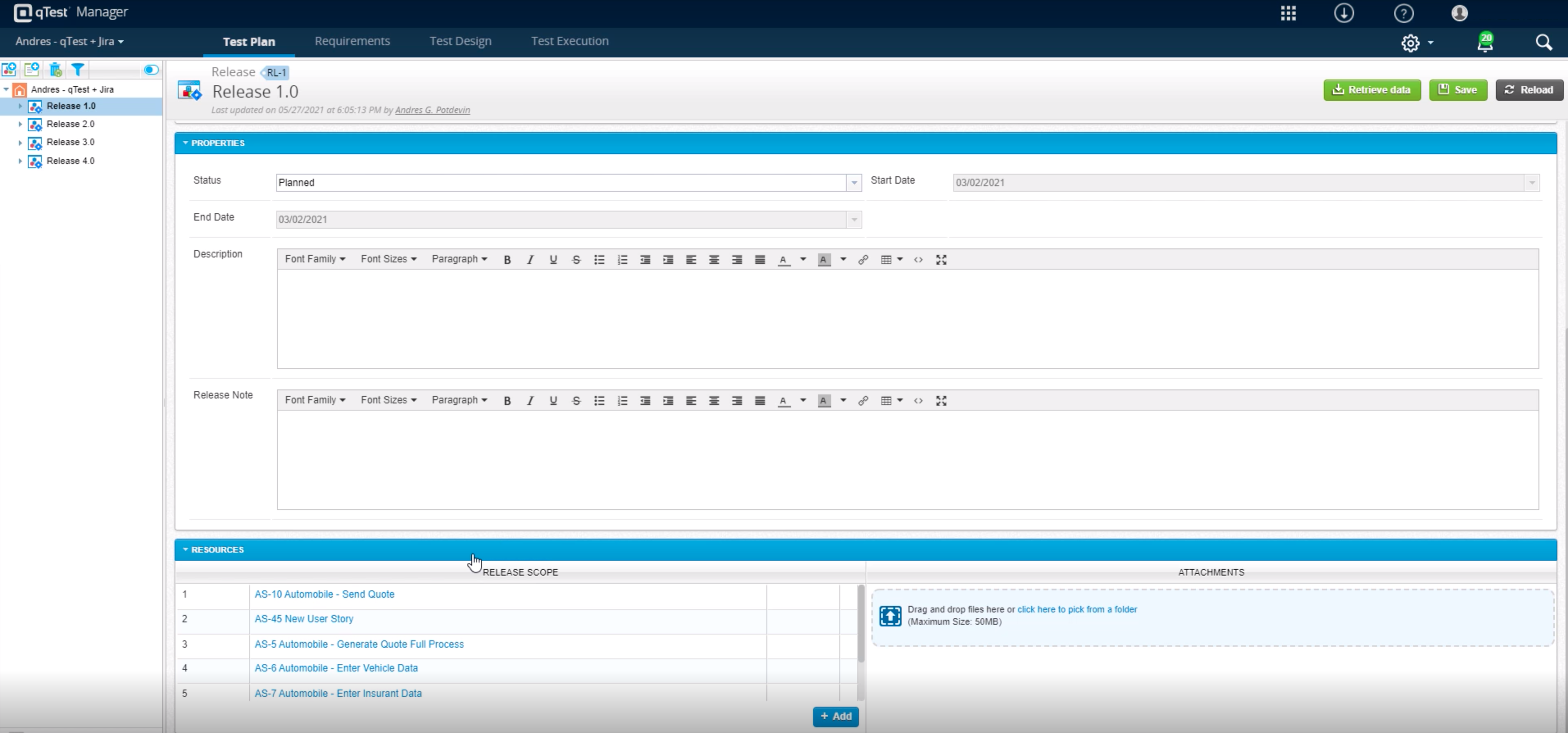
Tricentis qTest integrates seamlessly with Jira, making it ideal for teams that manage user stories and defects in Jira while keeping test cases and execution in qTest. When paired with automation tools like tosca, Selenium, or WebdriverIO, qTest is excellent for aggregating both manual and automated test results in one place.
As a fresher, when I started using qTest it was very handy and easy to understand.
It helps us trace the test cases that are used to test the quality in a single location
The main thing is its integration with JIRA as soon as we create a ticket we would be getting all the requirements in the qTest so it became easy for me
Selenium is pretty user-friendly but sometimes tests tend to flake out. I'd say roughly one out of twenty tests yields a false positive.
Selenium software cannot read images. This is a minor negative because a free plug-in is available from alternate sources.
Slowness may be a minor factor with Selenium, though this is an issue with basically any testing software since waiting on a site to execute JavaScript requires the browser to wait for a particular action.
TestComplete could stand to have a simplified view for different types of users. For instance, as a manager/architecture guy, I'm not so interested in getting into the code and am more interested in file-based interactions.
TestComplete could use more integration with reporting for things like TeamCity to improve test status visibility.
In requirements , we can't add multiple test cases at once, or search multiple cases at once, need to do one by one. Here actually qtest needs to improve.
Linking cloud hosted qtest and on-premise TOSCA is very difficult especially when you are working with client system with security wall. It requires tunnelling software which is not recommended.
We love this product mainly because of its high customization abilities and the ease of use. Moreover, its free and can be learned easily through online communities and videos. The tests are more consistent and reliable as compared to Manual tests. It has enabled us to test a large number of features all in one go, which would have impossible through manual tests. The reports generated at the end of the tests are really helpful for the QA and the development teams to get a fair view of the application.
We have bigger test automation pack using test complete at the same time we also think this is not good performing tool for large number of test automation scripts.
For those who are unfamiliar with coding, there is a bit of a learning curve. There is plenty of helpful documentation and resources but it can take a little time to get the software up and running. Once you get the hang of how Selenium works, and what it can do, you realize how many things you can use it for, and how many processes you can automate.
It is usable when you become accustomed to its quirks. Not using it for two months and then you need to re-learn the quirks for some features (but some quirks are so awful that they will never fade from your memory). So, when using it regularly, it is possible to be quite productive, if no big correction in name mapping is needed.
The Selenium app has a pretty fat community of users. For the problems we are experiencing, we are primarily receiving support from these communities. In addition, there is widespread service support. Instant support is given to the problems we experience when we need Online support. We and our team are happy to provide this support, especially before important deployment processes
We did everything we needed to use it. Now we can execute our tests on different operational systems and browsers running few tests simultaneously. We also implemented Appium framework to execute our tests on mobile devices, such as iPhones, iPads, Android phones and tablets. We use SauceLabs for our test execution and Jenkins for continuous integration.
If you develop a mobile application and your testing process goes in cloud, probably you will face a problem - how to implement a stable connection between your mobile devices and testing servers
At the time of adoption, there were not many other alternatives that were even close to being competitive when it comes to browser testing. As far as I know now to this day, there is still little competition to Selenium for what it does. Any other browser-based testing still utilises Selenium to interact with the browser.
TestComplete stacks up against them in terms of GUI and seamless performance. It records each and every step and action been performed in the application and produces a detailed report in a well-structured manner. It can connect and access seamlessly among various databases directly to speed up the testing process.
All of them offer formidable solutions in the test management realm, but each one caters to different niche and need. qTest distinguishes itself with its deep integration capabilities, especially with Agile and DevOps tools, enabling streamlined CI/CD process. Its modern, user-centric interface contrasts with ALM's more dated appearance and complex setup. While TestRail provides a clean user experience and caters to a broad spectrum of business, qTest's scalability, from SMBs to large enterprises, stands out. PractiTest's cloud-based solution is geared towards mid-sized companies, but qTest's flexibility, advanced analytics, and robust reporting grant teams actionable insights. qTest' approach to a more holistic test management closely aligning with modern software development practices
Saves hundreds of man-hours with either QA testing or data entry
With the small cost of the product, it has saved the company money with both employee costs as well as the cost of mistakes made by human error or software bugs