
Solutions2Share Teams Manager vs. Mitratech TAP Workflow Automation
| Product | Rating | Most Used By | Product Summary | Starting Price |
|---|---|---|---|---|
 Teams Manager | Score8 out of 10 | Mid-Size Companies (51-1,000 employees) | IT administrators can keep control of their Microsoft 365 environment with Teams Manager. Teams Manager is used to prevent the uncontrolled creation of Teams and Groups and automate governance processes. Key Features: • Governance Dashboard and Reports – provides an overview of the M365 environment (inactive or ownerless teams, teams with guests etc.) • Provisioning of new teams & SharePoint sites – with channels,… | $1.60 per year |
 Mitratech TAP Workflow Automation | Score7.5 out of 10 | N/A | TAP Workflow Automation is a business process automation solution, enabling clients to digitize any workflow. The solution aims to improve efficiency, productivity, standardization, and compliance, as well as drive cost savings and time-to-value. TAP's drag-and-drop UI lets users build and deploy workflows without coding or IT involvement. TAP's open API enables clients to integrate into existing tools to drive automation across the organization. | N/A |
| Teams Manager | Mitratech TAP Workflow Automation | |||||||||||||||
|---|---|---|---|---|---|---|---|---|---|---|---|---|---|---|---|---|
| Editions & Modules |
| No answers on this topic | ||||||||||||||
| Offerings |
| |||||||||||||||
| Entry-level Setup Fee | Optional | No setup fee | ||||||||||||||
| Additional Details | Prices are starting prices. Not listed here are the different support and service packages. | — | ||||||||||||||
| More Pricing Information | ||||||||||||||||
| Teams Manager | Mitratech TAP Workflow Automation | |
|---|---|---|
| Considered Both Products | No answer on this topic | No answer on this topic |
| Key User Insights | ||
| Would buy again | ||
90% Would buy again 9 Answers | No answers on this topic | |
| Delivers good value for the price | ||
100% Delivers good value for the price 8 Answers | No answers on this topic | |
| Happy with the feature set | ||
100% Happy with the feature set 10 Answers | No answers on this topic | |
| Lived up to sales and marketing promises | ||
No answers on this topic | No answers on this topic | |
| Implementation went as expected | ||
100% Implementation went as expected 5 Answers | No answers on this topic | |
| Teams Manager | Mitratech TAP Workflow Automation | |
|---|---|---|
| Small Businesses | No answers on this topic |  airSlate WorkFlow Score10 out of 10 |
| Medium-sized Companies | No answers on this topic |  Microsoft Power Automate Score8.5 out of 10 |
| Enterprises | No answers on this topic | Microsoft Power Automate Score8.5 out of 10 |
| All Alternatives | View all alternatives | View all alternatives |
| Teams Manager | Mitratech TAP Workflow Automation | |
|---|---|---|
| Likelihood to Recommend | 8.0 | 7.3 |
| Usability | 8.0 | - |
| Ease of integration | - | 5.5 |
| Teams Manager | Mitratech TAP Workflow Automation | |
|---|---|---|
| Likelihood to Recommend |
|
|
| Pros |
|
|
| Cons |
|
|
| Usability |
| No answers on this topic |
| Alternatives Considered |
|
|
| Return on Investment |
|
|
| ScreenShots | Teams Manager Screenshots   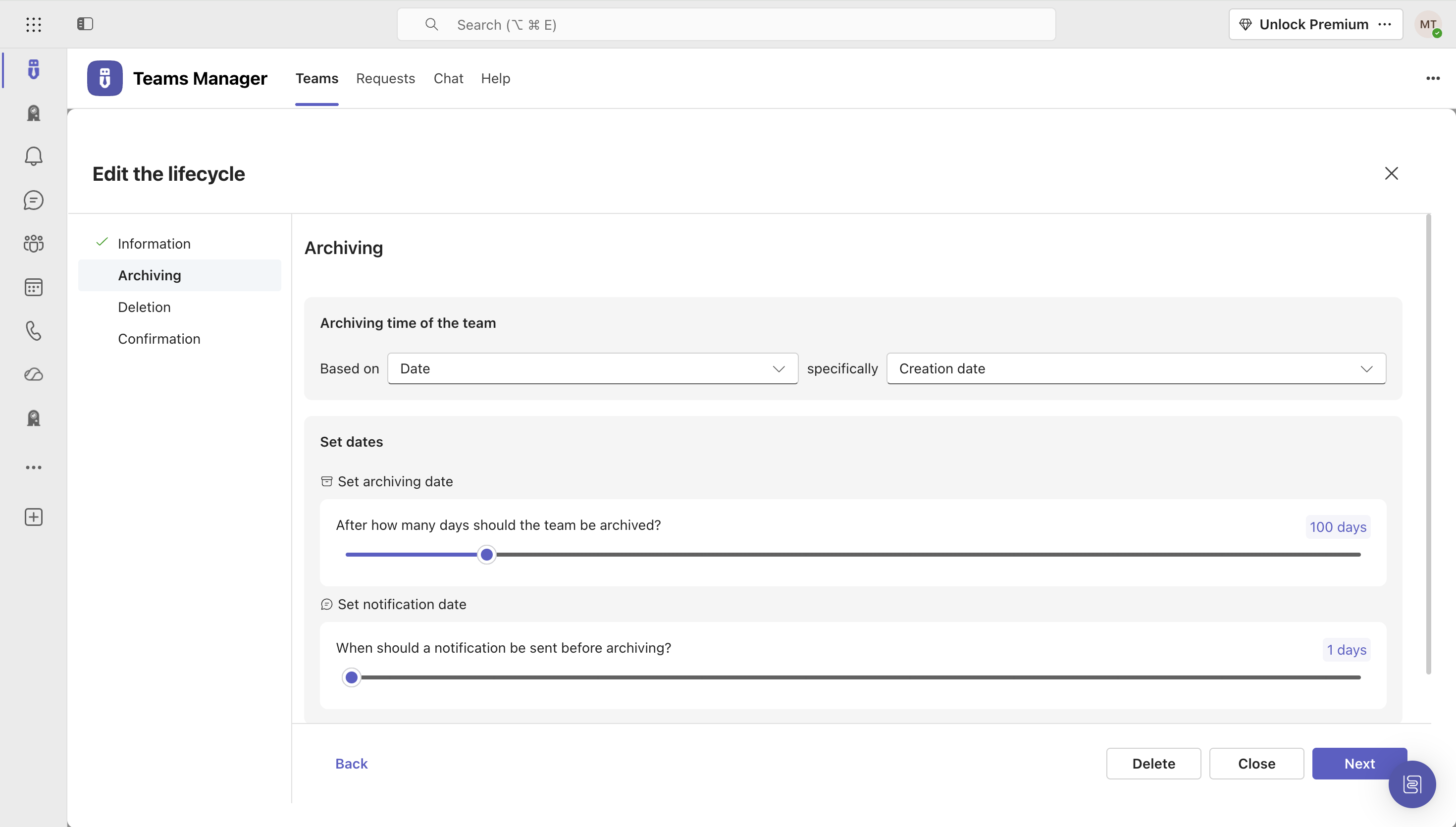   |

