Windows Server Failover Clustering (WSFC) is a group of independent servers that work together to increase application and service availability.
N/A
HPE Zerto Software
Score9.4 out of 10
Enterprise companies (1,001+ employees)
HPE Zerto Software aims to enable customers to run an always-on business by simplifying the protection, recovery, and mobility of on-premises and cloud applications.
Windows ServerFailover Clustering works very well for applications that can sustain a short disconnect when failing over. It works, and works well, in providing single-node applications HA, meaning an active/passive setup. It is not a load balancing solution. Use NLB for that. Another area that it works well is when used in combination with Hyper-V. We set our Hyper-V hosts up as clusters, and those clusters also host clusters for SQL Server and other enterprise class applications like BMC's Control-M/Enterprise and Control-M/Server.
A de minimis incentive was given to thank the reviewer for their time. The incentive was not used to bias or drive a particular response, nor was the incentive contingent on a positive endorsement. More Info
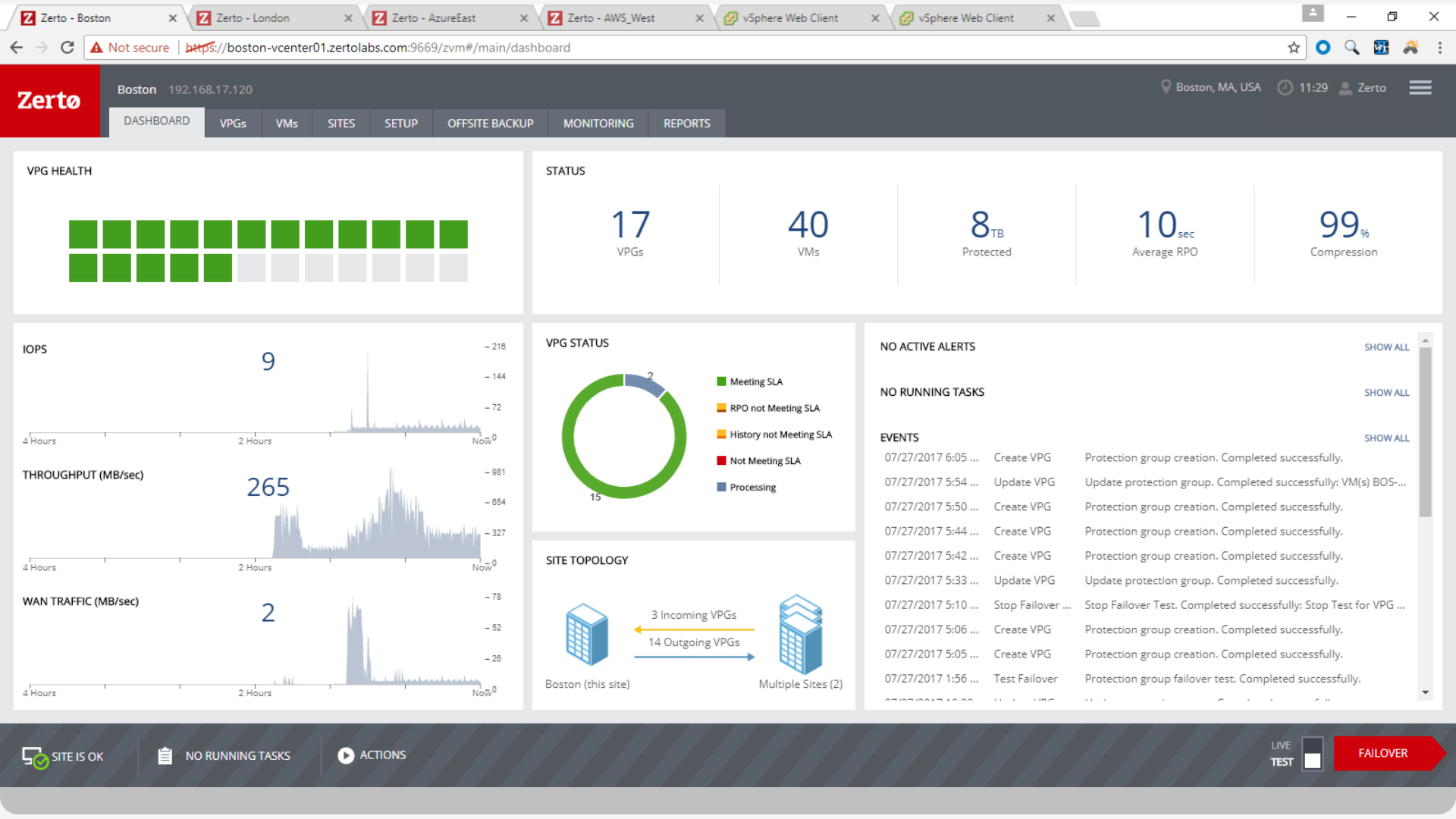
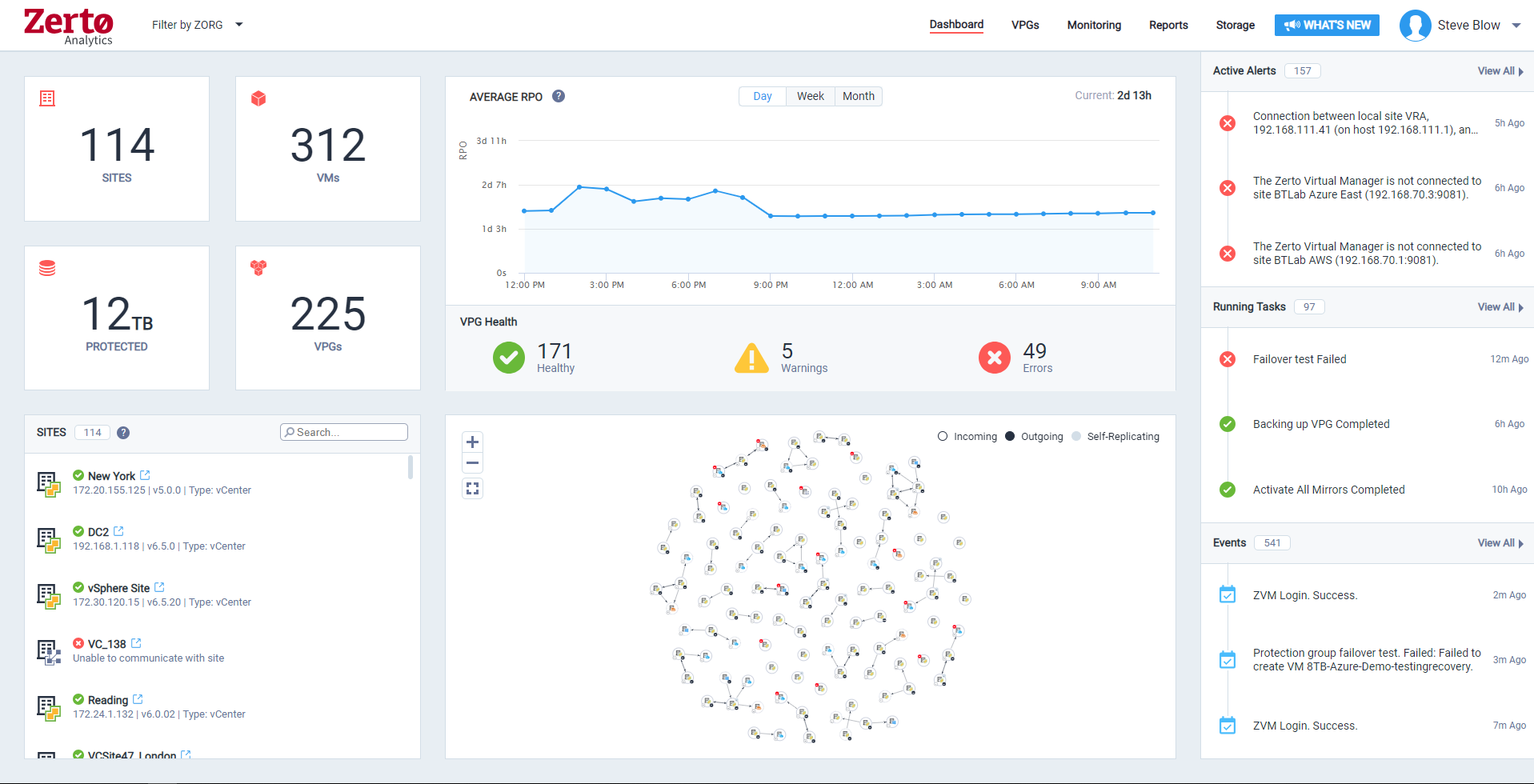
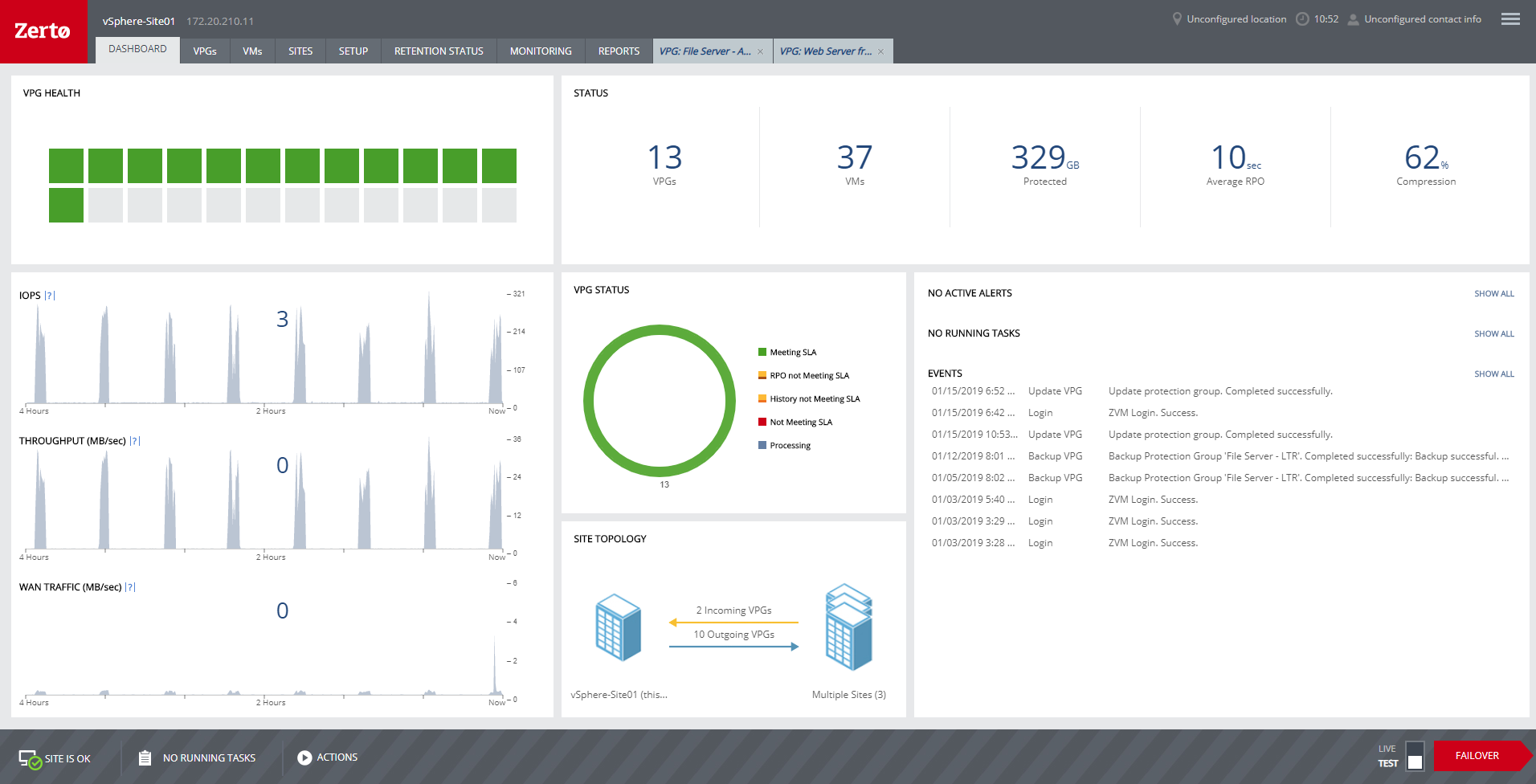
Zerto is well suited for disaster recovery and virtual machine replication between multiple data centers. DR testing for audit or regulations is much easier with Zerto, great reporting, dashboard etc. It is not well suited for physical server replication for disaster recovery or as a primary backup solution.
A de minimis incentive was given to thank the reviewer for their time. The incentive was not used to bias or drive a particular response, nor was the incentive contingent on a positive endorsement. More Info
Live Migration of VMs between hosts. If you have sufficient network bandwidth, it is fast and I never had a failed live migration break the VM or kill it. Worst case is the live migration will fail (not enough RAM for example) but the VM always stayed up.
Windows Server Failover Clustering enables Scaleout Storage, which is probably the coolest feature Microsoft has to offer at this moment. It gives you Active-Active SMB file shares which can now be used by most Microsoft Services like MS SQL, Hyper-V, etc. and clients if Windows 8+
Cluster Validation is really complete and easy to understand. The validation gives you comprehensive error messages that help to diagnose and fix rapidly to get your Failover Cluster running in no time.
A de minimis incentive was given to thank the reviewer for their time. The incentive was not used to bias or drive a particular response, nor was the incentive contingent on a positive endorsement. More Info
Anyone with a large disk (VMDK) knows the issues of VMware snapshots. Most backup software is a "point in time backup" that uses snapshots. While the backup can be run multiple times per day the stress of the snapshot on the host and storage is eliminated by the continuous protection of Zerto log replication.
A client had a the disks on a VM go missing for some reason. We had them "flip the switch" for a real fail over and press the fail over button. The VM on our DR site started to come alive as the VM at the customer site was brought down. When the DR VM was fully up, automatic reverse replication started. The DR machine was available in a few minutes (to take into account different host hardware) for access. One the vm at both sites were in sync, we had the customer again repeat the fail over process and the DR site VM was turned off and the Production site VM was brought back on line. This was a 200 GB VM and the whole process was finished in about 3 hours.
Zerto also allows for "Test" fail overs that can be configured on many different functions, such as host, datastore, network and IP usage. Configuring the IPs is crucial to avoid inadvertent site cross contamination of the same VM.
Zerto can also retrieve files from any VM disk on the DR site without starting a VM. Very handy for retrieving files or directories.
Since Zerto is running continuous log replication, changes on the production VM are nearly instantaneously copied to the DR site. As with any data process, having sufficient bandwidth for "churn" peaks minimizes the delay in updating the DR site.
A de minimis incentive was given to thank the reviewer for their time. The incentive was not used to bias or drive a particular response, nor was the incentive contingent on a positive endorsement. More Info
The setup of the Windows Server Failover Clustering is complex, requiring different networks and multiple network cards.
Better integration between the Windows Failover clustering and Hyper-V. Unlike VMWare you have to make changes to two places instead of just one panel.
I wish there was a web portal to manage the cluster. Instead you have to remote desktop into the VIP address and go to the Cluster manager.
A de minimis incentive was given to thank the reviewer for their time. The incentive was not used to bias or drive a particular response, nor was the incentive contingent on a positive endorsement. More Info
A de minimis incentive was given to thank the reviewer for their time. The incentive was not used to bias or drive a particular response, nor was the incentive contingent on a positive endorsement. More Info
It has proven its value to us both for maintaining SLAs and providing the ability to perform much needed and regular systems maintenance without taking applications offline for more than a few seconds.
A de minimis incentive was given to thank the reviewer for their time. The incentive was not used to bias or drive a particular response, nor was the incentive contingent on a positive endorsement. More Info
We really like the easy setup of this replication solution, as well as the ease of management. Not to mention, our internal IT Economist determined that the Zerto solution would provide the best ROI out of the competing solutions we analyzed. So far, his calculations have been spot on, and we have saved substantially
A de minimis incentive was given to thank the reviewer for their time. The incentive was not used to bias or drive a particular response, nor was the incentive contingent on a positive endorsement. More Info
Usability of Failover Clustering on Windows Server is generally good. Failover Clustering console is not hard to understand if the complexity of the product is taken into account. Most of the task on the Cluster can be done via PowerShell, so automation is possible and not hard (PowerShell is very intuitive). Configuring storage is the hardest and most confusing task during cluster configuration, so storage configuration should be planned in advance. Cluster Validation Wizard is verbose but most of the errors are easy to understand.
A de minimis incentive was given to thank the reviewer for their time. The incentive was not used to bias or drive a particular response, nor was the incentive contingent on a positive endorsement. More Info
Zerto is very easy to implement and support. Uses are broad, only issues are once something doesn't sync it is difficult to get assistance until your reach tier 2 or tier 3 support. Basic file and folder recovery is great. Live and test fail overs are also easy to implement without issue.
A de minimis incentive was given to thank the reviewer for their time. The incentive was not used to bias or drive a particular response, nor was the incentive contingent on a positive endorsement. TR verified that a representative sample of customers was invited. More Info
Online documentation is excellent. Everything I needed to know, I learned from the online documentation. I haven't used phone support as I haven't needed to but would presume it is similar to Microsoft Support for other products that I've used. Phone support from Microsoft is hit and miss. It depends on who you get. That said, my rating is based on the online documentation.
A de minimis incentive was given to thank the reviewer for their time. The incentive was not used to bias or drive a particular response, nor was the incentive contingent on a positive endorsement. More Info
Overall support is very good. We sometimes get pushback when asking Level 1 support to escalate to Level 2. This causes undue frustrations when you need a more knowledgeable support person to get involved. We've had to escalate to account reps a few times for this scenario. Zerto is very responsive and normally handles our requests very quickly.
A de minimis incentive was given to thank the reviewer for their time. The incentive was not used to bias or drive a particular response, nor was the incentive contingent on a positive endorsement. More Info
A de minimis incentive was given to thank the reviewer for their time. The incentive was not used to bias or drive a particular response, nor was the incentive contingent on a positive endorsement. More Info
Both VMware and Microsoft Failover do the job and they both do it extremely well. For many bussiness and environments though, they will have the existing investment in a Microsoft environment and Microsoft infrastructure. The introduction of VMware will or may achieve the end result however it introduces new dimensions like support, licensing, documentation and ensuring the support team are trained.
A de minimis incentive was given to thank the reviewer for their time. The incentive was not used to bias or drive a particular response, nor was the incentive contingent on a positive endorsement. More Info
We started out using Backup Exec which was in service until we virtualized our environment where it didn't perform as well at the time. Then we switched to Veeam which worked well, but then as we started needing to do migrations and off-site DR, we found ourselves relying on Zerto more often.
A de minimis incentive was given to thank the reviewer for their time. The incentive was not used to bias or drive a particular response, nor was the incentive contingent on a positive endorsement. More Info
For my organization, the pricing model was an upfront investment for the Zerto licenses. My organization prefers to pay upfront and not deal with month-to-month or year-to-year pricing models that most companies are moving to. But for some, the investment may be more than they can afford, and would prefer the year-to-year pricing model.
A de minimis incentive was given to thank the reviewer for their time. The incentive was not used to bias or drive a particular response, nor was the incentive contingent on a positive endorsement. More Info
I mean, it was 6 years ago, but we were up and going with all applications synchronizing in short order. The longest tasks was getting the 30 TB of application data synchronized between the datacenters.
A de minimis incentive was given to thank the reviewer for their time. The incentive was not used to bias or drive a particular response, nor was the incentive contingent on a positive endorsement. More Info
Failover Cluster gives us the power to do updates or hardware upgrade / change without having to create an outage. Which permit us not to work night shifts.
By creating one cluster with all Hyper-V servers, it enabled us to move VMs via live migration between host to balance RAM usage which was time consuming and took a lot of time over network before.
It created some problems that caused us to have to investigate quite some time before finding the cause. We encountered dll locking that caused the Failover Cluster to force-restart a host. Logs are really not the strong point of Failover Cluster Manager, and even Microsoft Support wasn't able to help much. We had to find the problem ourself.
A de minimis incentive was given to thank the reviewer for their time. The incentive was not used to bias or drive a particular response, nor was the incentive contingent on a positive endorsement. More Info
Zerto is like having the best possible insurance ... it just works, and often provides the backups taken overnight that are key in recovering data/work between overnight backups.
Zerto easily enabled the move of primary datacenters by allowing easy failover to a secondary site, and failback to the primary site.
A de minimis incentive was given to thank the reviewer for their time. The incentive was not used to bias or drive a particular response, nor was the incentive contingent on a positive endorsement. More Info