Workday Workforce Management vs. Workmate

Overview
ProductRatingMost Used ByProduct SummaryStarting Price
Workday Workforce Management
Score 8.3 out of 10
N/A
Workday Workforce Management is a workforce operations software that integrates HR, time, and scheduling data, to eliminate disjointed processes that halt day-to-day operations. Consistent with a worker-first approach, Workday provides mobile-first access to personalized pay, time, and schedules, giving workers frictionless on-the-go access. This helps overcome difficulties in retaining workers and keeps them engaged in a competitive labor…N/A
Workmate
Score 8.0 out of 10
Mid-Size Companies (51-1,000 employees)
Workmate provides businesses an automated workforce management solution, with an integrated network of blue-collar workers on a data-driven hiring platform. Workmate aims to provide businesses with visibility into their entire workforce through automating hiring, onboarding, scheduling, attendance, and performance reporting processes in one seamless system, while leveraging a qualified network of 50,000+ pre-vetted workers to support recruitment needs. Using real-time performance data, Workmate…N/A
Pricing
Workday Workforce ManagementWorkmate
Editions & Modules
No answers on this topic
Offerings
Pricing Offerings
Workday Workforce ManagementWorkmate
Free Trial
NoNo
Free/Freemium Version
NoNo
Premium Consulting/Integration Services
NoNo
Entry-level Setup FeeNo setup feeNo setup fee
Additional Details
More Pricing Information
Community Pulse
Workday Workforce ManagementWorkmate
Features
Workday Workforce ManagementWorkmate
Payroll Management
Comparison of Payroll Management features of Product A and Product B
Workday Workforce Management
9.1
5 Ratings
10% above category average
Workmate
-
Ratings
Pay calculation9.74 Ratings00 Ratings
Support for external payroll vendors8.72 Ratings00 Ratings
Off-cycle/On-Demand payment9.52 Ratings00 Ratings
Benefit plan administration9.74 Ratings00 Ratings
Direct deposit files9.55 Ratings00 Ratings
Salary revision and increment management9.74 Ratings00 Ratings
Reimbursement management7.01 Ratings00 Ratings
Best Alternatives
Workday Workforce ManagementWorkmate
Small Businesses
Dayforce Powerpay
Dayforce Powerpay
Score 9.4 out of 10
When I Work
When I Work
Score 7.6 out of 10
Medium-sized Companies
Paypro Workforce Management
Score 9.7 out of 10
Paypro Workforce Management
Score 9.7 out of 10
Enterprises
Infor Human Resources
Score 7.1 out of 10
SAP Fieldglass
SAP Fieldglass
Score 8.5 out of 10
All AlternativesView all alternativesView all alternatives
User Ratings
Workday Workforce ManagementWorkmate
Likelihood to Recommend
9.4
(5 ratings)
8.3
(3 ratings)
Usability
9.2
(3 ratings)
-
(0 ratings)
Online Training
-
(0 ratings)
8.0
(1 ratings)
User Testimonials
Workday Workforce ManagementWorkmate
Likelihood to Recommend
Workday
Workday is well suited as am employee because it allows me to easily access pay and goal-setting information at a large org. It also made the process of getting hired and initially onboarded simple. I imagine it could be less helpful at a smaller organization where people have more direct access to folks in payroll
Read full review
Workmate
As a supervisor this software is a big help for us to be able to make a proper tracking of our task force, without interfering or being over the shoulder, the variety of options available is great, while I had no full control of the software by company regulations I was able to use it in specific for the managing of the shifts and performance of our teams.
Read full review
Pros
Workday
  • Collaborate with HR on completed tasks
  • Review and Submit Timesheets for staff
  • Submit personal time off for supervisors to review and approve or decline.
Read full review
Workmate
  • The employee time tracking function has allowed us to minimize and even avoid payroll errors.
  • We also find the tracking of vacations and absences great, so we can easily find replacements for those jobs.
  • Payroll management is very good, it helped us to keep control of finances and to have everything in order with the administrative department.
Read full review
Cons
Workday
  • Cost
  • Requires HRIS Personnel
  • Implementation Time
Read full review
Workmate
  • Customer Support team.
  • Schedule Management.
  • UI modelling.
Read full review
Usability
Workday
The way that the menus are laid out into Home, Personal, Organization, and more makes it fairly simple to find what you are looking for even if you do not know exactly where to find what you are looking for. The "Timely Suggestions" and other recommended tasks also elevate important tasks to your attention
Read full review
Workmate
No answers on this topic
Online Training
Workday
No answers on this topic
Workmate
The training came from one of our associates it was not directly from a Workmate employee, however, it was good enough to let us understand it, and the person who gave us the training was open to ask questions even after the training ended, however as it was really easy to use, we only contacted him for small details.
Read full review
Alternatives Considered
Workday
Workday is much easier and simpler to use. It's very straightforward and easy to train people on.
Read full review
Workmate
It was not my decision to use it, it was the software available for that current campaign in the company, being honest while both of them are excellent to work with, the design in OnShift is more user friendly, most of my colleagues were in agreement with that, as for Workmate, it was really helpful but some times we were confused by the user interface, it wasn't very negative but it really gets on your nerves.
Read full review
Return on Investment
Workday
  • More staff felt comfortable using Workday Payroll and Workforce Management to complete tasks
  • Having a mobile app made it possible to submit or approve hours when you're on the go and not at your desk in front of a computer.
  • Because of the mobile app, it made it easier for student worker to submit their time when they are at home.
Read full review
Workmate
  • The learning curve is a bit slow at the beginning and we needed some time and several weeks to adapt to the system.
  • We have also had to use external technical support because we have had no response from Workmate technical support.
  • It has made it easier for us in the HR department, which means faster work in less time.
Read full review
ScreenShots

Workday Workforce Management Screenshots
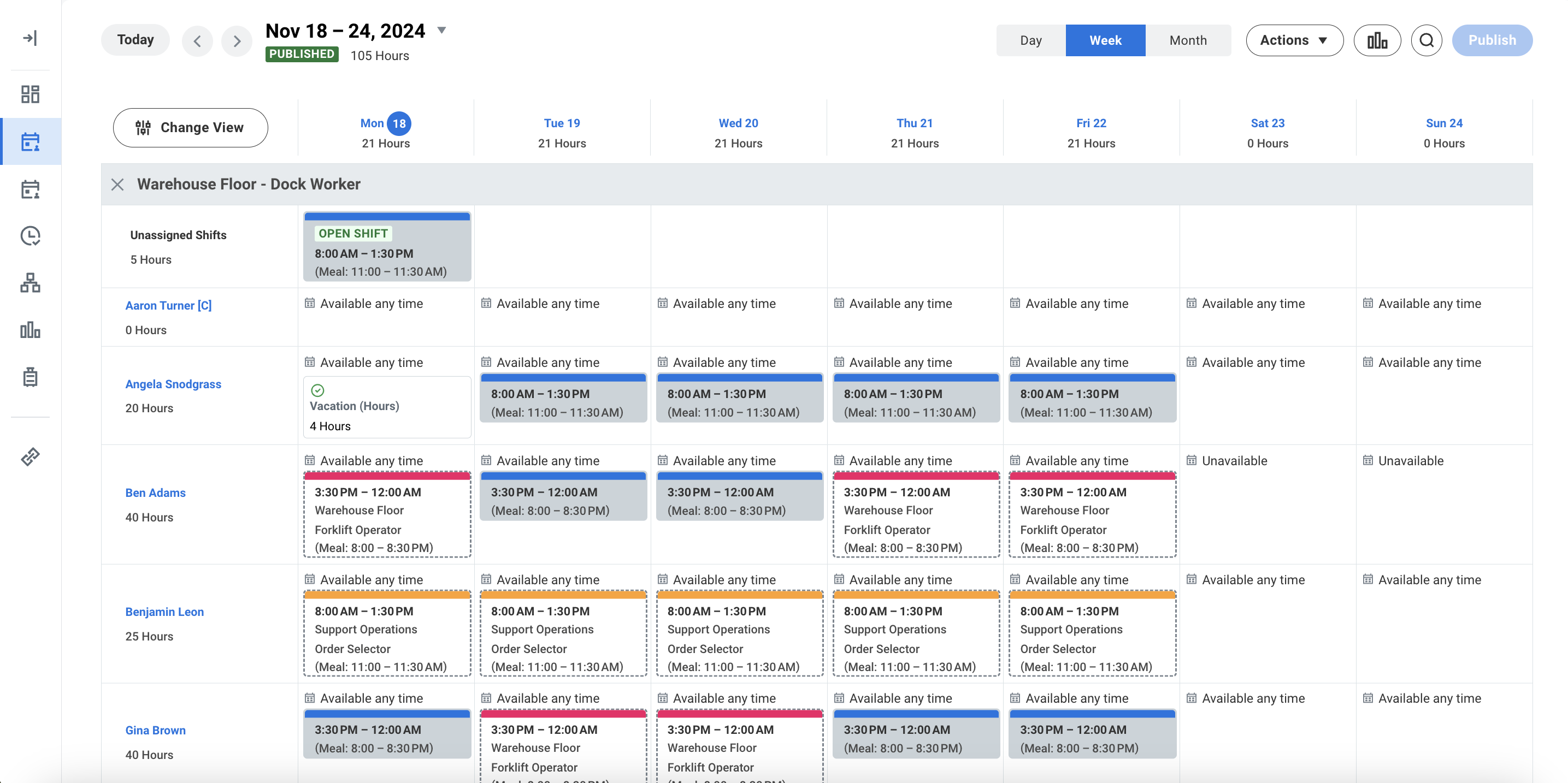
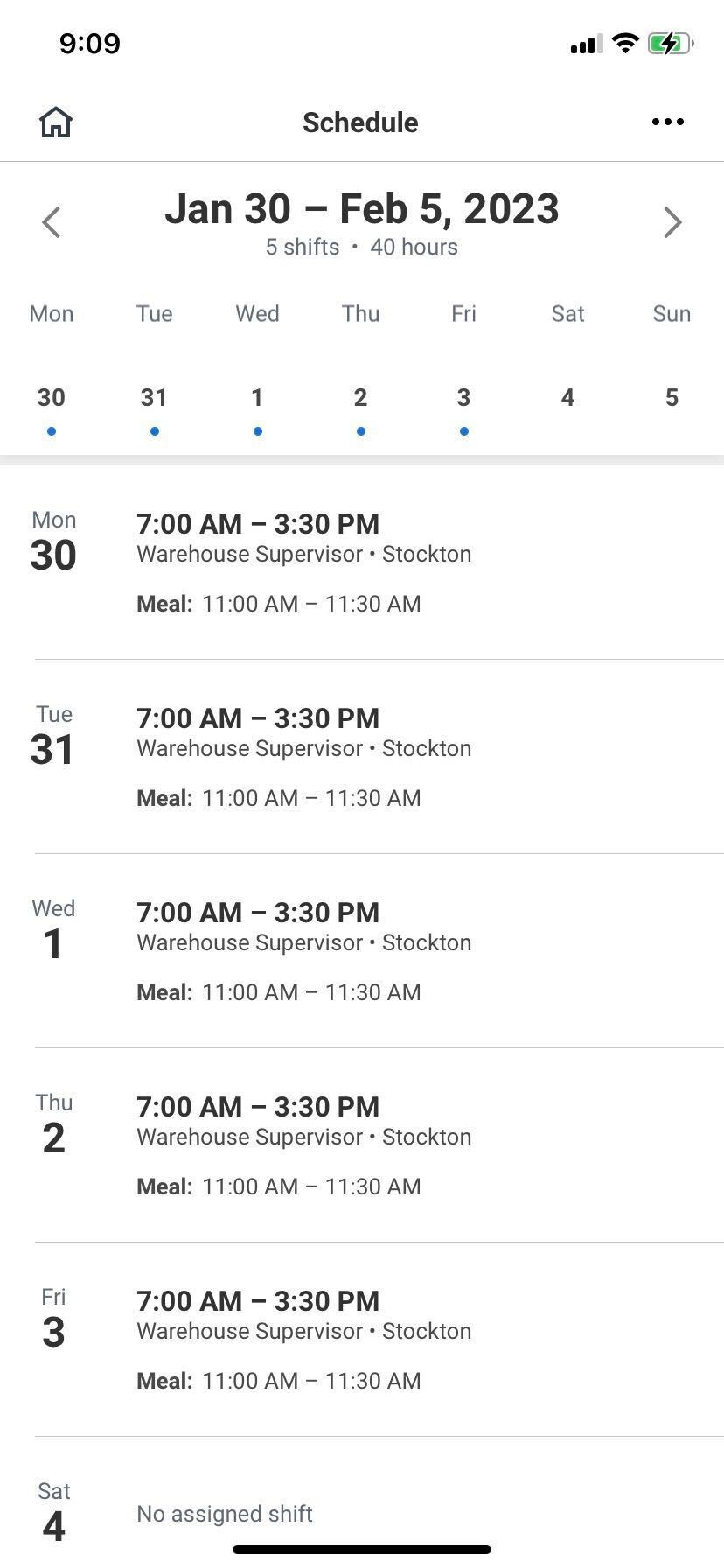
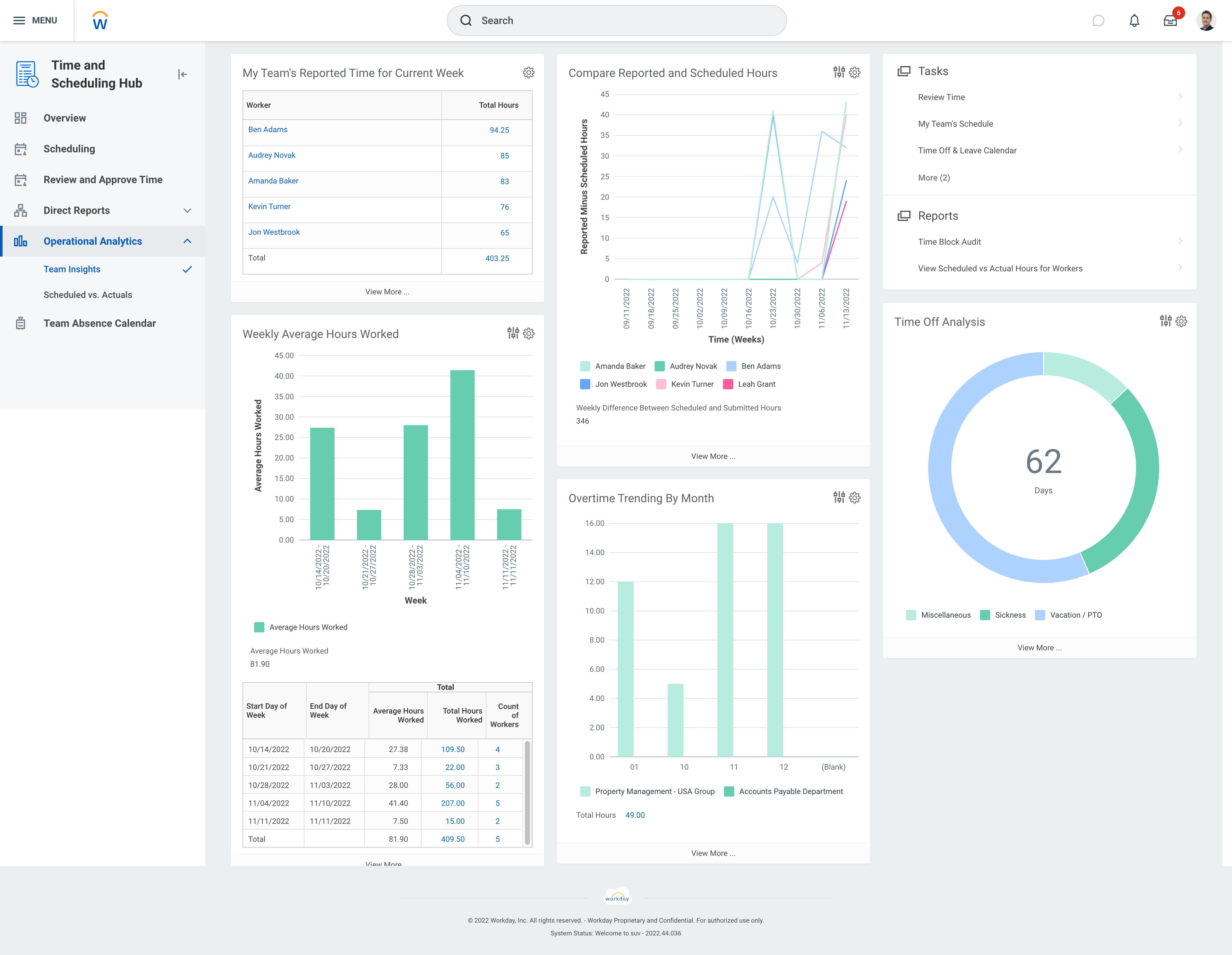
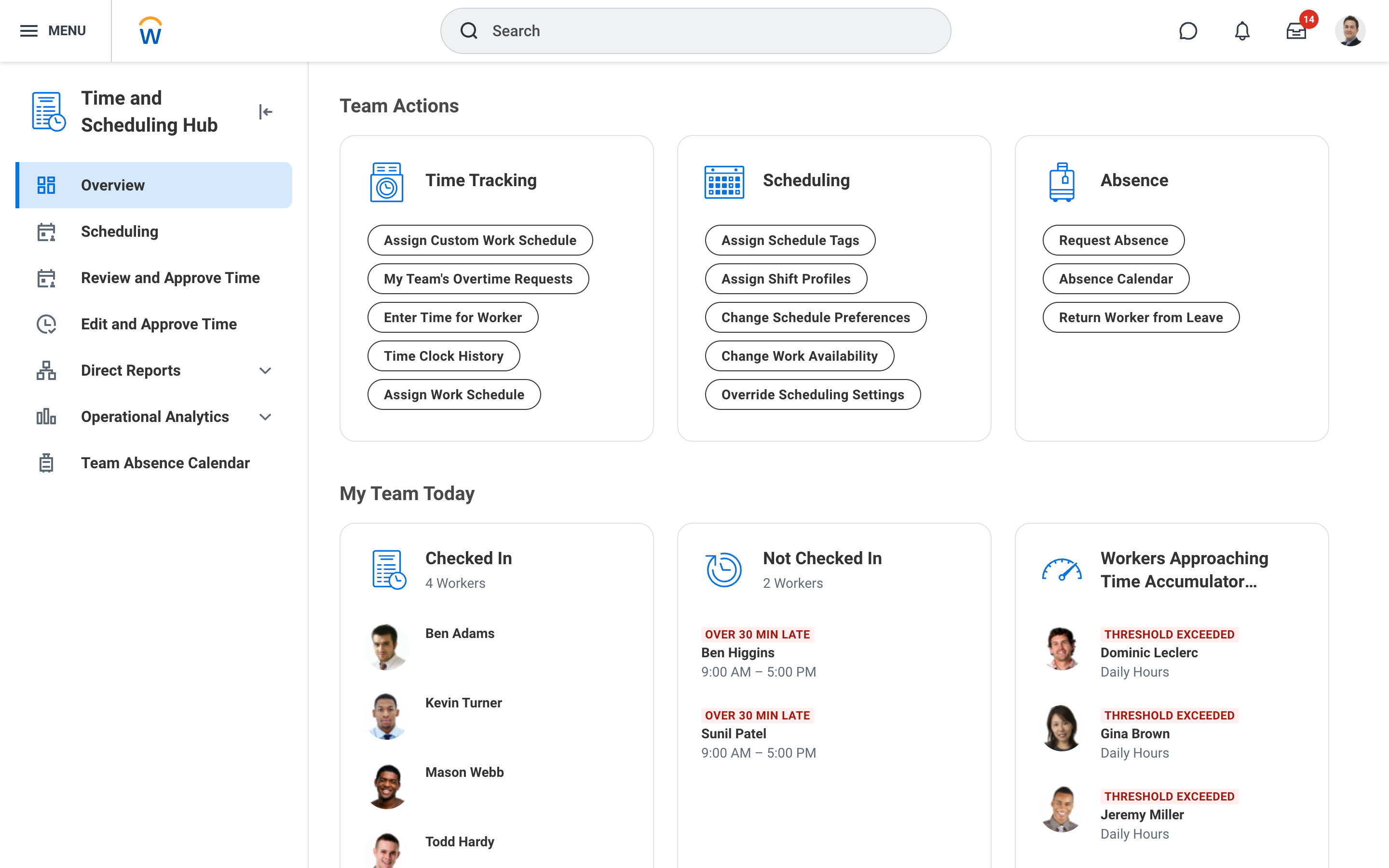
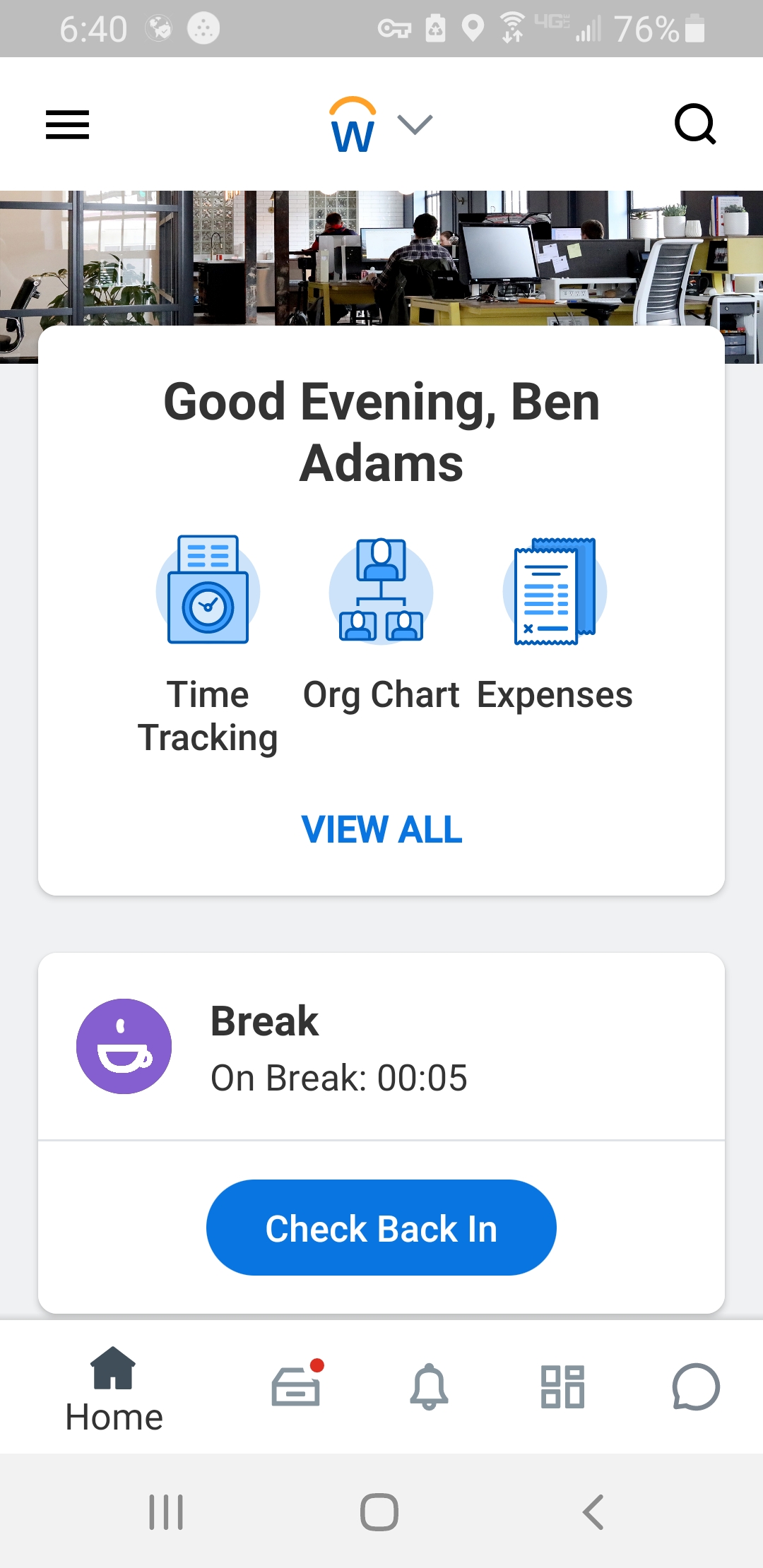
Screenshot of Workday Workforce Management ScheduleScreenshot of Workday Workforce Management Schedule (Mobile)Screenshot of Workday Workforce Management Team InsightsScreenshot of Workday Workforce Management Time and Scheduling HubScreenshot of Workday Workforce Management Time (Mobile)

Workmate Screenshots

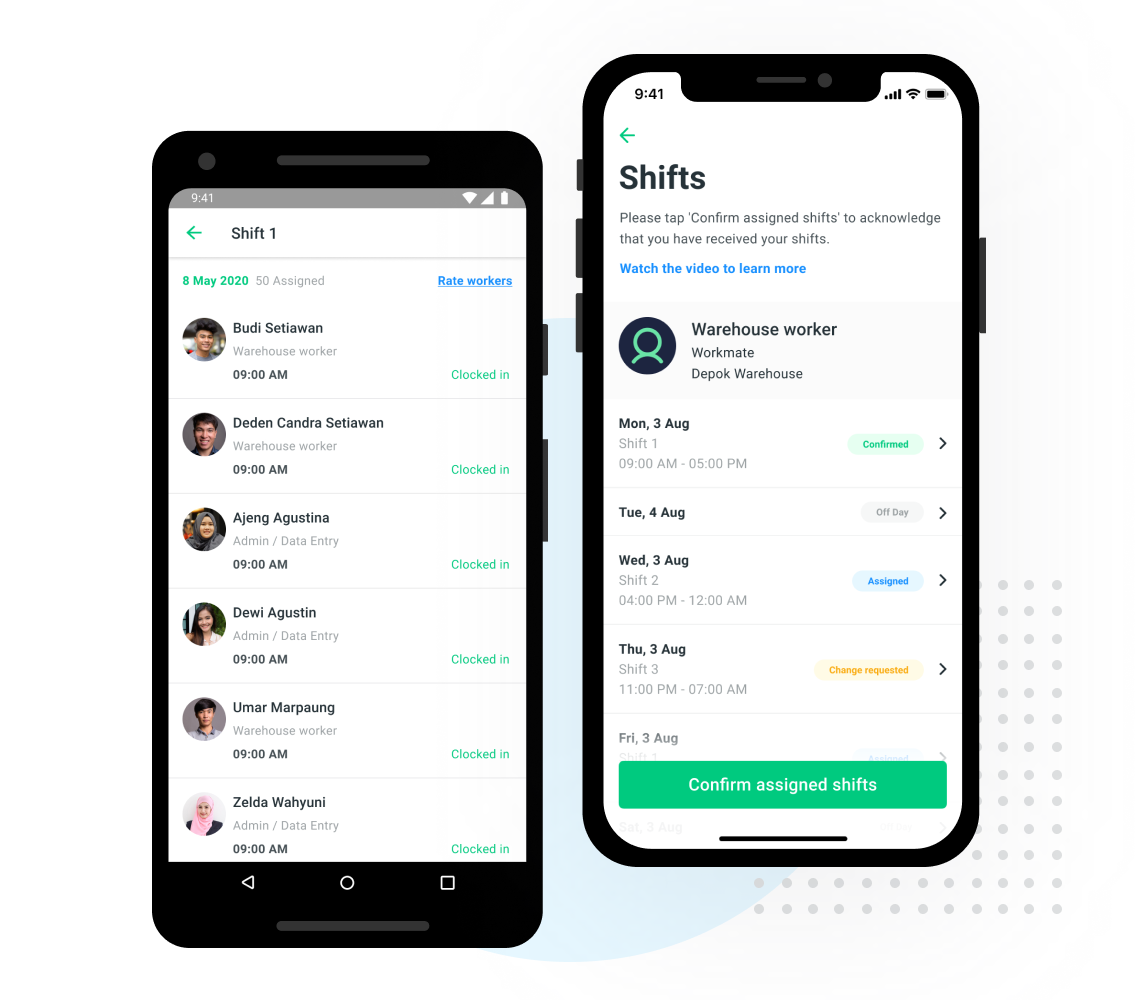
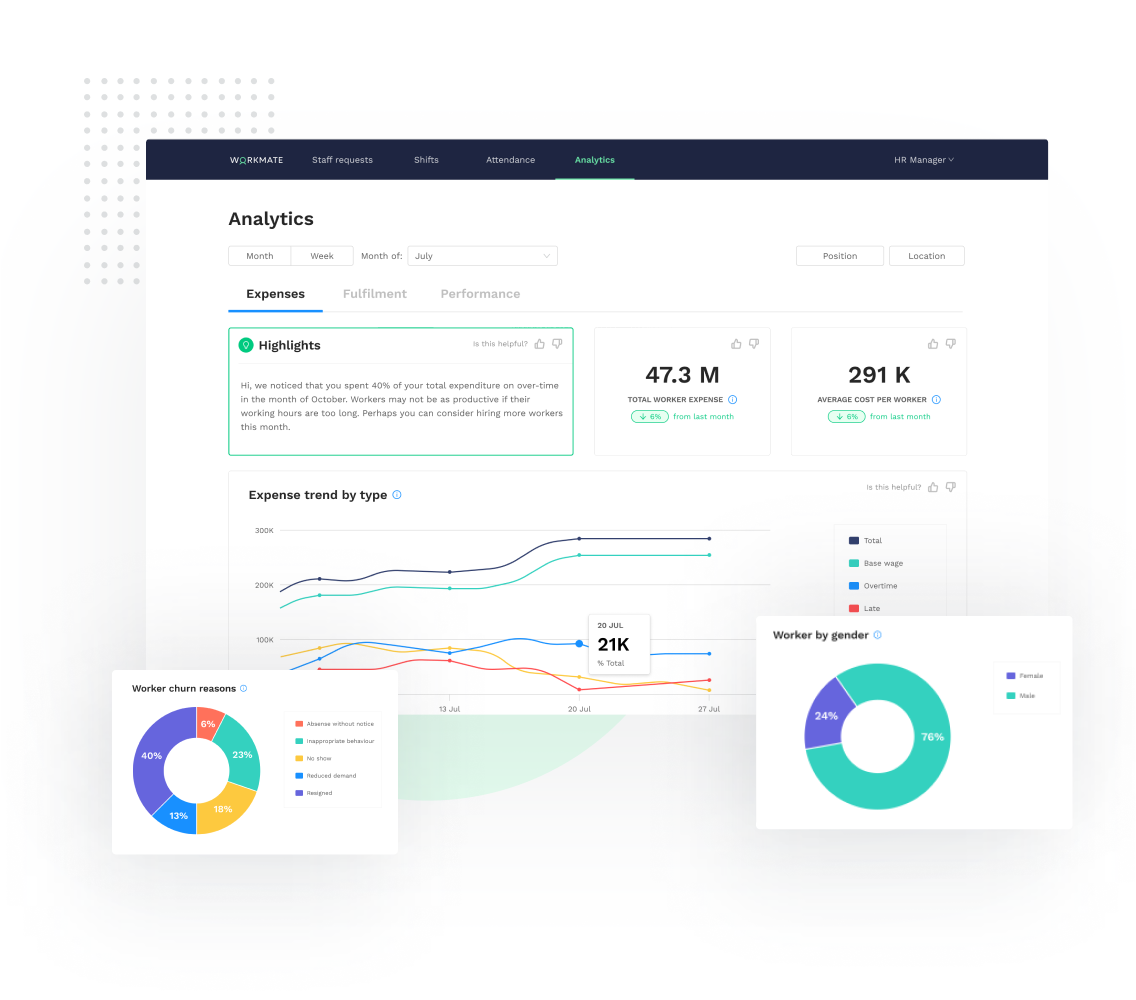
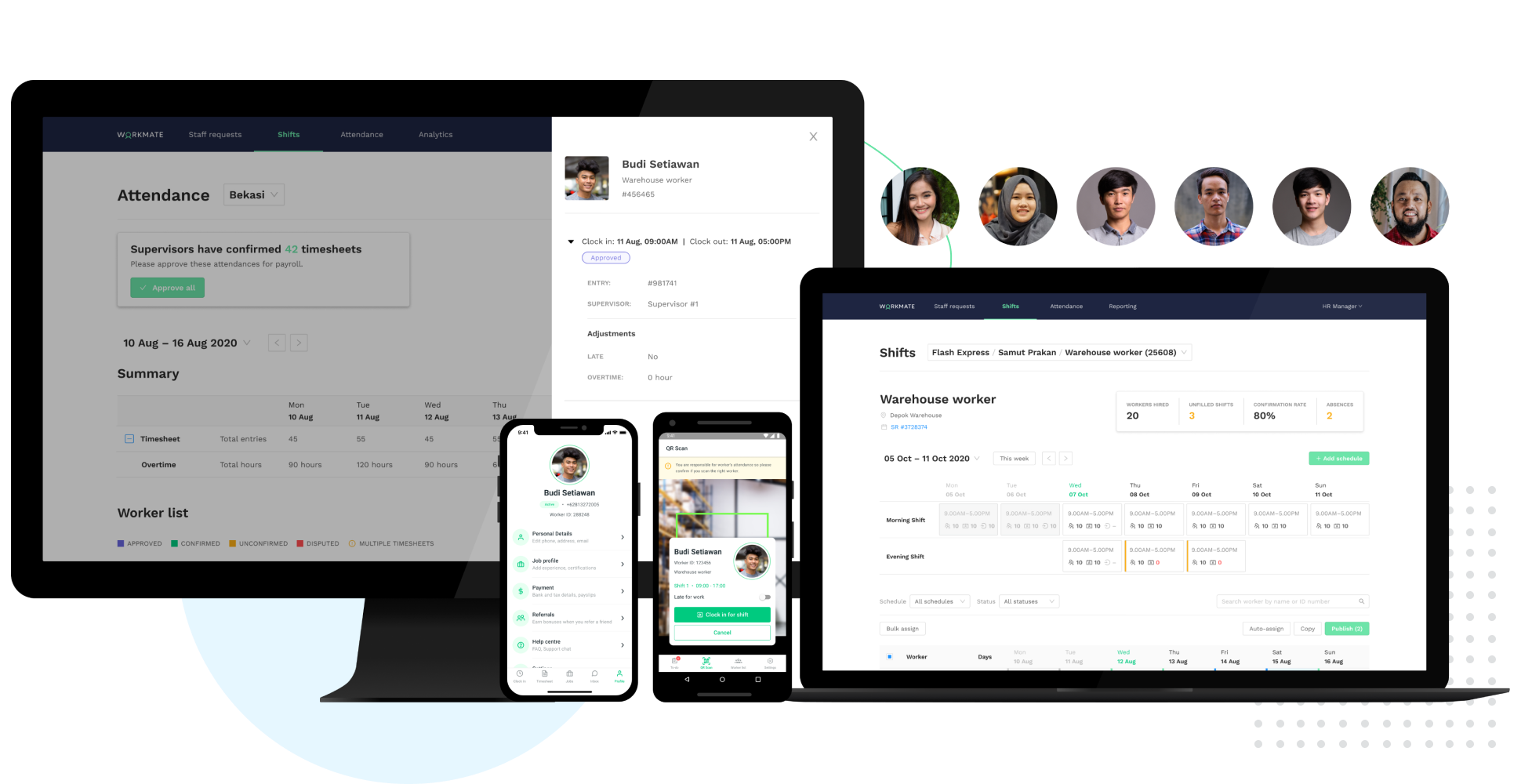
Screenshot of Smart Scheduling - Shift ManagementScreenshot of Time & Attendance Tracking via QR Clock-InScreenshot of Fully integrated Supervisor & Worker mobile appsScreenshot of Real-time workforce analytics: track expenses, fulfillment and performance dataScreenshot of Access a network of 50,000+ pre-vetted workers, AI-matched to your needsScreenshot of Automated Workforce Management Platform