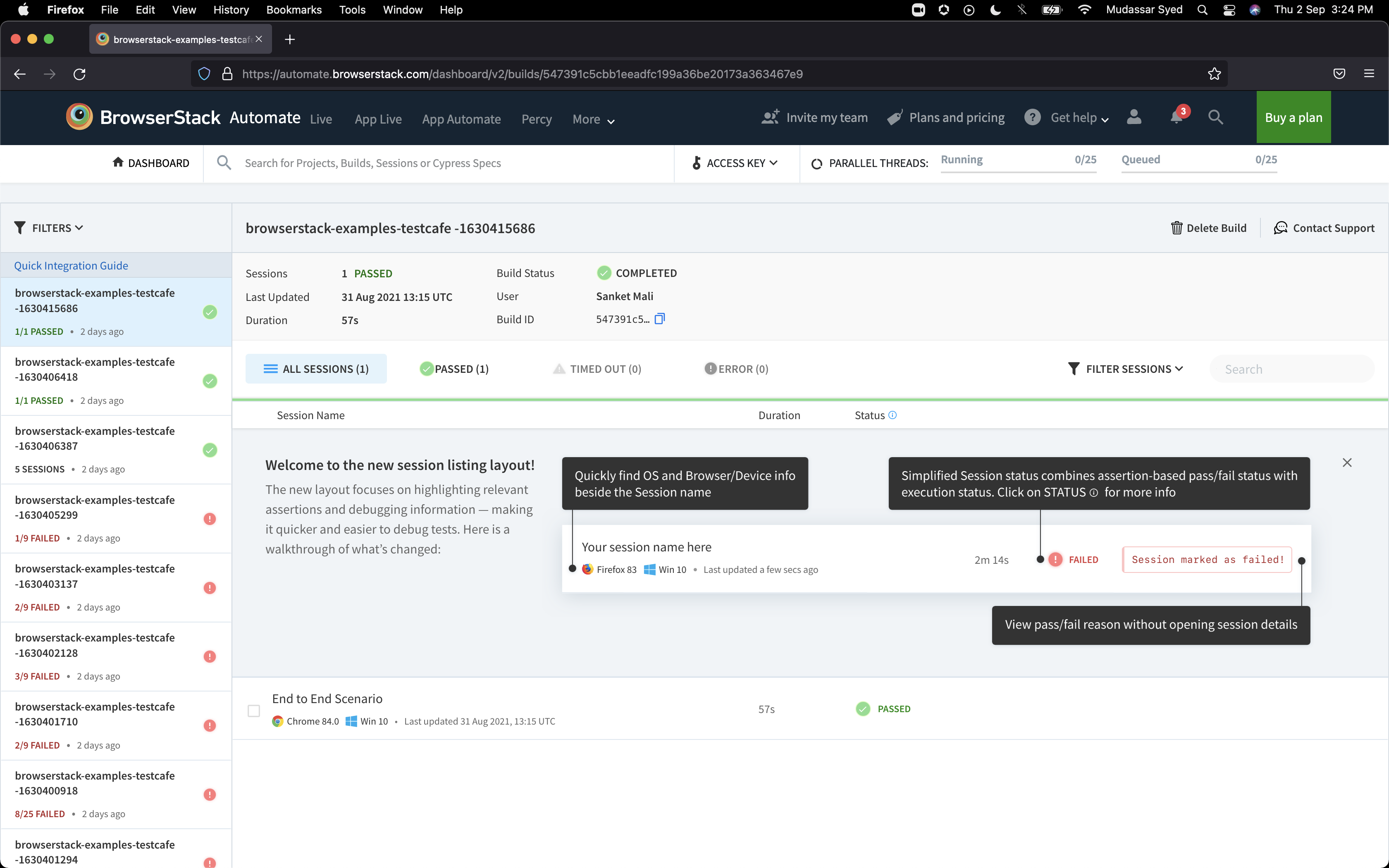
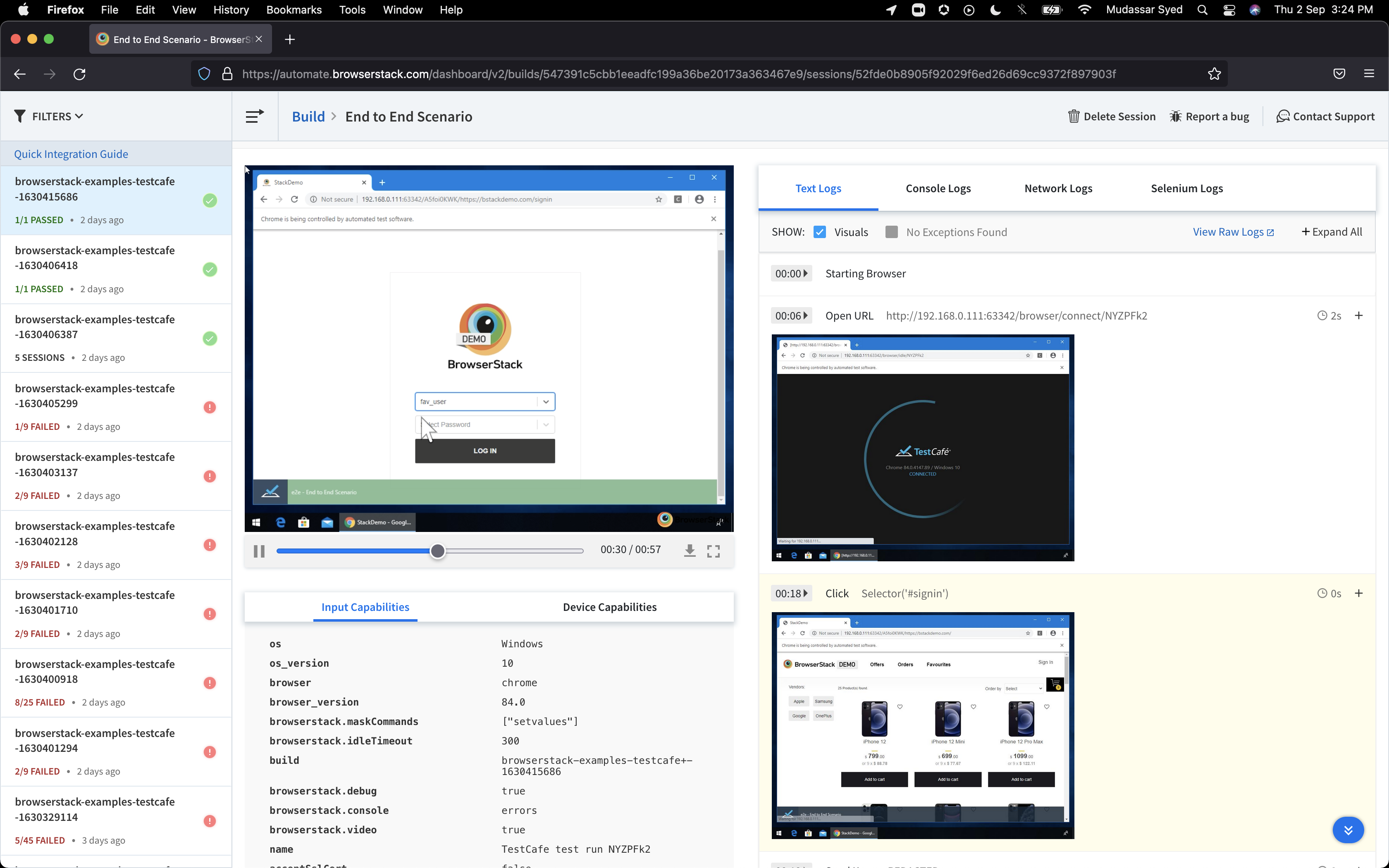
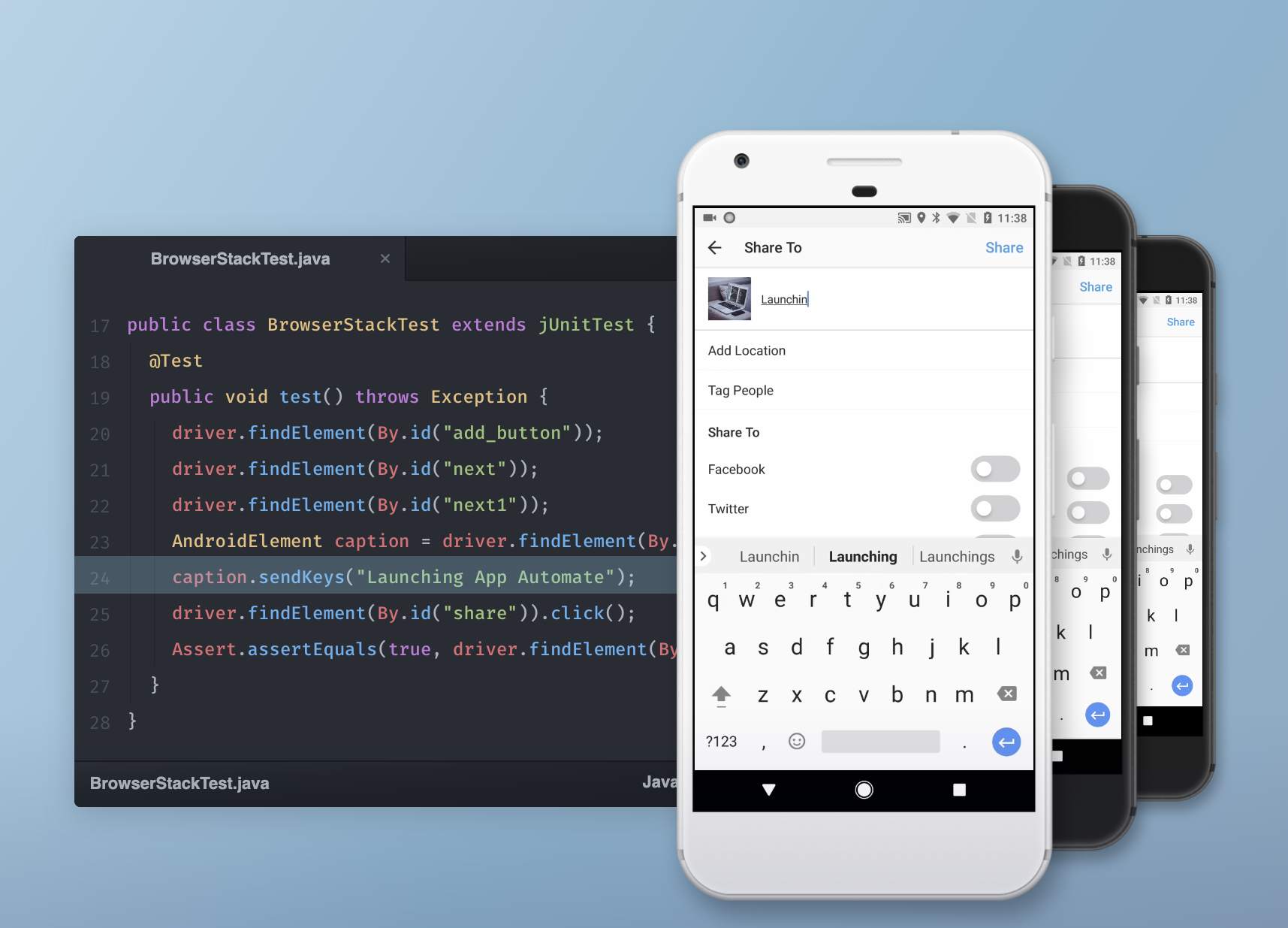
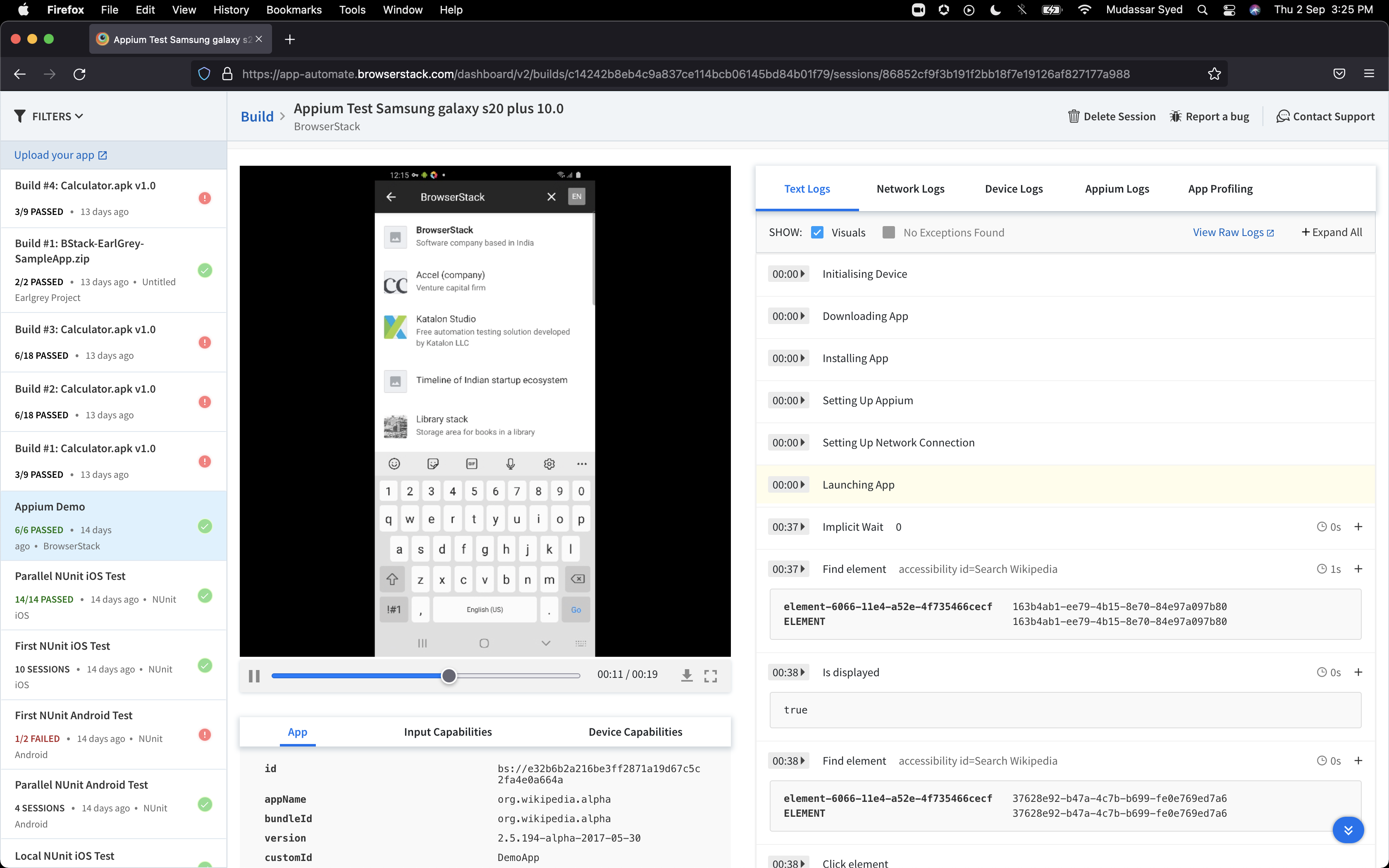
TrustRadius: an HG Insights company

BrowserStack

Score8.5 out of 10

684 Reviews and Ratings

What is BrowserStack?

BrowserStack is a test platform built for developers and QAs to expand test coverage, scale and optimize testing with cross-browser, real device cloud, accessibility, visual testing, test management, and test observability. BrowserStack states it currently powers over a billion tests a year for customers who include Amazon, Paypal, Well Fargo Bank, Nvidia, MongoDB, Pfizer, GE, Discovery, React JS, Apache, JQuery and several others rely on BrowserStack to test their web and mobile apps.

Read more details.

Media

BrowserStack
BrowserStack
BrowserStack
BrowserStack
BrowserStack
BrowserStack

1 / 6

Who Buys & Uses BrowserStack

Pros

  • Extensive variety of real devices and browsers (iOS, Android, desktop)
  • Comprehensive cross-browser and cross-platform compatibility testing
  • Automation capabilities for streamlined testing and CI/CD integration

Cons

  • Frequent performance issues including slow load times and lagging sessions
  • High and complex pricing structure, especially for larger teams or parallel sessions
  • Occasional unavailability or slow loading of specific devices

Reliable and Efficient Accessibility Testing.

Use Cases and Deployment Scope

Test our web application across different browsers and devices. It helps us quickly identify compatibility issues and deliver a consistent user experience.

Pros

  • Easy access to a wide range of real devices and browsers without maintaining hardware.
  • Fast and reliable cross-browser testing, making it easy to verify fixes.
  • Smooth integration with automated testing tools, helping streamline our QA process.

Cons

  • Improve device availability during peak usage to reduce waiting times.
  • Speed up session startup and overall test performance.
  • Provide more detailed logs and debugging information for failed test sessions.

Most Important Features

  • Access to a wide range real devices and browsers.
  • Fast and reliable cross-browser testing.
  • Support for automated testing with CI/CD integration.

Return on Investment

  • Reduced the time spent on cross-browser testing, improving overall QA efficiency.
  • Helped identify compatibility issues earlier, reducing production bugs.
  • Eliminated the need to maintain a large inventory of test devices, lowering infrastructure costs.

Make testing solid

Use Cases and Deployment Scope

BrowserStack allows us to run automated tests on real devices over the web. It enables us to perform these tests without needing to have any local setup.
They also have manual devices readily available to give developers and testers, in fact anyone in the team, access to a wider range of devices than possible in house. Their service is always on and the newest devices are often available at public launch, allowing you to test before players receive them and find issues.

Pros

  • Stores tests in the cloud
  • Integrates with a wide range of other tools
  • Has a big device cloud

Cons

  • I would like to see some of the older devices remain available for testing these are often removed way ahead of players actually changing their devices

Most Important Features

  • Automated testing suite
  • Being able to review the testing
  • Access to the device farm

Return on Investment

  • I would say the ROI is better quality and a single source of testing and tests
  • I think they have a wide range of tools and some of them are included in the costs by default when they are not relevant

Alternatives Considered

Atlassian Jira

Other Software Used

Slack, ClickUp

Crucial piece of software for web testing

Use Cases and Deployment Scope

I use BrowserStack to test websites and PWAs on different devices and in different browsers. It's an absolutely crucial piece of software for my workflow. Every single time I ship a new feature, it needs to be thoroughly tested and thanks to BrowserStack, I can do that in a few minutes. Without it, I would literally have to buy dozens of phones and tablets.

Pros

  • Testing on real devices
  • Wide range of iOS versions available
  • Most widely-used browser/OS combos are available

Cons

  • There could be wider range of Android devices available for testing
  • The software will occasionally fail to load a given device

Most Important Features

  • Real device testing
  • Many iOS versions available
  • All major desktop browsers are testable

Return on Investment

  • Simply put, I don't have to buy and manage a fleet of devices!

Other Software Used

Microsoft Visual Studio Code, Gravit Designer Pro, Google Gemini

East West Bank

Use Cases and Deployment Scope

Our organization use BrowerStack to stimulate our digital banking. We use this to demonstrate to our customers how that works without using any genuine data of any customers. We find it particularly useful for those elderly who are not familiar with digital devices. The software helps us a lot in promoting our products.

Pros

  • Showing how to use digital banking step by step
  • Don't have to worry about using real data

Cons

  • More user friendly to open accounts
  • Much easier to start up the application process
  • Provide demonstrations to first time user

Most Important Features

  • Ensure data privacy
  • Platform stimulation
  • Demonstrating instructions step by step

Return on Investment

  • Positive ROI

Usability

BrowserStack Usage in [...]

Use Cases and Deployment Scope

All the TCs are now automated with low code automation which are straight forward test cases and can be easily automated. BrowserStack's Percy is used for visual regression so that time is saved from repeated regression testing and the evidence is stored with day and date which is very easy to access and keep as a prof for QA if anything breaks in future, it acts as the source of truth. BrowserStack live, has all the devices required for cross browser and cross device testing which makes it handy for the QA to test all scenarios in all types of devices. Also if a device specific issue is present its easy to inspect in the device and debug which makes easy for the developer to solve the issue instead of just hit and try the fix. Then the test case management which helps in creating and storing test cases also solves the problem of storing the TCs in excel. This helps a lot in report generation and also managing the TC execution.

Pros

  • Multi Device Testing
  • Visual Testing using percy
  • Test case management
  • Low code automation

Cons

  • The BS live is sometimes laggy and slow.
  • Low code automation has some limitations on dynamic websites on finding locators

Most Important Features

  • BrowserStack Live
  • Percy

Return on Investment

  • BrowserStack is a good tool but employees take some time to adapt which decreases the usability and decreases ROI

Other Software Used

Sinch Mailgun, Microsoft SharePoint, Adobe Experience Platform