

What is LaunchBrightly?
Taking screenshots is a manual chore and way more cumbersome than it needs to be. LaunchBrightly is used to eliminate the manual effort required to update the screenshots in a help center by automatically capturing and enhancing the freshest, most accurate and consistently on-brand screenshots across the help center. Users can:
Create a login profile to capture screenshots of web applications requiring authentication. The fully customizable login profile is used to securely, and continuously, capture screenshots from behind the login of an application without unnecessary plugins or extensions. And without requiring engineering support.
Create automated screenshot sequences. Meticulously record the steps to capture ideal screenshot and automatically create an automated product screenshot sequence that will be repeatedly executed to generate screenshots of the latest version of a product. Clean unwanted elements such as chat bubbles, Prime feature so the input box has the right text, the dropdown is visible and the table is sorted correctly, and Annotate screenshots to apply context.
Enhance screenshots. Automatically apply a set of visual enhancements to each screenshot ensuring they are on-brand, and consistent from screenshot to screenshot. To change screenshot styling, reprocess screenshots with the click-of-a-button to automatically generate new screenshots reflecting product changes.
Sync Screenshots with Help Center. Audit product screenshots to identify discrepancies to prior versions, and receive automatic alerts whenever changes to the product are detected. Schedule audits to runat a cadence of choice,to avoid missing product updates. Sync automated product screenshots directly with the help center to, automatically and continuously, have the products screenshots in help articles update as the product changes.
Categories & Use Cases
Screenshots
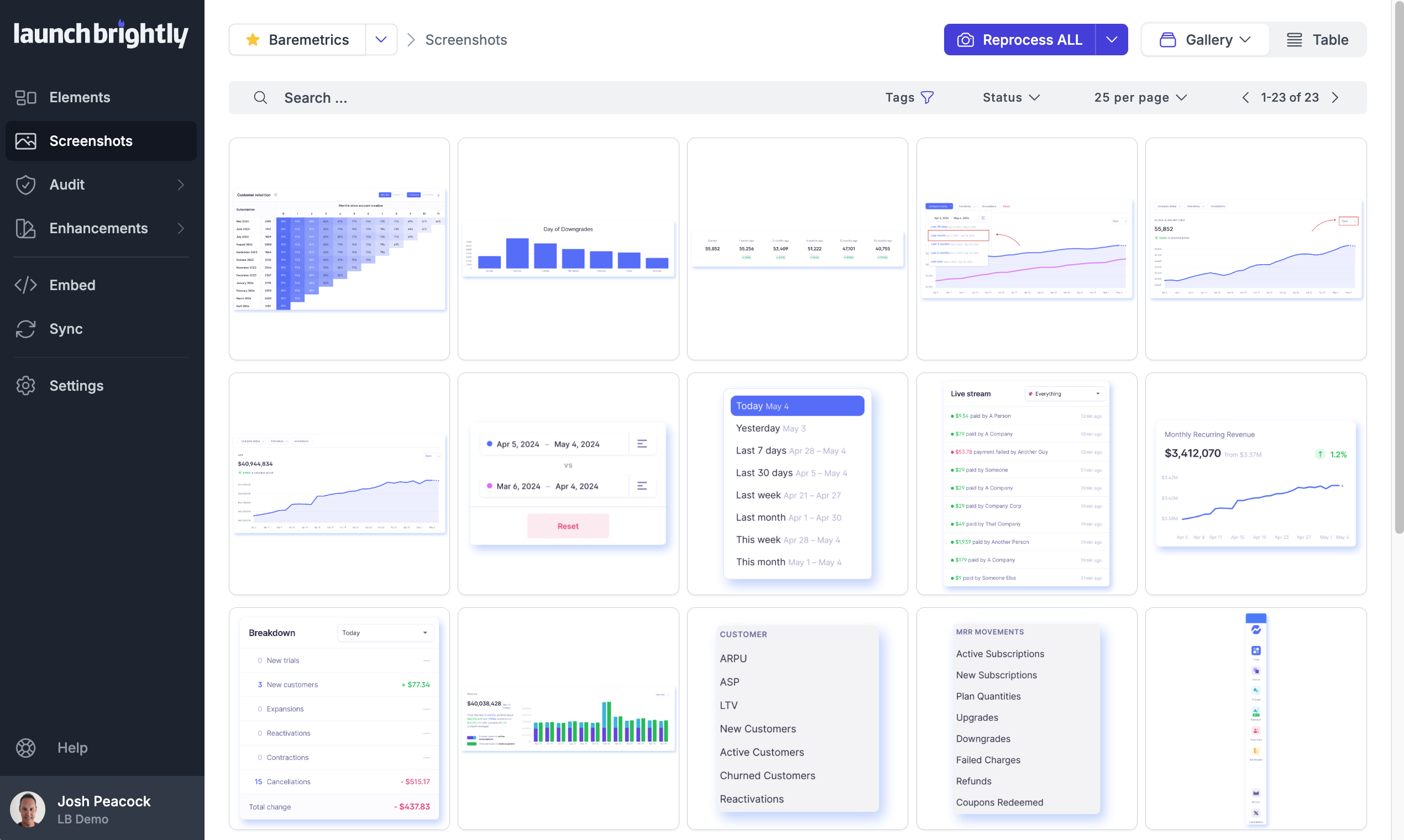
A gallery view of all automated screenshots
Product Demos
Technical Details
| Deployment Types | SaaS |
|---|---|
| Mobile Application | No |