TrustRadius: an HG Insights company

Shared Contacts for Gmail

Score7.9 out of 10

78 Reviews and Ratings

What is Shared Contacts for Gmail?

Define access permissions exactly like you would do with a Google Doc:

Read more details.

Categories & Use Cases

Media

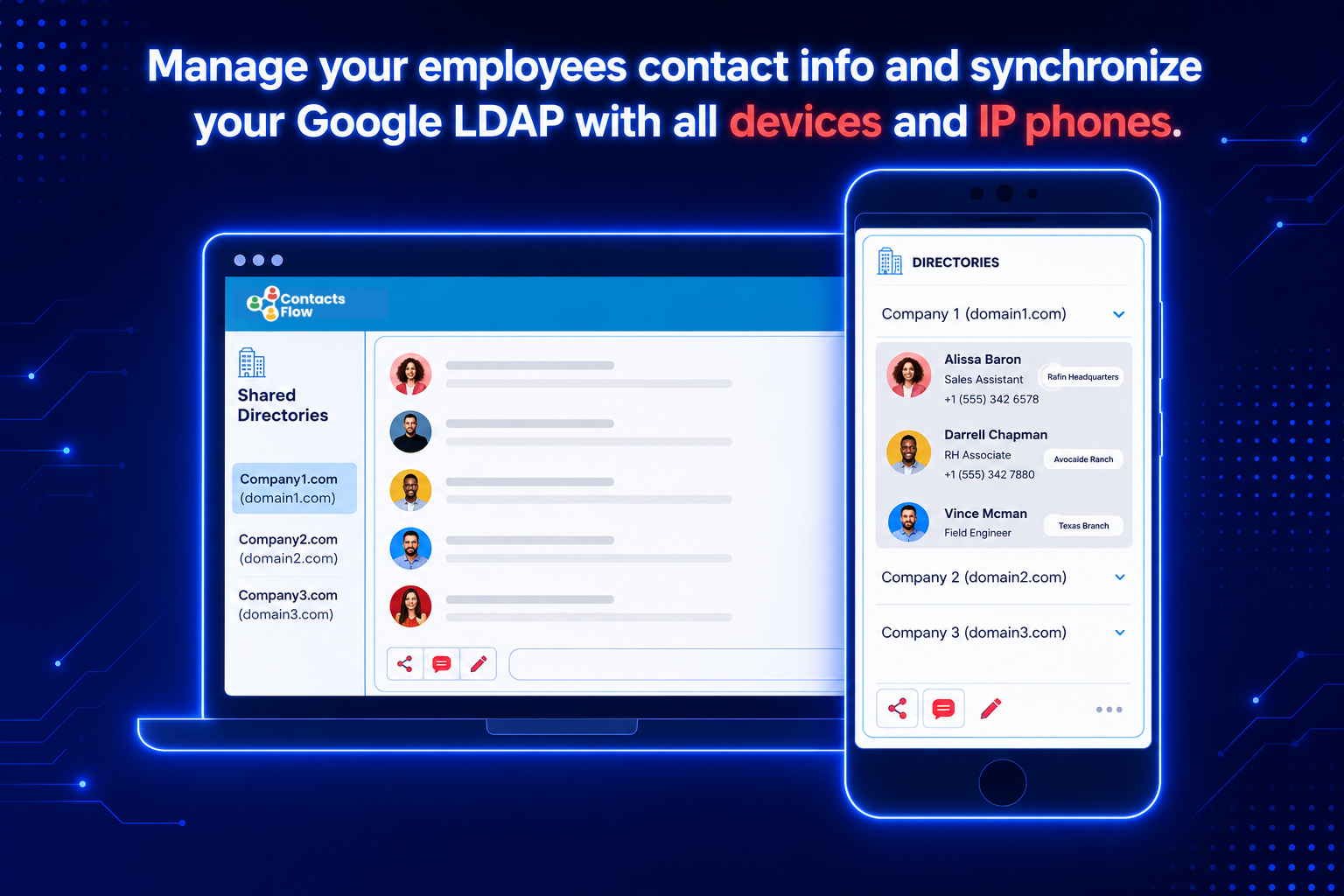
Screenshot of Easily set the access permissions while sharing your Google Contacts
Screenshot of Sync your shared contacts with just a click
Screenshot of Share contacts with ease

1 / 3

Screenshot of Easily set the access permissions while sharing your Google Contacts

Great Product

Use Cases and Deployment Scope

I use Shared Contacts for Gmail to connect with other members in my organization. The business problems it solves are missed emails or not receiving emails in a timely manner. I would say I use Shared Contacts for Gmail at least several times per day. Colleagues provide feedback that this is very helpful for keeping in contact.

Pros

  • Alerts
  • Timely messaging
  • Clear organizational structure

Cons

  • Difficulty finding colleagues
  • Missing functions for searching
  • Would like to see more AI help

Return on Investment

  • Improved communication
  • Improved productivity
  • Improved ROI

Usability

Other Software Used

RXNT, Microsoft 365, Google Chrome

Shared Contacts for Gmail: New experiences for middle level businesses

Pros

  • Synchronize different devices
  • Keeping track of names, numbers and emails
  • Ability to share contacts

Cons

  • Disruptive interface
  • Clunky at the moment of inputting the contacts
  • Doesn't have offline features

Most Important Features

  • Synchronization
  • Sharing capabilities across domains
  • Detailed contact customization

Return on Investment

  • More contact with clients
  • Keeping track of contact information no matter the places
  • Clients like the familiarity that is created by the constant check on them

Other Software Used

AblyPro Salesforce CPQ Managed Services, Slack, Google Surveys

Shared Contacts for Gmail is an Absolute Time Saver working in a big company.

Pros

  • Send Contacts with Ease.
  • Input Contacts seamlessly
  • Integrates well with all of Gmail

Cons

  • It's not free
  • Have to make sure it is turned on
  • Personal Contacts and Business Contacts get merged sometimes

Most Important Features

  • Contact Sharing
  • Document Sharing
  • Integration with Gmail

Return on Investment

  • Return on Investment
  • Easy Utilization
  • Sharing Contacts made Easy

Alternatives Considered

Google Drive

Other Software Used

Google Drive, Groove, Five9

Organizing my contacts into groups and sharing the groups with different people has never been so easy!

Pros

  • You can easily create a group i.e. Maintenance and share that with anyone that you would like to have access to the maintenance groups contact information.
  • You can give permissions to some people or not which will allow them to make changes to the contacts. This can help to keep the information up-to-date for everyone.
  • This has made sharing contacts and organizing our information so much easier!

Cons

  • I have been looking for a way to share our contacts within our organization for a while now. This process really improves how we were doing it within Google Sheets.
  • My only negative is that it has taken so long for it to be functional within Google.

Return on Investment

  • Shared contacts is having a positive impact on our overall ROI by making us more efficient. We are spending less time emailing, calling, or popping in to get contact information to each other.
  • We can now organize our contacts in a more professional manner and nobody is asking what do we call the document that we saved our vendor information on.

Alternatives Considered

Cornerstone Practice Management Software and QuickBooks Desktop Pro

Other Software Used

Cornerstone Practice Management Software, QuickBooks Desktop Pro, Asana

Contact made EASIER.

Pros

  • Fast
  • Easy
  • User Friendly
  • Accurate
  • Automatic

Cons

  • Updates (old emails show up after erased)
  • AI recognition
  • Doubled emails.

Most Important Features

  • Company Wide Access
  • Live Updates
  • Easy Access
  • Shareable
  • No password needed for access
  • Divide-wide compatibility.

Return on Investment

  • Increased Efficiency
  • Increased Transparency
  • Expedited Replies
  • Increased Control
  • Too visible information
  • Easily Edited

Alternatives Considered

Zendesk Sell (formerly Base CRM)

Other Software Used

Zendesk Guide, The Okta Identity Cloud, Slack, Teleopti WFM, Sisense for Cloud Data Teams (formerly Periscope Data)