GIMP is a free, open-source graphics software. GIMP, or General Image Manipulation Program was developed in 1996 and has continued to be updated by volunteers since then.
N/A
InVision
Score 7.8 out of 10
N/A
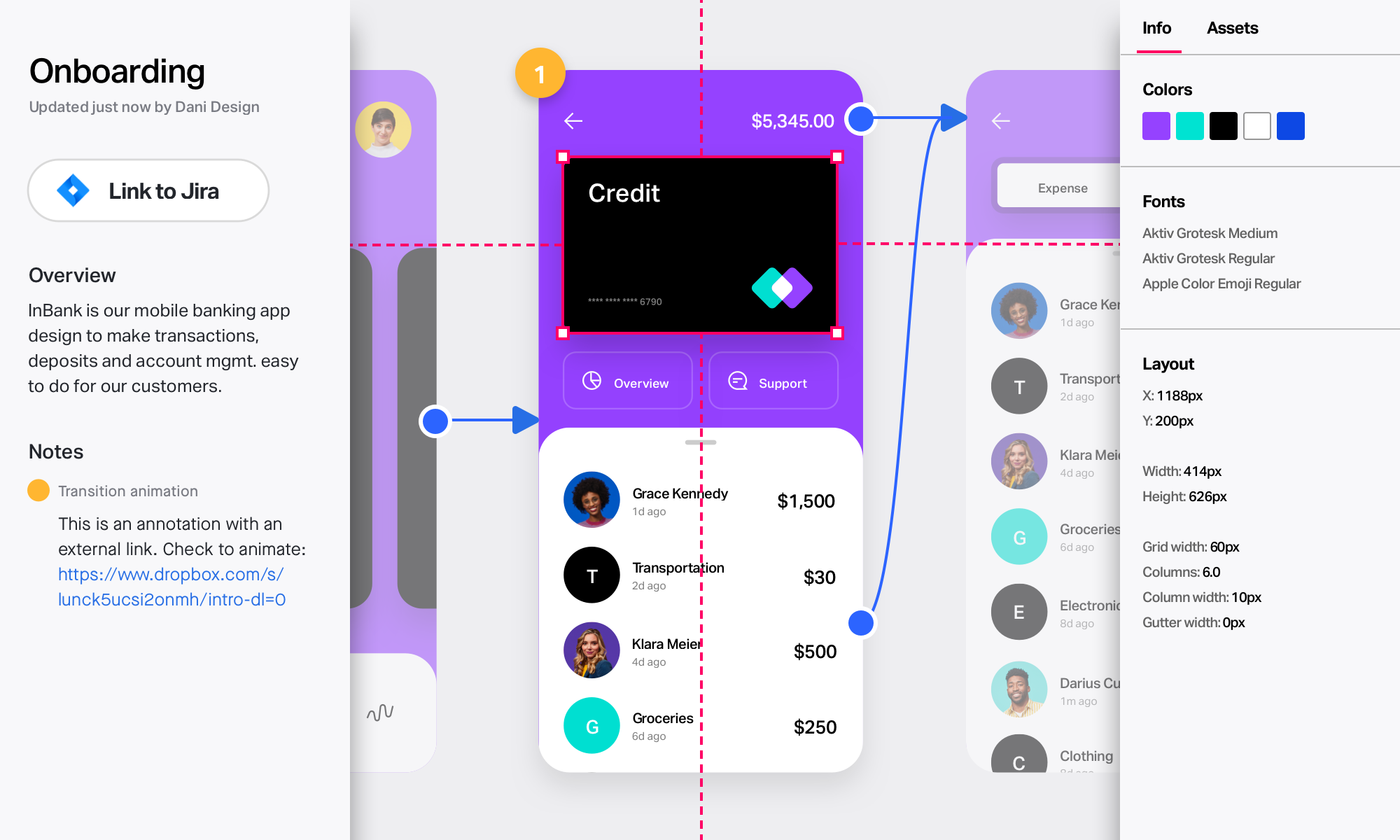
InVision is a collaborative design and prototyping platform with features such as freehand drafting mode and interactive mockups, collaboration, idea management, user testing, and integration with Slack and other collaboration tools. According to the vendor, 1 million designers are using the free version.
GIMP is great for anyone ranging from personal use to a small business. But, if you are a large business and have a sufficient budget, I would recommend you to opt for an expensive paid software like Photoshop, that would provide not only great features but also public recognition. Its great for beginners wanting to start editing photos, there is a small learning curve that could be gotten used to in no time.
InVision is well suited for design reviews and immersing yourself in the experience of an app-to-be. As a Product Manager, it's difficult to take abstract concepts, user pain points, and business needs, and produce a vision for an app without a visual aid to communicate a vision. InVIsion offers PMs, designers, and developers the opportunity to sketch a vision, communicate about it with inline commenting, and shareable with other stakeholders.
GIMP should make the font tool more intuitive. Make it easier to change fonts during edit process without resetting the typeface selection.
Build in selection/move ability within tools like the typeface tool... I.e. don't require toggle between selection tool and typeface tool when wanting to move a line of type within a layer. Likewise with shapes, etc.
Capability, open architecture, compatibility with Photoshop plugins, wide platform coverage; To me, as an open-source, freely available application, it's the nest-in-class.
I interface GIMP with other software--I need to. I generally use the major calculation, CAD, word processing, and photo editing programs. In my office, my use of this software is not limited to computer-aided design. However, I am sure that if I needed this software for other purposes, it would have no interface problems.
Easy for prototyping, sharing for comments and review changes with version. lags a bit when the design is heavy and large design models learning curve is shorter so saves time with new stakeholders responsiveness could be better and auto modeling can be introduced Not much advance features that can be used
We have never needed to use the support functions for GIMP. Any queries we have or had about whether GIMP could complete a task we have used Google and YouTube. There is a wealth of information, guides, and forums dedicated to GIMP and how to perform certain tasks with the application.
I didn't need to contact InVision support, as I've never needed it. They have an intuitive UI, and most of the questions are answered in their help portal or in tutorials online. Since many people use it, there a great resources available on for example YouTube. No problems so far with InVision.
Online services like Canva are fine for quickly designing brochures and marketing materials, videos, etc. They're user friendly and fast if you have a good connection. But if you're in production mode and need to do a lot of photo manipulation at once, without being connected to the web at all times and just want to focus, GIMP is the go-to product for you
We only tested out using Adobe XD for similar uses and found it to be more challenging to fit within our processes. It didn't have as robust a set of capabilities as InVision and wasn't as easy to use enterprise wide. I recall also having issues with working with Sketch.
GIMP is freeware, which allows organizations that are not graphics-centered to use the powerful toolset without spending money on very expensive alternatives
GIMP is fairly easy to learn and does not require extensive user training (especially, if used for basic tasks)
InVision helps our team better and more professionally portray the value and the work we do as designers, leading to more company buy-in in supporting and funding our work. In the past, we would create PowerPoints with screenshots to portray a user workflow that we would share out to stakeholders. Once we began to use this app, where stakeholders could click through and comment as though they were “real” users, stakeholders began to better understand our work, designs, and workflows. This has led to more productive conversations that, in turn, lead to more effective end products that have more consistently served our business goals in tangible ways.
InVision helps us save production time, effort, and cost, as we are able to solve design issues early in the process by having clickable prototypes to show to internal stakeholders and external users. It’s, understandably, difficult for people to provide effective feedback on screenshots. Using the clickable prototypes we created in InVision, we are able to get more effective feedback to solve user workflow issues before we spend time and money developing problematic designs (and later having to redesign them).
It’s easier to market designs to potential buyers with clickable prototypes than with screenshots. With these prototypes, we’ve been able to sell more digital products before product release dates, which has helped to secure many contracts and new business relationships that continue to this day.