Adobe Illustrator CC is a vector-based graphic design software.
$20.99
per month
InVision
Score 7.8 out of 10
N/A
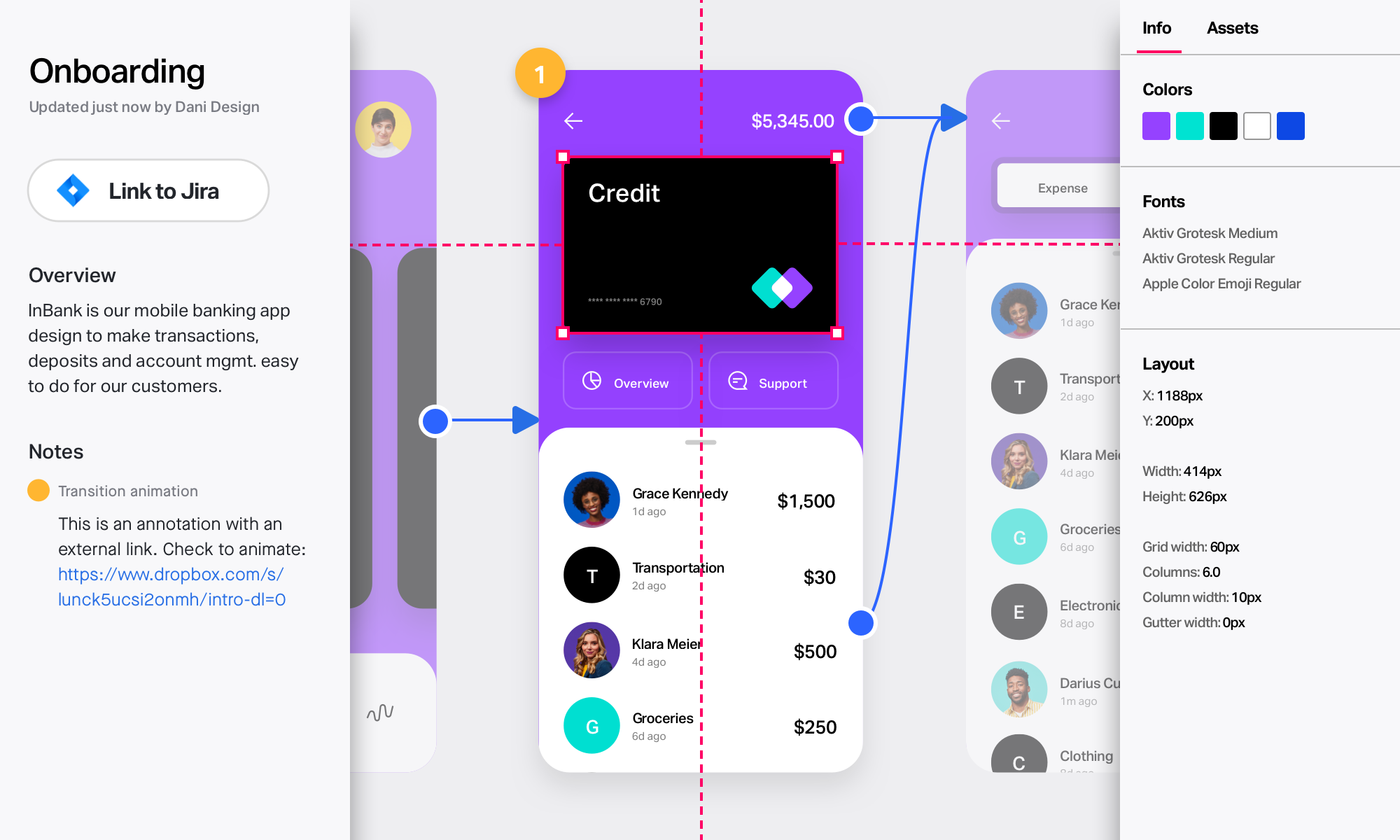
InVision is a collaborative design and prototyping platform with features such as freehand drafting mode and interactive mockups, collaboration, idea management, user testing, and integration with Slack and other collaboration tools. According to the vendor, 1 million designers are using the free version.
$0
Pricing
Adobe Illustrator CC
InVision
Editions & Modules
Yearly - Billed Monthly
$20.99
per month
Monthly
$31.49
per month
Yearly - Billed Upfront
$239.88
per year
Free
$0
Pro
$7.75
per user/per month
Enterprise
Contact Sales
Offerings
Pricing Offerings
Adobe Illustrator
InVision
Free Trial
No
No
Free/Freemium Version
No
No
Premium Consulting/Integration Services
No
No
Entry-level Setup Fee
No setup fee
No setup fee
Additional Details
—
—
More Pricing Information
Community Pulse
Adobe Illustrator CC
InVision
Considered Both Products
Adobe Illustrator
Verified User
Professional
Chose Adobe Illustrator CC
I know a lot of designers that like to work in Photoshop, when text is involved I prefer Adobe Illustrator CC. You can outline your text and kern and correct there, it is crisp and easy. I would rather push vector points than pixels. I also really appreciate the multiple boards …
Verified User
Strategist
Chose Adobe Illustrator CC
I feel Adobe Illustrator has a huge competitor in Sketch. With Sketch's plug-ins making it so simple to integrate with prototyping programs and CSS, it's really pushed it ahead for my department.
Since I've used Illustrator for so long, I've become good enough at it that I've never really been tempted to switch away. Newer designers may benefit from evaluating another software that is more specifically suited to the kind of design they are trying to do rather than …
InVision is a bit limited overall compared to other programs like Figma, Photoshop, Illustrator and XD. At the time we selected InVision they were one of the leaders and introduced a lot of new features that were beneficial. However now we've moved back to many of the Adobe …
We started using Marvel for rapid prototyping and the two are fairly analogous. In the end team and enterprise functionality drove the switch from one tool to the other. Another tool we had used is Axure, and for truly advanced, data driven prototyping, it's still the tool to …
It is the only tool that I use to create logos. It gives me the flexibility to create sharp text and marks and they can then be resized at will, color changes in a second and perfect way to export. I know that some people use Illustrator for document layout, it is not ideal. While I can easily create documents here, it really is InDesign that is the perfect tool.
InVision is well suited for design reviews and immersing yourself in the experience of an app-to-be. As a Product Manager, it's difficult to take abstract concepts, user pain points, and business needs, and produce a vision for an app without a visual aid to communicate a vision. InVIsion offers PMs, designers, and developers the opportunity to sketch a vision, communicate about it with inline commenting, and shareable with other stakeholders.
While Adobe Illustrator CC is one of the only true design software out there, it really stands heads above the other products. It's clean UI and menu structure is easy to navigate.
There's a bit of a learning curve to this software vs other similar tools that can take some time to learn and get familiar with but the amount of functionality that Adobe Illustrator CC offers is quite large compared to simpler tools.
Easy for prototyping, sharing for comments and review changes with version. lags a bit when the design is heavy and large design models learning curve is shorter so saves time with new stakeholders responsiveness could be better and auto modeling can be introduced Not much advance features that can be used
I normally already know how to do whatever I'm trying out, but the documentation (as well as a simple Google search) makes any question quick to resolve. The Adobe boards themselves are a fantastic resource, especially for resolving questions between new programs and iterative releases.
I didn't need to contact InVision support, as I've never needed it. They have an intuitive UI, and most of the questions are answered in their help portal or in tutorials online. Since many people use it, there a great resources available on for example YouTube. No problems so far with InVision.
I chose Rhinoceros 3D because it is accurate to make drawings in it and it is better to make drawings in Rhinoceros 3D and then put them in Adobe Illustrator. But while printing or scaling it is much easier to put it in Adobe Illustrator. This makes the whole printing aspect of it much easier.
We only tested out using Adobe XD for similar uses and found it to be more challenging to fit within our processes. It didn't have as robust a set of capabilities as InVision and wasn't as easy to use enterprise wide. I recall also having issues with working with Sketch.
InVision helps our team better and more professionally portray the value and the work we do as designers, leading to more company buy-in in supporting and funding our work. In the past, we would create PowerPoints with screenshots to portray a user workflow that we would share out to stakeholders. Once we began to use this app, where stakeholders could click through and comment as though they were “real” users, stakeholders began to better understand our work, designs, and workflows. This has led to more productive conversations that, in turn, lead to more effective end products that have more consistently served our business goals in tangible ways.
InVision helps us save production time, effort, and cost, as we are able to solve design issues early in the process by having clickable prototypes to show to internal stakeholders and external users. It’s, understandably, difficult for people to provide effective feedback on screenshots. Using the clickable prototypes we created in InVision, we are able to get more effective feedback to solve user workflow issues before we spend time and money developing problematic designs (and later having to redesign them).
It’s easier to market designs to potential buyers with clickable prototypes than with screenshots. With these prototypes, we’ve been able to sell more digital products before product release dates, which has helped to secure many contracts and new business relationships that continue to this day.